

Modern workplaces are ditching traditional punch cards and paper timesheets for digital solutions. An employee clock in app transforms how businesses track work hours, manage schedules, and calculate payroll. These mobile-first platforms let employees clock in from anywhere using smartphones, tablets, or computers while giving managers real-time visibility into workforce attendance.
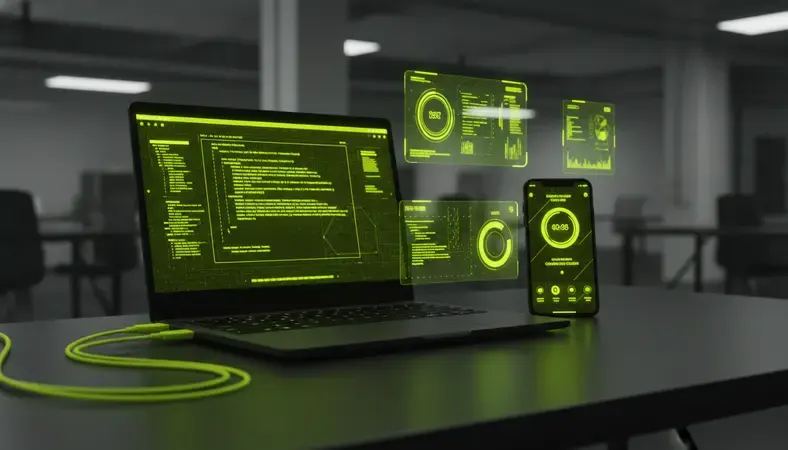
If you manage a team in manufacturing, healthcare, or hospitality, you understand the challenges of tracking employee hours across multiple shifts and locations. This guide explains exactly how employee clock in apps work, what features matter most, and how to choose the right solution for your organization.
What Is an Employee Clock In App?
An employee clock in app is a digital time tracking solution that allows workers to record their arrival, departure, and break times using mobile devices or computers. Unlike traditional time clocks that require physical presence at a specific location, these apps provide flexibility for remote work, field service, and multi-location businesses.
The app typically includes GPS tracking to verify employee location, photo capture for identity verification, and real-time synchronization with payroll systems. Workers simply open the app, tap to clock in or out, and their hours are automatically recorded and calculated.
Key Insight: Modern employee clock in apps reduce time theft by an average of 2-8% of total payroll costs, according to workforce management studies.
Core Components of Employee Clock In Apps
Every effective employee clock in app includes several essential components that work together to create a comprehensive time tracking solution:
- Mobile Interface: User-friendly app for iOS and Android devices that employees can access from anywhere
- GPS Location Tracking: Verifies employee location when clocking in to prevent buddy punching and ensure compliance
- Photo Verification: Captures employee photos during clock-in to confirm identity and reduce time fraud
- Real-Time Sync: Instantly updates attendance data across all devices and integrates with payroll systems
- Manager Dashboard: Provides supervisors with live visibility into who is working, break status, and overtime alerts
- Offline Capability: Allows employees to clock in even without internet connection, syncing data when connectivity returns
Key Features of Employee Clock In Apps
Understanding the essential features helps you evaluate which employee clock in app will best serve your organization. The most effective solutions combine ease of use with robust functionality.
Time Tracking and Attendance Management
The foundation of any employee clock in app is accurate time tracking. Look for apps that capture precise clock-in and clock-out times, automatically calculate total hours worked, and handle complex scenarios like split shifts or overnight work periods.
Advanced apps also track break times, lunch periods, and overtime hours. Some solutions allow employees to add notes explaining late arrivals or early departures, creating a complete record for payroll processing.
GPS and Location Verification
Location tracking prevents employees from clocking in from unauthorized locations. GPS functionality ensures workers are at the correct job site, office, or designated work area when recording their time.
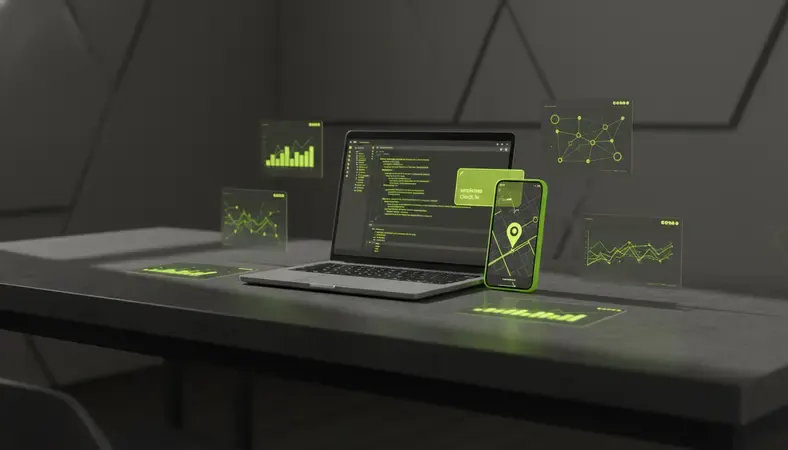
Many apps allow managers to set up geofences around work locations. Employees can only clock in when they are within the designated area, which is particularly valuable for field service teams and multi-location businesses.
Integration Capabilities
The best employee clock in apps seamlessly integrate with existing business systems. This includes payroll software, human resources platforms, scheduling tools, and accounting systems.
Comparison of Employee Clock In App Integration Types
| Integration Type | What It Connects | Benefits | Common Platforms |
|---|---|---|---|
| Payroll Systems | QuickBooks, ADP, Paychex | Automatic hour calculation and wage processing | QuickBooks, ADP Workforce, Paychex |
| HR Platforms | Employee databases and benefits | Unified employee records and compliance tracking | BambooHR, Workday, ADP |
| Scheduling Tools | Shift planning and coverage | Matches actual hours to scheduled shifts | When I Work, Deputy, Shiftboard |
| Accounting Software | Financial reporting and labor costs | Real-time labor cost tracking and budgeting | QuickBooks, Xero, Sage |
Direct integration eliminates manual data entry, reduces errors, and ensures that employee hours flow automatically from the clock in app to payroll processing.
Employee Clock In App vs Traditional Time Tracking
The shift from traditional time clocks to mobile apps represents a fundamental change in how businesses approach workforce management. Understanding these differences helps explain why organizations are making the transition.
Traditional punch card systems and physical time clocks require employees to be at a specific location to record their hours. This works well for office environments but creates challenges for remote workers, field service teams, and businesses with multiple locations.
Flexibility and Accessibility
Employee clock in apps provide unprecedented flexibility. Workers can clock in from any authorized location using their personal devices or company-provided equipment. This is particularly valuable for healthcare workers moving between facilities, manufacturing teams working across different production areas, or hospitality staff covering multiple venues.
Traditional systems also struggle with schedule changes and unexpected overtime. Mobile apps allow real-time adjustments and immediate notification to managers when employees work beyond scheduled hours.
Accuracy and Fraud Prevention
Paper timesheets rely on employee honesty and manager oversight. Buddy punching, where one employee clocks in for another, costs businesses significant money in fraudulent time reporting.
Employee clock in apps combat this through multiple verification methods. GPS tracking confirms location, photo capture verifies identity, and timestamp accuracy eliminates rounding errors that often favor employees in traditional systems.
Cost and Administrative Efficiency
Traditional time tracking requires substantial administrative work. Managers must collect timesheets, verify hours, handle corrections, and manually enter data into payroll systems. This process is time-consuming and error-prone.
Employee clock in apps automate most of these tasks. Hours are calculated automatically, overtime alerts notify managers in real-time, and payroll integration eliminates manual data entry. The time savings often justify the app cost within the first few months of implementation.
How to Choose an Employee Clock In App
Selecting the right employee clock in app requires careful evaluation of your specific business needs, workforce characteristics, and existing technology infrastructure. The wrong choice can create more problems than it solves.
Assess Your Workforce Requirements
Start by analyzing how your employees work. Do they work from fixed locations or move between sites? Are they primarily office-based or do they work in the field? Do you have remote workers or multiple time zones to manage?
Manufacturing environments might prioritize rugged devices and simple interfaces, while healthcare organizations need HIPAA compliance and integration with medical scheduling systems. Hospitality businesses often require features for tip reporting and split shifts between different departments.
Evaluate Technical Requirements
Consider your existing technology infrastructure. Does your team primarily use iOS or Android devices? Do you need the app to work offline when internet connectivity is unreliable? How important is real-time data synchronization?
Some employee clock in apps require dedicated hardware, while others work entirely through smartphones. Cloud-based solutions offer better scalability but require reliable internet access. On-premise systems provide more control but require internal IT support.
Consider Compliance and Security Needs
Different industries have varying compliance requirements. Healthcare organizations need HIPAA-compliant solutions, while government contractors might require specific security certifications.
Look for apps that provide audit trails, secure data transmission, and compliance reporting features. The app should also offer user permission controls to ensure that employees can only access appropriate information.
Integration with Payroll and HR Systems
Seamless integration between your employee clock in app and existing business systems is crucial for maximizing efficiency and minimizing errors. The best integrations create a unified workflow from time tracking through payroll processing.
Payroll System Integration
Direct payroll integration eliminates the manual process of transferring employee hours from the time tracking app to payroll software. Hours worked, overtime calculations, and special pay rates flow automatically into your payroll system.
This integration also handles complex scenarios like different pay rates for different job codes, shift differentials, and holiday pay calculations. Employees can be assigned to specific projects or departments, and their hours are automatically allocated to the correct cost centers.
HR Platform Connectivity
Integration with HR systems creates a comprehensive employee record that includes attendance patterns, time-off requests, and performance metrics. This unified view helps managers make better decisions about scheduling, training, and employee development.
Advanced integrations also support workforce analytics. You can identify patterns in attendance, track productivity metrics, and generate reports that help optimize staffing levels and reduce labor costs.
Mobile and Remote Employee Clock In Solutions
The rise of remote work and mobile workforces has made traditional time tracking methods obsolete for many organizations. Employee clock in apps designed for mobile and remote workers address unique challenges while maintaining accuracy and compliance.
Remote Work Considerations
Remote employees need the ability to clock in from home offices, co-working spaces, or any location where they perform work. The best employee clock in apps for remote workers include features like project-based time tracking, task categorization, and productivity monitoring.
These apps often integrate with collaboration tools like Slack, Microsoft Teams, or project management platforms. Employees can start time tracking directly from their work applications, creating a seamless workflow between time tracking and actual work activities.
Field Service and Multi-Location Support
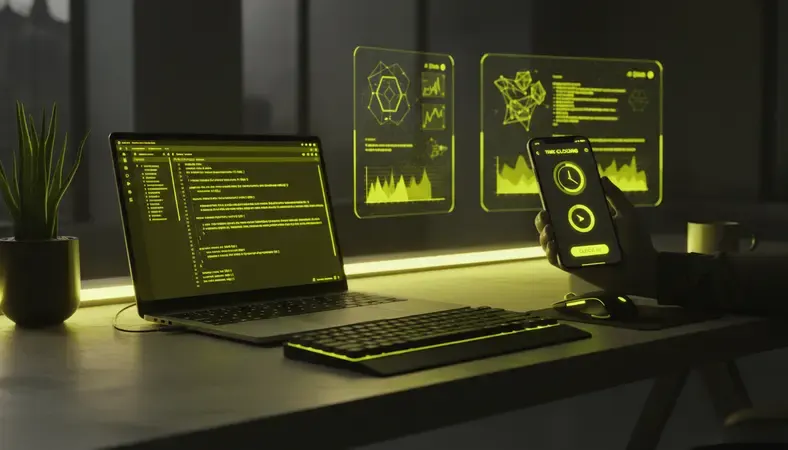
Field service teams and employees who work across multiple locations need robust GPS tracking and location verification. The employee clock in app should allow managers to set up multiple work sites, create geofenced areas, and track travel time between locations.
Some apps include features specifically designed for field service, such as customer check-in capabilities, work order integration, and mileage tracking. These features help create a complete record of field activities while simplifying the administrative burden on both employees and managers.
Offline Functionality
Not all work locations have reliable internet connectivity. Manufacturing facilities, construction sites, and rural locations often experience connectivity issues that can disrupt time tracking.
The best employee clock in apps include robust offline functionality. Employees can clock in and out even without internet access, and their data automatically syncs when connectivity returns. This ensures accurate time tracking regardless of location or network conditions.
Employee Clock In App Pricing and ROI
Understanding the costs and potential return on investment helps justify the expense of implementing an employee clock in app. While pricing varies significantly between solutions, the potential savings often exceed the implementation costs.
Pricing Models and Cost Factors
Most employee clock in apps use per-employee monthly pricing models. Basic plans typically range from $2-5 per employee per month, while enterprise solutions with advanced features can cost $8-15 per employee monthly.
Additional costs might include setup fees, training, hardware requirements, and integration development. Some vendors offer volume discounts for larger organizations or annual payment plans that reduce monthly costs.
Calculating Return on Investment
The ROI from an employee clock in app comes from multiple sources. Time theft reduction alone can save 2-8% of total payroll costs. For a company with $1 million in annual payroll, this represents $20,000-80,000 in annual savings.
Administrative time savings provide additional value. Managers spend significantly less time processing timesheets, handling corrections, and managing payroll data. This time can be redirected to more valuable activities like employee development and operational improvements.
Bottom Line: Most organizations see positive ROI within 3-6 months of implementing an employee clock in app, with ongoing annual savings that far exceed the software costs.
Additional Benefits and Cost Savings
Beyond direct time tracking benefits, employee clock in apps often improve overall workforce management. Better scheduling reduces overtime costs, improved compliance prevents costly violations, and enhanced reporting helps optimize staffing levels.
Many organizations also see improvements in employee satisfaction. Workers appreciate the flexibility and transparency that modern time tracking provides, leading to better retention and reduced recruiting costs.
Employee Clock In Apps FAQs
How accurate are GPS tracking features in employee clock in apps?
Modern GPS tracking in employee clock in apps is typically accurate within 3-5 meters under normal conditions. The accuracy depends on factors like device quality, satellite visibility, and environmental conditions. Most business applications find this level of accuracy sufficient for verifying that employees are at the correct work location.
Apps often combine GPS with other location technologies like Wi-Fi positioning and cell tower triangulation to improve accuracy, especially in indoor environments where GPS signals might be weak.
Can employees clock in without their personal smartphones?
Yes, most employee clock in apps offer multiple ways to record time. While smartphone apps are the most common method, many solutions also provide web-based interfaces that work on any computer or tablet. Some vendors offer dedicated time clock hardware that integrates with their software platform.
For organizations concerned about requiring personal device use, company-provided tablets or shared devices can be set up at work locations. The key is choosing an app that offers flexibility in how employees access the system.
What happens if an employee forgets to clock out?
Employee clock in apps typically include automatic notifications and management tools to handle missed clock-outs. Many apps send push notifications reminding employees to clock out at the end of their scheduled shifts.
Managers can set up alerts for employees who remain clocked in beyond normal hours. The system usually allows supervisors to manually adjust time records when employees forget to clock out, with appropriate approval workflows and audit trails.
How do employee clock in apps handle different time zones?
Professional employee clock in apps automatically handle time zone differences by recording timestamps in UTC (Coordinated Universal Time) and displaying local times based on employee or location settings. This ensures accurate payroll calculations regardless of where employees are located.
For organizations with workers across multiple time zones, the app typically allows managers to view times in their local time zone while maintaining accurate records for each employee’s actual work location.
Are employee clock in apps compliant with labor law requirements?
Reputable employee clock in apps are designed to support compliance with federal and state labor laws, including the Fair Labor Standards Act (FLSA). They maintain detailed records of work hours, break times, and overtime calculations that meet legal requirements for timekeeping.
However, compliance also depends on how the app is configured and used. Organizations should work with their legal teams to ensure that their time tracking policies and app settings align with applicable labor laws and regulations.
Can employee clock in apps integrate with existing scheduling software?
Most modern employee clock in apps offer integration capabilities with popular scheduling platforms. These integrations allow managers to compare scheduled shifts with actual worked hours, identify attendance patterns, and streamline workforce management.
Integration typically works through APIs (Application Programming Interfaces) that allow the systems to share data automatically. Some apps also support file-based imports and exports if direct integration is not available.
Wrapping Up
An employee clock in app transforms traditional time tracking into a flexible, accurate, and efficient system that benefits both employers and employees. The combination of mobile accessibility, GPS verification, and automated payroll integration creates significant value through reduced administrative work and improved accuracy.
Streamline your workforce management with HubEngage — unify employee communications, engagement, and time tracking in one comprehensive platform designed for manufacturing, healthcare, and hospitality organizations. Ready to get started? Visit HubEngage to learn more.
