Skip to content

7 Best Peer-To-Peer Recognition Software For Small Businesses And Distributed Teams

Employees who feel appreciated are 2.7 times more likely to be engaged, and that matters more when work is split across shifts, sites, and screens. In a fragmented tech stack, peer recognition software gives frontline, deskless, remote, and office teams one shared place to see good work, reinforce values, and keep contributions from disappearing in the noise. For leaders focused on retention and operational consistency, recognition is no longer a soft benefit, it is a practical system for improving staff retention and keeping teams connected.

  • Recognition is already mainstream. WorldatWork reported that 88% of organizations had an employee recognition program, and most were informal, which shows why software that makes appreciation visible matters (employee recognition statistics).
  • Recognition affects effort and satisfaction. The same dataset said 77% of employees would work harder if they felt better recognized, and 89% of recognized employees reported higher job satisfaction.
  • Retention is part of the ROI. Strong recognition programs were associated with a 31% lower voluntary turnover rate and a 92% engagement rate in that same source set.
  • The market is expanding. Recent forecasts place peer recognition and social recognition software in sustained growth, which signals that buyers want more than a praise feed, they want analytics, mobile access, and workflow integration (market outlook, social employee recognition systems market).
  • The best tools fit real work. The strongest platforms make recognition timely, public, and easy inside the tools people already use, especially on mobile and in chat-based workflows (peer-to-peer recognition guidance).
  • HubEngage’s approach reflects that shift. Its workplace recognition framework places peer recognition inside a broader employee experience system, which helps teams reduce tool sprawl, surface frontline communication gaps, and connect recognition data with other workforce signals.

Key Takeaways

  • Peer recognition software helps distributed teams make employee appreciation visible across locations, shifts, and roles.
  • Small businesses can use recognition platforms to improve engagement, job satisfaction, and employee retention.
  • Mobile access and integrations with Slack, Teams, email, and workplace apps make recognition easier to use.
  • The best peer recognition tools combine rewards, values-based praise, analytics, and automated milestone celebrations.
  • HubEngage connects recognition with communication, surveys, learning, scheduling, and workforce operations in one platform.
  • Buyers should compare pricing, reward options, implementation effort, analytics, integrations, and support for frontline employees.

Best Peer Recognition Softwares For Distributed Teams

1. HubEngage, Inc.

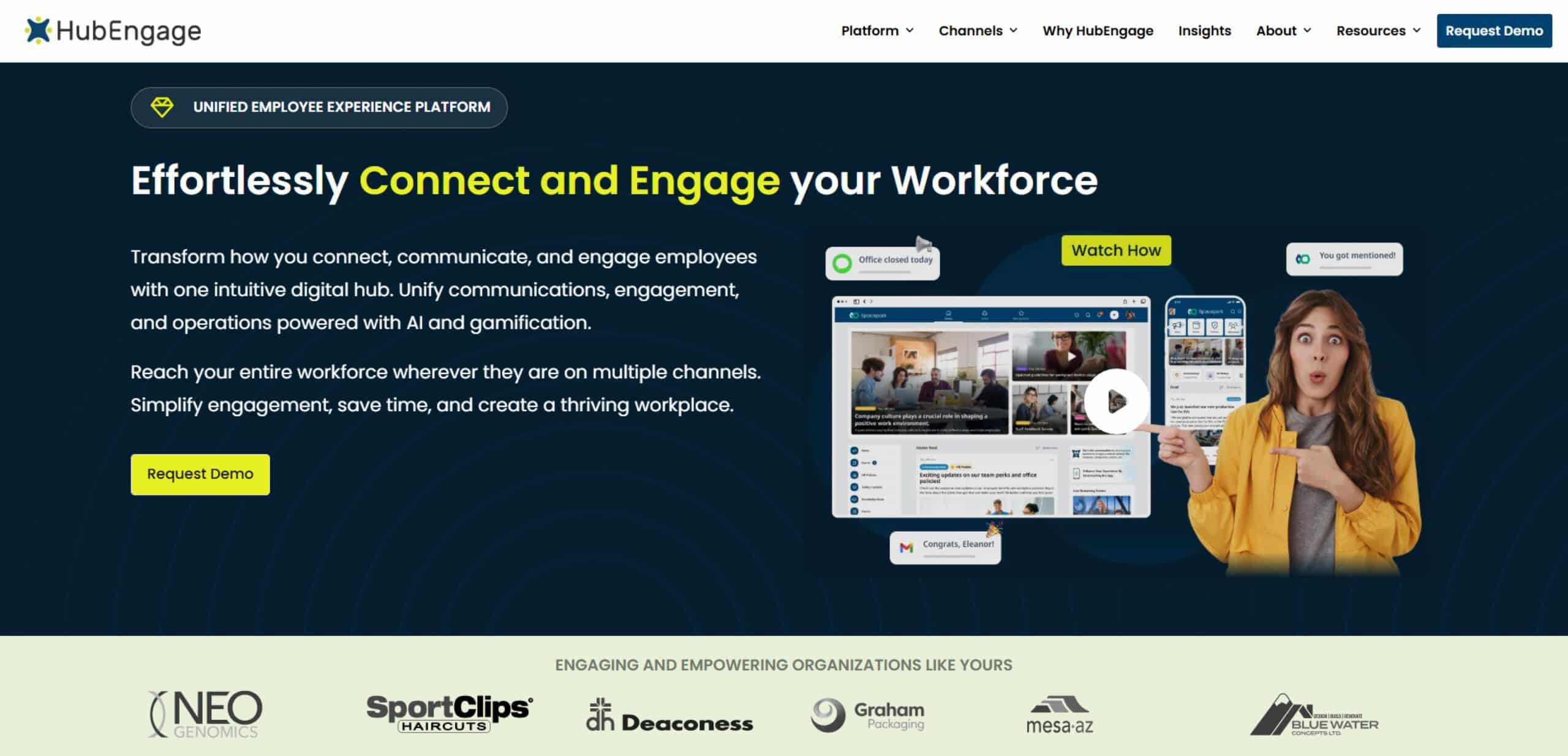
HubEngage is the strongest fit for organizations that want one connected system of action instead of another standalone recognition app. Its value is broader than applause, because recognition sits inside a modular workforce experience platform that also supports communications, engagement, operations, and learning for frontline, deskless, hourly, remote, and distributed employees. That matters when managers are trying to reach people who do not live in email or sit near a desktop all day.

Why it stands out for distributed teams

HubEngage combines peer recognition, rewards, surveys, messaging, scheduling, task management, and learning resources in one system, so recognition can travel with the rest of the employee experience. One-click multi-channel orchestration lets teams format and push content across mobile app, web, email, SMS, digital signage, Microsoft Teams, and Slack without rewriting it for every channel. That reduces tool sprawl and helps HR, operations, and internal comms teams avoid asking employees to jump between disconnected systems.

Its built-in AI is useful in a practical way. Teams can use AI for content creation, AI search, chatbot-style answers, and analytics that help leaders understand participation and sentiment patterns across the workforce. HubEngage also leans into gamification, with points, badges, leaderboards, and rewards used to encourage adoption across the broader platform, not just in the recognition module.

For SMBs, that consolidation can replace several disconnected point tools. For larger organizations, HubEngage’s value is orchestration, because it can integrate with existing HRIS and workplace systems while keeping recognition visible across the employee journey. The platform’s website doesn’t publish self-serve pricing, so procurement usually starts with a demo and a business case.

The internal case for recognition is clear in HubEngage’s own thinking on workplace recognition, which aligns with the broader evidence that recognition works best when it’s frequent, visible, and easy to give across roles and locations. See more on the power of workplace recognition.

Pros

  • One modular hub: communications, recognition, surveys, messaging, operations, and learning in one place.
  • True multi-channel reach: mobile, web, email, SMS, Teams, Slack, and digital signage.
  • AI-assisted action: content creation, search, chatbot support, and sentiment-style analytics.
  • Good fit for frontline adoption: mobile-first design helps deskless and shift-based teams participate.
  • Enterprise-friendly orchestration: useful when you need integrations rather than another silo.

Cons

  • No transparent pricing: buyers need a demo to evaluate total cost.
  • Broad platform scope: teams with highly specialized needs may still keep some best-of-breed systems.

Website: HubEngage

2. Bonusly

Bonusly is one of the easiest peer recognition tools to launch when a team wants fast adoption and a social feel. It centers on points-based recognition, a public feed, and values tagging, which makes it a natural fit for organizations that want recognition to happen in the flow of work, especially in Slack or Microsoft Teams.

Bonusly

Best for quick rollout and daily appreciation

What makes Bonusly appealing is its simplicity. Employees can send recognition quickly, and the reward marketplace gives recipients a straightforward way to redeem points for gift cards or other items at face value. That transparent reward model is attractive for teams that dislike hidden markups and want to keep the program easy to explain.

It’s especially useful for small and mid-sized organizations that need a recognitional habit, not a complicated operating model. The mobile app also helps deskless workers participate without having to sit at a laptop, which is important when recognition needs to reach warehouse, retail, hospitality, or field teams.

The tradeoff is depth. Bonusly is strong on ease of use and social momentum, but buyers looking for more advanced analytics, broader program design support, or deeper international catalog breadth may find themselves wanting more structure as the program matures. That’s where it works best as an entry point, not necessarily the final destination.

Pros

  • Fast time to value: easy to launch and simple for employees to learn.
  • Transparent reward economics: face-value redemption keeps the model easy to understand.
  • Strong chat integrations: well suited to distributed teams using Slack or Teams.
  • Mobile access: helpful for frontline participation.

Cons

  • Lighter analytics: less depth than larger enterprise suites.
  • Program design support is thinner: better for execution than for complex governance.
  • Global catalog depth varies: international teams may want to compare carefully.

Website: Bonusly

3. Awardco

Awardco is the platform to consider when reward choice matters as much as recognition itself. Its partnership with Amazon Business gives employees a huge selection of reward options, and that can remove one of the biggest objections employees have to points programs, limited redemption value.

Awardco

Reward depth without reward markup

Awardco supports peer, manager, milestone, and spot recognition in one system, so it can carry both everyday appreciation and formal programs. For operations leaders, that matters because it lets one platform handle the small moments and the big ones, instead of stitching together a separate rewards tool for each use case.

The Amazon Business integration is the differentiator. It gives admins broad catalog depth while keeping the model focused on SaaS plus employer-funded points rather than reward markups. That is appealing for organizations that want more control over the economics of recognition and less overhead in fulfillment.

The main caution is complexity. Awardco is powerful enough for large programs, but small companies may feel the configuration burden before they feel the payoff. Quote-based pricing also means buyers need to do more discovery before they can estimate cost.

If you are trying to justify the business case internally, HubEngage’s article on how to measure ROI of employee recognition pairs well with Awardco’s reward-led model, because the main question is not only what people can redeem, but whether the program changes retention and participation.

Pros

  • Very broad reward choice: especially strong through Amazon Business.
  • Works across recognition types: peer, manager, milestone, and spot awards.
  • Clearer economics: avoids the feel of hidden markups.
  • Good integration profile: can connect with HRIS and collaboration tools.

Cons

  • Quote-based pricing: less approachable for smaller buyers.
  • Setup can be heavier: complex programs take more planning.
  • Can feel more enterprise-oriented: not always the quickest path for lean teams.

Website: Awardco

4. Kudos

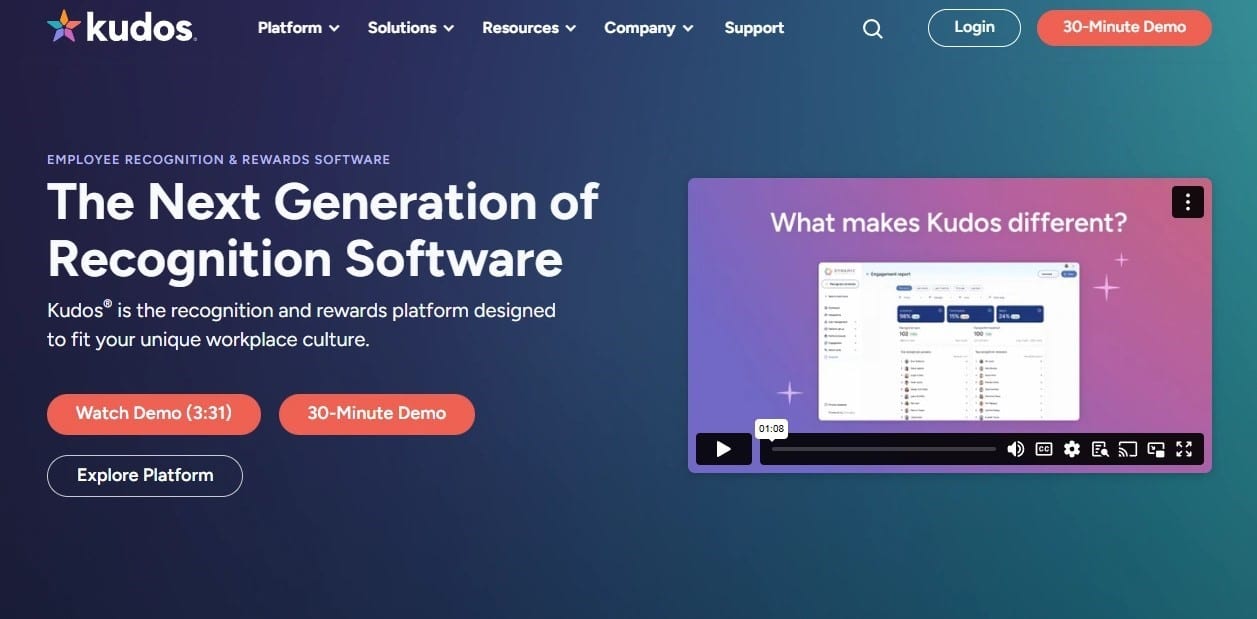
Kudos is a better fit for organizations that care about values-based recognition and governance. It has the feel of a mature enterprise platform, which makes sense for companies that want recognition to reinforce culture, not just generate activity in a feed.

Culture alignment and multilingual reach

Kudos stands out because it treats recognition as a structured cultural behavior. Public shoutouts, values tagging, configurable workflows, and enterprise-level program design support give HR teams more control over how recognition is used and interpreted. That is useful when leadership wants consistency across regions, business units, or languages.

Its multilingual support makes it especially relevant for global or matrixed organizations. Recognition that lands in the wrong language or does not reflect local norms usually gets ignored, so this kind of flexibility matters more than it first appears. Add-ons such as surveys and insights also make it more than a pure recognition feed.

The downside is that it is not the quickest SMB-style launch. Public pricing is not listed, and the product can feel heavier than lighter-weight tools designed for immediate rollout. That said, the governance is often the reason larger organizations choose it.

If your team is thinking about formal programs like spot awards, HubEngage’s guidance on how to implement spot awards in your organization is a useful lens, because spot recognition only works when the rules are clear and the behavior is specific.

Pros

  • Strong values alignment: good for culture-led recognition programs.
  • Enterprise fit: multilingual and governance-oriented.
  • Broader than recognition alone: surveys and insights can extend utility.

Cons

  • No public pricing: buyers need a quote.
  • Heavier than light SMB tools: may feel like more platform than some teams need.
  • Implementation likely takes more planning: especially for large organizations.

Website: Kudos

5. Nectar

Nectar is a smart choice for organizations that want predictable costs and a recognition program employees can understand quickly. It blends peer and manager recognition with a public feed, milestone automation, and a reward structure that feels straightforward rather than overengineered.

Nectar

A practical fit for lean HR teams

For small to mid-sized companies, Nectar’s appeal is obvious. It gives HR a clean way to launch peer recognition without the overhead of an enterprise suite, and the integration story with Slack or Teams helps keep participation low friction. The reward options, which include gift cards, swag, and charitable giving, make it easier to tailor recognition to different employee preferences.

That said, buyers should be realistic about scale. Nectar is a strong option for getting the program running, but larger or internationally distributed organizations may want deeper analytics, broader catalog reach, or more advanced configuration. Some teams also find they outgrow the platform once recognition becomes tightly tied to global operations or complex workforce segmentation.

Its biggest value is that it does not try to be everything. That restraint often helps smaller teams move faster and avoid overbuilding a program before employees have formed the habit.

The internal framing from HubEngage on intrinsic and extrinsic rewards is relevant here, because Nectar works best when the reward is supportive, not the entire reason people recognize each other.

Pros

  • Predictable pricing: good for budget-conscious buyers.
  • Fast rollout: lean teams can launch without much complexity.
  • Simple reward mix: gift cards, swag, and charity options cover common needs.
  • Solid collaboration integrations: helps recognition happen where work happens.

Cons

  • Catalog depth may be limited: compared with enterprise-heavy platforms.
  • Analytics are lighter: less built for deep program governance.
  • Can feel basic at scale: advanced teams may want more control.

Website: Nectar

6. Motivosity

Motivosity combines peer recognition with lightweight listening, which makes it more interesting than a basic kudos feed. It connects recognition, sentiment, and community-style interaction in a way that helps leaders see whether appreciation is becoming part of the culture or just occasional noise.

Motivosity

Recognition plus a pulse on culture

The built-in MV6 eNPS and pulse-style features are the differentiator. They give organizations a lightweight way to connect recognition activity with cultural sentiment, which is useful when HR leaders want more than anecdotal feedback. That matters in distributed teams, where a recognition feed can look healthy while engagement is drifting in certain groups.

Implementation is typically fast, and the modular pricing model makes it easier to scale usage without overcommitting. That approach is especially helpful for mid-sized organizations that want to add capability gradually instead of buying a broad enterprise stack on day one.

The caution is that simplicity can become a ceiling. The rewards catalog is narrower than Amazon-based options, and the UI and configuration depth are lighter than more complex enterprise suites. That is not a flaw if you want speed and clarity, but it is a real tradeoff if you expect global scale and deep governance.

A recognition platform should tell you who is participating, who is silent, and where the gaps are. If it cannot do that, leaders are mostly guessing.

For teams thinking about recognition as part of a wider system of employee experience, HubEngage’s connected model is useful context because it ties recognition to communication, operations, and learning rather than leaving it isolated.

Pros

  • Combines recognition and listening: useful for culture checks.
  • Fast implementations: often easier to deploy than larger suites.
  • Modular pricing: easier to scale as needs grow.
  • Good social layer: supports community-style participation.

Cons

  • Catalog depth is narrower: fewer reward choices than some peers.
  • International reach can be thinner: global buyers should validate fit.
  • Configuration is simpler: less control than enterprise-heavy tools.

Website: Motivosity

7. Workhuman Social Recognition

Workhuman Social Recognition is built for large organizations that need global recognition governance and AI-assisted support at scale. It is the kind of platform companies choose when recognition has to work across regions, roles, and compliance expectations without losing visibility.

Workhuman Social Recognition

Enterprise-grade recognition with AI support

Workhuman’s integrations with Microsoft Teams, Slack, Workday, and other systems make it practical for organizations that want recognition embedded in daily work. Its AI coaching features are especially relevant now, because recognition quality matters as much as recognition volume. Managers and employees often need help writing praise that is specific, inclusive, and meaningful.

That is where the platform’s maturity shows. It is designed for multi-language environments, approvals, advanced reporting, and global policy control, which is why it tends to fit mid-to-large enterprises better than very small teams. The AI angle is useful when organizations want to improve the quality of recognition without forcing managers to become better writers overnight.

The tradeoff is learning curve and cost structure. Quote-based pricing and broader functionality mean this is not a casual buy. Teams that only need a simple peer feed may find the platform more than they need.

For a connected workforce strategy, the bigger point is that recognition cannot live apart from communications and operations. HubEngage’s platform model shows how recognition can sit inside a broader employee experience layer rather than operating as a separate destination.

Pros

  • Strong global governance: suited to distributed enterprise programs.
  • AI-assisted recognition quality: helps employees write better, more inclusive praise.
  • Deep integrations: works with common enterprise systems.
  • Built for scale: better for complex organizations than small teams.

Cons

  • Quote-based pricing: requires vendor engagement.
  • Learning curve: breadth can slow adoption.
  • Not ideal for very small teams: often more platform than they need.

Website: Workhuman

Top 7 Peer Recognition Platforms Comparison

Product Implementation 🔄 Resource needs ⚡ Expected outcomes 📊 Ideal use cases 💡 Key advantages ⭐
HubEngage, Inc. Medium–High, modular but enterprise integrations and configuration Moderate–High, integration with HRIS, channels, admin setup Consolidation of tools, improved engagement and analytics, ⭐⭐⭐⭐ Mid-market to enterprise with frontline/remote workforces needing consolidated hub One-stop modular platform; multi-channel orchestration; embedded AI & analytics
Bonusly Low, fast time-to-value (weeks) and simple setup Low, lightweight integrations (Slack/Teams), minimal admin Quick adoption of peer recognition and increased visibility, ⭐⭐⭐ SMBs and distributed teams launching peer recognition quickly Rapid deploy; simple UX; transparent reward economics
Awardco Medium, configurable program setup with catalog integration Medium–High, admin for Amazon Business catalog and points management Wide reward choice and strong employee satisfaction potential, ⭐⭐⭐⭐ Organizations wanting broad catalog and employer-funded point models Amazon Business partnership; deep catalog; transparent reward model
Kudos Medium, enterprise-focused workflows and governance setup Moderate, program design resources and multilingual support Values-aligned recognition and stronger cultural governance, ⭐⭐⭐ Enterprises prioritizing culture alignment and multilingual governance Values-based design; enterprise governance; program design support
Nectar Low, straightforward rollout and predictable setup Low, clear pricing and standard integrations for lean HR teams Predictable costs and steady adoption for SMBs, ⭐⭐⭐ Small to mid-sized companies needing cost-conscious recognition Competitive pricing; quick rollout; practical feature set
Motivosity Low–Medium, modular deployment (4–6 weeks typical) Moderate, per-employee pricing, light analytics setup Recognition tied to pulse insights and measurable culture signals, ⭐⭐⭐ Mid-market teams wanting recognition plus lightweight listening MV6 pulse/eNPS integration; modular pricing; scalable features
Workhuman Social Recognition High, enterprise deployment with governance & integrations High, extensive integration, change management, training Global governance, strong reporting, and inclusive recognition coaching, ⭐⭐⭐⭐ Large, global enterprises requiring compliance and scale AI coaching; robust reporting; proven global-scale governance

How to choose the right Peer Recognition Software?

Below is the checklist we use for comparing peer recognition platforms based on your workforce, budget, and business needs.

Checklist item What to look for
Easy to use Employees should give recognition in a few simple steps.
Mobile access Frontline and deskless employees should participate from any device.
Useful integrations Check support for Slack, Teams, HRIS, email, and workplace tools.
Flexible rewards Look for points, gift cards, badges, company rewards, or charitable options.
Clear pricing Understand software fees, reward costs, setup charges, and minimum contracts.
Analytics and reporting Track participation, active users, manager involvement, and recognition gaps.
Company values Employees should be able to connect recognition with specific workplace values.
Scalability The platform should support more employees, locations, and programs as you grow.
Simple administration HR teams should manage budgets, rewards, approvals, and reports easily.
Multi-channel reach Recognition should appear across mobile, web, chat, email, or digital signage.

Conclusion

A peer recognition software can help small businesses and distributed teams make appreciation more visible, consistent, and meaningful. The right platform should fit daily workflows, support mobile access, simplify rewards, and give leaders useful participation insights.

It should also connect recognition with communication, engagement, learning, and workforce operations instead of creating another disconnected tool. To see how this connected approach can support your workforce, explore the HubEngage Employee Experience Platform by taking a demo for your growing distributed team.

FAQs for Peer Recognition Software

1. How does peer recognition software work?

Peer recognition software gives employees a simple way to praise coworkers through public messages, points, badges, or rewards. Managers can track participation, celebrate milestones, and connect recognition with company values and daily work.

2. What are the benefits of peer recognition software?

Peer recognition software improves engagement by making good work visible and encouraging frequent appreciation. It can also strengthen teamwork, increase job satisfaction, support retention, and help distributed employees feel connected across locations.

3. What should small businesses look for in peer recognition software?

Small businesses should look for simple setup, clear pricing, mobile access, useful rewards, Slack or Teams integrations, and basic analytics. The platform should be easy to manage without requiring a large HR team.

4. Is peer recognition software useful for remote and distributed teams?

Yes. Peer recognition software helps remote and distributed teams celebrate contributions that managers may not see directly. Mobile access, chat integrations, multilingual support, and public recognition feeds keep appreciation visible across different locations and schedules.

5. How much does peer recognition software cost?

Costs vary based on employee count, features, reward budgets, integrations, and support. Some vendors charge per user each month, while larger platforms use custom pricing for advanced analytics, global rewards, or enterprise integrations.

6. How do you choose the best peer recognition software?

Choose peer recognition software by comparing ease of use, mobile access, integrations, reward options, analytics, scalability, and administration needs. The best platform should match your workforce size, locations, budget, and recognition goals.

Related Links

employee recognition platform | employee recognition software | workplace recognition framework | the power of workplace recognition | how to measure ROI of employee recognition | how to implement spot awards in your organization | intrinsic and extrinsic rewards


Get Insights

Subscribe to our weekly newsletter to get more tips on effective employee engagement and communications!

Join Our Community

Join Turn On Engagement (TOE) to interact with other employee engagement and people experience professionals. Share and get new ideas!

An expert content writer specializing in creating comprehensive, insight-driven content for technology and SaaS products. With more than three years of hands-on experience working closely with HR, internal communications, and leadership teams, he helps organizations turn employee engagement challenges into measurable outcomes. His writing is grounded in real customer experiences and focuses on practical strategies that boost productivity, improve communication, and strengthen workplace culture. Known for his ability to simplify complex technology concepts, he translates them into clear, actionable insights that resonate with HR professionals, talent acquisition leaders, and business owners alike. His work consistently reflects a strong commitment to trust, credibility, and people-first innovation, supporting organizations as they navigate employee experience, digital workplace transformation, and modern workforce engagement strategies.

Other posts you might enjoy

Back To Top