Employees do not always work in the same office, follow the same schedule, or use the same communication tools. Important updates get buried in emails or chats, and frontline employees may miss them. This is where enterprise social media platforms can help as they are a private network that lets an employee share posts, ask questions, recognize coworkers, and connect with leaders. In this blog we will compare the best options based on features and use. Also, we will give a selection checklist as well as a setup process of an enterprise social network to get the best value.
Key Takeaways
- Enterprise social media platforms help employees share updates, collaborate, and stay connected across locations.
- Mobile-friendly social media apps help frontline, remote, and shift-based employees access company updates and workplace discussions.
- Businesses should compare platform features, integrations, security, pricing, employee accessibility, and engagement analytics before choosing.
- A successful enterprise social network requires clear goals, employee training, content governance, and leadership participation.
- Regularly tracking employee engagement, platform adoption, and communication effectiveness helps businesses improve their social networking experience.

What are the challenges of finding the right enterprise social media platform?
An office employee may use Microsoft Teams all day, while a factory worker may only have a personal phone. One tool rarely meets every need equally well. The real challenge is not finding the longest feature list. It is choosing a platform employees can access, understand, and use alongside their daily work. Below are some common challenges that a team manager faces:
1. Tech Stack & Channel Mismatch
Poorly integrated platforms disrupt workflows and frustrate employees across existing tools.
2. Unclear Audience & Strategy
Unclear goals can lead teams toward channels their audiences rarely use.
3. Complex Pricing Models
Per-user fees, subscription tiers, and add-ons complicate budgeting as organizations grow.
4. Governance & Management Scale
Managing campaigns, approvals, and consistent messaging becomes harder across teams and regions.
5. Algorithm Shifts & ROI Measurement
Algorithm changes limit organic reach and make brand awareness harder to measure.
Choosing the right enterprise social media platform can be challenging. Start by understanding your employees’ communication needs, existing tools, and budget. The best platform is one your teams can easily access, use, and benefit from every day.
List of Best Enterprise Social Media Management Tools
The following tools focus on internal employee networking and communication. They are different from external social media management tools used to schedule marketing posts on public networks.
1. HubEngage
Offers an enterprise social media platform as part of its broader employee experience platform, helping businesses connect, communicate, and engage employees across locations. Its mobile-first social hub lets employees share posts, like and comment on updates, recognize coworkers, and join workplace communities.
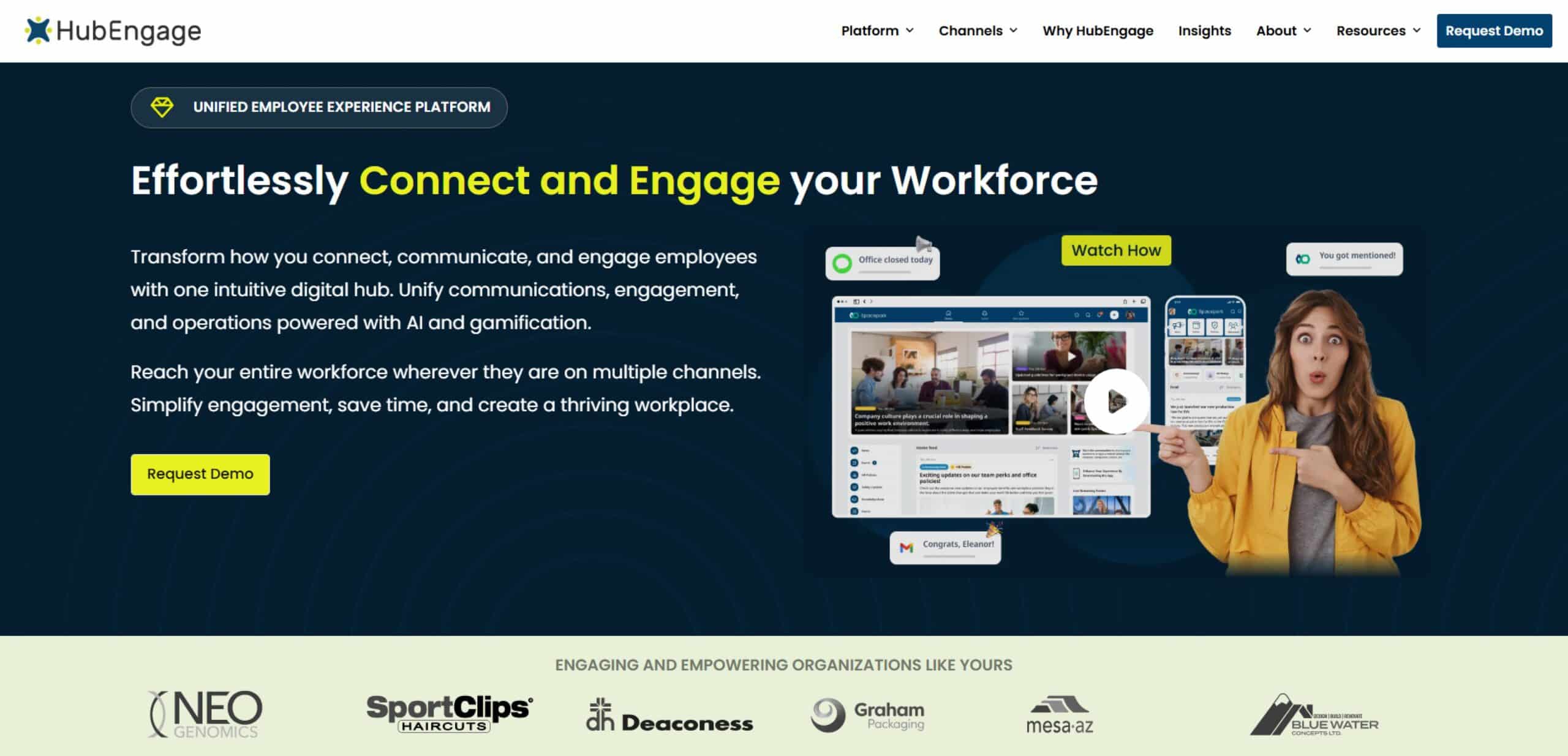
Designed for distributed, frontline, and remote teams, HubEngage makes everyday communication more accessible while encouraging meaningful employee interactions, stronger connections, and a more inclusive, engaged workplace culture.
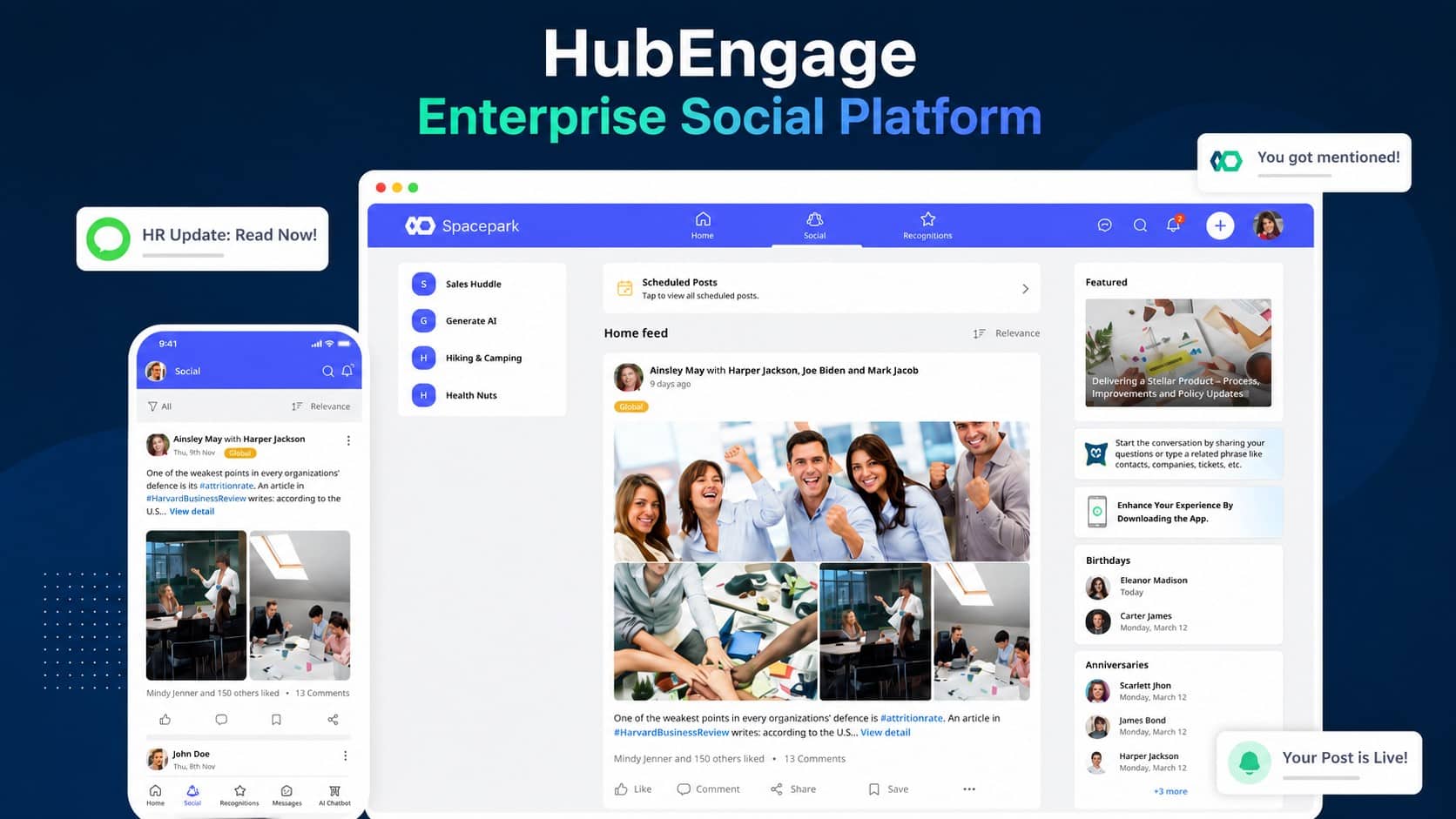
Top Features
- Employee social feeds, posts, likes, and comments
- Employee communities and peer-to-peer engagement
- Recognition, rewards, and gamification tools
- Mobile-first access for frontline and remote employees
- Employee engagement analytics and communication insights
2. Microsoft Viva Engage
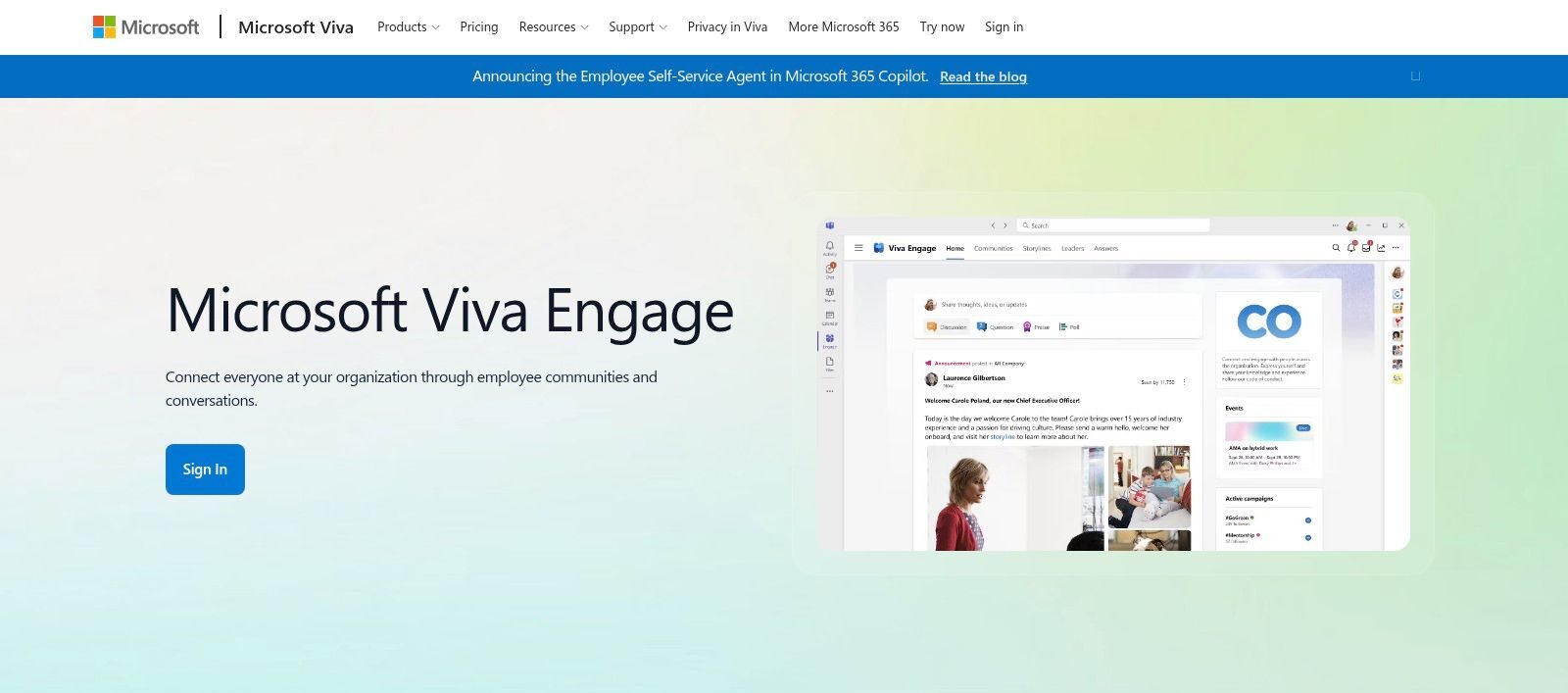
An enterprise social networking platform that helps employees connect, share updates, and participate in workplace communities. Its integration with Microsoft 365, Teams, and SharePoint makes it suitable for businesses already using Microsoft tools for communication and collaboration.
Top Features
- Employee communities, discussions, and polls
- Leadership engagement and recognition tools
- Microsoft 365 and Teams integration
3. Workvivo by Zoom
Helps businesses improve internal communication, employee engagement, and workplace culture. Its social media-style feed allows employees to share posts, recognize coworkers, participate in communities, and stay connected across different locations.

Top Features
- Personalized social feeds and employee communities
- Peer recognition and employee shout-outs
- Live streaming, town halls, and engagement analytics
4. LumApps
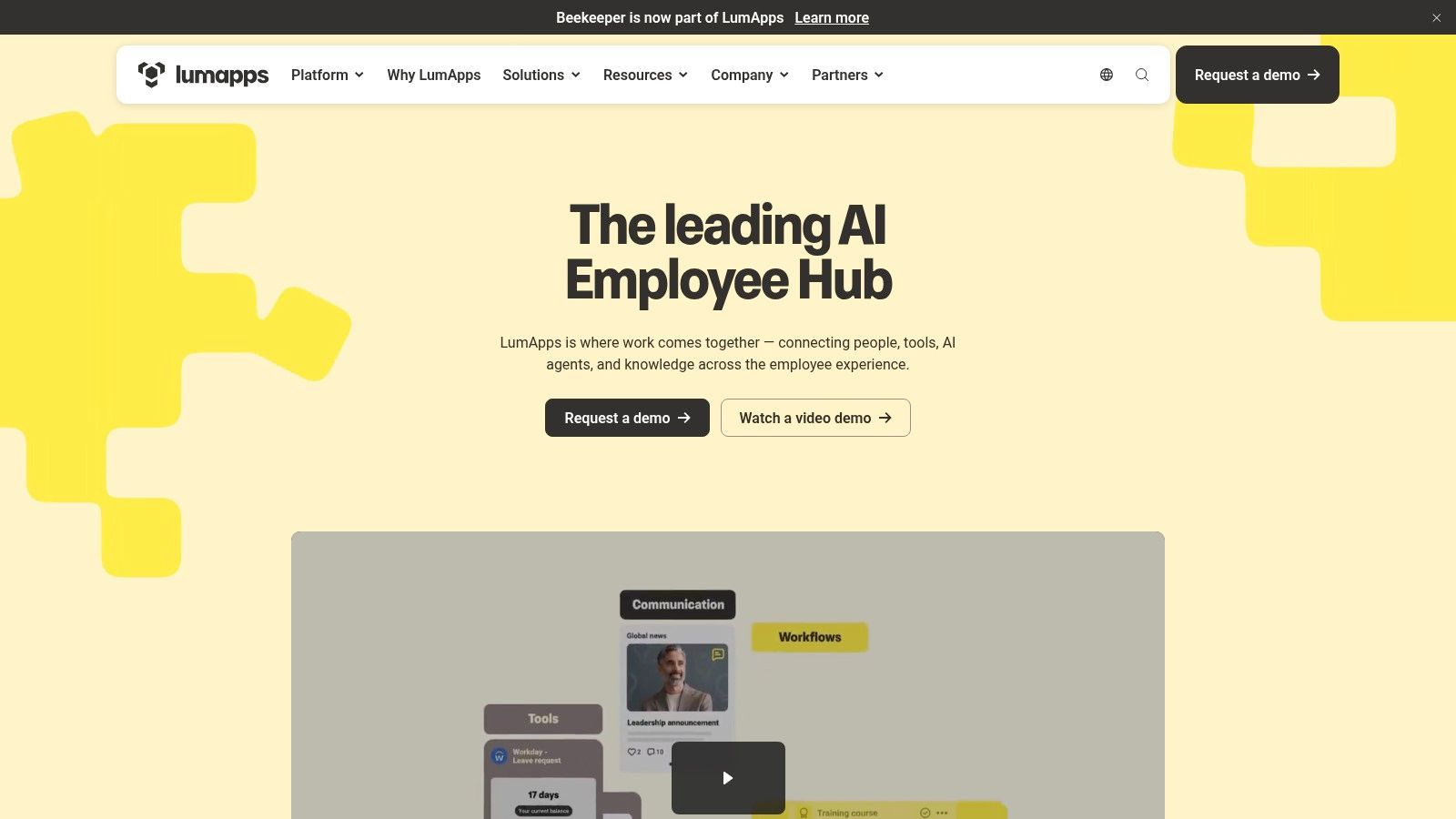
It combines enterprise social networking, internal communication, and workplace collaboration. It helps businesses connect employees across departments through social communities, personalized company updates, and integrations with existing business tools and workflows.
Top Features
- Employee communities and personalized news feeds
- AI-powered search and employee assistance
- Enterprise integrations and workflow automation
5. MangoApps Workplace
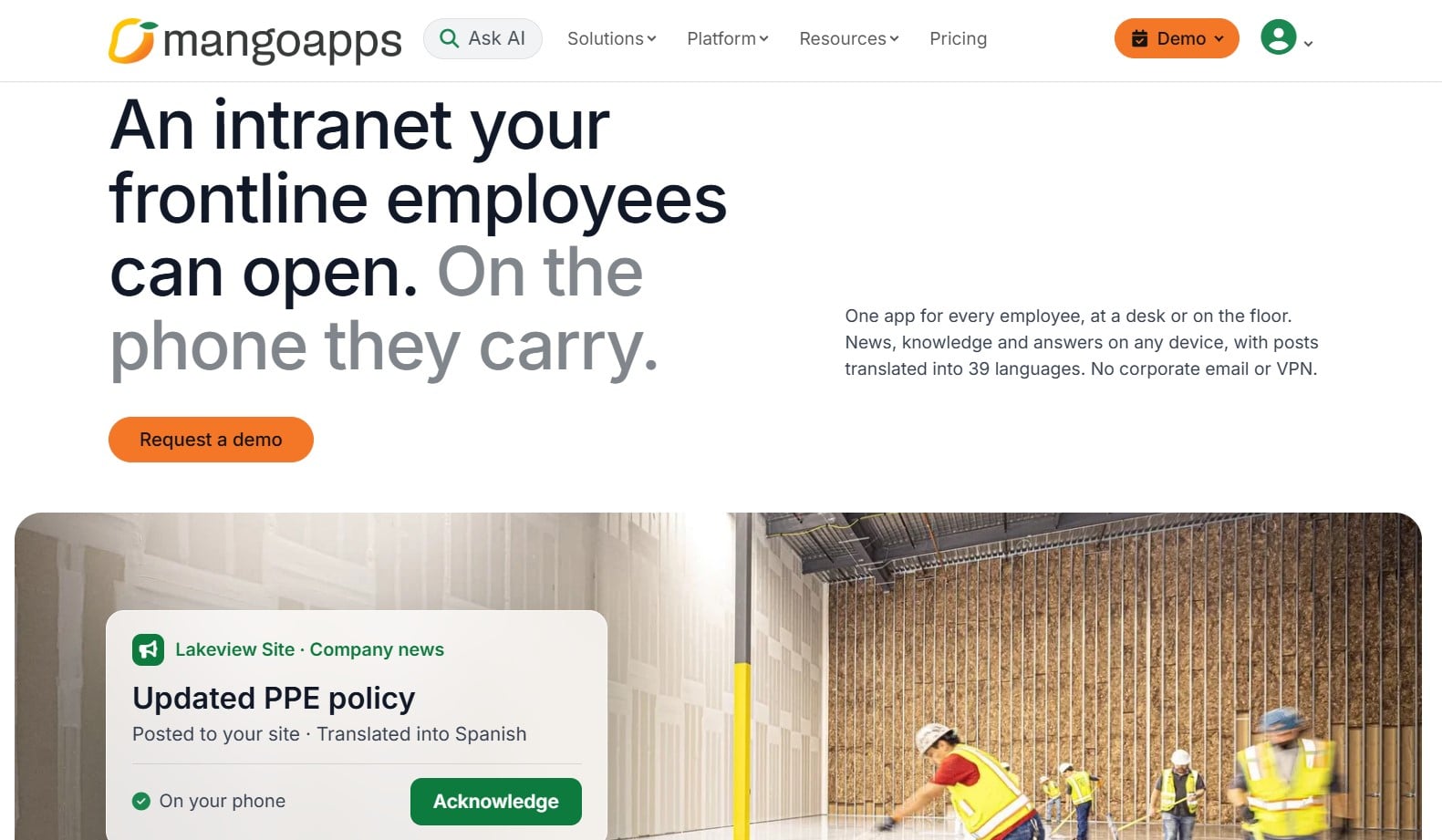
This enterprise social networking and collaboration platform designed for distributed and frontline teams. It combines employee social feeds, team messaging, knowledge sharing, and task management to help businesses improve communication and coordinate daily workplace activities.
Top Features
- Employee social feeds, groups, and recognition
- Team messaging and document sharing
- Task management and workflow automation
6. Staffbase Employee App
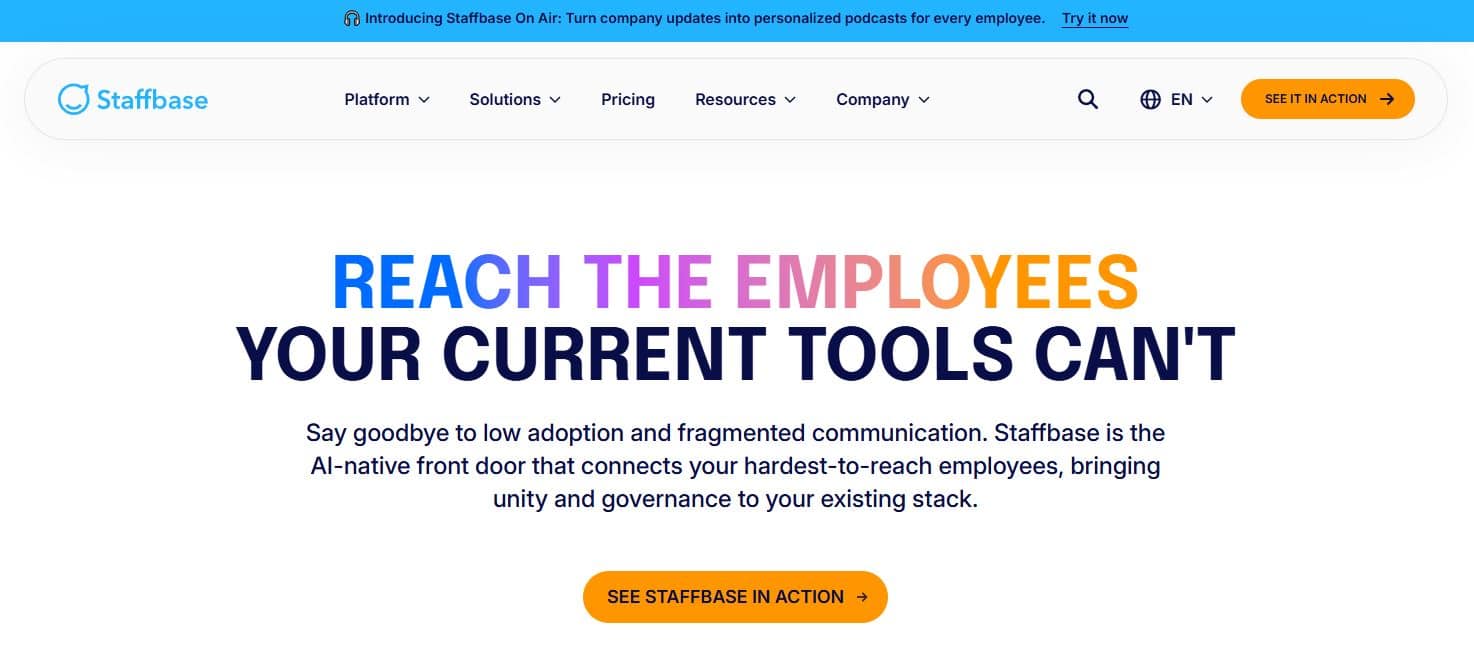
An employee communication platform that helps businesses connect office, remote, and frontline employees. Its mobile employee app combines company updates, social communities, and employee engagement tools, making important workplace information accessible across different locations and departments.
Top Features
- Employee news feeds and social communities
- Mobile access and multilingual communication
- Employee surveys and communication analytics
7. Unily
A strong enterprise social intranet and employee experience platform designed for large organizations. It helps businesses connect employees through social feeds, communities, knowledge sharing, and personalized communication while supporting collaboration across multiple departments, regions, and locations.

Top Features
- Enterprise social feeds and employee communities
- AI-powered search and content management
- Multilingual communication and enterprise integrations
Enterprise Social Media Platforms: Quick Comparison
| Platform | Setup Effort | Best Suited For | Standout Strength |
| HubEngage | Low–medium | Distributed and frontline workforce | Mobile first access social feeds, recognition, and engagement for complete employee experience |
| Microsoft Viva Engage | Low–medium | Microsoft 365 organizations | Microsoft integration and employee communities |
| Workvivo by Zoom | Medium | Employee engagement and workplace culture | Social feeds, recognition, and live events |
| LumApps | High | Connected frontline workflows | AI-powered search and workflow automation |
| MangoApps Workplace | Medium | Deskless and distributed teams | Social networking, messaging, and tasks |
| Staffbase Employee App | Medium | Frontline and multilingual teams | Mobile communication and audience targeting |
| Unily | High | Large multinational enterprises | Multilingual intranet and enterprise integrations |
Setup effort is an indicative comparison, not a vendor-published implementation guarantee. Actual effort depends on integrations, migration, and workforce size.
How to select an Employee Social Media Platform?
Before picking the best enterprise social media management tools, you must check these below factors:
| Factor | Importance |
| Ecosystem Fit | Ensures compatibility with existing workplace tools and systems. |
| Workforce Reach | Provides easy access for office, remote, and frontline employees. |
| Communication to Action | Connects employee updates with tasks, documents, and learning. |
| Governance | Supports secure access, content moderation, and communication control. |
| Adoption Effort | Reduces training needs and encourages faster employee adoption. |
| Integration Readiness | Enables secure data sharing across HR and business systems. |
| AI Controls | Protects sensitive data and ensures responsible AI usage. |
| Measurement | Tracks employee engagement, participation, and communication effectiveness. |
When choosing an enterprise social media platform, focus on how well it solves your communication challenges, not how many features it offers. The right software should fit your employees’ needs and daily workflows.
How to implement an Enterprise Social Network successfully?
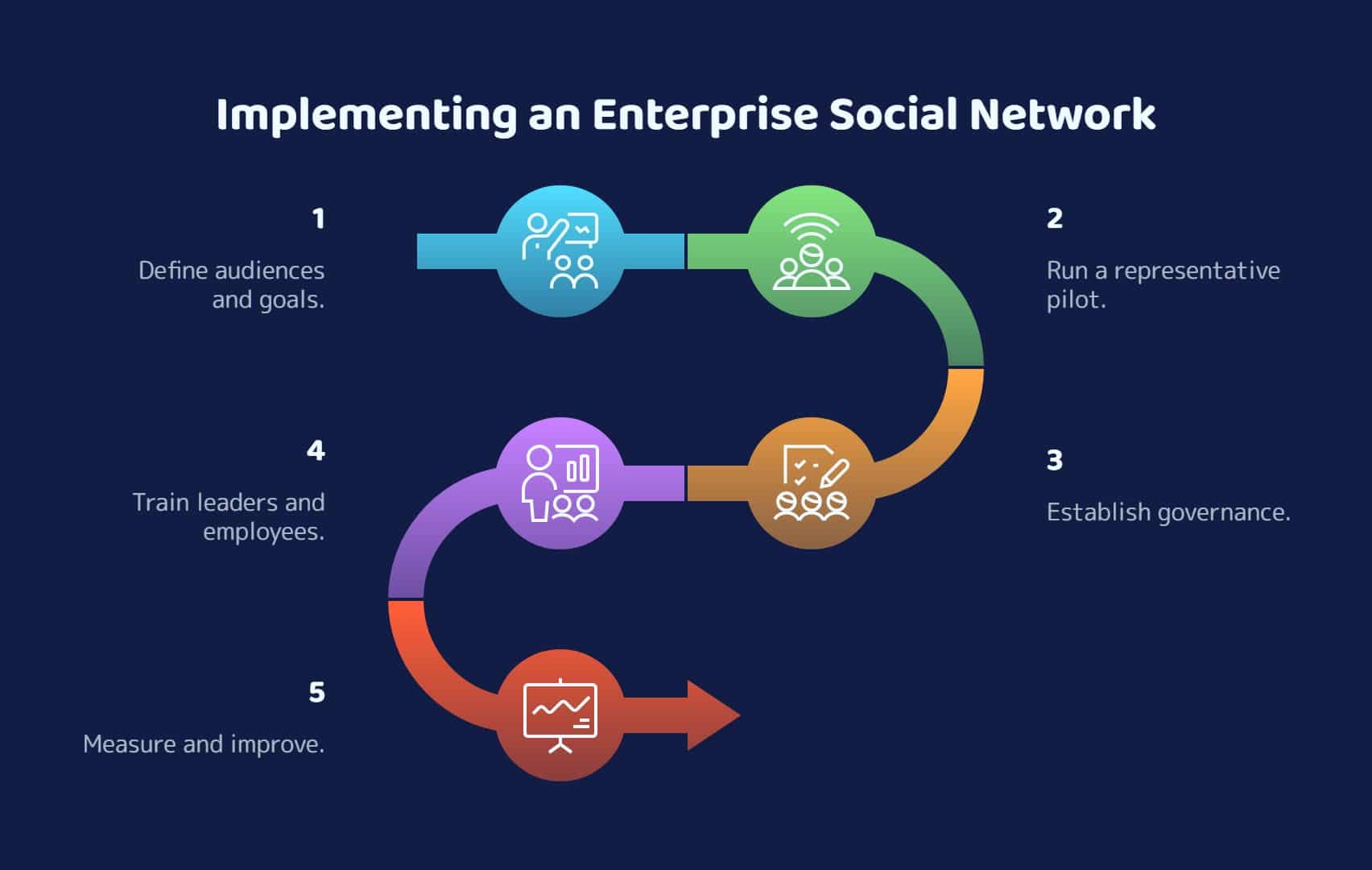
Follow these simple steps to easily set up an employee social media platform for better employee communication as well as engagement.
- Define audiences and goals. Identify office, remote, and frontline groups. Decide whether the priority is knowledge sharing, recognition, leadership communication, or operational updates.
- Run a representative pilot. Include different departments, locations, and device types. Test posting, mobile access, searching, recognition, and follow-up tasks.
- Establish governance. Assign owners for official content, community moderation, responses, permissions, and outdated information.
- Train leaders and employees. Show managers how to answer questions and encourage participation. Explain which conversations belong on the social platform versus chat.
- Measure and improve. Monitor reach, repeat usage, answered questions, search success, and completed actions. Use employee feedback to improve the experience.
Conclusion
The best enterprise social media platforms make workplace communication easier, not noisier. Some focus on employee communities and leadership interaction, while others connect conversations with knowledge, recognition, and daily workflows. Choose a solution that matches your workforce, technology, and communication goals. Test it with employees before expanding across the organization.
An enterprise social platform like HubEngage can help teams stay informed, connected, and engaged. To see how this works, explore our employee experience platform by booking a personalized demo.
FAQs on Enterprise Social Media Platforms
1. What is the best social media platform for small businesses?
The best social media platform for a small business depends on its audience, goals, and content. Start with one or two channels your customers use regularly, then measure engagement before expanding.
2. How are enterprise social media platforms different from public social media?
Enterprise social media platforms are private spaces for employees to share updates, collaborate, and build communities. Public social media reaches external audiences, while enterprise tools offer controlled access, moderation, and workplace integrations.
3. Which enterprise social media apps work for frontline employees?
Mobile-friendly enterprise social media apps are best for distributed teams like frontline and shift based employees because they provide easy access without desktop computers. Look for simple sign-in, timely notifications, multilingual support, and access for workers without company email.
4. Should every business implement an enterprise social network?
Not every business needs an enterprise social network. It is most useful when teams face communication gaps, work across locations, or need better collaboration. Clear goals, leadership support, and governance improve adoption.
5. Are enterprise social media platforms secure for businesses?
Enterprise social media platforms can provide secure communication through permissions, single sign-on, moderation, and data protection features. Businesses should still review vendor certifications, privacy policies, data storage, and compliance requirements before making a purchase.
Related Links
enterprise social network | internal communication | employee social media platform