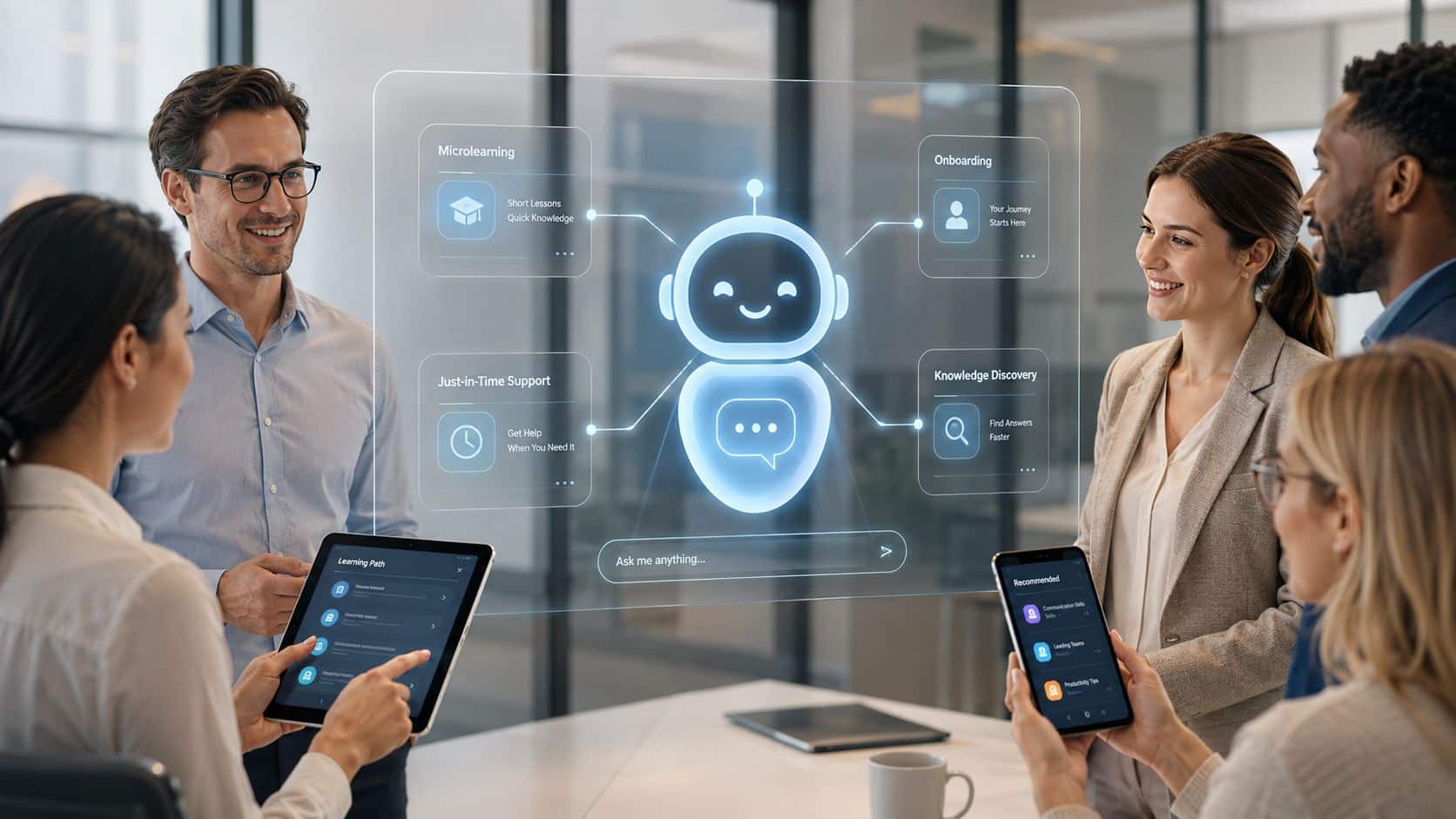
Employee training has become part of everyday work, not a separate HR activity. Employees now need quick answers while completing tasks, serving customers, or following company processes.
For HR managers, this creates more pressure. Teams often repeat the same guidance, answer common questions, and update training materials across different systems. Traditional LMS platforms, scheduled sessions, and static documents cannot always keep pace with daily changes.
An AI chatbot for employee learning helps reduce this workload by giving employees instant access to approved information, policies, procedures, and learning support. It can guide new hires, answer routine questions, and reinforce training in real time. Our blog explains how chatbot for internal employees saves time, improve learning access, and support employees better.
Key Takeaways
- An AI chatbot gives employees quick access to approved workplace knowledge.
- Frontline workers benefit from short, role-specific guidance delivered during work.
- Retrieval-Augmented Generation helps ground chatbot answers in trusted company content.
- Knowledge governance is important to stop incorrect or outdated answers.
- Organizations should measure task performance, not only chatbot usage or course completion.
- Connected workforce platforms improve adoption by bringing learning into existing workflows.
Common challenges of not using an AI Chatbot For Employee Learning
Without an AI chatbot, HR teams often spend too much time answering repeated questions, sharing documents, and guiding employees through basic training steps.
Employees also struggle to find the right information. They may search across emails, LMS platforms, intranets, shared folders, and chat messages before getting a clear answer.
| Challenge | Impact | Action Step |
|---|---|---|
| Repeated employee questions | HR teams spend time answering the same queries | Create a central FAQ for common questions |
| Information spread across systems | Employees waste time searching for answers | Store policies and training in one knowledge hub |
| Slow employee onboarding | New hires take longer to understand their roles | Use clear, role-based onboarding checklists |
| Outdated training content | Employees may follow incorrect processes | Review content regularly and assign content owners |
| Limited frontline access | Deskless employees may miss important training | Provide mobile-friendly learning and communication |
This slows onboarding, creates inconsistent learning, and increases pressure on managers. Frontline and distributed employees face even greater problems because they may not have regular desktop access or immediate support. The table below explains the most common challenges, their impact, and practical action steps.
The shift from Traditional Training to AI-Powered Employee Training
The biggest problem with traditional training is timing. Employees learn at one time and are expected to use it later. In real work, most of that learning is forgotten before they actually need it. Traditional training models also assume that every employee learns at the same pace and needs the same information. This creates a gap between training content and actual job requirements.
In contrast, employee training with AI agents changes the way entirely. Learning becomes part of the workflow. Instead of attending sessions, employees ask questions as they work and receive immediate answers. This removes friction and allows learning to happen exactly when it is needed.
57% of workers who’ve used AI chatbots at work say they use them for research or finding information about specific topics, according to Pew Research Center’s 2025 findings on workers’ experience with AI chatbots. That matters because most employee learning problems aren’t really about content volume. They’re about access, timing, and trust.
For example, an employee doing a task can use an AI chatbot to learn a process, check a policy, or fix a problem quickly. There is no waiting, no need to ask a trainer, and no need to look through files.
It becomes continuous, adaptive, and embedded. This is the foundation of conversational AI training systems, where knowledge is delivered through interaction rather than content consumption.
How AI Chatbots improves employee learning and support?
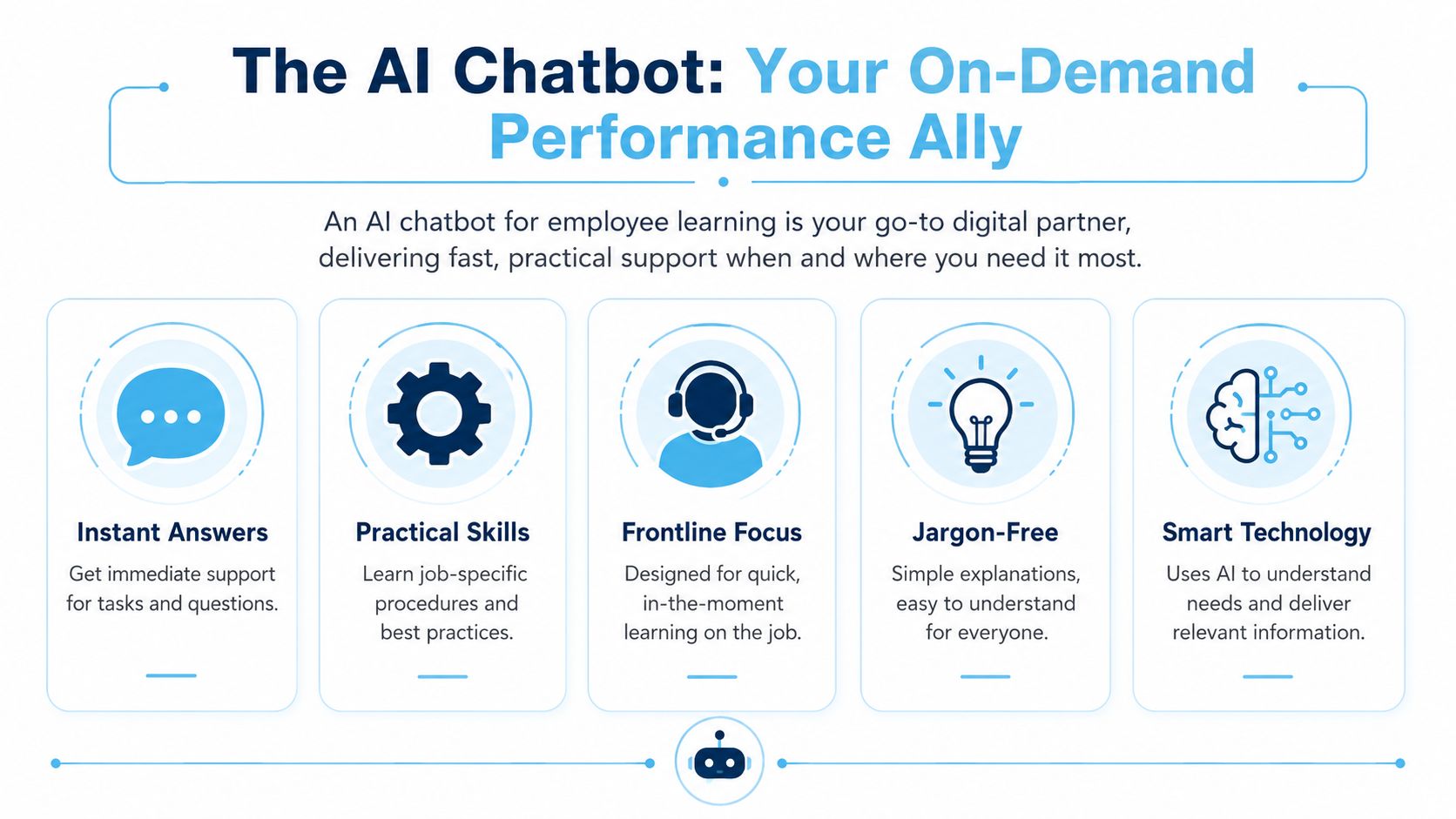
From improving efficiency to boosting employee satisfaction, here are the key benefits of incorporating AI chatbots for employee support:
For organizations focused on search, support, and conversational access to institutional knowledge, this related look at AI bots for enterprise search and knowledge discovery is especially relevant.
Steps to implement Chatbot For Employee Learning
Follow these six practical steps to organize trusted content, train your chatbot, and deliver accurate employee learning support every day.

1. Identify Common Employee Questions
Review the questions employees ask managers, HR teams, and trainers. Focus on onboarding, policies, daily tasks, safety procedures, and workplace support.
2. Collect Approved Resources
Gather current policies, SOPs, training guides, FAQs, handbooks, and microlearning content. Remove duplicate or outdated files before adding them to the chatbot.
3. Organize the Information
Group content by role, department, location, and topic. A clear structure helps the chatbot find the right information and deliver more relevant answers.
4. Write Clear and Simple Answers
Turn long documents into short, direct responses. Use simple language, step-by-step instructions, and clear escalation guidance for questions that require human support.
5. Test and Improve the Chatbot
Launch the chatbot with a small employee group. Review incorrect answers, missing information, and employee feedback before making it available across the organization.
6. Update the Knowledge Base Regularly
Review chatbot content after policy, process, or system changes. Assign content owners and remove outdated information to keep the internal knowledge base for employees updated.
How HubEngage Delivers Learning in the flow of work?
We offer an ai chatbot for employee learning as part of our unified employee experience platform. It gives employees quick access to policies, HR information, schedules, announcements, training content, and operational updates.
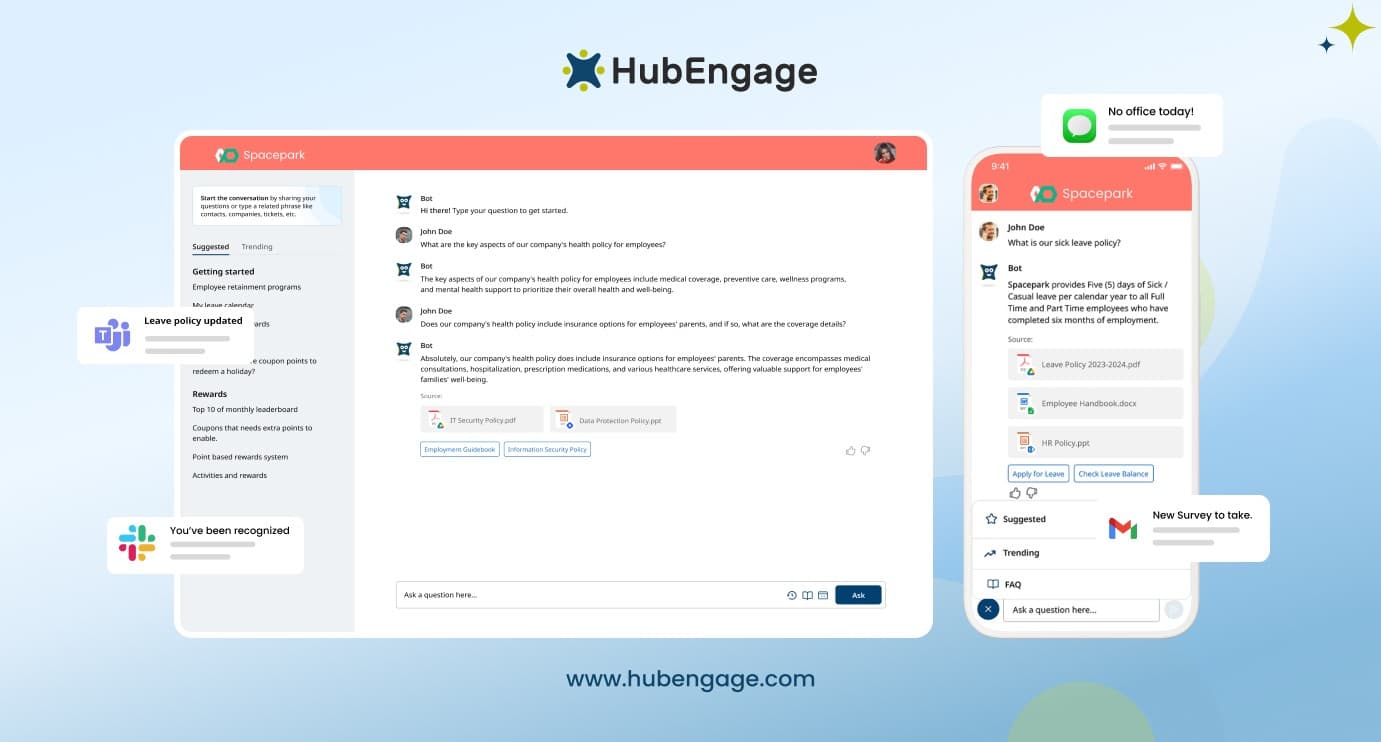
The chatbot works across mobile, intranet, Microsoft Teams, and Slack supporting multilingual communication, personalized answers, automated workflows, and integrations with HRIS, payroll, and scheduling systems. With role-based access, encrypted data protection, and HIPAA and GDPR support, it is ideal for frontline, deskless, distributed teams needing fast support.
Conclusion
An AI chatbot for employee learning creates the most value when it helps employees complete work correctly, not when it simply delivers more training content.
The foundation is trusted knowledge, clear governance, secure access, and practical guidance delivered at the moment of need. Organizations should connect chatbot activity with onboarding speed, procedure accuracy, manager workload, and operational performance.
HubEngage brings communications, engagement, workforce operations, and continuous learning together in one AI-powered employee experience platform. Explore how our program can support frontline, deskless, remote, and distributed employees by requesting a demo.
AI Chatbot for Employee Learning FAQs
What Is an AI Chatbot for Employee Learning?
An AI chatbot for employee learning is a conversational tool that gives workers instant access to approved training, policies, procedures, and job guidance. It supports learning during daily work instead of requiring separate courses.
How does an AI Chatbot support Employee Learning?
It connects to trusted company content, retrieves relevant information, and gives clear answers based on an employee’s role or question. Strong systems use approved sources so responses stay accurate, useful, and consistent.
Can an AI Chatbot improve Employee Onboarding?
Yes it can guide new hires through policies, first-week tasks, training steps, benefits information, and common questions. This reduces confusion, speeds access to answers, and helps employees become productive sooner.
Is an AI Learning Chatbot suitable for Frontline Employees?
Frontline and deskless employees can use HR chatbots on mobile devices to find procedures, safety guidance, policies, and task support during shifts. It reduces dependence on managers and desktop-only learning systems.
How do companies prevent incorrect Chatbot answers?
Organizations should connect the chatbot only to approved, current, and permission-based content. Clear ownership, review dates, source citations, and escalation rules help prevent outdated information and reduce the risk of incorrect answers.
Can an AI Chatbot replace a Learning Management System?
An AI chatbot works best alongside an LMS by helping employees find and apply knowledge during work. The LMS manages structured courses, while the chatbot supports quick answers, reinforcement, and task-based learning.
How do you measure the ROI of an Employee Learning Chatbot?
You can measure the roi by tracking onboarding speed, reduced manager interruptions, fewer process errors, faster task completion, better policy adherence, and lower support demand to see if the chatbot improves performance.
Related Links
ai chatbot | chatbot for internal employees | AI bots for enterprise search and knowledge discovery | internal knowledge base for employees |