About ContactMonkey
ContactMonkey is an internal email communication platform designed to help organizations create, send, and track employee newsletters directly within Outlook and Gmail. It is commonly used by HR teams, internal communications specialists, and employee engagement managers looking to improve employee communication without changing their existing email systems.
The platform is known for its email analytics, newsletter templates, employee feedback tools, and audience segmentation features. Organizations often evaluate it when they want better visibility into internal communication performance, including open rates, click-through rates, and employee engagement metrics.
However, many buyers researching ContactMonkey also look for clarity around pricing transparency, scalability, customization flexibility, and whether the platform supports broader employee engagement needs beyond email communication.
In this guide, we explore ContactMonkey’s features, pricing structure, customer reviews, pros and cons, and best alternatives which will help you choose the right software.
ContactMonkey Key Features
Based on the details available on the ContactMonkey website, below are the key features buyers should evaluate:
1. Outlook & Gmail Integration
ContactMonkey connects directly with Outlook and Gmail, helping teams send employee newsletters without changing existing communication workflows.
2. Drag-and-Drop Email Builder
The platform offers customizable email templates and a simple editor for creating branded internal newsletters quickly.
3. Internal Email Analytics
The analytics dashboard tracks opens, clicks, engagement trends, and read times to measure communication campaign performance effectively.
4. Employee Pulse Surveys
Organizations can collect employee feedback directly through emails using pulse surveys, reactions, and quick engagement options.
5. Audience Segmentation
The platform supports audience targeting by department, location, and employee role for personalized internal communication campaigns.
6. HRIS & Collaboration Integrations
ContactMonkey integrates with HR and collaboration platforms to improve employee data syncing and communication management processes.
ContactMonkey Feature Matrix
After reviewing the platform, we identified ContactMonkey features that perform well and areas that could be improved.
| Feature | Advantages | Limitations |
| Outlook & Gmail Integration | Easy adoption within existing systems | Mainly focused on email communication |
| Drag-and-Drop Builder | User-friendly newsletter creation | Limited advanced design flexibility |
| Internal Email Analytics | Strong reporting and engagement tracking | Advanced insights may require higher plans |
| Employee Surveys | Easy pulse feedback collection | Not a complete employee listening platform |
| Audience Segmentation | Supports targeted communication | Enterprise segmentation may increase costs |
| HRIS Integrations | Better employee targeting | Setup complexity reported by some users |
| Template Library | Faster communication workflows | Limited customization options |
| Internal Communication Focus | Strong for newsletters | Limited broader engagement capabilities |
ContactMonkey Pricing
ContactMonkey uses custom pricing based on organization size, employee count, feature requirements, and communication needs. The platform currently offers Launch, Grow, and Enterprise pricing plans. However, exact pricing details are not publicly available.
Organizations must contact the sales team directly to receive a personalized pricing quote based on business requirements. Several customer reviews mention that pricing can become expensive as companies scale communication programs across larger workforces.
Some advanced analytics, segmentation tools, and enterprise features may also require higher-tier subscription plans. Smaller organizations may find it difficult to estimate total costs early because pricing transparency is limited on the website.
ContactMonkey Reviews
ContactMonkey reviews are generally positive for email analytics and newsletter creation, but users also mention pricing, customization, and scalability concerns.
Positive Customer Feedback
- Detailed internal email engagement analytics
- Simple branded newsletter creation process
- Responsive onboarding and customer support teams
- Smooth integration with Outlook communication workflows
Complaints & Weaknesses
- Limited visibility into overall platform pricing
- Strong dependence on email communication channels
- Occasional Outlook syncing and stability problems
- Limited branding and template customization flexibility
- Advanced tools require higher subscription plans
- Scaling costs increase for larger organizations
Overall sentiment
Most reviews highlight strong email analytics and newsletter tools. However, buyers needing broader engagement features, transparent pricing, and multichannel employee communication capabilities may find ContactMonkey somewhat limited.
ContactMonkey Review Summary Table
Here is a summary table of customer feedback from ContactMonkey review platforms like Capterra showing key strengths and areas where users expect improvements.
| Source | Review signal | Positive themes | Negative themes |
| G2 | 4.4/5 | Ease of use, easy recording, screen recording, easy sharing, productivity gains | Recording issues, limited features, slow loading, free-plan restrictions, slow performance |
| Capterra | 4.1/5 | Helpful for repeated walkthroughs, online teaching, demos, client updates, internal explanations | Bugs, basic editing, avatar quality issues, support and renewal concerns |
| Software Advice | 4/5 | Instant upload, one-click link sharing, embedded GIF features | Publicly available summaries focus less on broad employee engagement use cases |
ContactMonkey Alternatives
Below are some of the leading employee communication platforms that you can compare with ContactMonkey:
| Software | Key Strength | Best Fit |
| HubEngage | All-in-one employee communication | Enterprises & distributed teams |
| Workvivo | Social-style engagement | Culture-focused teams |
| Staffbase | Strong enterprise communications | Large organizations |
| Blink | Mobile-first frontline communication | Deskless workforce |
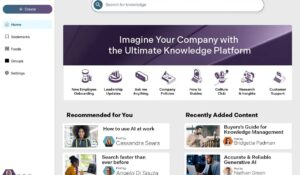
| Unily | Highly customizable intranet | Large enterprises |
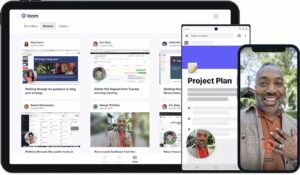
| Loom | Async video communication tools | Remote and hybrid teams |
| LumApps | Strong personalization | Enterprise teams |
| Poppulo | Advanced analytics | Communication teams |
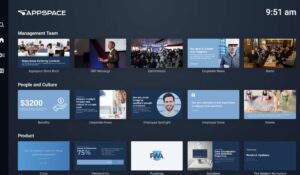
| Appspace | Hybrid workplace tools | Office & hybrid environments |
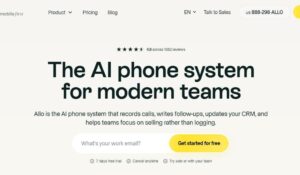
| Allo | AI automation and simplicity | SMBs and startups |
To explore these employee communication platforms in detail, you should also review this internal communications tools guide.
Why many organizations prefer HubEngage?
Many employee communication platforms fail to clearly demonstrate long-term value, which often creates uncertainty for business decision-makers. This is where HubEngage offers a stronger and more flexible approach.
Rather than requiring organizations to adopt a complete platform immediately, HubEngage allows companies to start with individual modules like communications, recognition, or employee surveys.
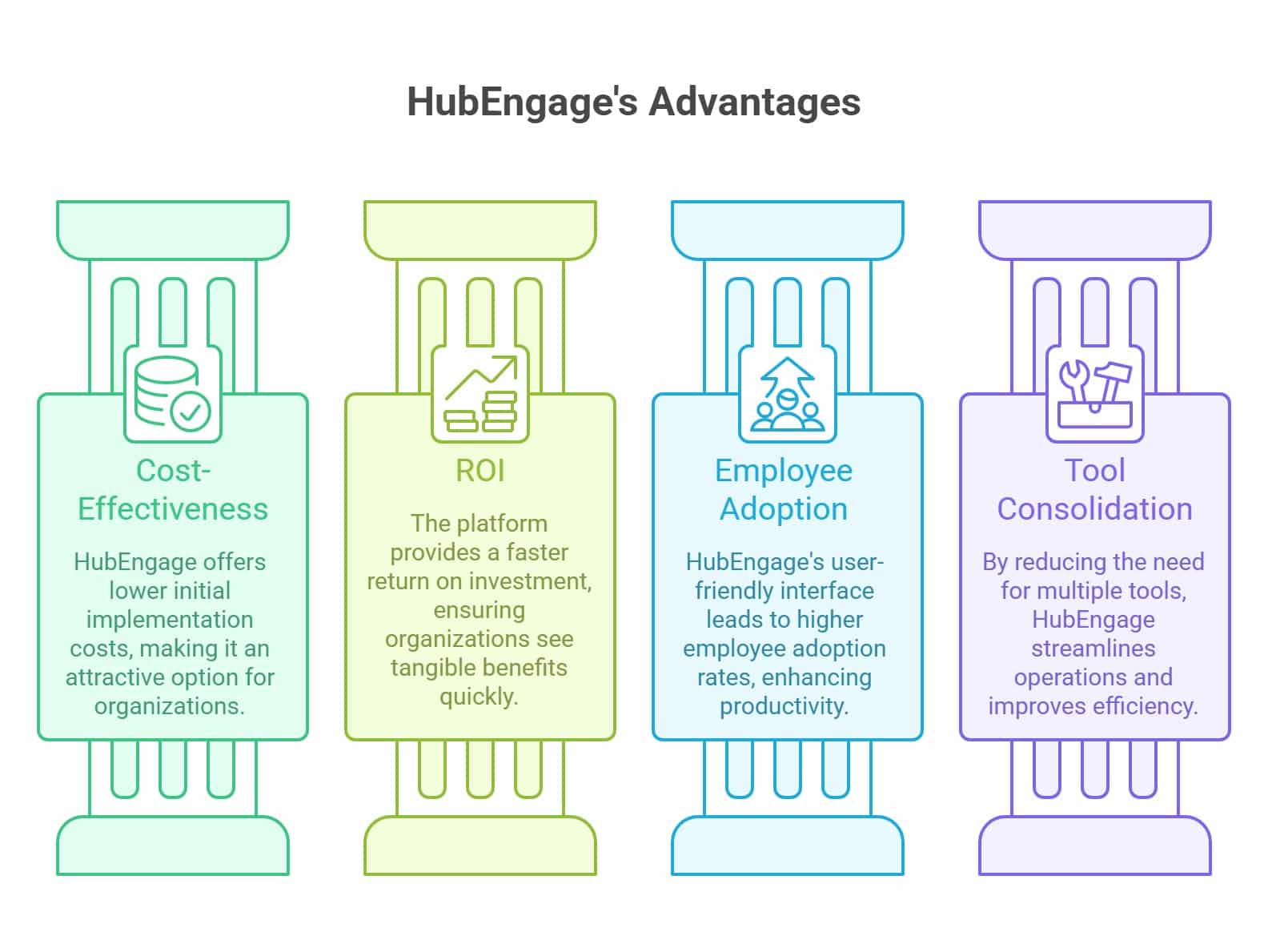
As business requirements evolve, organizations can expand into a broader employee experience platform. This modular model helps deliver:
- Lower initial implementation costs
- Faster return on investment
- Better employee adoption rates
- Reduced dependency on multiple tools
ContactMonkey vs HubEngage
Below is a simple comparison table highlighting important differences that will help buyers compare both platforms more easily.
| Comparison Area | ContactMonkey | HubEngage |
| Primary Focus | Internal email communication | Full employee engagement platform |
| Communication Channels | Mostly email-based | Email, mobile, social, intranet, push notifications |
| Employee Recognition | Limited | Built-in recognition and rewards |
| Mobile Employee App | Limited focus | Fully supported |
| Social Intranet | Not core capability | Included |
| Surveys & Feedback | Basic pulse surveys | Advanced surveys and employee listening |
| Employee Advocacy | Limited | Included |
| Frontline Workforce Support | Limited | Strong mobile-first support |
| Platform Scalability | Mostly communication-focused | Modular and scalable |
| Pricing Flexibility | Quote-based pricing | Flexible deployment options |
| Long-Term Cost Savings | Additional tools often required | Consolidates multiple employee tools |
| User Adoption | Strong for Outlook users | Strong omnichannel adoption |
| Best Fit | Email-centric organizations | Organizations seeking broader engagement strategy |
Conclusion
ContactMonkey is a useful platform for organizations focused mainly on internal email communication and employee newsletters. Its analytics tools and Outlook integration help teams improve communication visibility and engagement tracking.
However, buyers should also evaluate limitations related to pricing transparency, mobile communication, employee recognition, and broader engagement capabilities. Organizations needing multichannel communication and scalable employee engagement tools may require additional platforms.
HubEngage offers a more complete employee experience solution with communications, recognition, surveys, mobile engagement, social intranet, and advocacy tools within one scalable platform.
ContactMonkey FAQs
What is ContactMonkey used for?
ContactMonkey is mainly used for internal email communication, employee newsletters, engagement tracking, and communication analytics within Outlook and Gmail environments. Organizations use it to improve employee communication visibility and measure internal campaign performance.
Does ContactMonkey have transparent pricing?
No. ContactMonkey does not publicly display exact pricing details on its website. Organizations must contact the sales team for custom pricing quotes based on employee count, feature requirements, communication needs, and overall business size.
What are the biggest drawbacks of ContactMonkey?
Common drawbacks include limited pricing transparency, dependence on email communication, restricted broader engagement capabilities, occasional Outlook performance issues, and increasing subscription costs as organizations expand communication programs across larger employee workforces.
Is ContactMonkey suitable for small businesses?
ContactMonkey can work for small businesses needing internal newsletters and email analytics. However, pricing concerns and limited multichannel engagement capabilities may reduce long-term value for growing organizations with broader communication needs.
What are the best ContactMonkey alternatives?
Popular ContactMonkey alternatives like HubEngage offer broader employee engagement features including mobile communication, recognition programs, social intranet tools, and multichannel communication capabilities.
Why do organizations choose HubEngage over ContactMonkey?
Organizations often choose HubEngage because it combines employee communications, recognition, surveys, social intranet, advocacy, and mobile engagement tools within one scalable platform that supports broader workforce engagement and long-term software consolidation.