Small businesses often struggle with one common problem i.e. keeping work organized across different people, locations, and devices. As teams grow, spreadsheets, emails, chat messages, and sticky notes quickly become difficult to manage. Missed deadlines, duplicate work, and poor communication become common.
This is one reason why the demand for task management software continues to grow. For many businesses, free task management software is the ideal starting point. It helps teams organize work, assign responsibilities, monitor progress, and improve collaboration without increasing costs.
However, not every free tool is designed for long-term growth. Many free plans include limits on users, automation, storage, reporting, or administration. Choosing the right platform today can save your business from expensive migrations later.
In this blog, we review the 10 best free task management software solutions for small businesses and explain how to choose the best one for your team.
Key Takeaways
- Free task management software can improve coordination fast, but the free tier usually caps users, storage, automation, and admin control.
- The best tool depends on the job, structured boards for team coordination, and broader work hubs for reducing tool sprawl.
- Free tools are useful until they create silos, then the hidden cost becomes migration, governance, and duplicate work.
- For frontline and distributed teams, mobile access, clarity, and low training overhead matter more than fancy project features.
- A unified platform starts to make more sense when communication, scheduling, tasks, and learning works together.

List of Free Task Management Software For Distributed Teams
Choosing the right task management software depends on your team size, workflows, and future growth plans. Here are some of the best free task management software solutions you can choose:
1. HubEngage
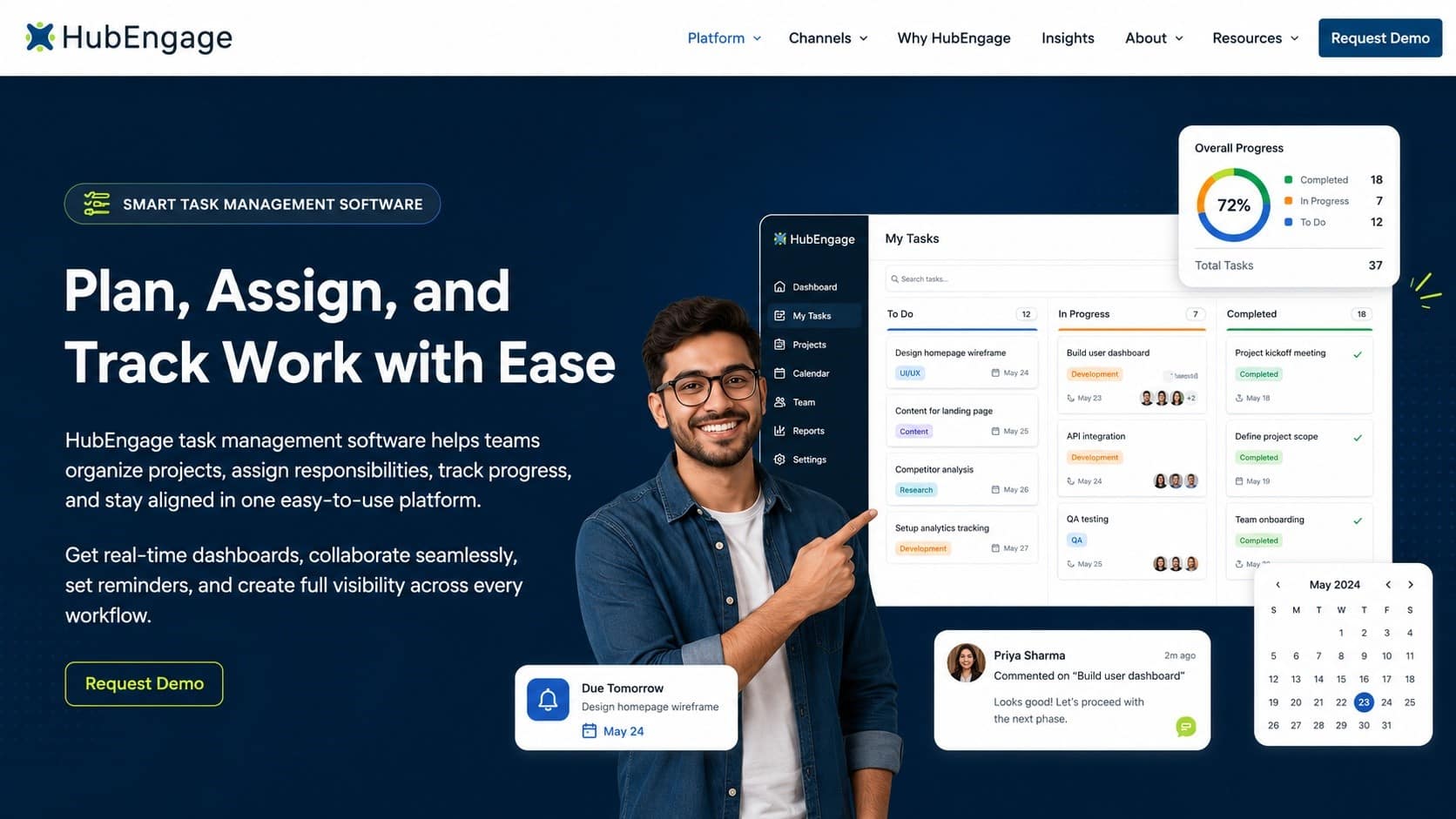
HubEngage is an AI-powered employee experience platform that combines task management, internal communication, employee engagement, scheduling, learning, and collaboration in one mobile-first platform. Small businesses can assign tasks, automate workflows, communicate with employees, and keep work organized without switching between multiple applications.
Top Features
-
Task management with boards, lists, and workflow automation
-
AI-powered employee chatbot and smart search
-
Employee communication across mobile, web, email, SMS, Teams, and Slack
-
Employee scheduling, learning, and engagement tools
-
Real-time dashboards and task analytics
Pros
-
Reduces tool sprawl with one connected platform
-
Excellent for frontline, deskless, and distributed teams
-
Mobile-first experience with enterprise-grade security
Cons
-
May face some problem in initial setup.
2. Asana
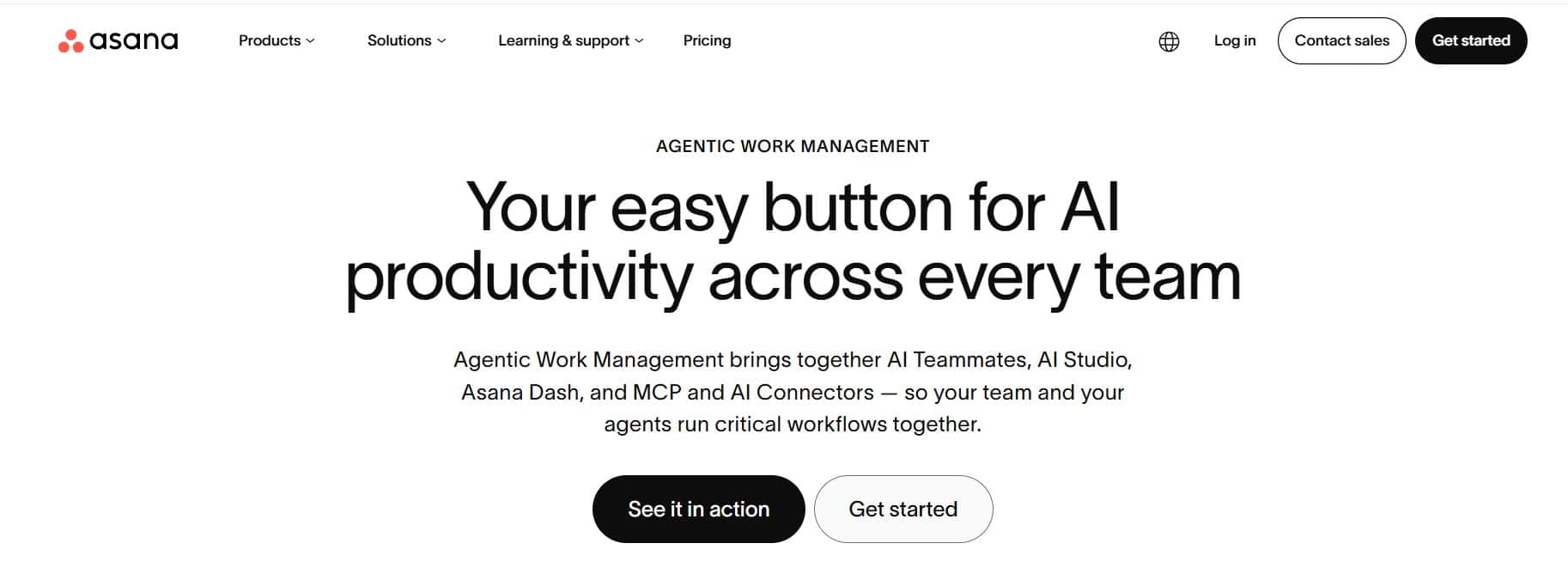
Asana is a popular task management platform that helps small businesses organize projects, assign work, and track deadlines. Its clean interface and multiple project views make it easy for teams to manage daily work and collaborate efficiently.
Top Features
-
List, Board, and Calendar views
-
Task assignments and due dates
-
Project templates and recurring tasks
-
Workflow automation and integrations
Pros
-
Easy to learn and use
-
Strong project organization features
Cons
-
Free plan has user limitations
-
Advanced reporting requires paid plans
3. Trello
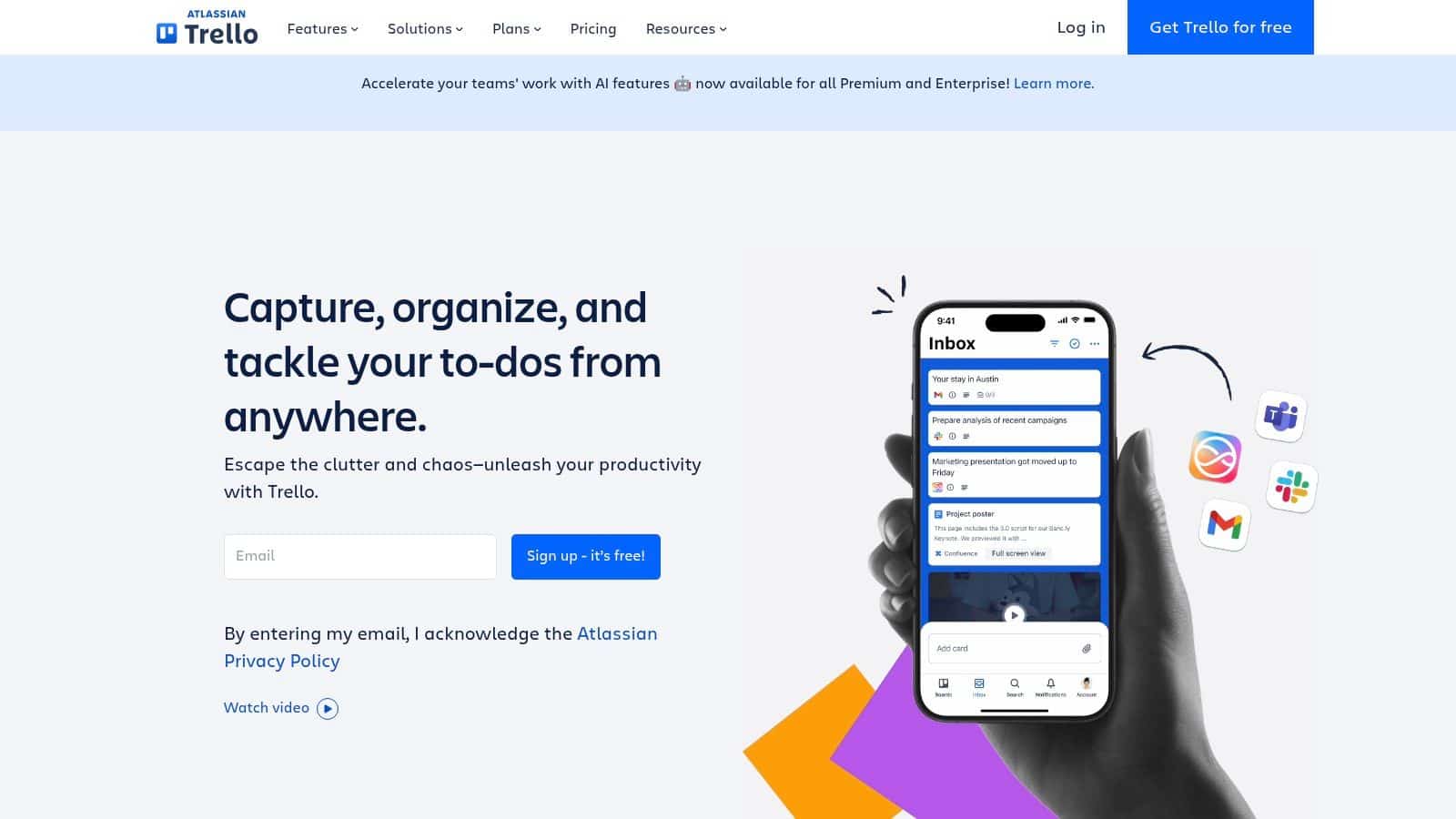
Trello is a visual task management tool that uses Kanban boards to organize work. It is a good choice for small businesses that want a simple way to manage projects, daily checklists, and team collaboration.
Top Features
-
Drag-and-drop Kanban boards
-
Unlimited task cards
-
Power-Ups and Butler automation
-
Mobile and desktop applications
Pros
-
Very easy to set up
-
Excellent for simple workflows
Cons
-
Limited for complex project management
-
Board limits on the free plan
4. ClickUp
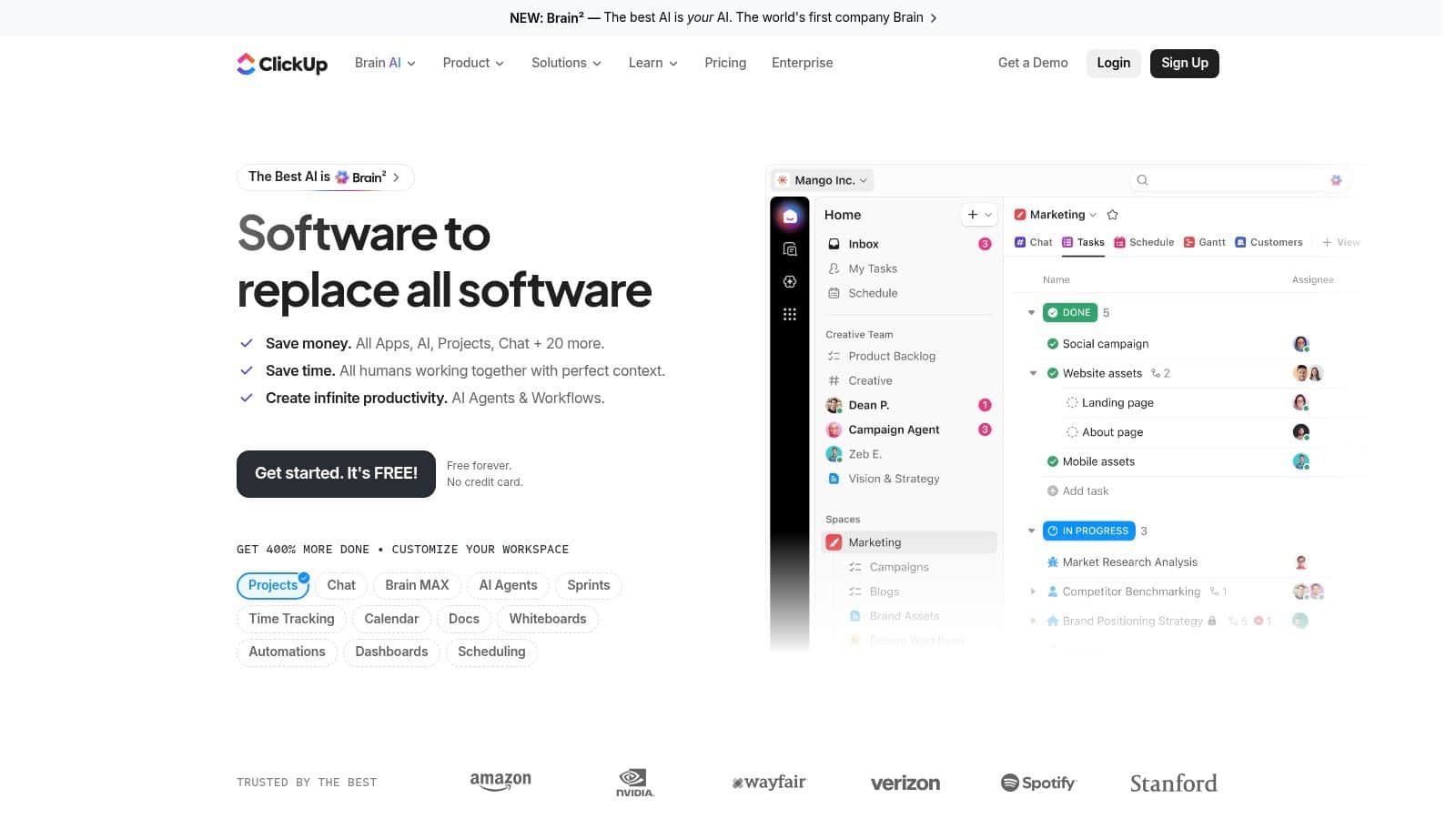
ClickUp is an all-in-one productivity platform that combines task management, documents, goals, and team collaboration. It is designed for growing businesses looking to reduce the number of workplace tools they use.
Top Features
-
Multiple task views
-
Built-in Docs and Goals
-
Team collaboration tools
-
Workflow automation
Pros
-
Generous free plan
-
Highly customizable workspace
Cons
-
Can feel overwhelming for new users
-
Some advanced features require paid plans
5. Monday AI Workspace
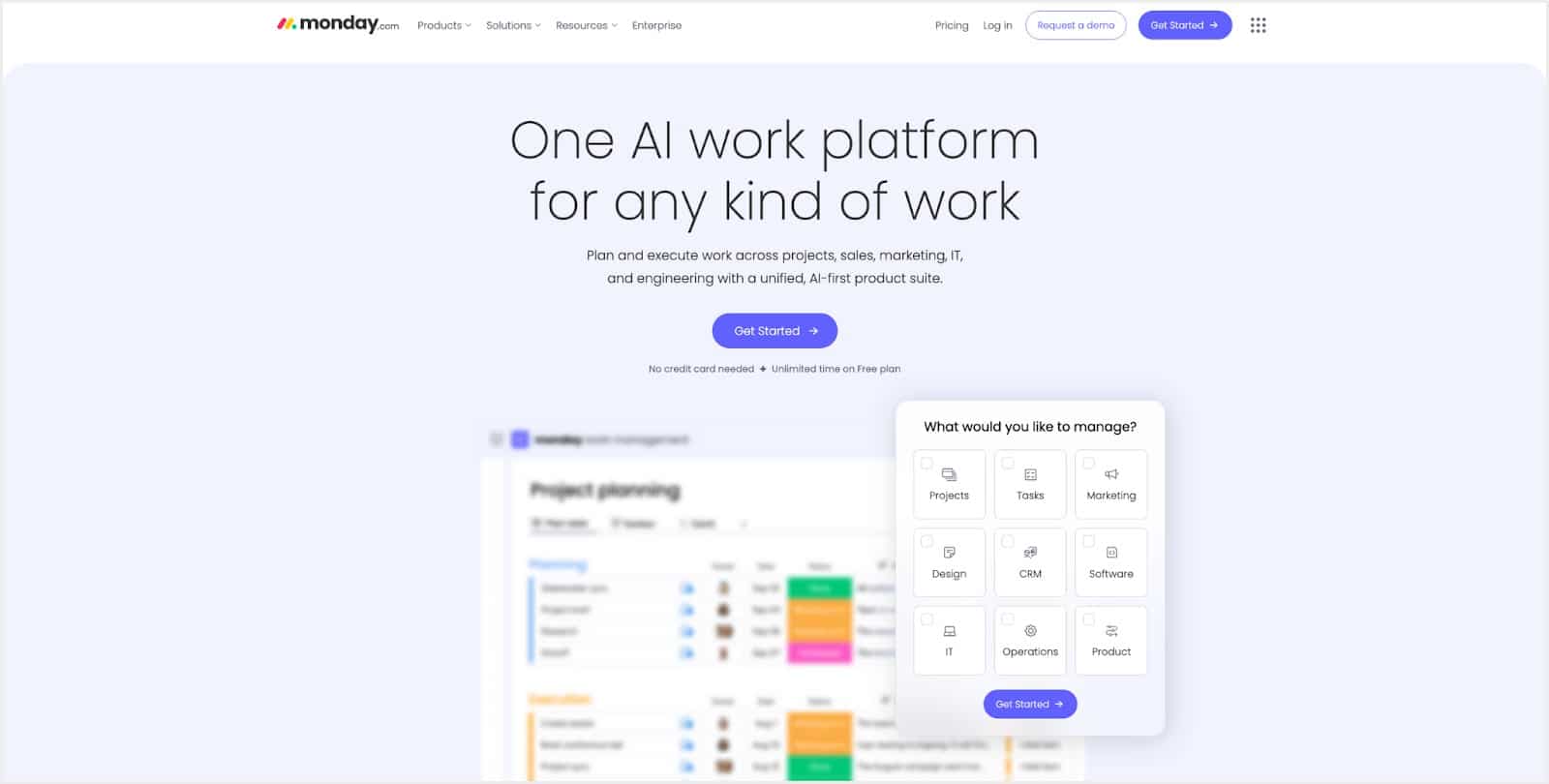
Monday AI Workspace helps teams manage projects using visual boards and AI-powered workflow automation. It is well suited for operations, marketing, and cross-functional teams that want better visibility into project progress.
Top Features
-
AI-powered workflow automation
-
Visual project boards
-
Custom dashboards and templates
-
Team collaboration tools
Pros
-
Modern and easy-to-use interface
-
Strong workflow customization
Cons
-
Free version supports only two users
-
Advanced automation requires paid plans
6. Jira Software
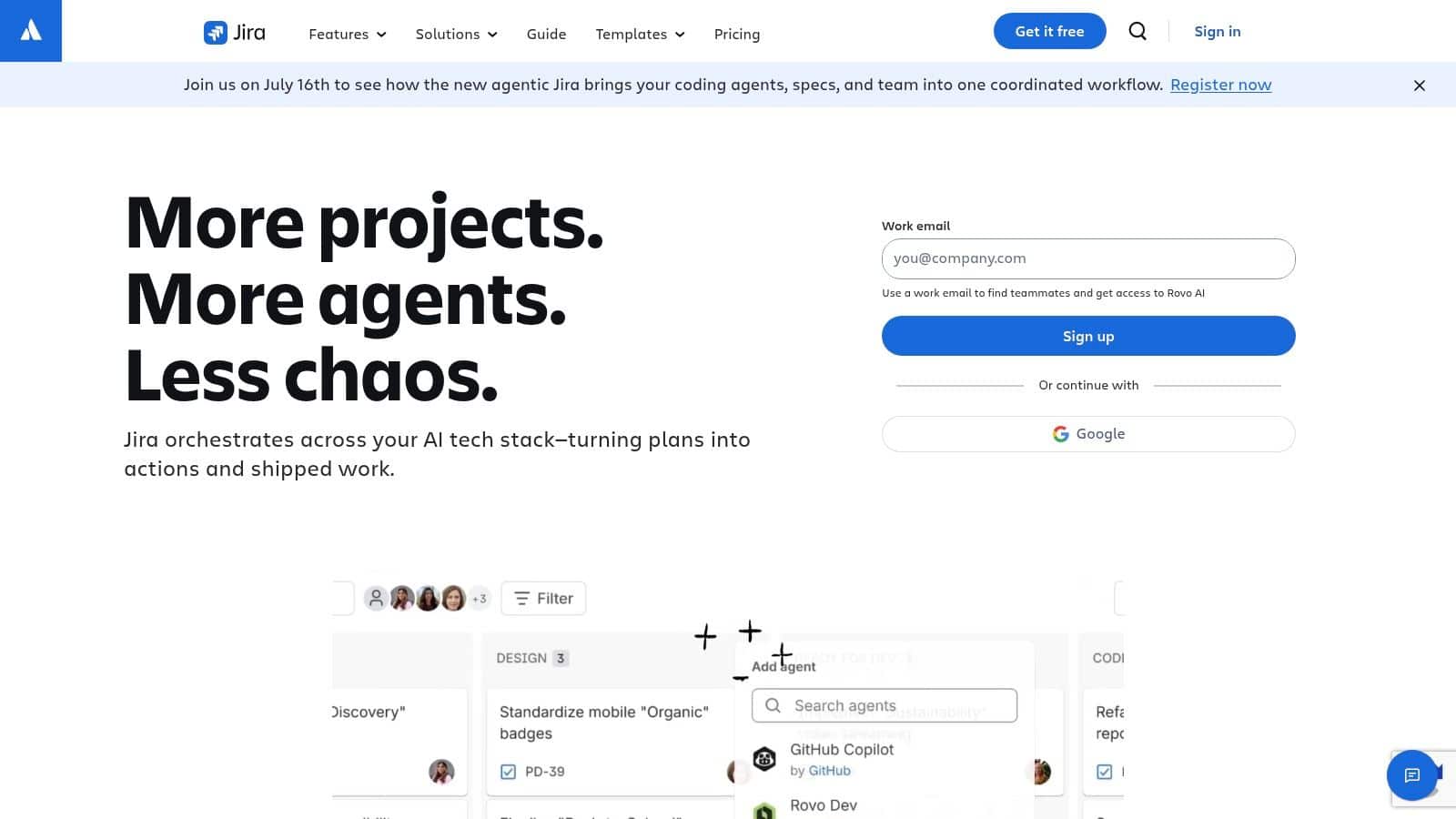
Jira Software is a project management platform built for software development, IT teams, and Agile project management. It helps businesses manage sprints, bugs, tasks, and product development workflows.
Top Features
-
Scrum and Kanban boards
-
Sprint planning and backlogs
-
Workflow automation
-
Reporting dashboards
Pros
-
Excellent for Agile development
-
Powerful workflow controls
Cons
-
Steeper learning curve
-
Less suitable for non-technical teams
7. Airtable
Airtable combines the simplicity of spreadsheets with the flexibility of databases. It helps teams organize projects, requests, content, and operational workflows using customizable tables and views.
Top Features
-
Relational databases
-
Grid, Calendar, and Kanban views
-
Workflow templates
-
Forms and collaboration tools
Pros
-
Highly flexible workflow management
-
Excellent for structured business processes
Cons
-
Requires setup and customization
-
Free plan has record limitations
8. Wrike
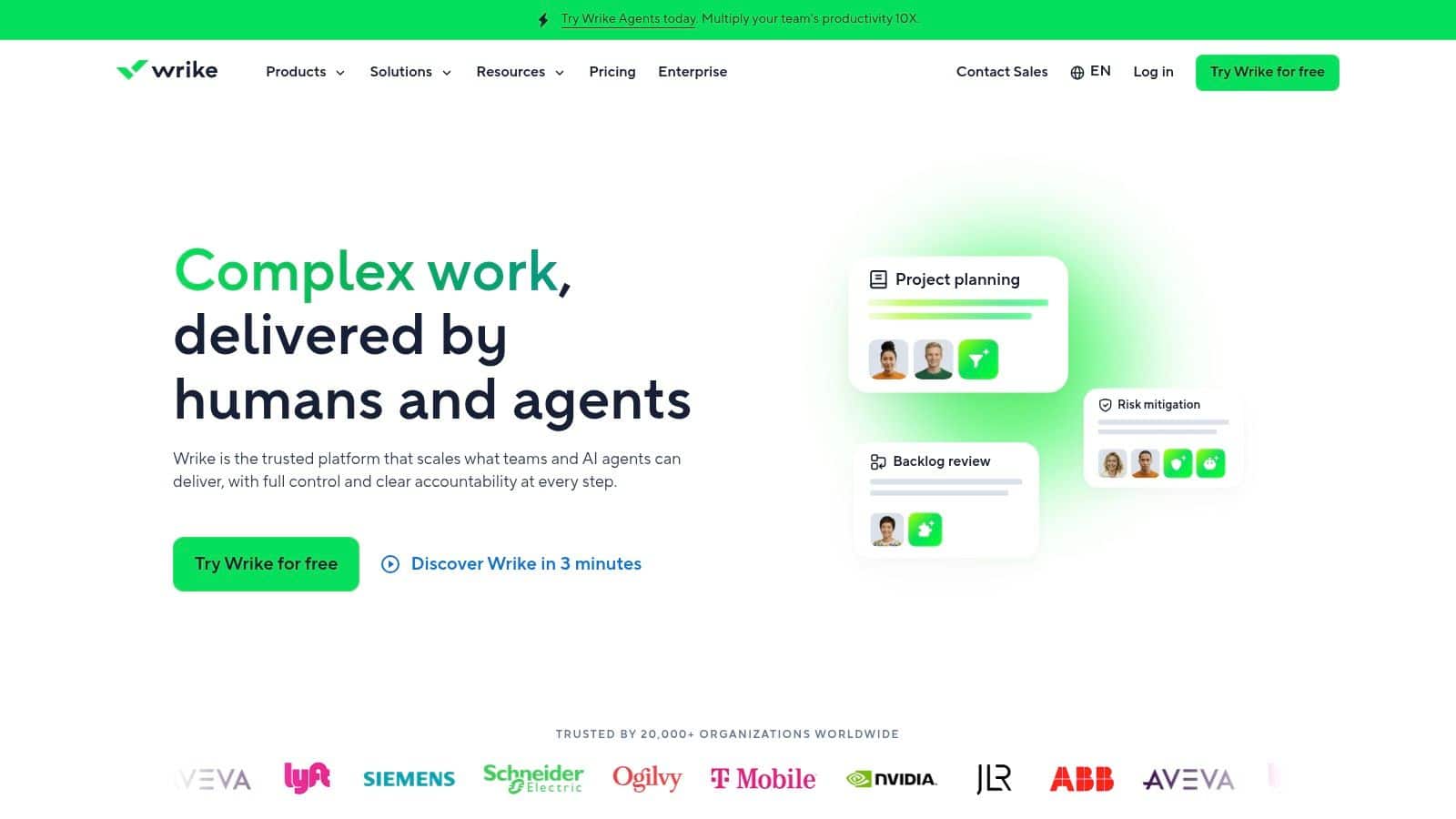
Wrike is a project management platform that helps teams organize work, track progress, and improve collaboration. It is a good choice for businesses planning to scale their project management processes.
Top Features
-
Board and Table views
-
Task comments and file sharing
-
Project dashboards
-
Mobile applications
Pros
-
Clean and organized interface
-
Suitable for growing teams
Cons
-
Active task limits on free plan
-
Advanced reporting is paid
9. Bitrix24
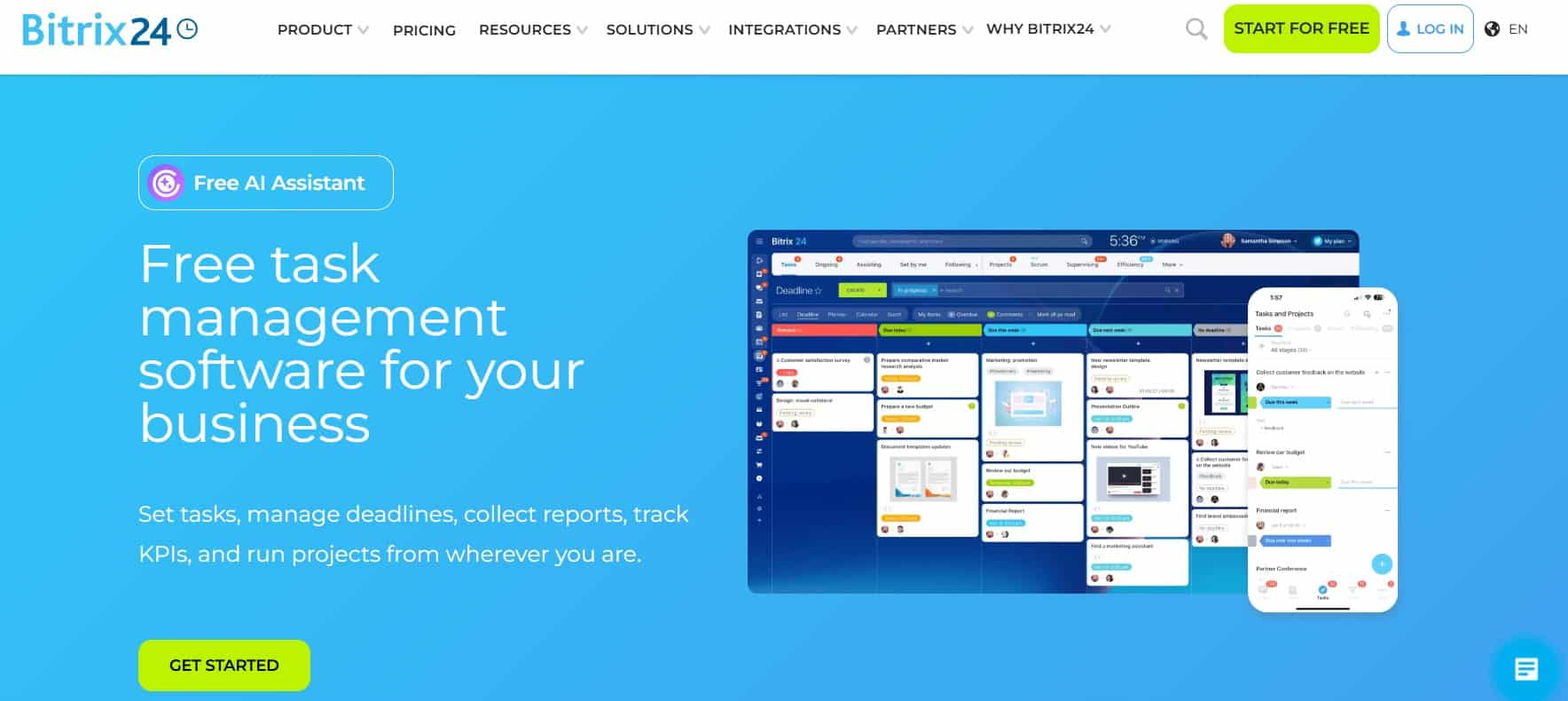
Bitrix24 is a business management platform that combines task management, CRM, communication, calendars, and collaboration tools. It helps small businesses manage multiple business activities from one platform.
Top Features
-
Task and project management
-
CRM and contact management
-
Team chat and video meetings
-
Shared calendars and file storage
Pros
-
Wide range of built-in business tools
-
Good value for small businesses
Cons
-
Interface can feel crowded
-
Some advanced features require paid plans
10. MeisterTask
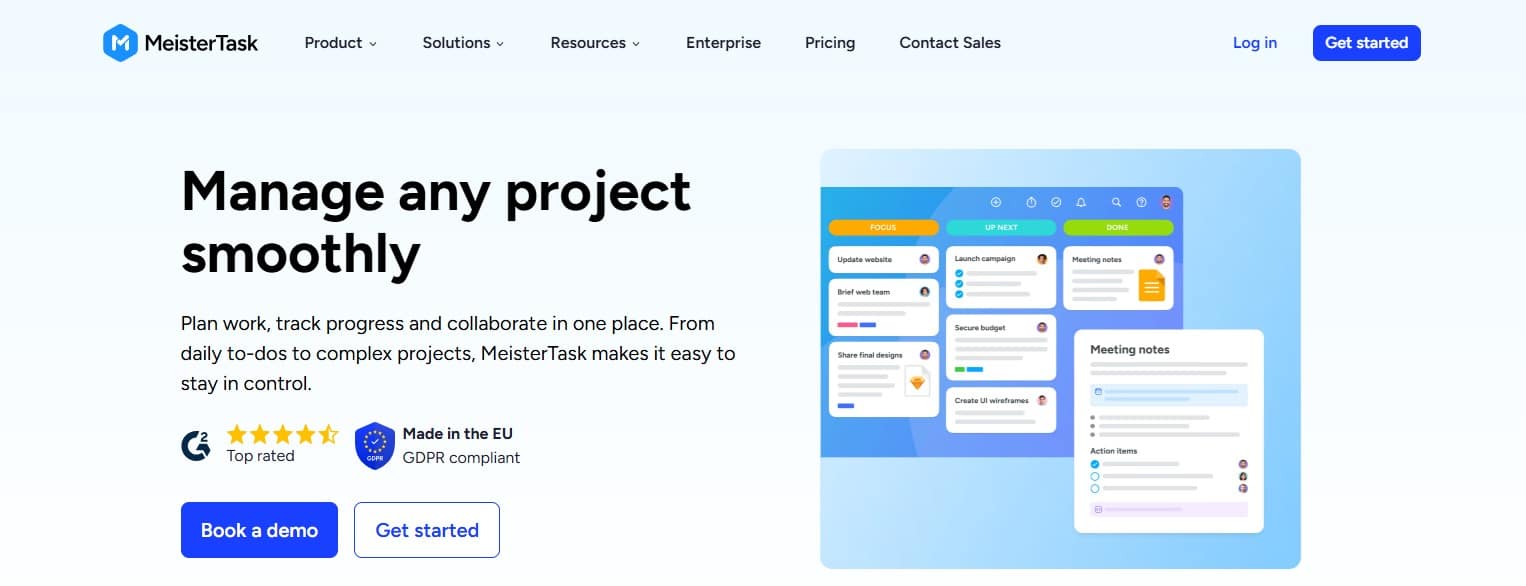
MeisterTask is a simple Kanban-based task management tool that helps teams organize projects with visual boards. It is ideal for small businesses looking for an easy-to-use project management solution.
Top Features
-
Kanban project boards
-
Unlimited tasks
-
Workflow templates
-
Mobile and desktop apps
Pros
-
Very easy to learn
-
Clean and modern interface
Cons
-
Free plan limits projects
-
Not suitable for advanced project portfolio management
Free Task Management Softwares Comparison
| Tool | Best For | Trial Information | Starting Price |
|---|---|---|---|
| HubEngage | Small Businesses, Frontline, remote, and distributed teams | Demo available upon request | From $1/user/month, billed annually |
| Asana | Project boards and task lists | Free plan available | From $10.99/user/month, billed annually |
| Trello | Simple Kanban task management | Not provided | Not provided |
| ClickUp | Custom task views | Free plan available | From $7/user/month, billed annually |
| monday AI Workspace | Workflow automation | 14-day free trial | From $31/user/month, billed annually |
| Jira Software | Agile project management | Not provided | Not provided |
| Airtable | Relational workflow management | Not provided | Not provided |
| Wrike | Scalable project planning | 14-day free trial | From $10/user/month, billed annually |
| Bitrix24 | CRM, communication, and task management | Not provided | Not provided |
| MeisterTask | Unlimited tasks and team members | Free trial, free plan, and free demo available | From $13/user/month, billed annually |
How to choose a Free Task Management Software?
Choosing a tool isn’t just about features, it’s about fit. Here is a checklist that we believe will help you in selecting the right task management app :
| Evaluating Factor | What to Check |
|---|---|
| Ease of use | Employees should understand how to find, update, and complete tasks without extensive training. |
| Mobile accessibility | Frontline, field, hourly, and deskless employees should be able to use the tool from their phones. |
| User limits | Confirm whether the free plan supports the entire team or only a small pilot group. |
| Task and project limits | Review limits on boards, active tasks, records, projects, and subtasks. |
| Integrations | Check whether the tool connects with communication, storage, HR, payroll, and learning systems. |
| Permissions and access control | Determine whether managers can control access to sensitive projects and information. |
| Scalability | Review paid-plan pricing, upgrade options, and future migration requirements. |
| Tool consolidation | Choose a platform that connects work instead of creating another application employees must check. |
Conclusion
For frontline organizations, the winning question isn’t which app has the nicest board. It’s which system helps managers assign work, help employees find answers, and keep execution moving without adding more logins.
HubEngage helps organizations bring tasks, communication, engagement, and learning into one connected workforce experience. If you are comparing free task tools today and already seeing the limits of app sprawl, you must explore our platform built to support distributed, and small businesses at one place.
Ready to deliver the best employee experience?, take a demo to see HubEngage in action.
FAQs on Free Task Management Software
What integrations do free task management tools support?
Most free task management tools connect with email, Google Calendar, Slack, and cloud storage. More advanced integrations, such as CRM, time tracking, payroll, or workflow automation, often require a paid plan.
What are the main limits of free task management software?
Most free task management software limits users, storage, automations, reports, or project capacity. These plans work well for basic tasks, but growing teams may need stronger controls and wider visibility.
Can a free task management tool support an entire business?
A free task tool can support a very small business or a limited pilot. As teams grow, user limits, permissions, reporting needs, and connected workflows often make a paid platform necessary.
Which free task management tool is best for frontline teams?
HubEngage is often the easiest free task tool for frontline teams because its visual boards require little training. It is better suited when tasks must connect with communication, learning, scheduling, and employee support.
When should teams move from free tools to a unified platform?
Teams should move to a unified platform when tasks, communication, files, learning, and employee support are spread across different apps. Frequent tool switching, missed updates, and duplicate work are clear warning signs.
Is free task management software safe to use?
Free task management software can be safe when it offers encryption, two-factor authentication, permissions, and clear privacy policies. Businesses should avoid storing sensitive data until they review security controls, compliance, and data ownership.
Related Links
task management software | task management app | project-management-software | workforce management | team collaboration tools