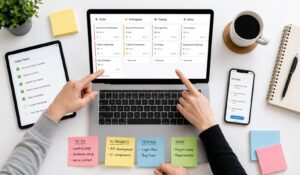
Most advice about project management software starts with boards, timelines, and automations. That’s too narrow. SMBs and distributed teams rarely fail because they couldn’t create another task list. They fail because people miss updates, don’t know which task matters now, can’t find the latest instruction, or never see the request in the first place.
That gap matters more than ever. As per Business Research Company, project management software market is expected to reach $16.87 billion by 2030, with hybrid work and changing organizational structures driving growth.
Yet adoption still lags in day-to-day operations, especially outside formal PM teams. For small businesses, the right question is “Which tool helps my people complete work with clarity?” Our blog will guide you through key features, comparisons, and tips to choose the best tool for your team.
Key Takeaways
- The best project management software improves task clarity, ownership, communication, and team accountability.
- SMBs should choose simple project management tools that employees can adopt and update consistently.
- Frontline teams need mobile access, reminders, clear instructions, and location-based project updates.
- AI-powered project management features help summarize updates, automate reminders, and reduce repetitive work.
- HubEngage connects project execution with communication, knowledge sharing, scheduling, and employee support.
Top 10 Best Project Management Software
If you are a growing business with distributed teams then you must explore these leading project management software.
1. HubEngage
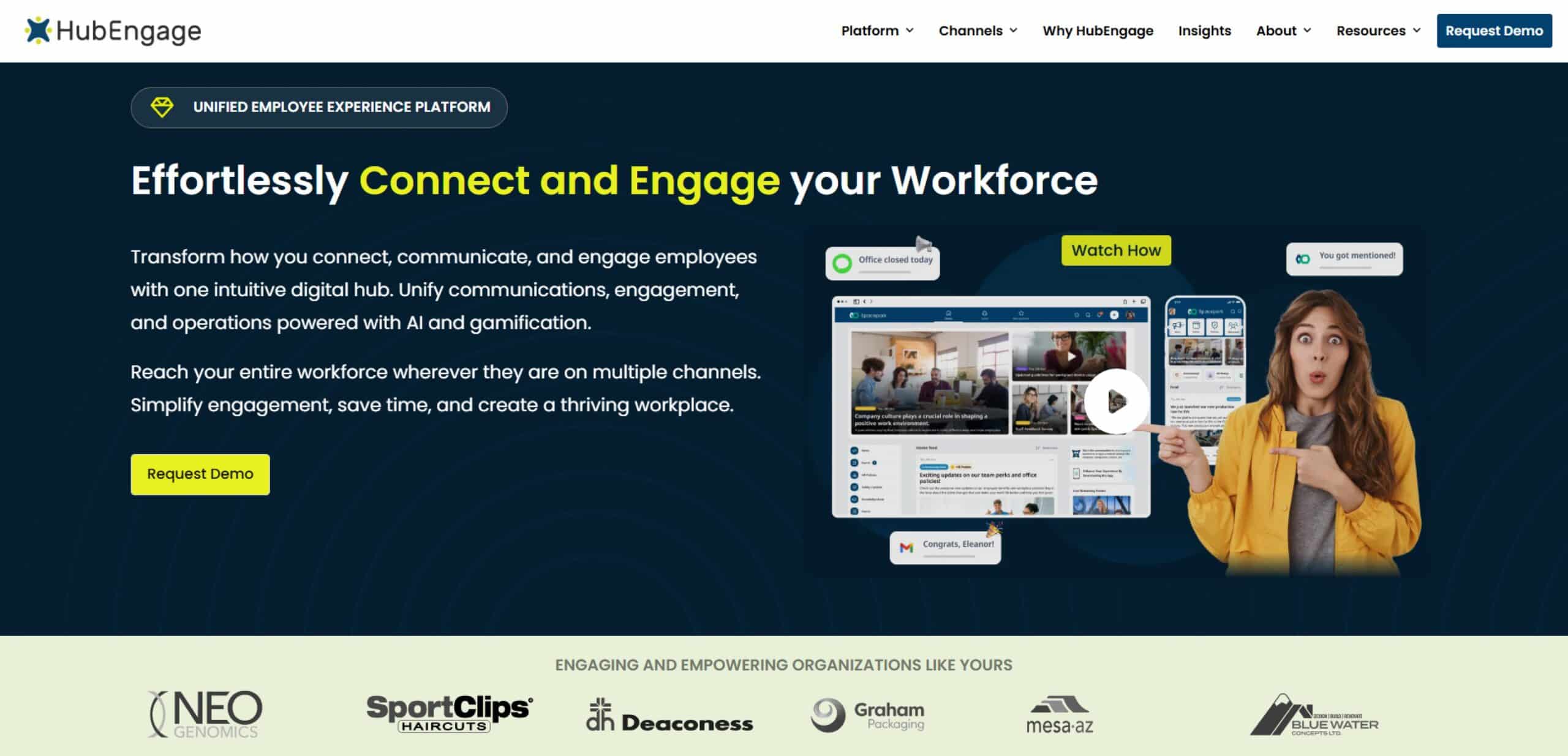
HubEngage is built for frontline and multi-location teams that need broader task management software approach like , project tracking, communication, and employee support in one project management platform. The platform offers mobile task updates, project timelines, progress reports, and manager approval workflows.
Top Features
- Mobile-first project management capabilities designed for frontline and distributed teams
- Task assignments, project updates, and manager approvals across multiple locations
- Real-time progress tracking, deadline alerts, and performance insights for distributed workforces
- Integrated communication, reminders, and AI-powered employee support for frontline teams
- Customizable reporting and analytics for project insights
Pros
- Strong fit for frontline and distributed teams
- Combines project management with communication and employee experience
- Supports task tracking, project visibility, and team accountability
Cons
- May offer more features than teams needing only basic task tools
- Best value comes when used across multiple workforce workflows
2. Jira Software
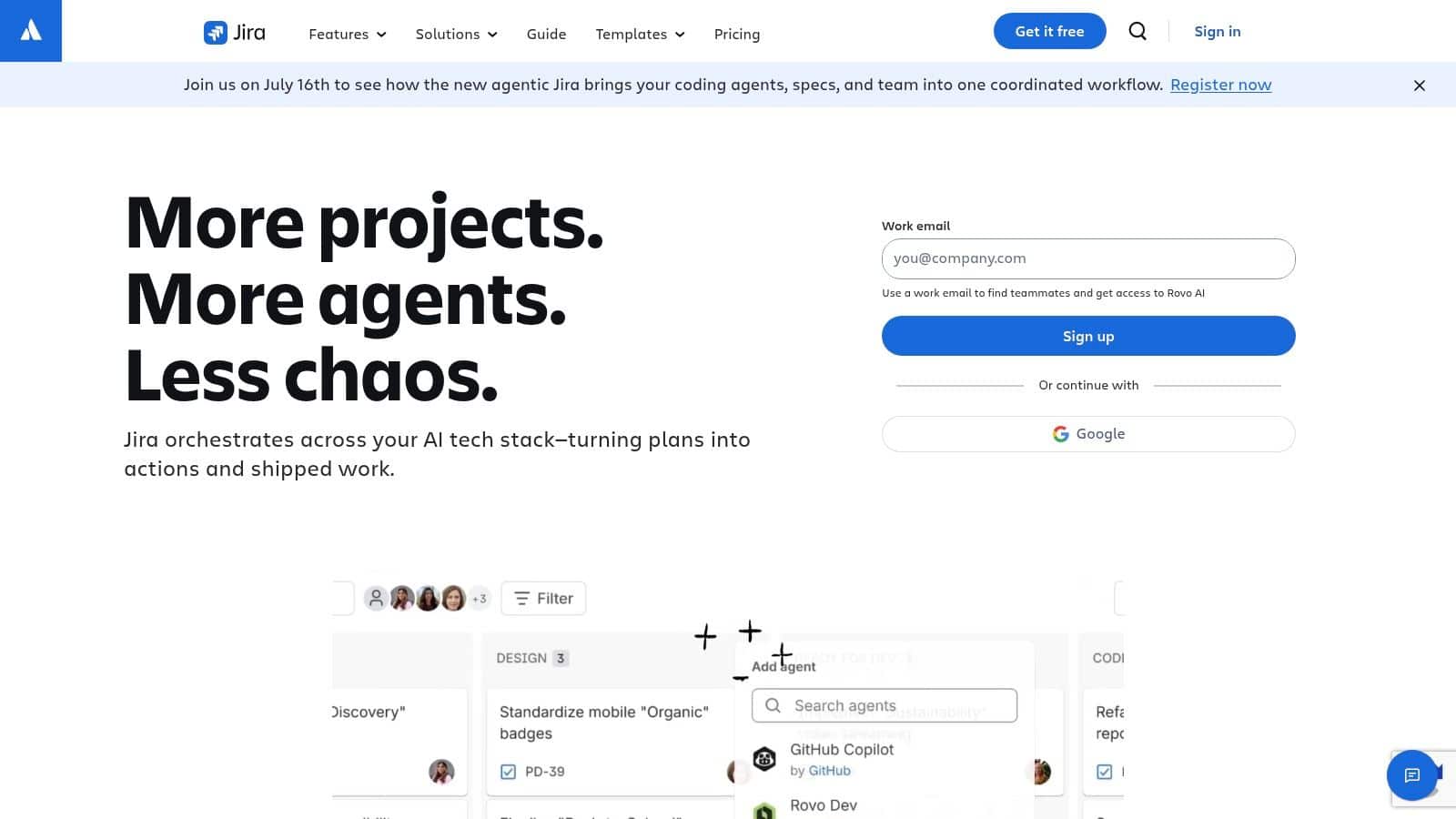
Jira Software works best when work is complex and closely connected across teams. It is designed for businesses that already manage backlogs, sprints, releases, bugs, and dependencies. Instead of just tracking tasks, Jira helps connect planning to execution.
Top Features
- Issue hierarchies that link epics, stories, and bugs
- Sprint planning, backlog management, and release tracking
- Workflow controls to manage approvals, reviews, and handoffs
- Boards that show progress, blockers, and delivery risks
Pros
- Strong fit for engineering, product, and technical teams
- Helps teams track dependencies and avoid missed handoffs
Cons
- Requires setup and ongoing management to work well
- Can feel complex for teams with simple workflows
3. Monday.com
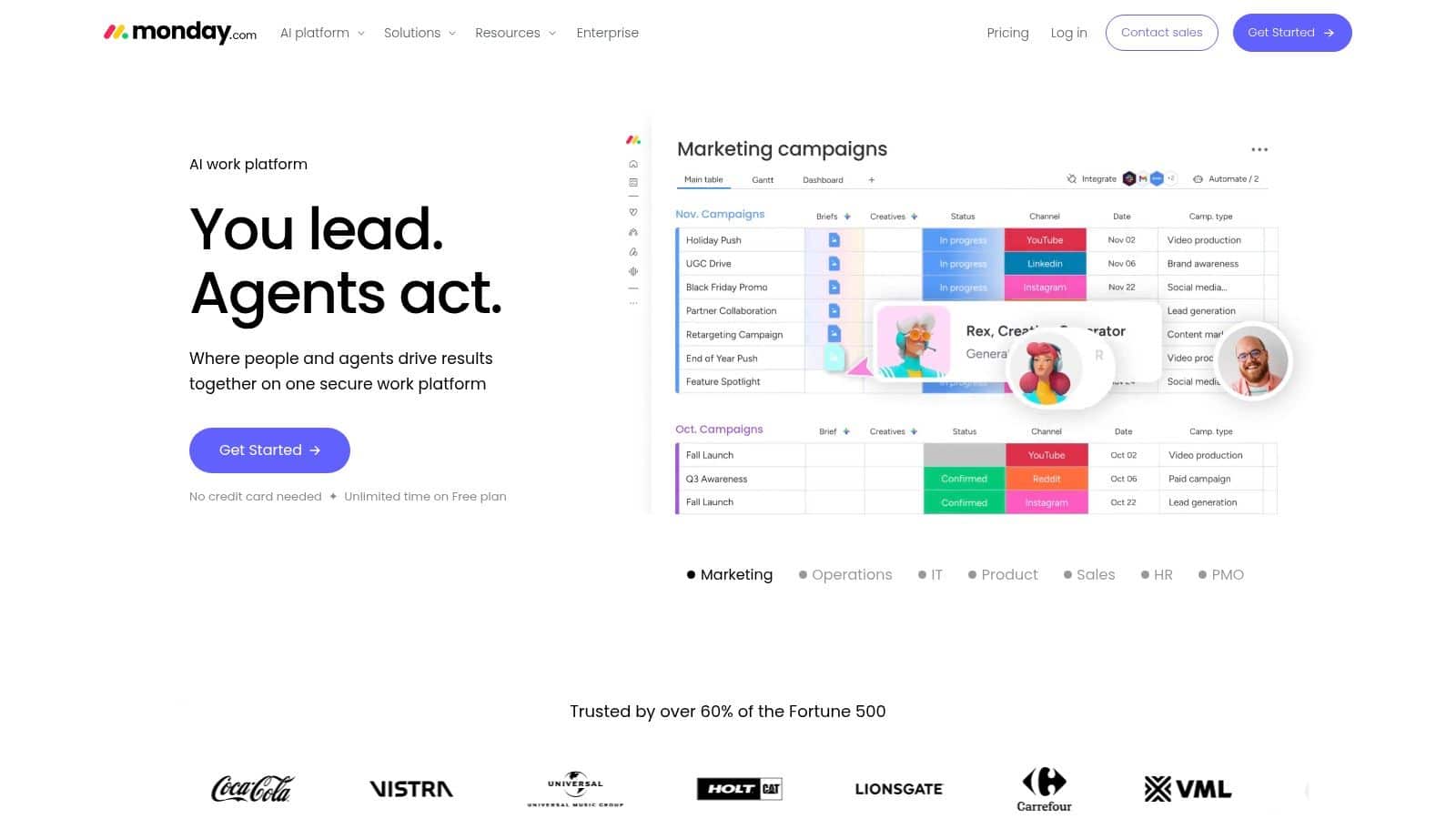
Monday.com Work Management is one of the best employee collaboration tools to shape around how a business already works. Teams can start with templates, adjust columns, add automations, and quickly build workflows that match their needs.
Top Features
- Custom boards with status columns, ownership, and timelines
- Automations for task updates, reminders, and handoffs
- Workload and capacity tracking for better planning
- Dashboards for reporting across teams and projects
Pros
- Flexible for different teams like operations, marketing, and support
- Scales easily as more teams and use cases are added
Cons
- Pricing plans can be confusing and require minimum seats
- Advanced features may require higher-tier plans
4. Smartsheet
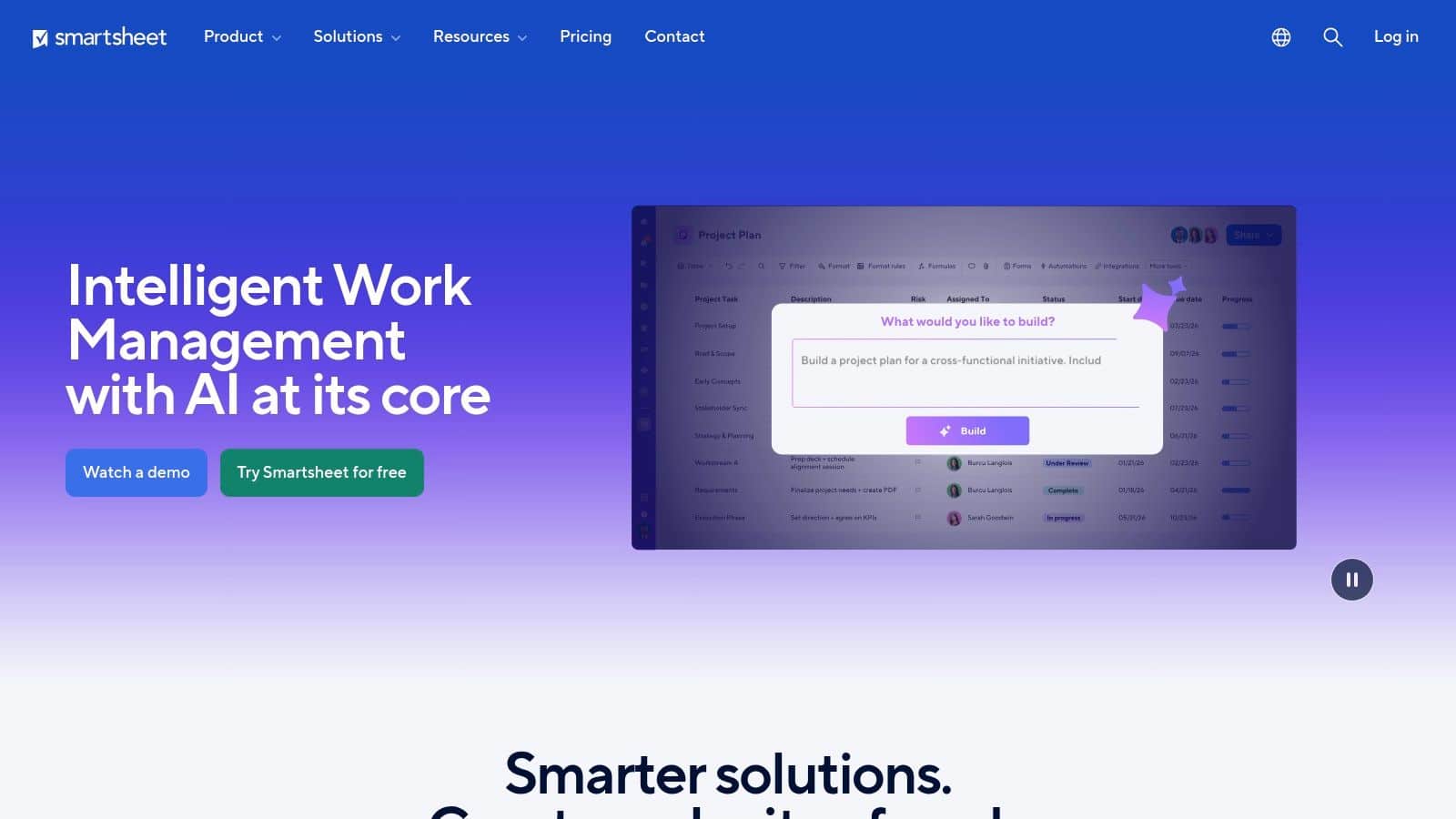
Smartsheet works best when teams already use spreadsheets and need more control and visibility. It is designed for businesses that manage work in rows and columns but want better tracking, ownership, and reporting. Instead of just storing data, Smartsheet helps connect updates to execution.
Top Features
- Grid, Gantt, Card, and Calendar views for different work styles
- Dashboards and reports that highlight progress and issues
- Automation for reminders, approvals, and status updates
- Forms to collect updates from teams in different locations
Pros
- Familiar layout makes it easier for teams to adopt
- Helps central teams track progress across many locations
Cons
- Can become messy without clear structure and ownership
- Advanced features may increase cost as teams grow
5. Wrike L
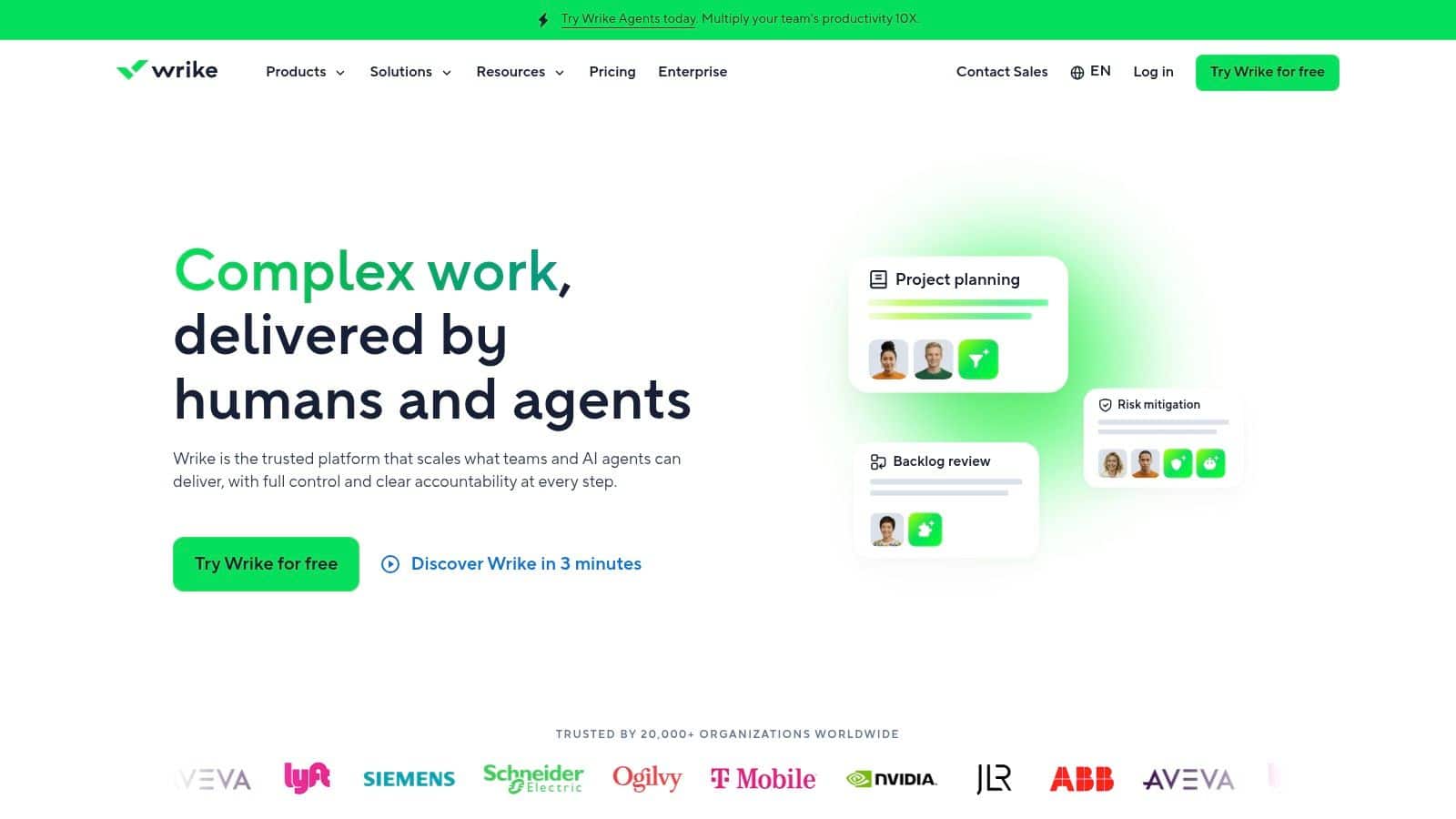
Wrike earns its place when the true problem is not task visibility, but execution control across teams. It is built for businesses that pair project workflows with a searchable internal knowledge base for procedures and team guidance usually get more consistent execution because people can find both the task and the instructions for doing it well.
Top Features
- Request forms to capture work and route it to the right team
- Built-in approvals and proofing to manage reviews and feedback
- Custom workflows to track work through each stage
- Shared workspace with tasks, files, comments, and updates
Pros
- Strong control over requests, approvals, and cross-team work
- Helps teams stay aligned with clear status and ownership
Cons
- Requires setup and clear processes to work well
- Can feel complex for teams that only need simple task tracking
6. Airtable
Airtable is a flexible tool that helps teams organize projects using connected data instead of simple task lists. It works well for tracking content, campaigns, vendors, and locations. It is powerful but can be complex and needs careful setup. Best for teams needing custom workflows and structured project systems.
Top Features
- Relational databases that connect projects, assets, and stakeholders
- Multiple views including Grid, Kanban, Calendar, and Gallery
- Interfaces for building custom dashboards and workflows
- Automations for notifications, updates, and process triggers
Pros
- Highly flexible and customizable for complex workflows
- Strong for managing interconnected data across projects
Cons
- Requires setup and ongoing administration
- Pricing can increase with scale and advanced features
7. ClickUp L
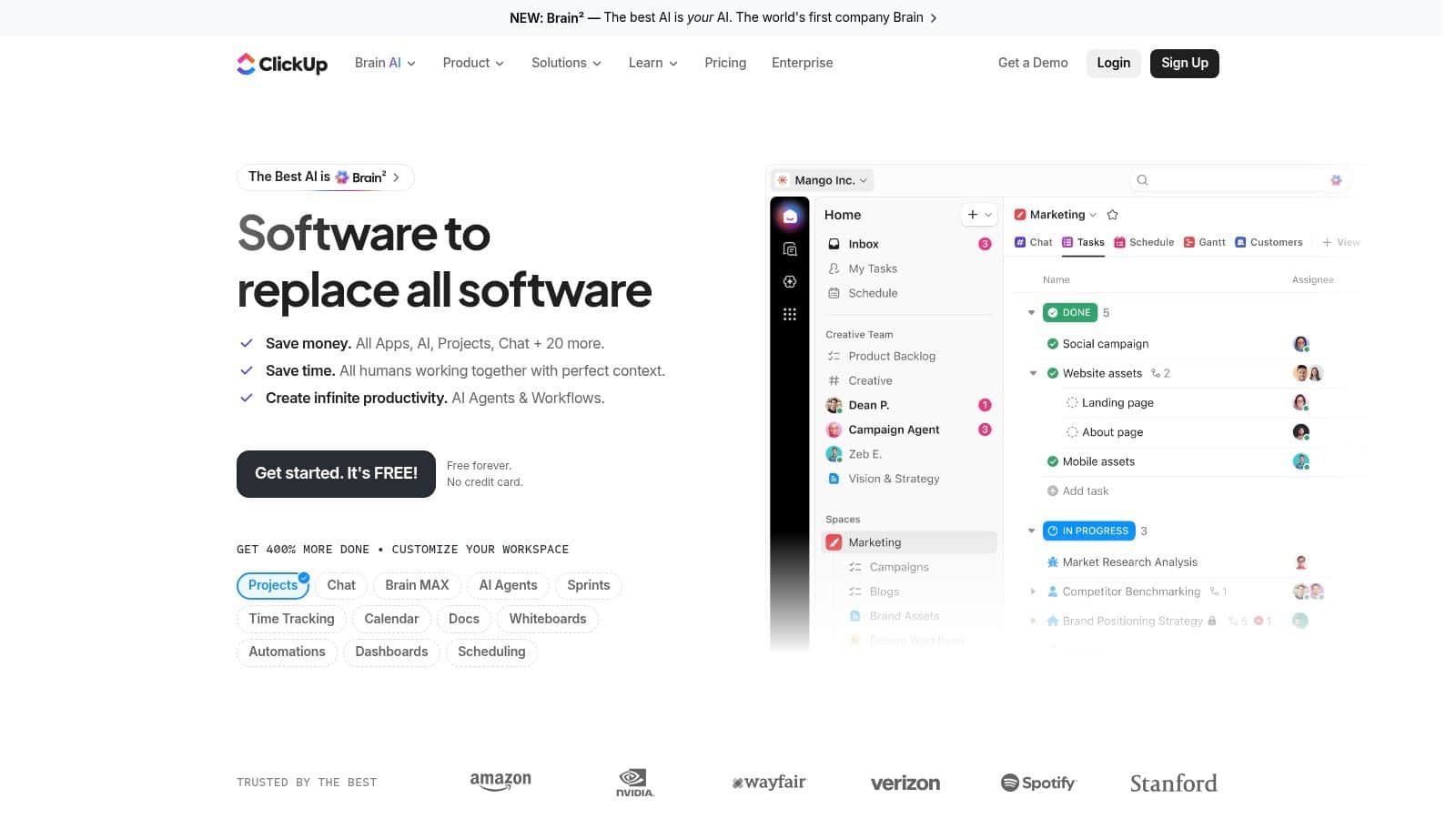
ClickUp is often bought as a task app and judged too quickly. Its real value is as a connected execution system where tasks, docs, goals, and communication stay aligned. It works best as an employee scheduling software for distributed teams that need structure without juggling multiple disconnected tools.
Top Features
- Tasks, subtasks, and multiple views to organize work
- Docs, goals, and dashboards to keep plans and updates in one place
- Built-in chat and comments for team communication
- Automations to reduce manual work and follow-ups
Pros
- Combines tasks, docs, and communication in one system
- Flexible enough to support different teams and workflows
Cons
- Can become complex if too many features are used at once
- Needs clear setup and simple processes to stay useful
8. Trello
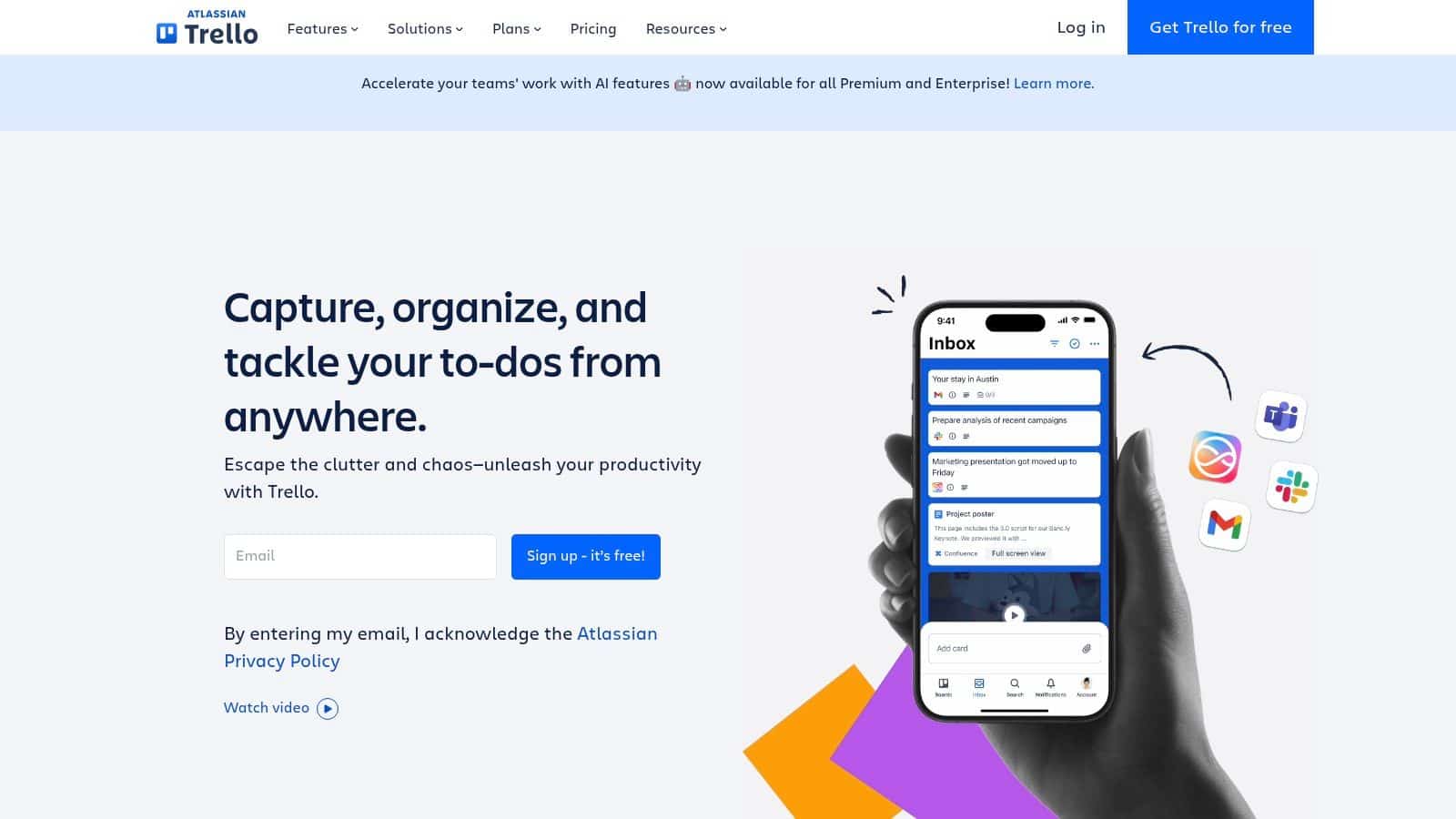
Trello excels by simplifying work visualization. Teams can quickly track tasks, manage requests, and maintain clarity with minimal training. Ideal for small teams and simple workflows, it fosters adoption and better habits, though it lacks advanced features for complex planning or resource management.
Top Features
- Visual Kanban boards with drag-and-drop cards
- Lists and cards for organizing tasks and workflows
- Power-Ups for adding integrations and extra functionality
- Simple automation with Butler for recurring actions
Pros
- Extremely easy to use with minimal training
- Fast setup for teams needing quick visibility
Cons
- Limited for complex project management needs
- Lacks advanced reporting and dependency tracking
9. Notion Projects L
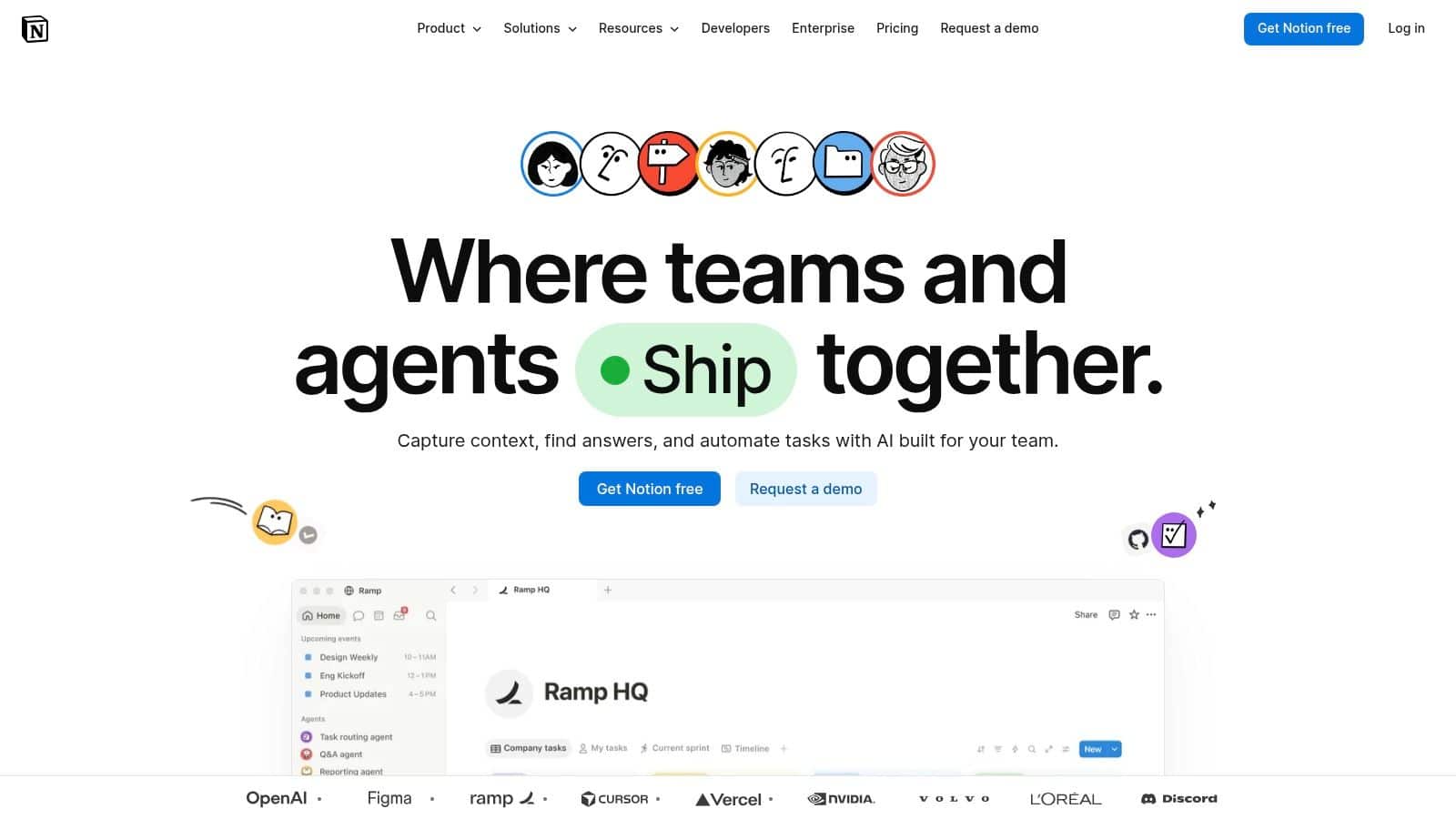
Notion is a good fit when project management software needs to live close to documentation, SOPs, meeting notes, and internal knowledge. For many SMBs, that’s more realistic than buying one system for tasks and another for information. Work often breaks down because the task exists but the context is buried somewhere else. Notion solves this by having a dedicated internal knowledge base strategy.
Top Features
- Tasks, boards, calendars, and timelines connected to documentation
- Pages and databases for SOPs, notes, and internal knowledge
- Ability to link tasks directly to guides, checklists, and FAQs
- Flexible workspace for building custom workflows and systems
Pros
- Strong for knowledge-linked execution and documentation-driven work
- Keeps tasks and context in one place, improving clarity and adoption
Cons
- Requires governance, naming rules, and structure to stay organized
- Can become messy without clear permissions and database management
10. Asana L
Asana suits teams needing structured, non-technical workflows. Marketing, HR, and operations adopt it easily. It offers lists, boards, timelines, goals, and dashboards. Costs rise quickly beyond two users. Best for employee productivity and clearer work orchestration such as coordinating multi-location initiatives and tracking progress efficiently.
Top Features
- List, Board, Timeline, and Calendar views for flexible planning
- Goals, Portfolios, and Workload for leadership visibility and alignment
- Forms for intake and standardized request management
- Dashboards and reporting for tracking progress and performance
Pros
- Easy adoption across non-technical teams
- Strong alignment between projects, goals, and organizational priorities
Cons
- Pricing increases quickly as teams scale
- Advanced features like portfolios and workload require higher-tier plans
Choosing the right Project Management Software
Here is how we select the right project management software based on the requirements given in the below table
| Business Need | What to Look For | Best-Fit Tool |
|---|---|---|
| Frontline and distributed work | Mobile access, targeted updates, reminders, knowledge support | HubEngage |
| Visual project tracking | Custom boards, dashboards, and automations | monday.com |
| Software development | Sprints, backlogs, bug tracking, and releases | Jira |
| Spreadsheet-based operations | Grid views, reports, and familiar workflows | Smartsheet |
| Approvals and requests | Forms, proofing, reviews, and workflow control | Wrike |
| All-in-one work management | Tasks, documents, goals, and collaboration | ClickUp |
| Projects with documentation | Wikis, SOPs, notes, and connected tasks | Notion |
| Cross-functional planning | Timelines, goals, portfolios, and workload views | Asana |
| Custom operational systems | Databases, linked records, and flexible interfaces | Airtable |
| Simple task management | Visual boards, checklists, and easy adoption | Trello |
Conclusion
The best project management software isn’t the most advanced platform on the list. It’s the one your teams will use to move work forward. A good dashboard doesn’t help if employees still rely on side texts, inbox searches, and manual follow-ups to figure out what to do next.
For many organizations, the actual need is having a connected workforce execution layer. That’s where a platform such as HubEngage comes in that can help teams pair task-related updates with targeted communications, knowledge resources, reminders, recognition, surveys, mobile access, and AI-powered support so employees don’t just receive assignments. They can understand them and act on them.
If your challenge isn’t just tracking tasks but getting employees informed, aligned, and responsive across locations, roles, and shifts, get a demo to see how our platform brings communications, task support, knowledge, feedback, recognition, and workforce execution into one connected experience.
FAQs on Project Management Software
What is project management software?
Project management software is a digital tool that helps teams plan tasks, assign work, track deadlines, and manage progress. It also supports communication, file sharing, and updates so employees can complete work clearly and on time.
What is the best project management software for small businesses?
The best project management software for small businesses depends on team size, workflow, and needs. HubEngage is a good choice because it combines task management with communication, scheduling, knowledge sharing, and employee engagement in one platform.
What project management software is best for software teams?
Jira is widely used by software teams to manage sprints, bugs, and releases. It supports agile workflows and tracking. HubEngage is very useful are also useful for teams needing flexible planning with both technical and business tasks.
Do frontline teams need different project management software?
Yes, frontline teams need simple and mobile-friendly tools. They require clear instructions, reminders, and easy task updates. Software should support quick access, role-based updates, and communication to help employees complete tasks without confusion.
How important is employee adoption when choosing project management software?
Employee adoption is very important. If employees do not use the software, projects fail. The tool should be easy to understand, simple to update, and accessible. Clear workflows and good usability matter more than complex features.
Should small businesses choose an all-in-one platform or separate tools?
Small businesses often benefit from all-in-one platforms. These tools combine tasks, communication, and scheduling in one place. Separate tools may offer more features but can create confusion, extra work, and disconnected information across teams.
How can HubEngage support project management?
HubEngage supports project management by combining communication, task updates, scheduling, and knowledge sharing. It helps employees stay informed, receive reminders, and complete tasks easily through mobile access and connected workplace tools.
What features should small businesses look for in project management software?
Small businesses should look for easy setup, simple task tracking, mobile access, reminders, and communication tools. The software should be affordable, easy to use, and support daily workflows without requiring complex training or setup.
Related Links
task management software approach | employee collaboration tools | internal knowledge base for procedures and team guidance | employee scheduling software for distributed teams | internal knowledge base strategy | employee productivity and clearer work orchestration