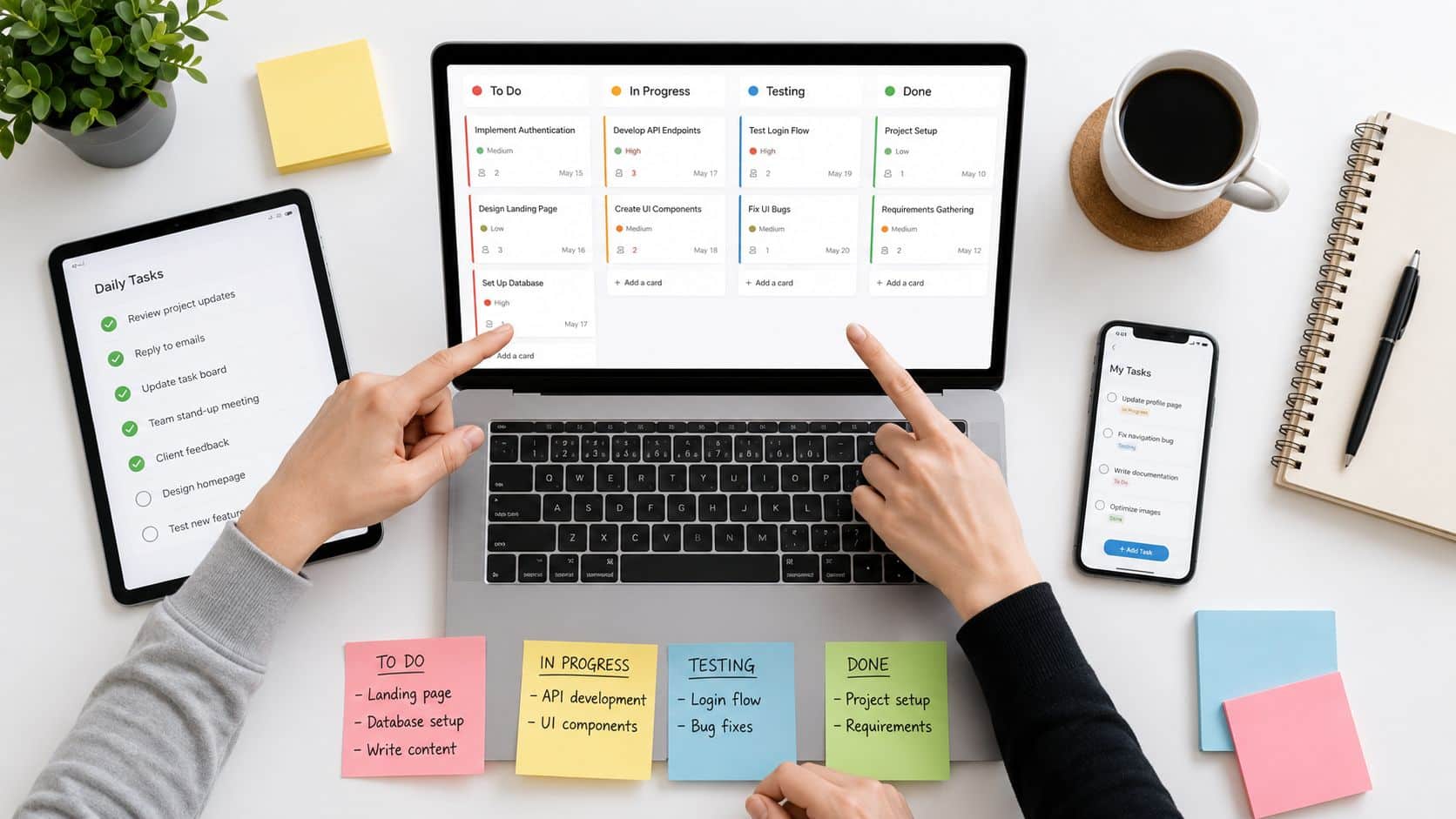
The global task management software market was valued at about $4.11 billion in 2024 and is projected to reach $11.48 billion by 2033 according to industry summary data. That growth matters because free tools are usually the first stop for teams trying to bring order to work without adding cost, especially when frontline crews, remote managers, and HR leaders are all dealing with the same problem, scattered tasks and disconnected communication. The core question isn’t whether task management software free can help, it’s which tools can handle today’s work without becoming tomorrow’s migration project.
HubEngage’s view is simple, modern organizations need one connected system of action for frontline, deskless, hourly, remote, and distributed employees. Free task apps can be a smart starting point, but they often expose the deeper issue, task lists live in one place, updates live in another, and company knowledge lives somewhere else entirely. That fragmentation is where work slows down.
Key Takeaways
- Free task management software can improve coordination fast, but the free tier usually caps users, storage, automation, or admin control.
- The best tool depends on the job, simple Kanban for quick execution, structured boards for team coordination, and broader work hubs for reducing tool sprawl.
- Free tools are useful until they create silos, then the hidden cost becomes migration, governance, and duplicate work.
- For frontline and distributed teams, mobile access, clarity, and low training overhead matter more than fancy project features.
- A unified platform starts to make more sense when communication, scheduling, tasks, and learning all need to work together.
List of Free Task Management Software For Distributed Teams
1. Asana
Asana is often the first step up from a shared to-do list because it gives teams structure without making the workflow feel heavy. The free Personal plan includes list, board, and calendar views, plus unlimited tasks and projects, which makes it a practical fit for small teams that need order but not a full project office. Asana also notes a free plan for up to 2 users on new accounts, so this is really best for pairs, leads, or very small operating pods Asana.
Use Asana free when you need a clean approval path, recurring work, and simple cross-functional visibility, but stop expecting it to behave like an enterprise control layer.
The trade-off is obvious once a team grows. Free Asana is useful for a manager and one direct report, or for a founder coordinating with an operator, but it’s not built for broad collaboration at scale. The upgrade path provides the features many ops teams eventually want, including more advanced reporting and automation, so the free version works best as a pilot rather than a long-term home.
For operations leaders, Asana’s strength is that it imposes discipline without much friction. A launch checklist, an onboarding sequence, or a weekly facilities process is easy to track here because the structure is familiar and the interface doesn’t ask people to think like software administrators. That’s also why many teams keep it around even after testing flashier tools.
It’s a good fit when process clarity matters more than customization. If your team needs a mature task system and a broad ecosystem, Asana is one of the safest free starting points, and the HubEngage workforce project management approach becomes relevant once you need tasks to live alongside communication and engagement rather than in a separate app.
2. Trello
Trello wins on adoption speed. The free plan gives teams unlimited cards, up to 10 boards per Workspace, unlimited Power-Ups per board, 10 MB file uploads, and mobile apps with 2FA support, which makes it especially useful for frontline checklists and simple execution flows Trello. If a team can understand sticky notes, it can understand Trello.
The key advantage is how little training it takes. A shift lead can build a board for opening duties, housekeeping, or weekly inspection tasks in minutes, and a small team can start moving cards right away without a long setup cycle. That’s why Trello often works better than more feature-rich tools in environments where employees don’t sit at a desk all day.
- Frontline checklists: opening, closing, stock checks, and issue capture.
- Simple team workflows: one board per process keeps responsibilities visible.
- Lightweight coordination: fewer moving parts mean less onboarding friction.
The downside is equally clear. Once a team needs broader visibility, Trello’s board-based model can feel siloed because work is organized board by board, not as a connected operating system. The free plan’s board cap and file limit also matter when managers start treating it like a permanent cross-team hub instead of a lightweight execution layer.
Trello is strongest when the work is concrete and repetitive. For a retail manager, hospitality lead, or field supervisor, that simplicity is often exactly what people need. This becomes more compelling when those same teams also need announcements, chat, and policies in one place instead of jumping between tools.
3. ClickUp
ClickUp is built for teams that want one place for tasks, docs, goals, and collaboration. The free Free Forever plan includes unlimited tasks and members, 60 MB storage, multiple views, collaborative docs, basic custom fields, in-app recording, and 2FA, which makes it one of the more generous free options for small teams trying to reduce tool sprawl ClickUp. That breadth is also the reason some teams love it and others abandon it.
The strongest case for ClickUp is consolidation. If your current stack has one app for task lists, another for notes, and a third for internal updates, ClickUp can collapse some of that clutter into a single workspace. For ops teams, that means one less place to chase information and one more place where work context stays attached to the task itself.
The cost of that flexibility is cognitive load. ClickUp gives you a lot to configure, and teams that don’t have a clear operating model can end up building a messy system instead of a useful one. Free limits on certain views and features also mean the experience can feel uneven if you’re trying to run more advanced planning on the no-cost tier.
ClickUp makes sense for small operations teams, agencies, and managers who are already comfortable with data-rich systems. It’s not the simplest choice, but it is one of the clearest examples of a free tool that tries to solve the tool-sprawl problem at the product level. The HubEngage guide to task management software is a useful comparison point if your real issue is broader operational coordination, not just task capture.
4. monday.com
monday.com is the visual planner in this group. The free plan is small, with two seats, but it’s still useful for pilots, process validation, and quick board-based workflows monday.com. If a team wants a clear status view without immediately committing to a larger rollout, this is an easy place to test structure.
The platform is especially strong when communication teams, marketing teams, or operations managers need a board that reads fast. Status columns, color-coded progress, and templates make it easy to see what’s late, what’s blocked, and what’s ready to move. For distributed teams, that visual clarity can cut down on follow-up messages because the board itself answers a lot of basic status questions.
A manager can set up a small workflow quickly, and that matters when the problem isn’t process depth, it’s visibility. That’s often the case in SMBs where leaders are trying to get a new intake process, a launch tracker, or a cross-functional request board off the ground without asking everyone to learn a complicated system.
The ceiling comes fast, though. With only two seats on the free plan, monday.com is better viewed as a proving ground than a long-term free operating model. Once more people need access, the value shifts toward the paid platform.
That’s not a flaw if the goal is validation. For a leadership team deciding whether a visual work OS fits the culture, monday.com can reveal a lot in a short period of time. If your real pain is that updates sit in one app while tasks sit in another, though, a broader system is usually a better answer. The HubEngage collaboration tools angle matters when board visibility alone isn’t enough and the team also needs communication and engagement in the same workflow.
5. Jira Software
Jira is the most process-heavy tool on this list, and that’s a strength when the work needs control. The free Cloud plan supports up to 10 users and 2 GB storage, with Scrum and Kanban boards, backlog management, issue types, permissions, basic roadmaps, and automation rules Atlassian Jira. For tech squads, IT teams, and operations groups that think in workflows, it’s often the right level of rigor.
Jira works best when the team already knows how to operate in sprints or issue queues. It gives managers a tighter handle on dependencies, task states, and review paths, which is useful for auditability and repeatable execution. If you need to track work across a disciplined process, Jira is more serious than most free task tools.
Jira is strong for structured delivery, but it can feel oversized for basic task tracking. That heaviness is the trade-off. A simple checklist can become over-engineered if it lands in Jira, and non-technical users may find the language and structure intimidating. The free plan is strong enough for a focused group, but it’s not the easiest choice for broad frontline adoption.
For ops and IT leaders, Jira is best when task management overlaps with change control, incident tracking, or sprint planning. It’s less appealing for teams whose main need is day-to-day coordination across shifts, locations, or functions. In those cases, a broader workforce platform becomes more practical because the task layer isn’t separated from communication and employee support.
6. Notion
Notion is a flexible workspace for teams that want docs, databases, and tasks in one place. The free plan gives individuals a lot of room to build, while multi-member workspaces run into block limits and tighter controls, plus a 5 MB file upload limit and 7-day page history on free Notion. That makes it attractive for leaders who want process documentation and task tracking under one roof.
Notion is strongest when task management depends on context. An onboarding SOP, a meeting note, and a task database can all live together, which is useful for small teams that need knowledge access and execution in the same system. For HR and operations leaders, that can reduce the “where is that file” problem fast.
The downside is setup overhead. Notion gives you a lot of freedom, but that freedom can create clutter if no one owns the structure. Free plans are especially easy to outgrow when multiple people need the same workspace to act as a shared operating system.
A good Notion setup can serve as a lightweight knowledge hub, a task tracker, and a living process manual. That combination helps small teams, but it doesn’t automatically solve operational coordination across a dispersed workforce. If users can’t find the right page, the flexibility becomes a liability.
Notion is a smart choice when you want one workspace for documentation and tasks, and the team is comfortable maintaining it. It’s less ideal when you need strict permissions, stronger governance, or mobile-first execution for frontline employees. That’s where a unified workforce platform starts to matter more than a customizable workspace.
7. Airtable
Airtable sits between a spreadsheet and a database, which is why it’s useful for task systems that need relational logic. It works well for content ops, request tracking, scheduling, and cross-functional intake because tasks can be tied to people, assets, locations, or other records Airtable. For operations teams that live in structured data, it’s one of the more adaptable free options.
The appeal is not just the layout. Airtable helps teams manage work as connected records, which is a different mental model from a simple task list. That matters when a manager needs to see who owns what, what depends on what, and how one request touches multiple workflows.
Airtable’s free experience is also more of an entry point than a final destination. The first workspace includes a 14-day Team trial, which signals how quickly the product expects serious users to test the paid environment. That’s fine if you’re building a process map or a lightweight operational database, but less useful if you want a forever-free task system for a growing team.
- Content operations: campaign calendars, approvals, and asset tracking.
- Service requests: intake forms and routing.
- Operations workflows: tying tasks to locations, people, or inventory-like records.
The trade-off is that Airtable asks for more setup and more thinking up front. It’s powerful, but not casual. For teams trying to reduce tool sprawl, Airtable can help if the core problem is data structure, but it won’t solve fragmented communication by itself. That’s the key distinction for leaders deciding whether they need a database or a connected workforce system.
8. Wrike
Wrike is a solid option for teams that want essential task tracking now and a clearer path to more advanced project management later. The free plan includes board and table views, one shared space, and a 200 active task limit, plus comments, @mentions, file attachments, and mobile and desktop apps Wrike. That makes it practical for small teams evaluating whether structured work management will stick.
Wrike feels familiar to teams that think in rows, statuses, and handoffs. It’s especially useful when managers want a tidy work area without giving up the ability to scale into more formal project management later. For an ops lead, that migration path matters because the free version can serve as a test bench before a larger rollout.
The active task limit is the primary constraint. Once a team is using Wrike seriously, it can run into that ceiling faster than expected, especially if subtasks are part of the process. That’s why Wrike is best treated as a structured trial for a small group, not as a permanent operating system for a broader team.
Wrike is a reasonable choice for teams that need discipline, visibility, and a path upward. It’s less compelling for frontline organizations where mobile execution, internal messaging, and employee support need to stay connected. If those functions are split across apps, the task board becomes just one more place to check.
9. Bitrix24
Bitrix24 takes a broader platform approach than most task tools. The free tier includes tasks with Kanban and Gantt views, shared calendars, chat and video calls, basic CRM, and 5 GB storage, with mobile and web apps included Bitrix24. For small teams that want fewer vendors, that all-in-one footprint can be appealing.
Its value is consolidation. If your team is bouncing between a task app, a chat tool, and a basic CRM, Bitrix24 can reduce that surface area enough to simplify daily work. That makes it interesting for SMB leaders who are trying to stop app sprawl before it becomes entrenched.
The free limits are what keep it from being a universal answer. Some task capabilities become unavailable after 100 tasks on free, and time tracking plus certain apps require paid tiers. That means it’s useful as a starter platform, but the moment teams get serious about scale, the free experience can narrow quickly.
For internal operations, Bitrix24 is best viewed as a broad collaboration layer with task functions attached. That can be enough for small businesses that want one place for basic coordination. For bigger organizations, the more important question is whether a platform can orchestrate work across existing systems instead of replacing them entirely.
10. MeisterTask
MeisterTask is one of the cleanest Kanban-first options here. The free Basic plan includes unlimited tasks, up to 3 projects, templates and import tools, mobile and desktop apps, plus 7 days of version history and 20 MB file uploads MeisterTask. It’s a good fit for small teams that want a polished interface without much training.
The product stands out because it doesn’t try to be everything. Teams can spin up lightweight boards fast, assign work, and keep moving without a long implementation cycle. That makes it useful for pilot programs, small cross-functional pods, and managers who need something clearer than a shared spreadsheet.
Its limit of three projects on free is the key constraint, not the task count. So this is a tool for straightforward work, not sprawling operations. If your team needs more complex reporting, deeper time planning, or broader portfolio visibility, the free version will feel narrow.
MeisterTask is a better cultural fit for teams that value simplicity and visual cleanliness. It won’t solve tool sprawl on its own, but it can help small groups standardize how they move work forward. For leaders who are testing whether a kanban model can improve execution, it’s one of the easiest tools to trial.
| Tool | Core features | UX / Quality ★ | Value & Price 💰 | Target audience 👥 | Unique selling point ✨🏆 |
|---|---|---|---|---|---|
| Asana | List/Board/Calendar, unlimited tasks, 100+ integrations | ★★★★ | 💰 Free (2 users) → paid for Timeline/automation | 👥 PMs, ops, cross‑functional teams | ✨ Mature templates & workflow clarity 🏆 |
| Trello | Visual Kanban boards, Power‑Ups, Butler automations | ★★★★ | 💰 Free (10 boards/ws), extend via Power‑Ups | 👥 Small teams, frontline/deskless | ✨ Very low‑friction setup, huge marketplace |
| ClickUp | Tasks, Docs, Chat, Goals; multiple views | ★★★★ | 💰 Generous Free Forever; paid for advanced caps | 👥 Teams reducing tool sprawl, fast growers | ✨ All‑in‑one hub, flexible hierarchy 🏆 |
| monday.com | Visual boards, automations, templates, workdocs | ★★★★ | 💰 Free (2 seats) → paid for org features | 👥 Comms, ops, marketing teams | ✨ Configurable visual Work OS |
| Jira Software | Scrum/Kanban, backlog, issue types, automations | ★★★★ | 💰 Free up to 10 users; paid for enterprise needs | 👥 Engineering, IT, agile teams | ✨ Robust workflow controls & auditability 🏆 |
| Notion | Docs + databases + tasks, customizable views | ★★★★ | 💰 Free for individuals; block limits for teams | 👥 Knowledge teams, startups | ✨ Unified docs & task system |
| Airtable | Relational bases, grid/kanban/calendar, templates | ★★★★ | 💰 Free w/ record limits; paid for more records | 👥 Content ops, PMs, ops teams | ✨ Flexible schema for relational workflows |
| Wrike | Table/Board views, comments, 200 active task cap (free) | ★★★ | 💰 Free (task caps) → paid for reporting/admin | 👥 Teams scaling to structured PMO | ✨ Clear upgrade path to enterprise PMO |
| Bitrix24 | CRM, tasks, chat, drive, sites, shared calendars | ★★★ | 💰 Free (5 GB) with broad feature set | 👥 Small businesses wanting all‑in‑one | ✨ CRM + comms + tasks in one platform |
| MeisterTask | Kanban‑first, simple automations, templates | ★★★★ | 💰 Free (3 projects) → paid for more projects | 👥 Small teams piloting workflows | ✨ Clean, approachable UI for quick adoption |
How to choose a Free Task Management Software?
Choosing a tool isn’t just about features, it’s about fit. Here is a checklist that we believe will help you in selecting the right task management app :
| Evaluating Factor | What to Check |
|---|---|
| Ease of use | Employees should understand how to find, update, and complete tasks without extensive training. |
| Mobile accessibility | Frontline, field, hourly, and deskless employees should be able to use the tool from their phones. |
| User limits | Confirm whether the free plan supports the entire team or only a small pilot group. |
| Task and project limits | Review limits on boards, active tasks, records, projects, and subtasks. |
| Integrations | Check whether the tool connects with communication, storage, HR, payroll, and learning systems. |
| Permissions and access control | Determine whether managers can control access to sensitive projects and information. |
| Scalability | Review paid-plan pricing, upgrade options, and future migration requirements. |
| Tool consolidation | Choose a platform that connects work instead of creating another application employees must check. |
Conclusion
For frontline organizations, the winning question isn’t which app has the nicest board. It’s which system helps managers assign work, help employees find answers, and keep execution moving without adding more logins.
HubEngage helps organizations bring tasks, communication, engagement, and learning into one connected workforce experience. If you’re comparing free task tools today and already seeing the limits of app sprawl, you must explore our platform built to support distributed, and small businesses at one place. Ready to deliver the best employee experience?, see HubEngage in action.
Free Task Management Software FAQs
What integrations do free task management tools support?
Most free task management tools connect with email, Google Calendar, Slack, and cloud storage. More advanced integrations, such as CRM, time tracking, payroll, or workflow automation, often require a paid plan.
What are the main limits of free task management software?
Most free task management software limits users, storage, automations, reports, or project capacity. These plans work well for basic tasks, but growing teams may need stronger controls and wider visibility.
Can a free task management tool support an entire business?
A free task tool can support a very small business or a limited pilot. As teams grow, user limits, permissions, reporting needs, and connected workflows often make a paid platform necessary.
Which free task management tool is best for frontline teams?
HubEngage is often the easiest free task tool for frontline teams because its visual boards require little training. It is better suited when tasks must connect with communication, learning, scheduling, and employee support.
When should teams move from free tools to a unified platform?
Teams should move to a unified platform when tasks, communication, files, learning, and employee support are spread across different apps. Frequent tool switching, missed updates, and duplicate work are clear warning signs.
Is free task management software safe to use?
Free task management software can be safe when it offers encryption, two-factor authentication, permissions, and clear privacy policies. Businesses should avoid storing sensitive data until they review security controls, compliance, and data ownership.
Related Links
task management software | task management app | project-management-software | workforce management | team collaboration tools