Small businesses face many compliance duties but often have limited staff and resources. HR and operations teams may need to manage safety, cybersecurity, data privacy, ethics, and policy training alongside daily work. HR compliance training for employees is useful when you are trying to connect training with day-to-day employee communication.
Spreadsheets, emails, and PDF folders can create problems. Employees may miss deadlines, certificates may expire, and managers may struggle to prove that required training was completed. These gaps become harder to control when employees work across shifts, locations, and devices.
Compliance training software brings courses, policies, reminders, assessments, certifications, and records into one system. Our blog will help you compare the best platforms and choose the right compliance training software for your team.
Key Takeaways
- Compliance training software centralizes courses, policies, certifications, and employee records in one system.
- Mobile access helps frontline and deskless employees complete required training from any location.
- Automated reminders and workflows reduce manual work for HR and managers.
- Integrations connect compliance training with HR, scheduling, communication, and workforce operations tools.
- Audit-ready reports provide clear evidence of employee completion, understanding, and policy acknowledgment.
- Small and growing businesses can reduce risk, tool sprawl, and compliance administration.

Measuring Compliance and Business Impact with Compliance Training Software
According to Research and Markets, the global compliance training software market projected to reach USD 15.75 billion by 2031 and growing at an 11.6% CAGR. This shows how much impact these softwares will have on businesses in future. Compliance training software should measure more than course completion.
Strong dashboards compare pre- and post-training scores, test employee decisions through real workplace scenarios, and track changes in compliance incidents. For example, improved assessment scores show stronger knowledge, while higher scenario success rates indicate employees can apply policies correctly.
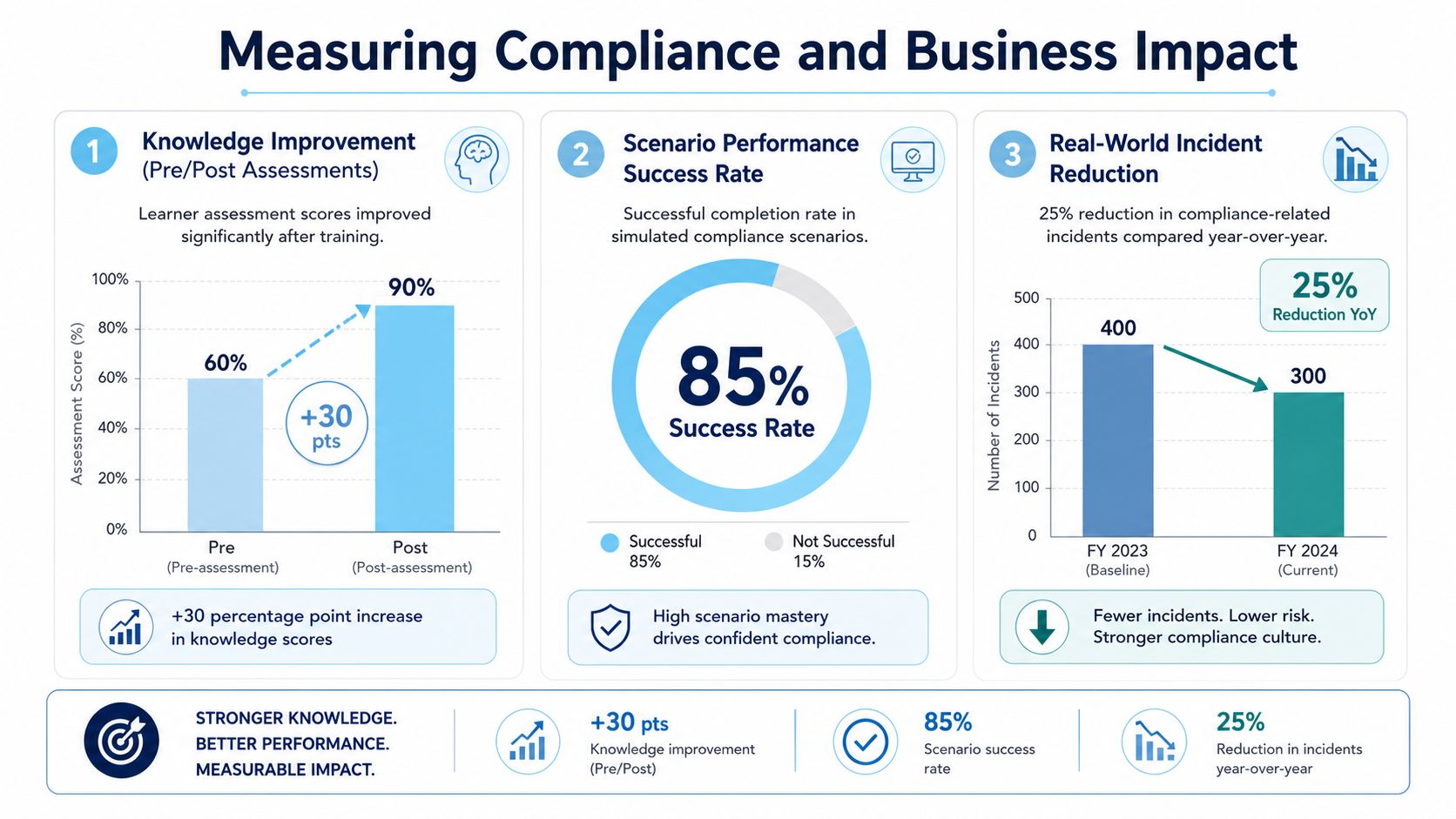
A reduction in incidents also shows the wider business impact. Tracking certifications, recurring gaps, audit readiness, and results by role or location helps managers take action. This creates a continuous process of training, testing, measuring, and improving compliance performance.
A ROI calculator for a unified employee platform is a good reminder that software value should be measured against the work it removes. If a platform reduces manual follow-up and gives leaders cleaner evidence, that’s a measurable operational gain.
List of Popular Compliance Training Softwares
The compliance training software market includes specialized tools and broader platforms, each offering unique features. Let us explore them in detail:
1. HubEngage
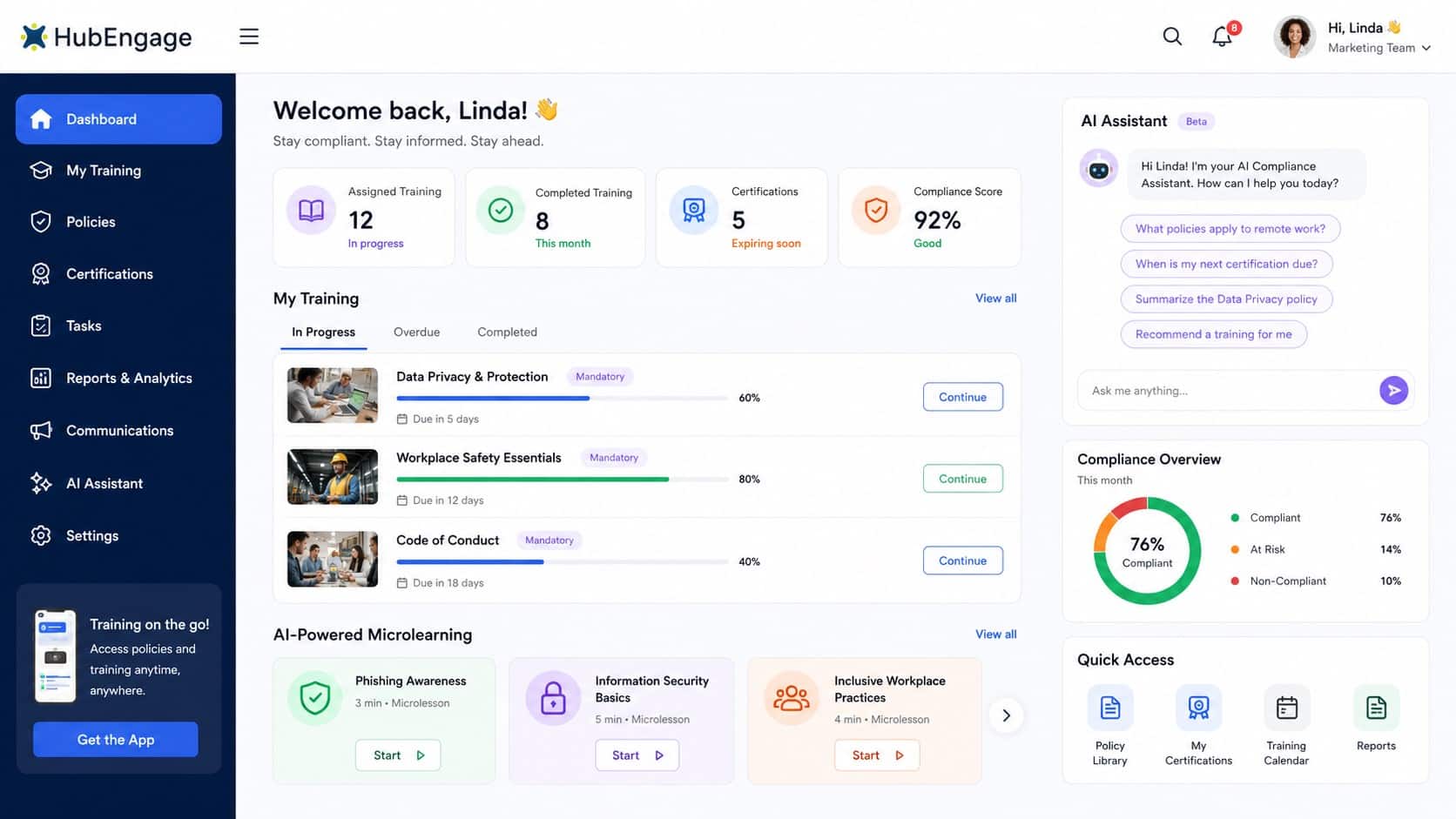
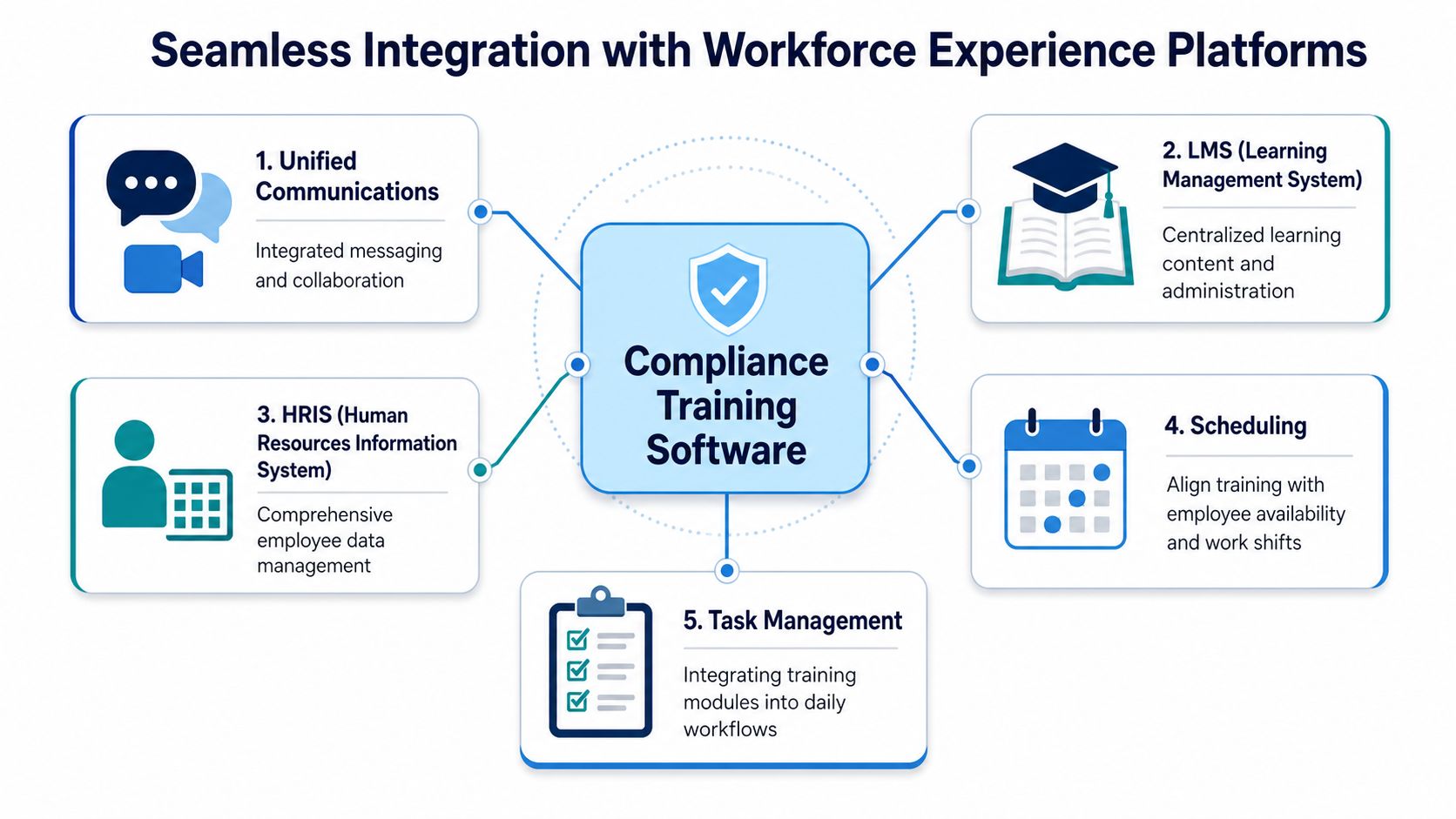
As a part of workforce experience platform, we have policy management software which helps your team to access policies, learning, messages, schedules, and tasks in one place. Integrations with HRIS, LMS, scheduling, communications, and task management systems reduce manual updates and repeated logins.
Training can be assigned by role, location, or shift, while completion records update automatically. This helps frontline, deskless, remote, and office teams receive the right training at the right time and keeps managers audit-ready across every business location.
Top Features
- Automated certification workflows, renewals, and expiry reminders
- AI chatbot for quick policy, course, and compliance support
- Microlearning modules with short lessons, quizzes, and refreshers
- Mobile-first access for frontline, deskless, remote, and office employees
- Granular reporting and analytics by employee, role, location, and team
Pros
- Reduces manual work through automated assignments, reminders, and recertification
- Makes compliance training easier to complete on mobile devices
- Connects training, policies, communications, tasks, and employee records
Cons
- Initial setup may require support from HR, IT, and operations teams
2. Docebo
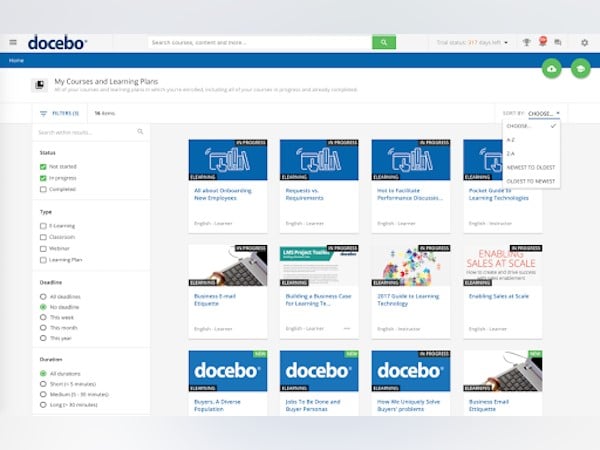
An enterprise learning platform designed for organizations with complex compliance training needs. It uses AI-powered automation to manage course assignments, certifications, renewals, reporting, and integrations across large or global workforces.
Top Features
- AI-powered training automation
- Certification and renewal management
- Advanced reporting and integrations
Pros
- Supports complex compliance programs at scale
- Connects with a wide range of business systems
Cons
- May be difficult for smaller teams to manage
- Pricing can be higher than mid-market platforms
3. 360Learning
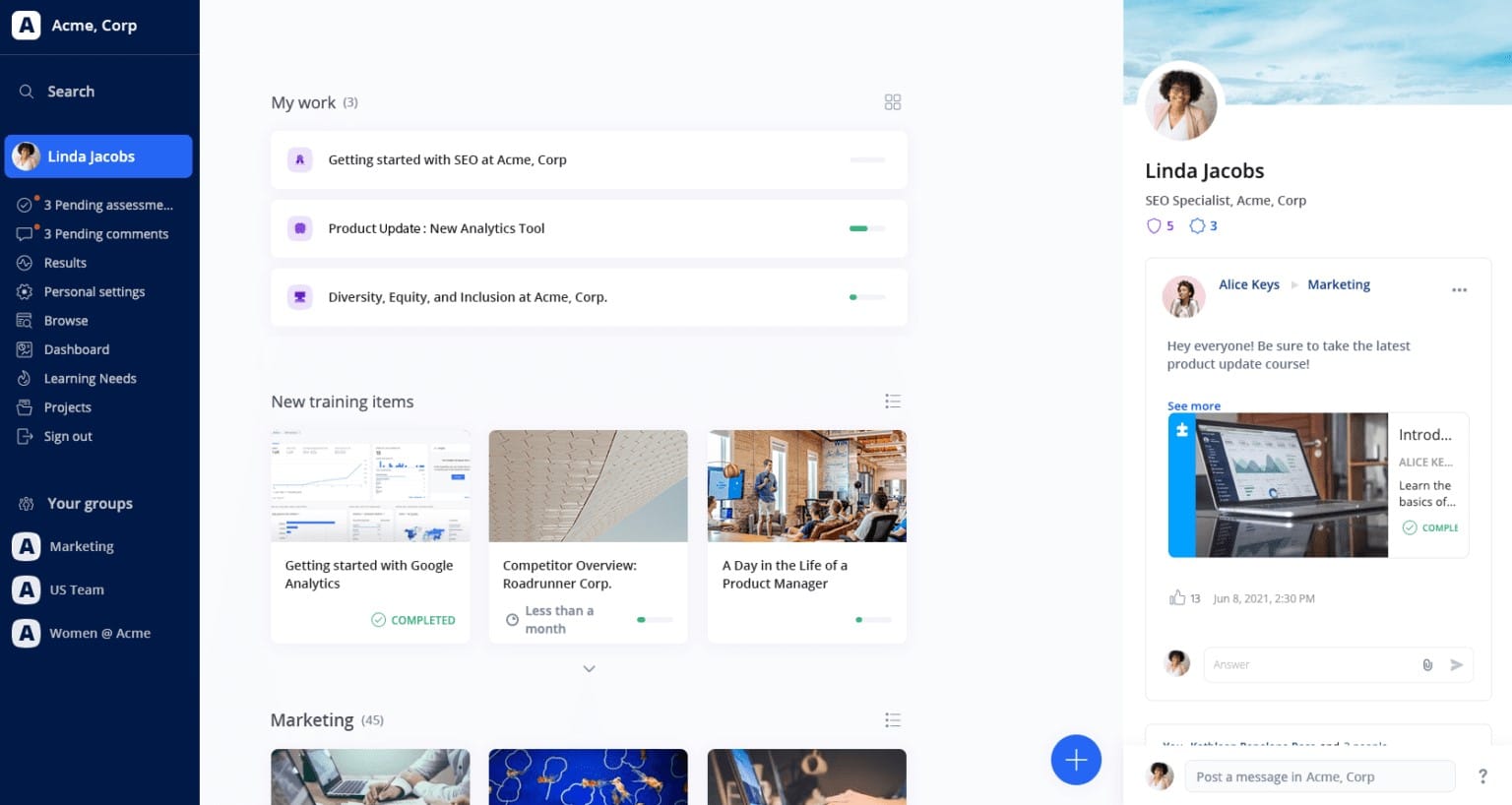
Its a collaborative learning platform that helps employees and internal experts create compliance courses together. It supports social learning, peer feedback, quick course creation, skills frameworks, and dashboards for tracking compliance activity.
Top Features
- Collaborative course authoring and peer review
- Social learning and skills frameworks
- Compliance dashboards and tracking
Pros
- Makes internal course creation easier
- Supports engaging culture and ethics training
Cons
- Compliance reporting may be less advanced
- Offers fewer automated workflows than some enterprise tools
4. TalentLMS
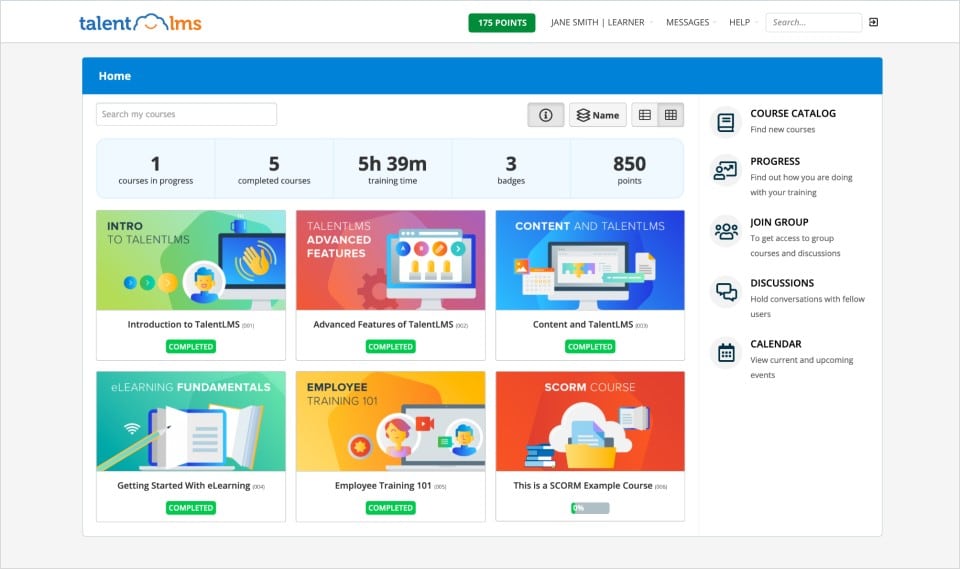
With this platform, organizations can create courses, add quizzes, track completion, use gamification, and deliver training through mobile devices without a complex setup process.
Top Features
- Easy course creation tools
- Gamification and learner engagement
- Mobile learning and completion tracking
Pros
- Easy for administrators and employees to use
- Quick to launch with affordable plan options
Cons
- Reporting tools may feel basic
- Advanced compliance automation is limited
5. Litmos
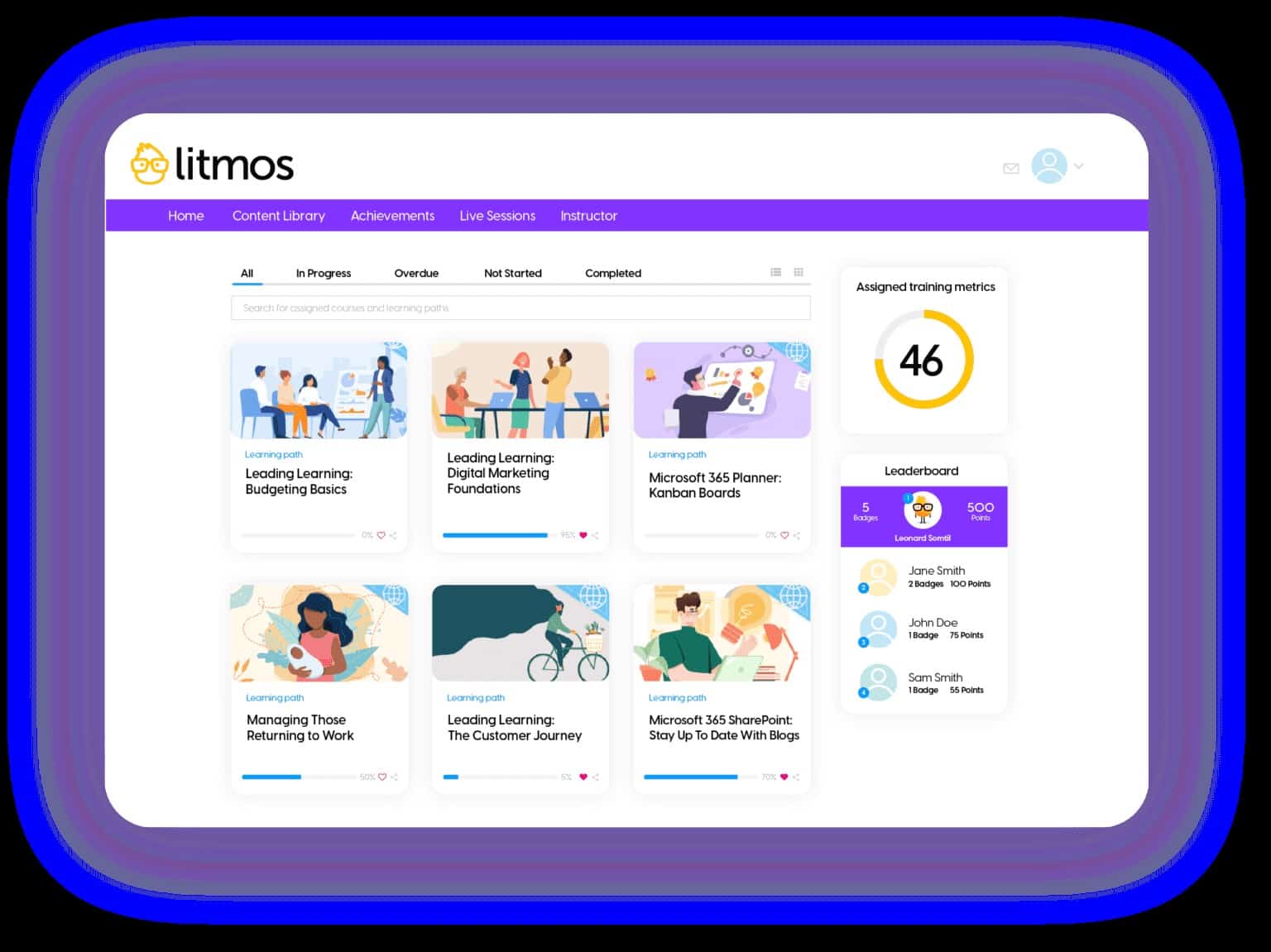
It is a learning platform that helps businesses launch compliance training quickly. It offers ready-made course libraries, automated reminders, mobile access, and reporting dashboards for managing standard training programs across different employee groups.
Top Features
- Pre-built compliance course libraries
- Automated assignments and reminders
- Mobile learning and reporting dashboards
Pros
- Supports fast training deployment
- Provides useful compliance tracking and analytics
Cons
- The interface may feel dated
- Custom course creation options can be limited
6. Absorb LMS
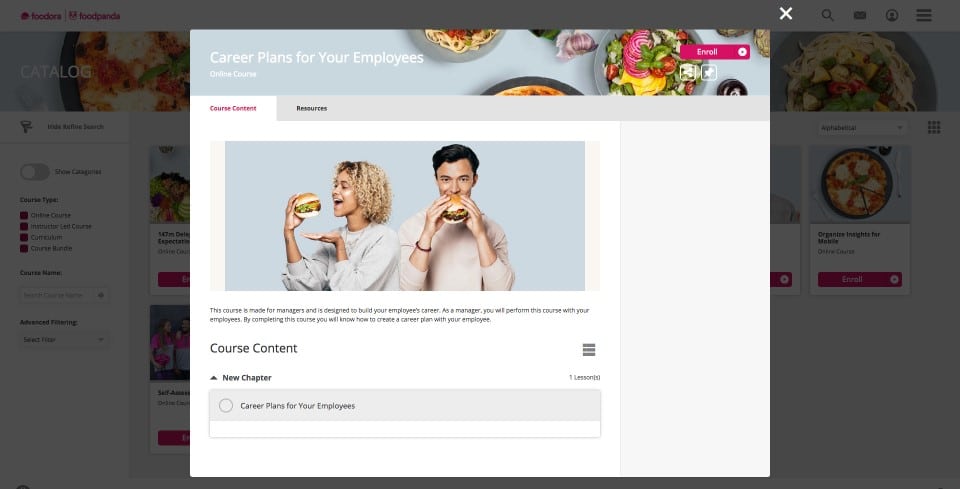
This learning platform that combines a modern learner experience with strong compliance reporting. It supports AI-enabled learning paths, certification tracking, analytics, and automated workflows for mid-sized and enterprise organizations.
Top Features
- AI-enabled learning paths
- Certification and renewal tracking
- Advanced compliance analytics
Pros
- Offers a clean and modern interface
- Provides detailed reports for compliance teams
Cons
- Additional features can increase the total cost
- Advanced workflows may require extra setup
7. WorkRamp
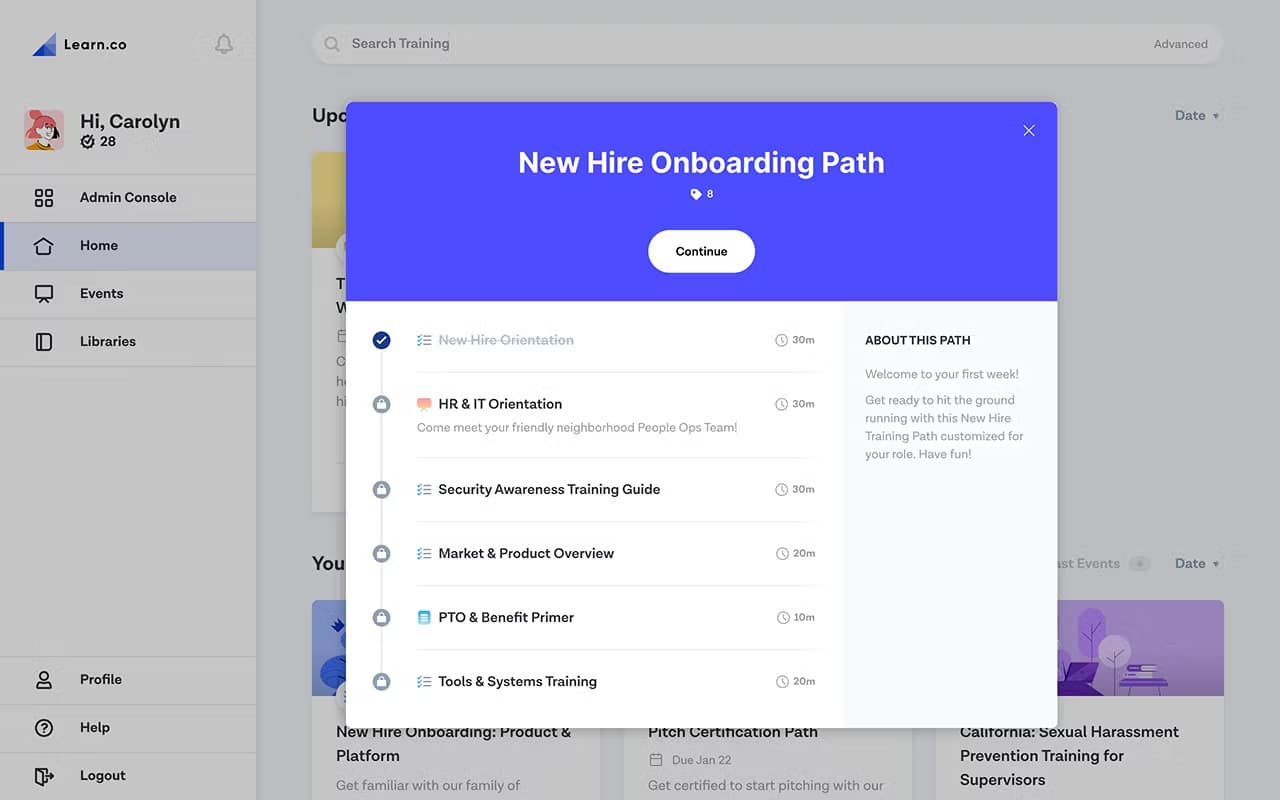
It helps growing businesses manage compliance training and employee development in one platform. It allows teams to create role-based learning paths, assign required courses, track certifications, and review training performance through analytics.
Top Features
- Role-based learning paths
- Certification and compliance tracking
- Training reports and analytics
Pros
- Supports both compliance and employee upskilling
- Makes role-specific training assignments clear
Cons
- May offer more features than small teams need
- Pricing is mainly designed for larger organizations
8. iSpring LMS
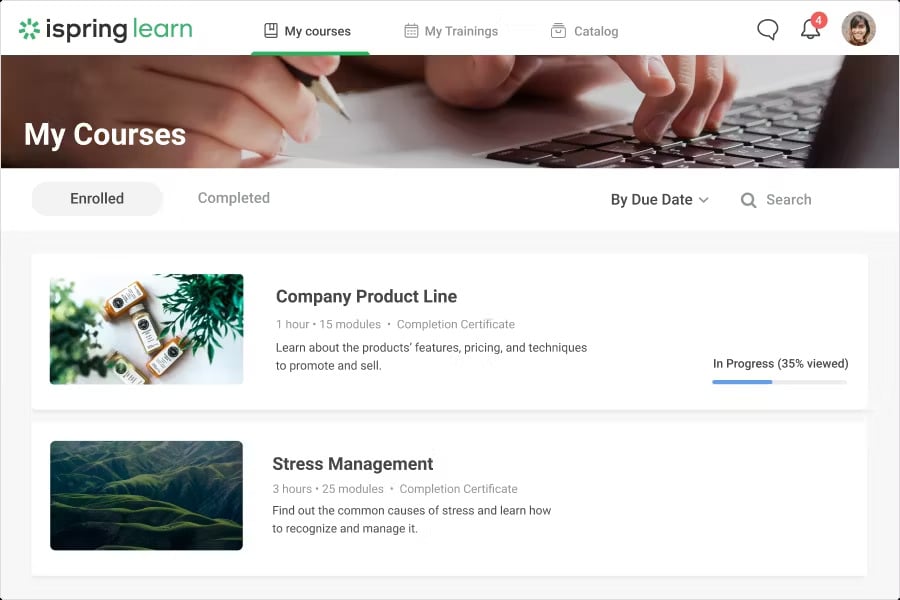
Suitable for teams that create their own compliance training content. Its built-in authoring tools help businesses develop courses, quizzes, assessments, and structured learning paths based on internal policies and workplace requirements.
Top Features
- Built-in course authoring tools
- Quizzes and employee assessments
- Structured compliance learning paths
Pros
- Provides strong tools for custom content creation
- Supports detailed testing and knowledge checks
Cons
- The learner experience is less mobile-focused
- The interface may feel dated compared with newer platforms
9. Kallidus
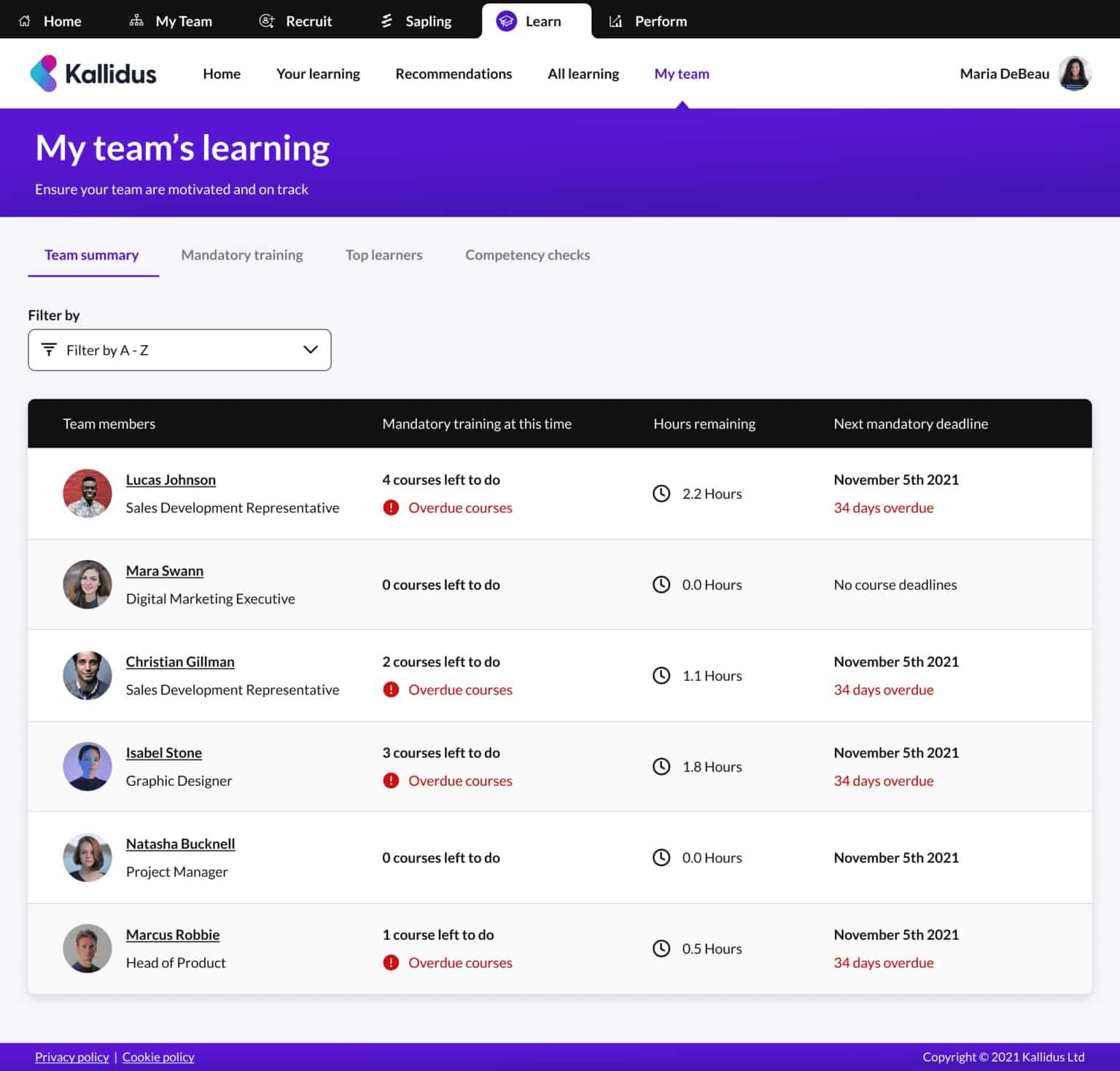
Combines compliance learning with employee performance management. HR teams can use the platform to deliver required training, track regulatory progress, review learning data, and connect compliance activity with wider employee development goals.
Top Features
- Learning and performance management tools
- Regulatory training tracking
- Compliance reports and analytics
Pros
- Connects compliance with employee performance
- Provides useful reporting for HR teams
Cons
- Offers fewer AI-powered features than some competitors
- Initial setup may feel less intuitive
10. LearnUpon
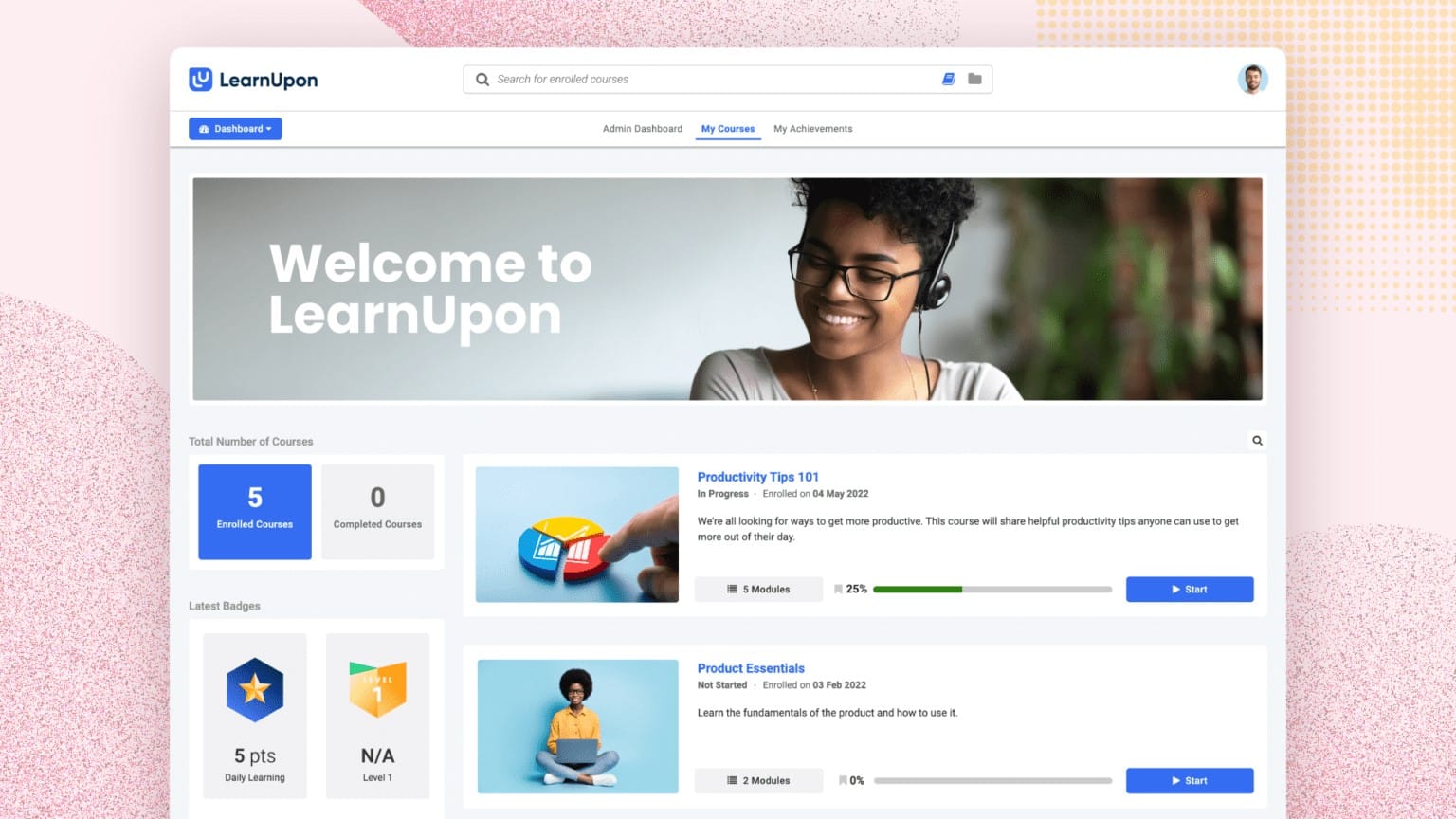
A flexible learning platform that helps businesses manage compliance training across employees, customers, partners, or separate business groups. It offers compliance tracking, multi-tenant learning, integrations, APIs, and administrator-friendly reporting.
Top Features
- Multi-tenant training management
- Compliance completion tracking
- Integrations and API support
Pros
- Easy for training administrators to manage
- Provides reliable reporting and customer support
Cons
- Pricing may increase as learner numbers grow
- The interface may not feel as modern as newer platforms
Best Compliance Training Software Comparison
| No. | Compliance Training Software | Best For |
|---|---|---|
| 1 | HubEngage | Mobile-first compliance training for frontline and distributed teams |
| 2 | Docebo | Large organizations with complex compliance workflows |
| 3 | 360Learning | Teams collaboratively creating compliance and ethics courses |
| 4 | TalentLMS | Affordable and simple compliance training for small businesses |
| 5 | Litmos | Quickly launching ready-made compliance training courses |
| 6 | Absorb LMS | Advanced compliance analytics and certification management |
| 7 | WorkRamp | Combining role-based compliance training with employee development |
| 8 | iSpring LMS | Creating customized internal compliance courses and assessments |
| 9 | Kallidus | Connecting compliance training with performance management |
| 10 | LearnUpon | Flexible compliance training with simple administration and reporting |
Core features and benefits of Compliance Training Software
Compliance training software works best when every feature solves a real workplace problem. Together, these features reduce missed deadlines, strengthen recordkeeping, and make compliance easier to manage across distributed workforces.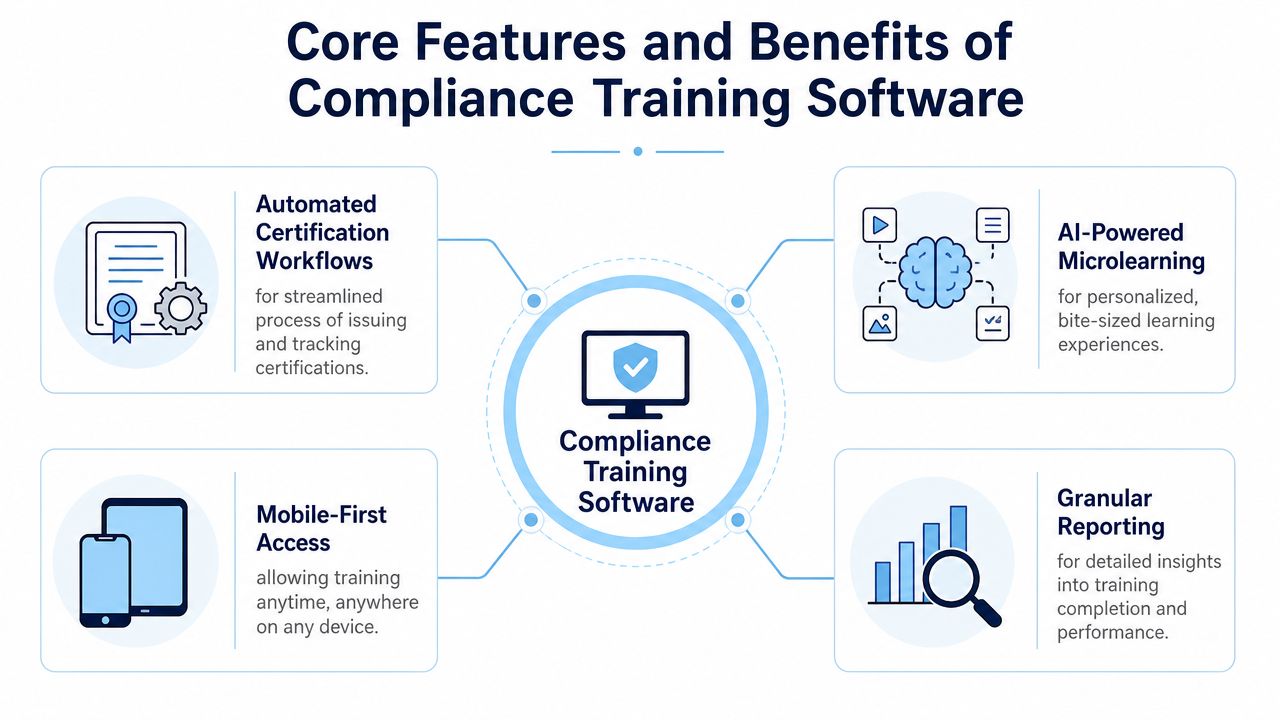
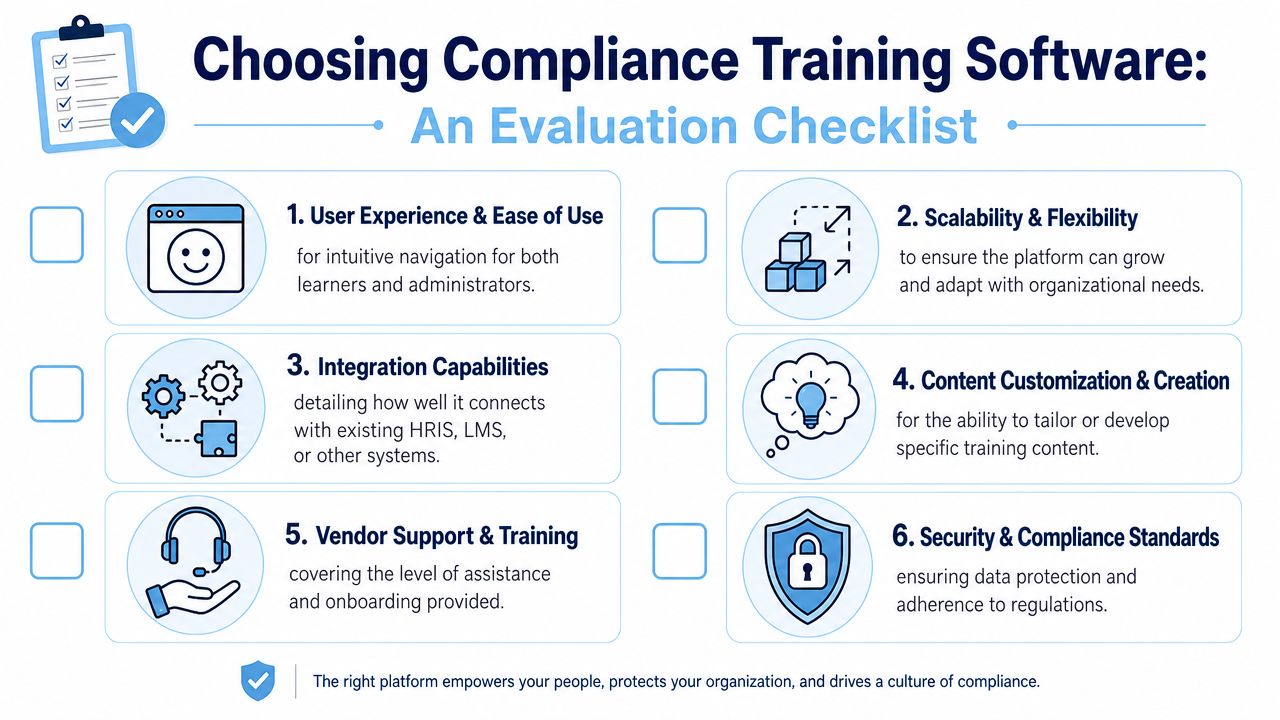
How to choose the right Compliance Training Software?
Choosing compliance training software can feel confusing because many platforms offer similar features. Below is a simple checklist which we use while selecting the right software for compliance training.
Conclusion
The best compliance training software helps small businesses move from manual tracking to a consistent, and measurable training process. The right platform should make courses easy to access, automate routine administration, provide reliable records, and help employees apply policies during everyday work.
Compare solutions based on your industry, workforce structure, legal requirements, and available resources. HubEngage connects compliance learning with mobile communication, microlearning, policy access, employee engagement, and AI-powered support to give a complete learning experience. Explore the our employee experience platform by taking a demo.
FAQs on Compliance Training Software
Can compliance training software reduce business risks?
Yes such software can automate course assignments, send reminders, track completion, improve employee awareness, and create reliable records. It helps reduce training gaps but does not replace professional legal or safety advice.
What topics should small-business compliance Training cover?
The most common ones are workplace safety (OSHA), data privacy (GDPR, CCPA, HIPAA), cybersecurity awareness, anti-bribery, financial services regulations (FCA, SOX, AML), and industry-specific regulations in healthcare, construction, and public safety.
How often should employees complete compliance training?
Training frequency depends on local laws, industry rules, employee roles, and workplace risks. Most businesses conduct training program for employees during onboarding, then repeat important courses annually or whenever regulations, policies, or job duties change.
What reports should compliance training software provide?
A compliance training software should provide completion rates, overdue assignments, quiz scores, certificate expiry dates, policy acknowledgments, employee signatures, course versions, and assignment history. Downloadable audit reports make it easier to prove training compliance.
Is mobile compliance training suitable for frontline workers?
Yes it helps frontline employees complete short courses using smartphones or shared devices. Simple navigation, multilingual lessons, notifications, and offline access can improve participation across shifts, locations, and distributed teams.
Related Links
policy management software | training program for employees | hr compliance training for employees | roi calculator for a unified employee platform