Employee onboarding today is more complex as businesses manage office-based, remote, frontline, and distributed employees across different locations and communication channels. This is even bigger for frontline and distributed employees who may not have a company email or regular desktop access. They often rely on mobile apps, SMS, QR codes, kiosks, and manager updates to complete forms, receive schedules, and start training.
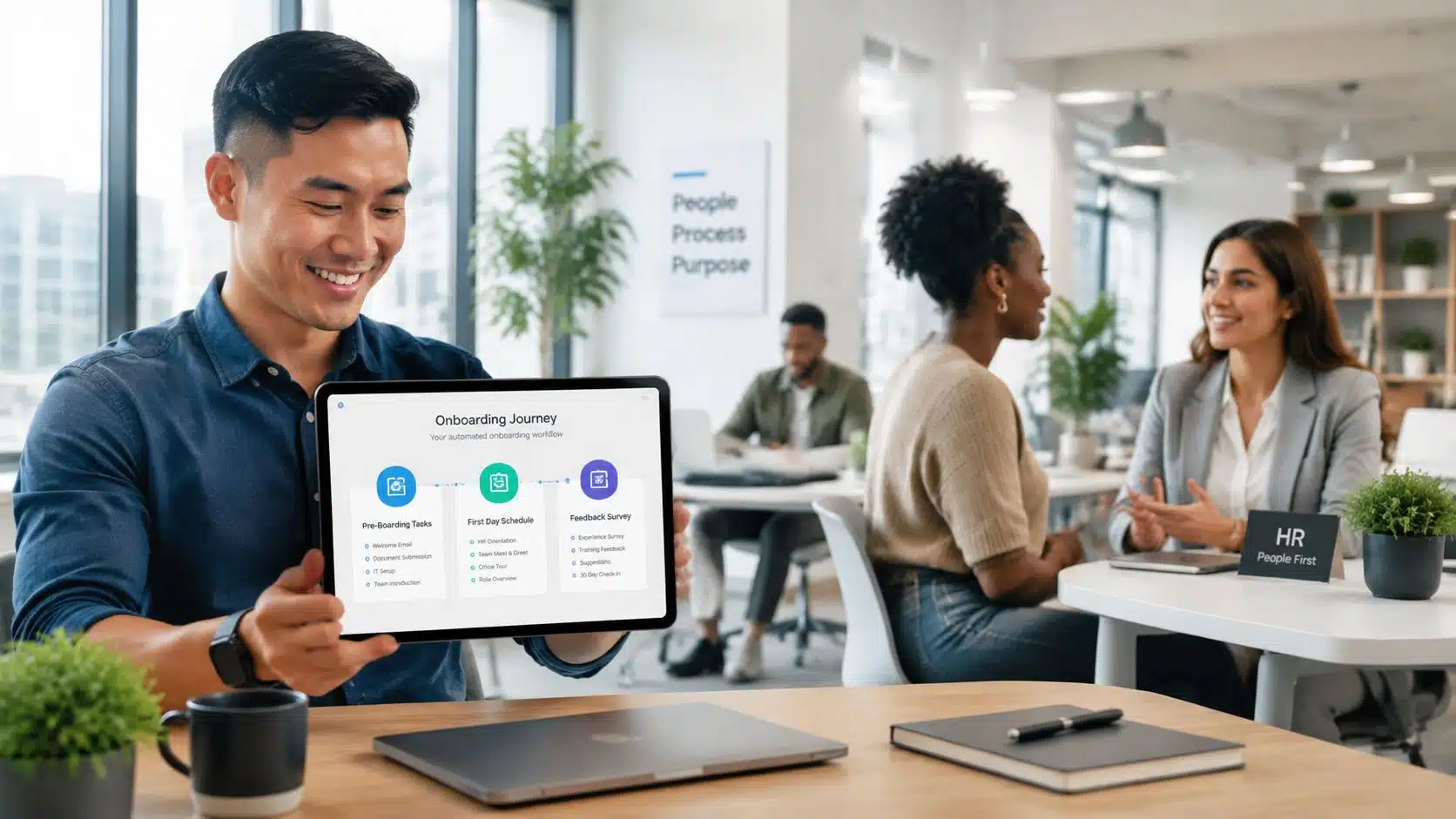
One of the best employee retention strategy is to automate employee onboarding as it helps HR, IT, operations, and managers work from one process. It reduces delays, improves consistency, and gives every new hire the right information at the right time. In this blog we will explain how to build, automate, measure, and improve an onboarding process that works for every employee.
- Automate employee onboarding to reduce delays, manual work, errors, and missed communication.
- Start by auditing the current process and identifying repeated tasks, gaps, and unclear ownership.
- Use an integrated tech stack that connects HRIS, payroll, learning, access, and communication tools.
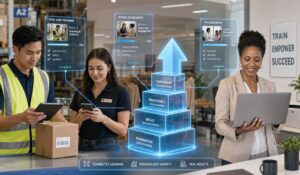
- Design mobile-first onboarding for frontline and deskless employees using SMS, apps, QR codes, and manager prompts.
- Roll out automation in stages, starting with forms, account setup, reminders, or policy acknowledgments.
Common Challenges of Onboarding Employees Manually
Onboarding takes effort, but unclear manual steps cause delays, confusion, missed tasks, and poor communication. Here are common challenges due to manual onboarding
1. The Process Feels Impersonal
Manual tasks leave HR teams with less time to welcome employees properly. Activities such as team introductions, manager meetings, and social interactions may be delayed or missed, making new hires feel disconnected.
2. Employees Struggle to Find Answers
New employees usually have many questions about policies, tools, schedules, and responsibilities. Without a central place for answers, they may waste time searching or repeatedly ask HR, IT, and colleagues for help.
3. Administrative Tasks Are Slow and Error-Prone
Manual account setup, equipment requests, document collection, and access approvals can take too long. These issues increase security, legal, and operational risks.
How to Automate Employee Onboarding Process?
Successful employee onboarding automation starts with careful planning and series of steps mentioned below:
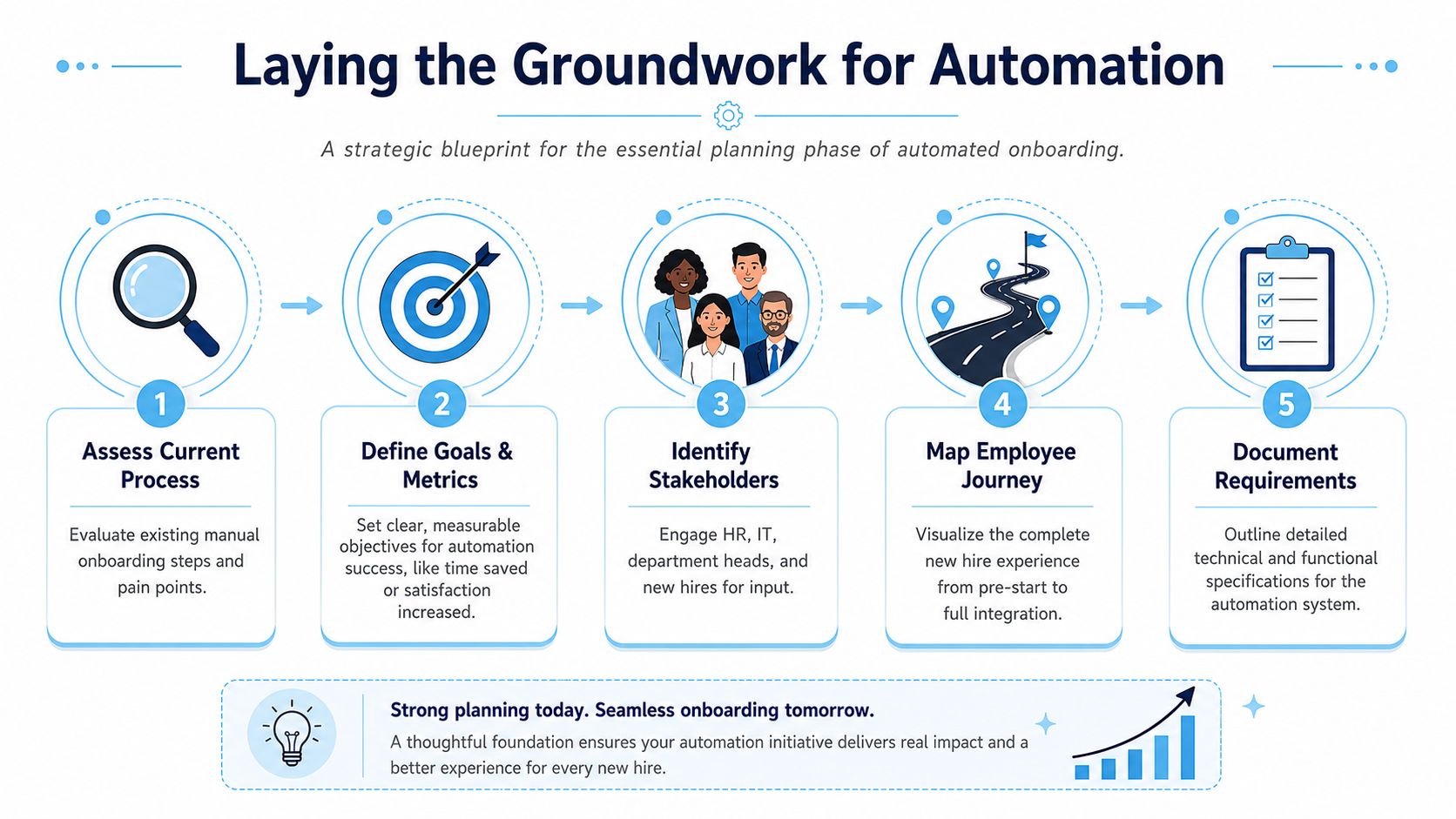
For many teams, onboarding also starts with standardized documents and acknowledgments. A library of employee onboarding forms and templates helps reduce ad hoc form creation and keeps the workflow more consistent. Now it is time to pick the right set of business technology.
Choosing the right Technology Stack
Automation helps when it removes avoidable friction and creates consistency. However, it is possible if you have the right tech stack as it coordinates systems. Hence, choosing the right tech stack is essential for automating employee onboarding.
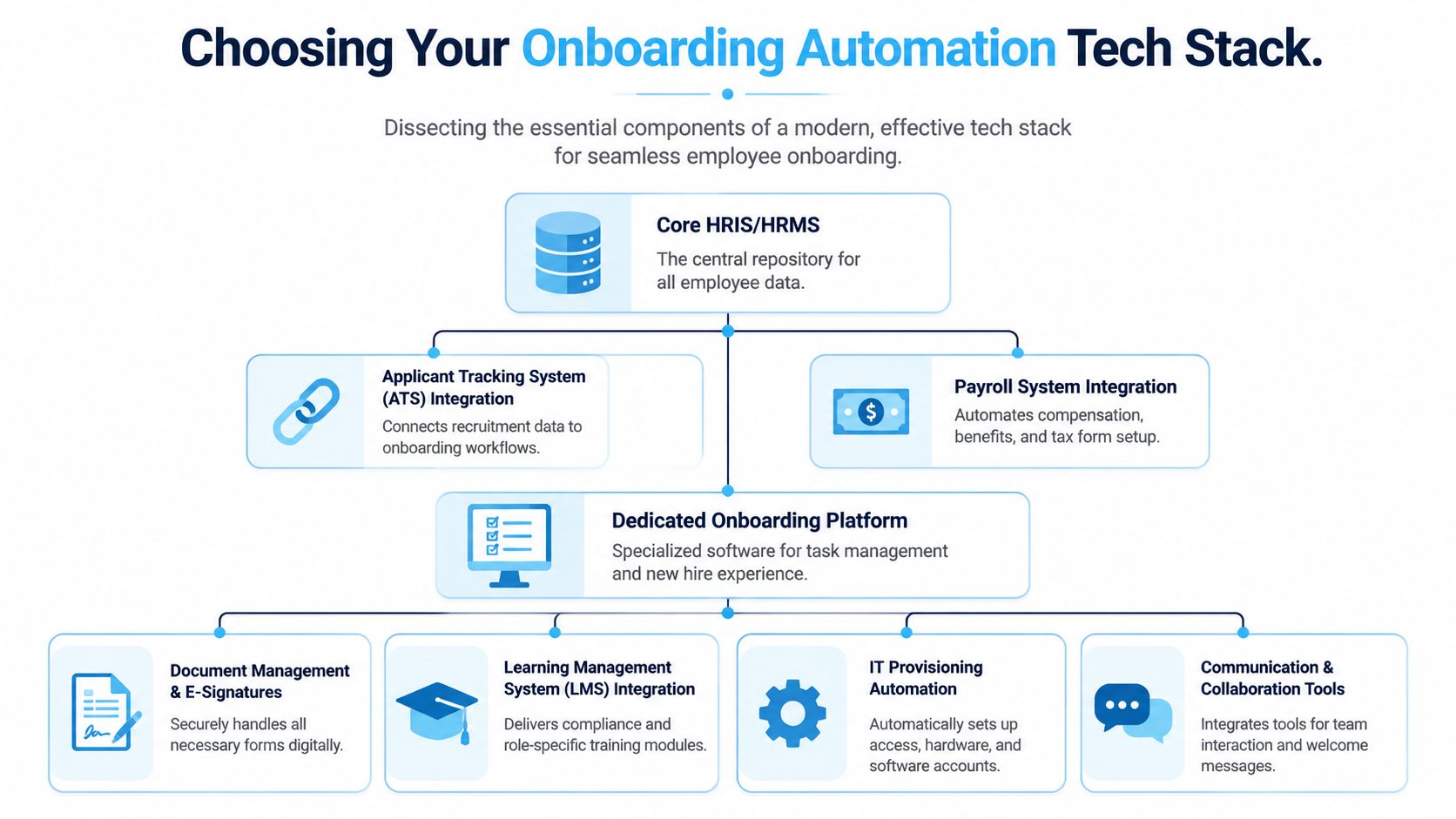
For desk-based hires, email and collaboration tools may be enough. For deskless hires, they usually aren’t. In those environments, the communication layer often matters as much as the HRIS because a perfect workflow is useless if the new hire never sees it. For teams evaluating integration depth, enterprise integrations across HRIS and workplace systems is very important
Rollout & Adoption Plan to Automate Employee Onboarding
A successful rollout should start small. Instead of automating the entire onboarding process at once, begin with one repetitive and high-impact task, such as account setup or document collection. Once the workflow runs smoothly, add training, communication, reminders, and manager tasks in stages. Clear ownership is also important such as incase of HR team needs to monitor progress and delays. IT team should manage access rules, and managers should handle personal check-ins for frontline hires.
Build compliance into the workflow
Security and compliance needs to be present in the automated onboarding process.
| Compliance Step | How Automation Helps? |
|---|---|
| Required forms | Sends reminders and tracks completion |
| Policy acknowledgments | Records when employees review and accept policies |
| Mandatory training | Prevents the next step until training is complete |
| Missing employee data | Stops the workflow and alerts the right team |
Measuring Success and avoiding Common Pitfalls
Measuring onboarding success requires more than checking whether tasks are complete. HR teams should track time to productivity, new hire turnover, onboarding satisfaction, HR time saved, and compliance completion.
These measures show whether employees are becoming productive faster, staying longer, and receiving a better experience. They also help leaders understand how much manual work automation removes.
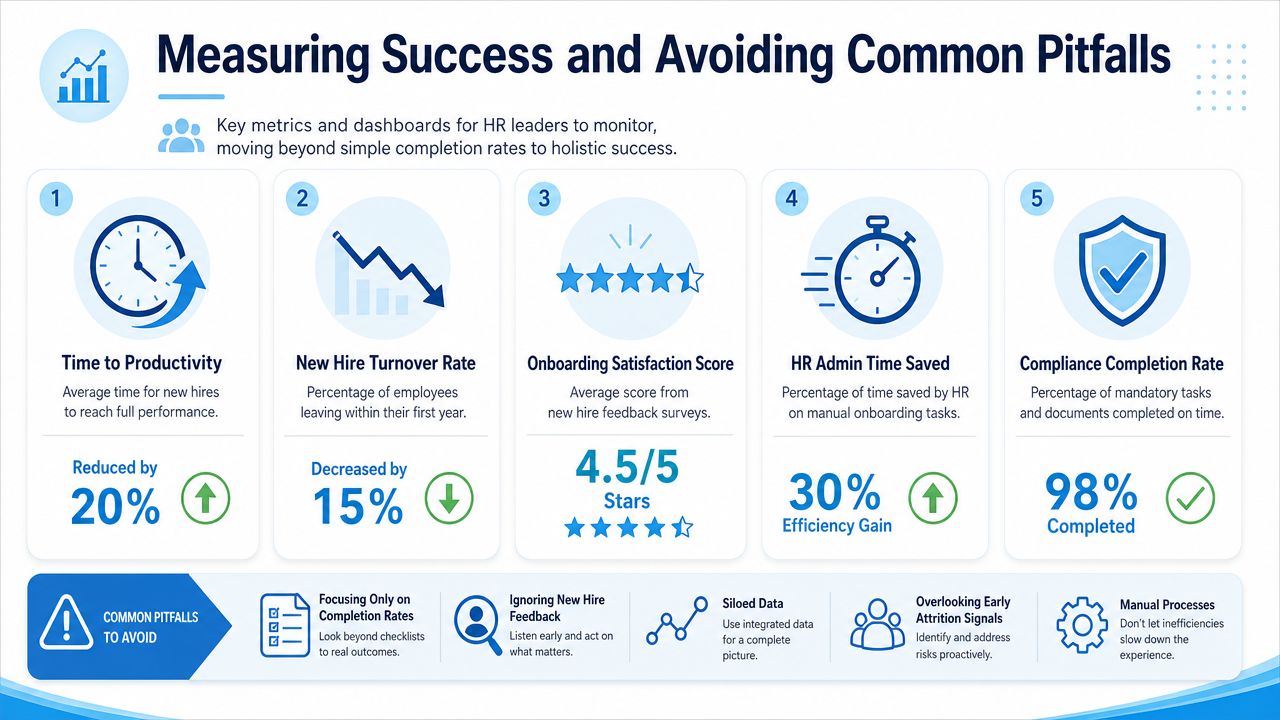
Common mistakes include focusing only on completion rates, ignoring employee feedback, keeping data in separate systems, missing early signs of turnover, and continuing slow manual processes. Reviewing these results regularly helps organizations improve onboarding and create a smoother experience for every new hire journey.
A Simple Review Schedule
| Review point | What to inspect |
|---|---|
| Weekly after launch | Failed tasks, missing data, access issues, message delivery gaps |
| After first hiring cycle | Manager feedback, employee confusion points, exception volume |
| After several cycles | Trend in readiness, sentiment, and early exits |
| Quarterly | Workflow updates by role, site, and business unit |
Automate Employee Onboarding with HubEngage
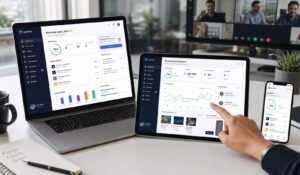
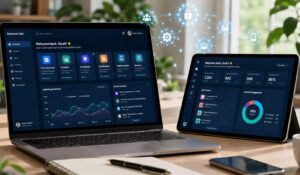
Our Employee Experience Platform helps businesses automate employee onboarding for office, frontline, remote, and distributed employees. Its mobile-first platform delivers forms, training, schedules, policy updates, and reminders through mobile apps, web, email, SMS, push notifications, and digital signage.
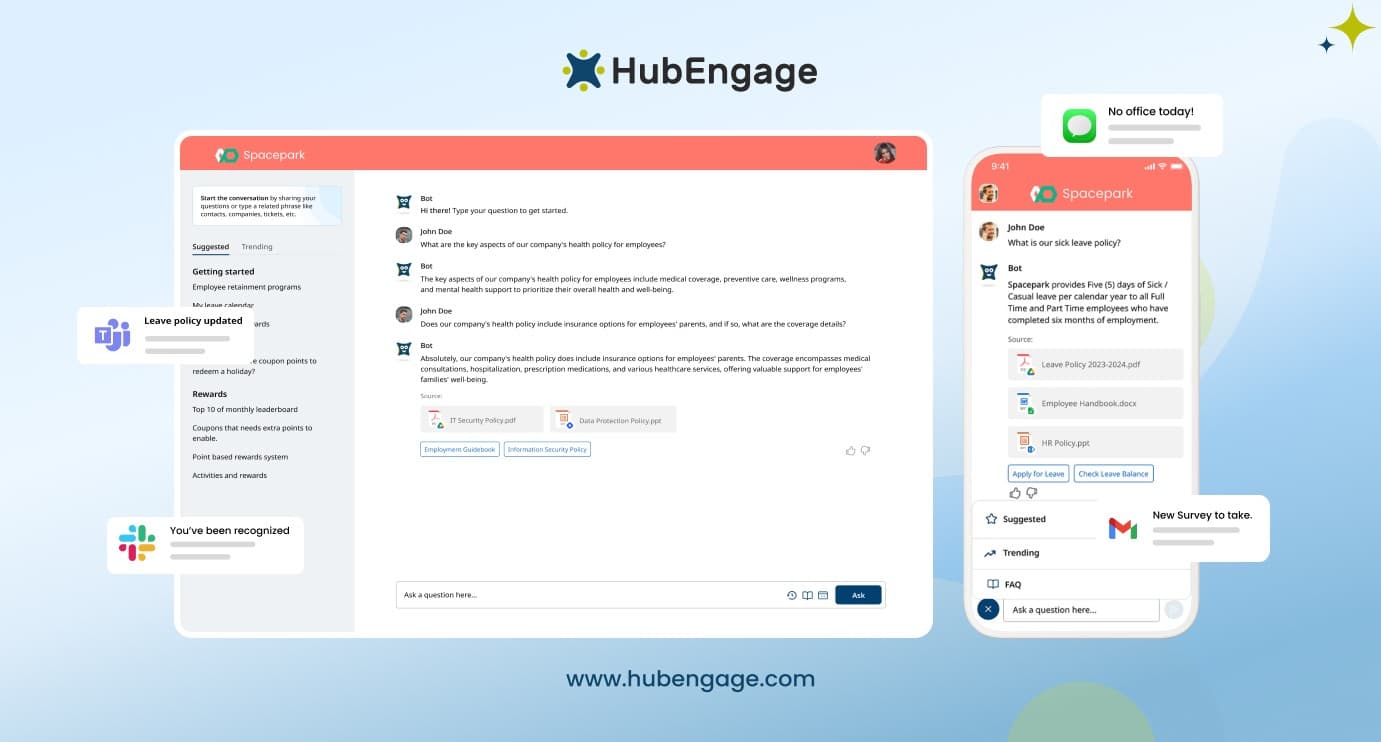
The AI Chatbot gives new hires quick answers about policies, benefits, tasks, and workplace processes without waiting for HR or managers. By bringing communication, learning, tasks, and feedback into one platform, you can decrease manual follow-ups, prevents missed instructions, and gives HR teams a clear view of each employee’s onboarding progress.
Conclusion
Automating employee onboarding works best when organizations improve the entire employee journey rather than simply digitizing forms.
The process should connect HR, IT, managers, and employees through clear workflows and accessible communication channels. For distributed and frontline teams, mobile access, SMS, manager prompts, and role-specific content are essential.
HubEngage helps organizations coordinate onboarding communication, tasks, learning, and engagement across office, frontline, and distributed teams within one workforce experience platform. If you depend heavily on email, disconnected tools, and manual follow-ups then you must explore HubEngage by taking a demo.
Automate Employee Onboarding FAQs
What is the best first step if you want to automate employee onboarding?
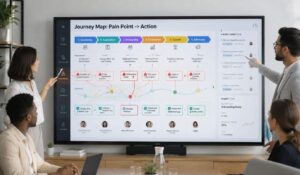
Start by auditing the current onboarding process. Map every step from offer acceptance to first-week readiness, identify delays, repeated data entry, unclear ownership, and communication gaps across office, frontline, contract, and shift-based roles.
Which onboarding tasks should be automated first?
Automate repetitive, time-sensitive tasks first, such as document collection, policy acknowledgments, account setup, access requests, reminders, and approvals. Keep manager conversations, team introductions, and role-specific coaching personal and led by people.
How do you automate onboarding without losing the human touch?
Use automation for reminders, scheduling, task coordination, and progress tracking. Keep welcome calls, team introductions, manager check-ins, and role coaching human. Personalize each workflow by role, location, language, device access, and experience.
How long does it take to implement onboarding automation?
Implementation time depends on workflow complexity, system integrations, and data quality. A focused first phase can launch quickly when HR, IT, operations, and managers agree on ownership, required fields, and priorities early.
Can onboarding automation work for frontline and deskless employees?
Yes. Onboarding automation can support frontline and deskless employees when it uses mobile apps, SMS, QR codes, manager prompts, and site-based instructions. Email-only workflows often fail workers without regular inbox or desktop access.
What metrics should HR track after launch?
Track day-one readiness, first-week completion, time to productivity, new hire feedback, manager follow-through, and early retention. Compare results by role, location, and workforce type to find gaps hidden by company-wide averages.
Related Links
AI Chatbot | enterprise integrations | employee experience platforms | employee onboarding forms and templates | employee retention strategy