Most organizations invest heavily in HR systems and still end up with disengaged employees, high turnover, and communication gaps that cost real money. The tools exist — the problem is that they are scattered, disconnected, and built for administrators rather than the people doing the actual work.
An employee experience solution changes that equation. This guide walks you through what these platforms actually do, how to choose one, and how to build a deployment that delivers measurable results — whether you manage nurses, line workers, or hotel staff.
Key Takeaways
- An employee experience solution helps organizations improve employee communication, engagement, training, and recognition through one unified digital platform.
- Unlike traditional HR software, employee experience platforms focus on daily employee interactions, workplace culture, and real-time workforce engagement.
- Key features include mobile-first communication tools, employee surveys, recognition programs, onboarding and training modules, analytics dashboards, and HR system integrations.
- Businesses using employee experience solutions often see higher employee retention, stronger engagement scores, improved communication reach, and faster training completion rates.
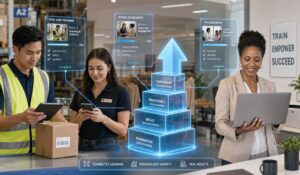
- Employee experience platforms are especially valuable for frontline and deskless workers in industries like manufacturing, healthcare, and hospitality where communication gaps are common.
- Successful implementation depends on choosing a platform with strong mobile accessibility, seamless integrations, actionable analytics, and a phased rollout strategy that improves employee adoption.
What Is an Employee Experience Solution?
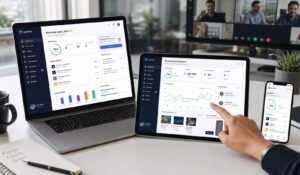
An employee experience solution is a unified platform that connects employees to the information, tools, and recognition they need — from their first day through their entire tenure. It goes well beyond a digital notice board or an HR portal.
A true employee experience solution integrates communications, feedback, training, scheduling, and recognition into a single environment employees actually use. The goal is to make every touchpoint in the employee lifecycle feel intentional and supportive, not bureaucratic.
Think of it this way: your employees already use consumer apps that are fast, personalized, and intuitive. An employee experience solution brings that same standard to the workplace, whether someone works at a desk, on a factory floor, or in a hospital ward.
Key Features of Employee Experience Platforms
Not every platform delivers the same capabilities. When you evaluate an employee experience solution, look for these core feature categories:
- Multi-channel communications: Push notifications, email, SMS, and in-app messaging that reach employees where they already are — especially important for deskless workers in manufacturing, healthcare, and hospitality.
- Employee surveys and pulse checks: Real-time feedback tools that go beyond annual reviews and give managers actionable data on team sentiment.
- Recognition and rewards: Peer-to-peer and manager-driven recognition that reinforces behaviors aligned with company values.
- Training and onboarding modules: Mobile-friendly learning content that reduces time-to-productivity for new hires and supports ongoing compliance training.
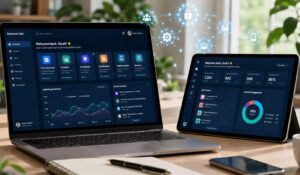
- Analytics and reporting: Dashboards that translate engagement data into business metrics — participation rates, sentiment trends, and departmental comparisons.
- Integration capabilities: APIs and native connectors to your existing HRIS, payroll, and scheduling tools so data flows without manual entry.
- Mobile-first design: A dedicated app experience that works on personal devices, which matters enormously when your workforce does not sit at a desk.
The Benefits of Unified Communication Platforms become most visible when these features work together rather than operating as separate tools. Fragmented systems create fragmented experiences.
Employee Experience Solution vs. HR Software
This is one of the most common points of confusion for HR leaders evaluating new tools.
How They Differ
| Dimension | Employee Experience Solution | Traditional HR Software |
|---|---|---|
| Primary user | Employees (frontline and desk) | HR administrators |
| Core purpose | Engagement, communication, culture | Compliance, records, payroll |
| Interaction frequency | Daily or weekly | Monthly or event-driven |
| Design philosophy | Consumer-grade, mobile-first | Functional, desktop-oriented |
| Feedback direction | Two-way (employee voice) | Top-down (policy delivery) |
| Key outputs | Engagement scores, sentiment data | Headcount reports, payroll runs |
Traditional HR software like an HRIS manages records. An employee experience solution manages relationships. You need both, but they serve fundamentally different purposes.
Most organizations find that their HRIS handles the administrative layer while an employee experience solution handles the human layer — the daily interactions that determine whether employees feel connected or invisible.
How to Choose an Employee Experience Solution?
Selecting the right employee experience solution requires more than reading feature lists. Here is a structured process that works for organizations in manufacturing, healthcare, and hospitality.
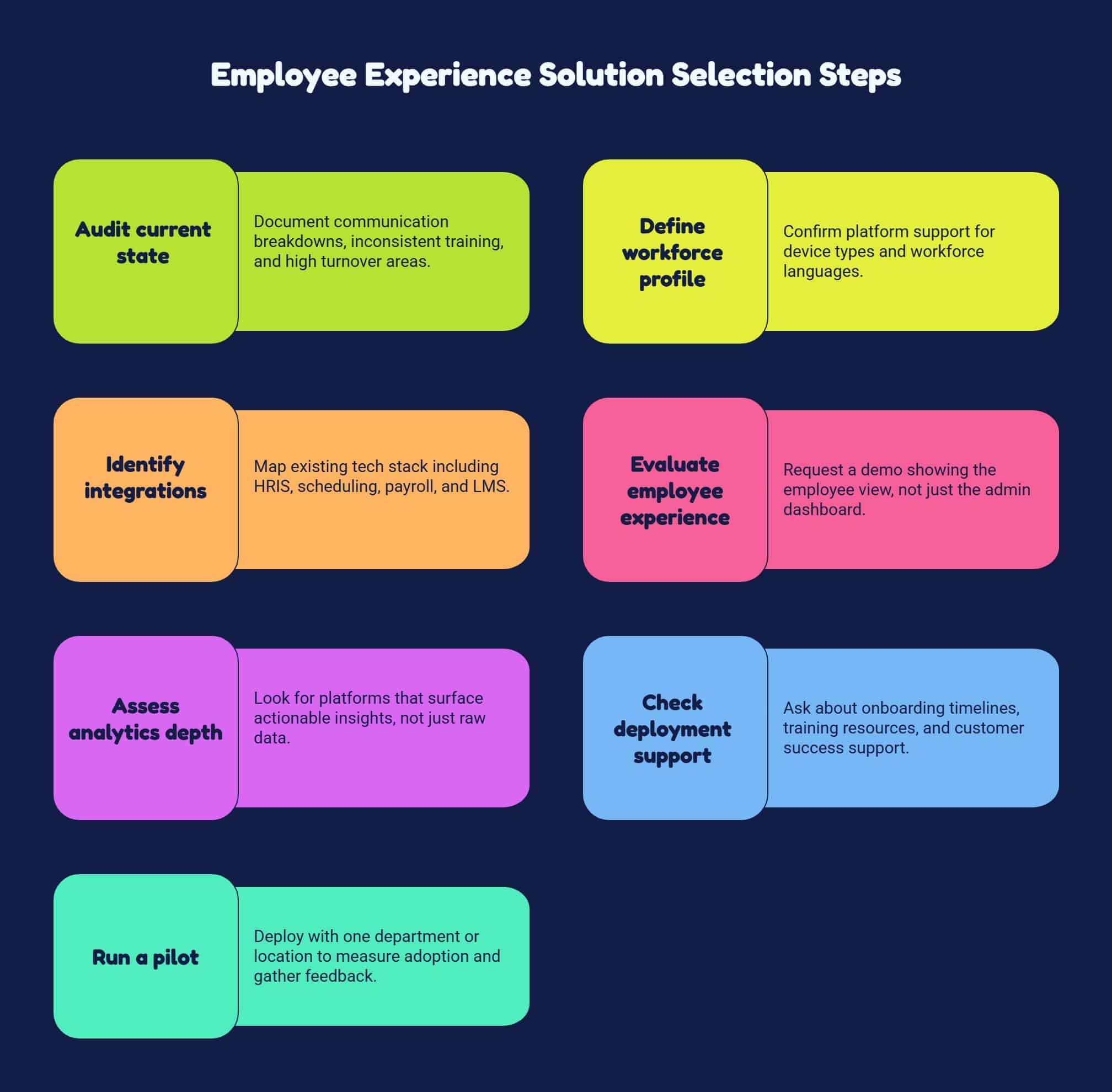
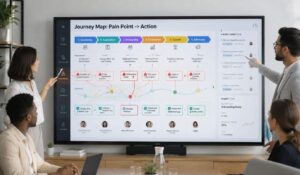
- Audit your current state: Before evaluating vendors, document where communication breaks down, where training is inconsistent, and where turnover is highest. Your gaps define your requirements.
- Define your workforce profile: A solution built for knowledge workers will frustrate a manufacturing floor. Confirm the platform supports your device types (shared kiosks, personal phones, tablets) and the languages your workforce speaks.
- Identify must-have integrations: Map your existing tech stack — HRIS, scheduling, payroll, LMS. Any employee experience solution you choose must connect to these systems cleanly.
- Evaluate the employee-facing experience: Request a demo that shows the employee view, not just the admin dashboard. If the interface is confusing, adoption will fail regardless of how powerful the backend is.
- Assess analytics depth: Look for platforms that surface actionable insights, not just raw data. You want to know which departments are disengaged and why — not just that your overall score dropped.
- Check deployment support: Implementation quality varies enormously between vendors. Ask specifically about onboarding timelines, training resources, and ongoing customer success support.
- Run a pilot: Deploy with one department or location before rolling out company-wide. Measure adoption rates and gather employee feedback before committing fully.
Applying Change Management Principles during selection and rollout is not optional — it is the difference between a platform that gets used and one that collects dust.
Implementation and Deployment Options
How you deploy an employee experience solution matters as much as which one you choose. Most platforms offer three models:
- Cloud-based SaaS: The most common deployment. The vendor hosts everything, updates happen automatically, and your IT team carries minimal burden. This works well for most mid-market and enterprise organizations.
- Mobile app deployment: Critical for deskless workforces. Employees download the app on personal devices, which requires a clear BYOD policy and a straightforward enrollment process. HubEngage, for example, offers branded mobile apps that employees can install in under two minutes.
- Kiosk or shared-device mode: For environments where employees do not carry personal devices — assembly lines, hospital break rooms, hotel back-of-house areas — shared terminals or kiosks allow access without requiring individual devices.
A phased rollout typically outperforms a big-bang launch. Start with communications and recognition, establish adoption habits, then layer in surveys, training, and advanced analytics. Trying to activate every feature on day one overwhelms both administrators and employees.
ROI and Business Impact Metrics
An employee experience solution is a business investment, and you should measure it like one. These are the metrics that matter most:
- Employee retention rate: Track turnover before and after deployment, segmented by department and tenure. Even a 5% reduction in turnover delivers significant cost savings when you factor in recruiting and onboarding costs.
- Engagement scores: Pulse survey participation and sentiment scores give you a leading indicator of retention and productivity trends before they show up in lagging metrics.
- Internal communication reach: What percentage of your workforce actually receives and opens critical communications? This number is often shockingly low before a dedicated employee experience solution is in place.
- Training completion rates: Time-to-competency for new hires and compliance certification rates are directly measurable and directly tied to operational risk.
- Manager effectiveness scores: Upward feedback tools reveal which managers are driving engagement and which are driving attrition.
Organizations using a structured employee experience solution typically report meaningful improvements in employee engagement within the first six months of deployment, with the strongest gains in communication reach and recognition participation.
Top Employee Experience Solution Providers
The market has matured significantly, and several platforms have emerged as strong contenders depending on your organization’s size, industry, and workforce profile.
Comparing Leading Platforms
| Provider | Best For | Standout Capability | Deskless Worker Support |
|---|---|---|---|
| HubEngage | Manufacturing, healthcare, hospitality | Unified comms, engagement, and operations in one platform | Strong — mobile app and kiosk modes |
| Qualtrics EmployeeXM | Large enterprise, data-heavy organizations | Advanced survey analytics and benchmarking | Moderate |
| Workvivo | Culture-focused organizations | Social intranet and recognition features | Moderate |
| Simpplr | Knowledge worker environments | Intranet and content management | Limited |
| Beekeeper | Frontline and deskless workforces | Mobile-first messaging and task management | Strong |
HubEngage stands out for organizations that need a single employee experience solution covering communications, recognition, surveys, and workforce operations without stitching together multiple vendors. The Benefits of a Company Intranet are built into the platform rather than requiring a separate deployment.
The right choice depends on your workforce composition. A healthcare system with 80% bedside staff has different requirements than a corporate headquarters with desk-based employees. Evaluate platforms against your actual workforce, not the average case.
Conclusion
The right employee experience solution connects your workforce, surfaces real feedback, and gives managers the data they need to act before problems become turnover. The platforms that deliver results are the ones built for how your employees actually work — not how headquarters assumes they work.
See how HubEngage unifies communications, engagement, and workforce operations — connect every employee from the factory floor to the front desk without adding another tool to your stack. Ready to get started? Visit HubEngage to learn more.
FAQs On Employee Experience Solutions
How long does it take to implement an employee experience solution?
Most cloud-based platforms can be configured and launched within four to eight weeks for a standard deployment. Complex integrations with existing HRIS or payroll systems can extend that timeline. A phased rollout — starting with one location or department — typically reduces implementation risk and accelerates adoption.
What is the difference between employee experience and employee engagement?
Employee experience is the broader category — it encompasses every interaction an employee has with your organization, from recruitment through offboarding. Employee engagement is a specific outcome within that experience, measuring emotional commitment and discretionary effort. An employee experience solution is designed to improve the conditions that drive engagement.
Do employees need to use their personal devices?
Not necessarily. Most employee experience solutions support multiple access modes — personal mobile devices, company-issued devices, shared kiosks, and desktop browsers. The right configuration depends on your workforce. For manufacturing and healthcare environments, kiosk and shared-device modes are common.
How do you measure whether an employee experience solution is working?
Track a combination of leading indicators (survey participation, communication open rates, recognition activity) and lagging indicators (turnover rate, absenteeism, productivity metrics). Establish a baseline before deployment so you have a meaningful comparison point at 90 days, six months, and one year.
Is an employee experience solution suitable for small organizations?
Most platforms are designed for organizations with 200 or more employees, though some scale down to 50+. Below that threshold, the administrative overhead of managing a dedicated platform may outweigh the benefits. For smaller organizations, a simpler communications tool combined with regular one-on-one check-ins may be more practical.
Related Links:
employee experience platforms | employee experience platform | employee experience tool | digital employee experience platform | employee experience software | employee engagement vs employee experience | employee experience after covid-19 | employee experience