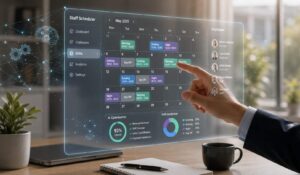
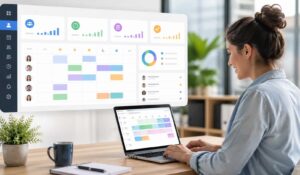
Friday dinner is fully booked, waiter is texting that they can’t make it, a line cook wants to swap Saturday, and three people are still looking at different versions of the schedule. That’s restaurant employee scheduling in real life.
The problem usually isn’t just building a weekly roster. It’s keeping one accurate version of the truth when availability changes, demand shifts, and the team needs updates fast.
Restaurants also can’t treat scheduling as a back-office task anymore. Manual scheduling takes real time. Timeforge report shows that Managers using pen and paper spend an average of 2.21 hours every week on scheduling, or 5.52% of their work week.
Hence, it is very important to select the right software to manage employee schedules. Our blog will list out the top 7 Restaurant Employee Scheduling tools and selection criteria to help you pick the right software to manage your restaurant team.
Key Takeaways
- Restaurant employee scheduling software helps managers create, update, and share shifts while reducing scheduling errors and administrative work.
- Mobile-first scheduling allows employees to view schedules, swap shifts, request time off, and receive real-time notifications from anywhere.
- AI-powered scheduling tools improve labor forecasting, staffing recommendations, and conflict detection, while managers retain final scheduling decisions.
- The best restaurant scheduling software integrates with POS, payroll, HR, and communication systems to streamline workforce management.
- Features like shift approvals, compliance tracking, and availability management help reduce no-shows, overtime, and labor costs.

List of Top Restaurant Scheduling Softwares
Here are the leading softwares for restaurant scheduling that we recommend you to use:
1. HubEngage Employee Scheduling Software
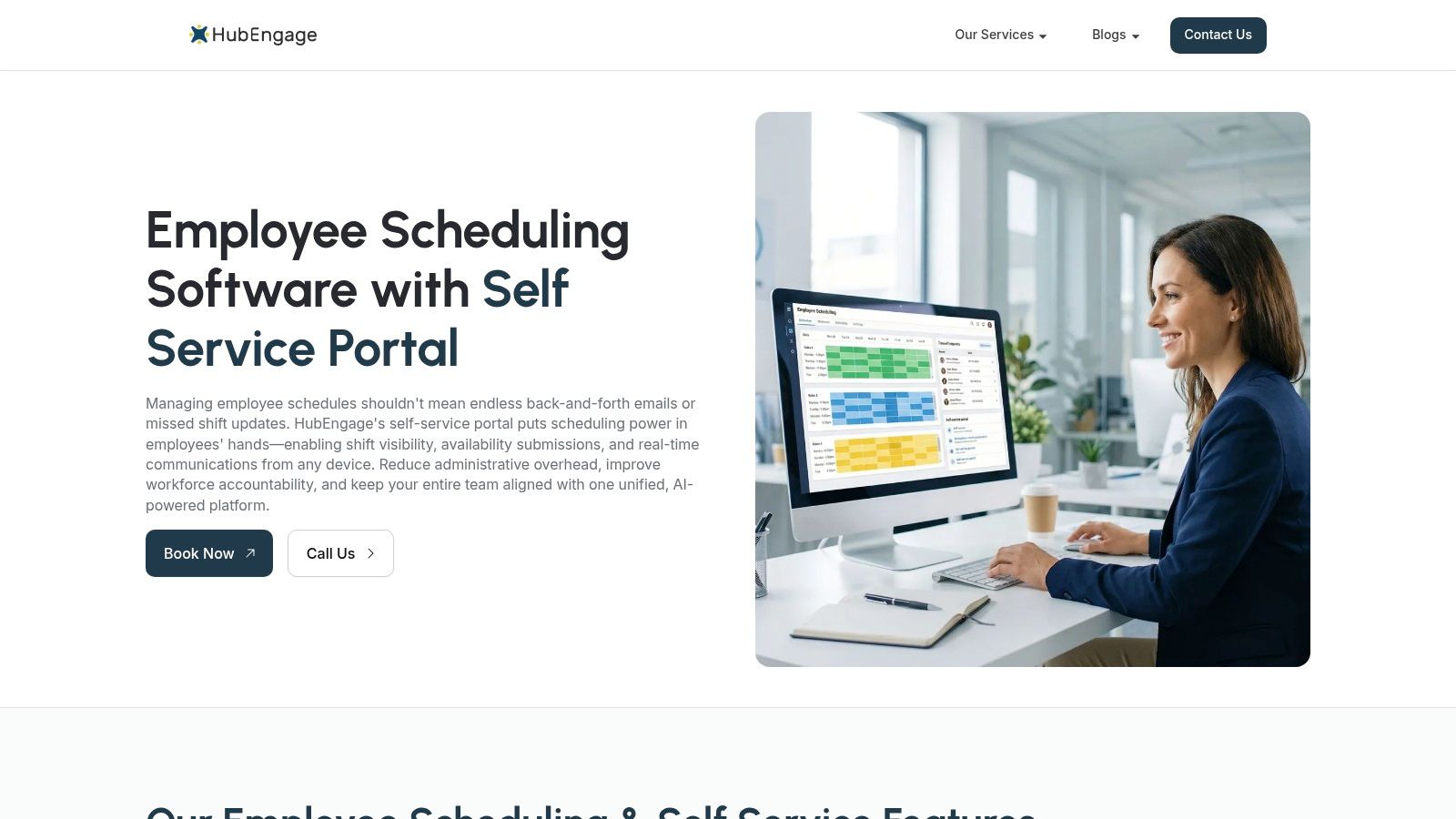
Our software for employee scheduling lets employees view schedules, swap shifts, request time off, and stay informed. It enhances communication through multi-channel notifications and AI assistance while integrating onboarding, learning, recognition, and engagement tools, helping restaurants streamline workforce management and improve employee experience across locations.
Top Features
- Mobile self-service scheduling that lets employees view schedules, swap shifts, and request time off easily
- AI-powered scheduling assistance to create optimized schedules based on availability and business needs
- Multi-channel notifications (app, SMS, email) to keep staff informed and reduce missed shifts
- Built-in communication tools for announcements, messaging, and team updates
- Integration with HRIS, payroll, and POS systems for streamlined operations
Best For: Small and growing restaurants that need an easy-to-use scheduling solution combined with employee communication and engagement tools.
2. 7shifts
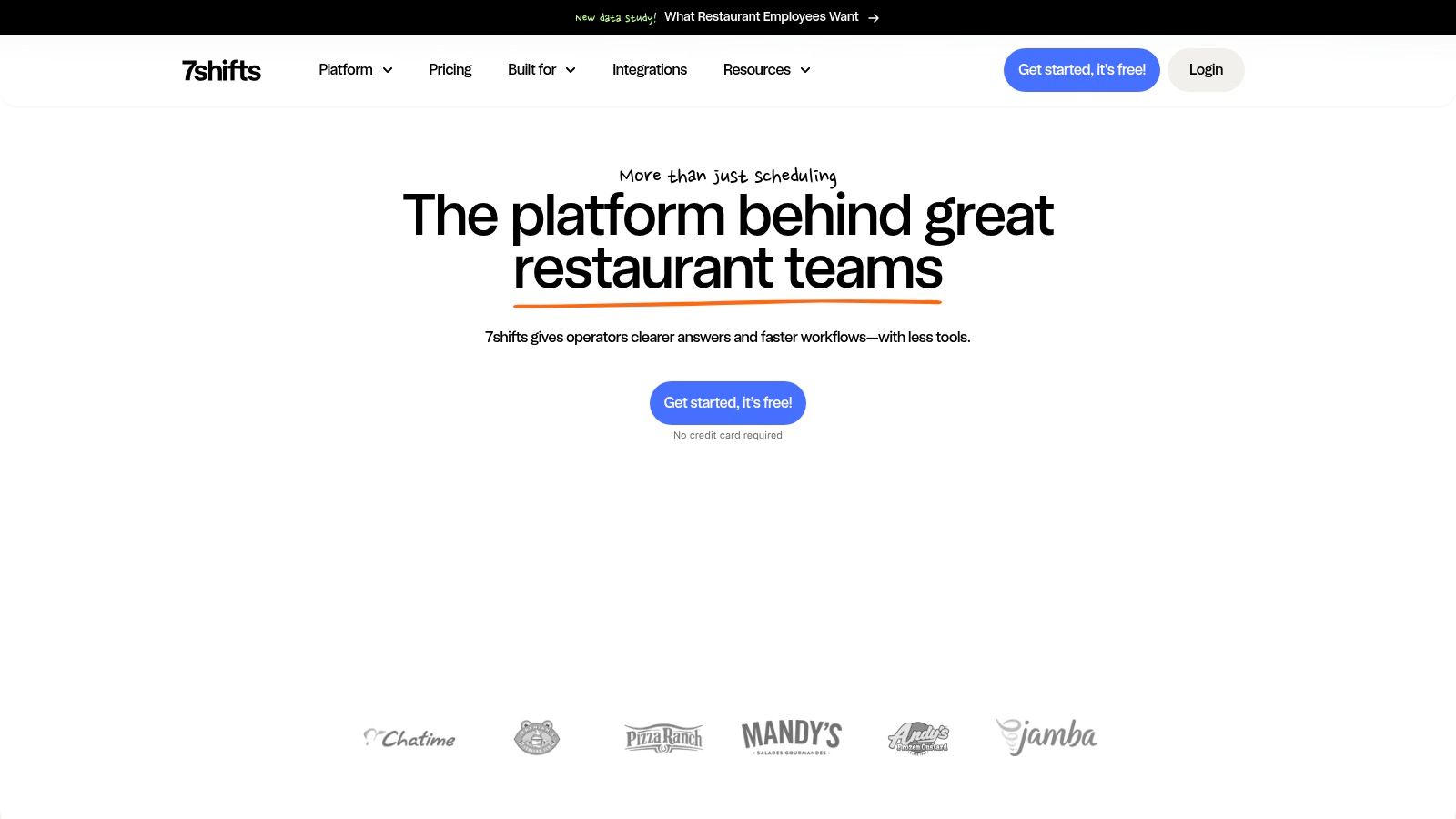
7shifts is restaurant employee scheduling software designed to help restaurants manage labor, reduce costs, and improve team communication. It enables managers to build schedules quickly, forecast labor based on sales data, track employee availability, and streamline operations with integrations across POS and payroll systems.
Top Features
- Automated scheduling with sales and labor forecasting
- POS and payroll integrations for real-time data syncing
- Team communication, shift swaps, and availability tracking
Best For: Restaurants of all sizes looking to optimize labor costs, streamline scheduling, and improve team communication.
3. Fourth
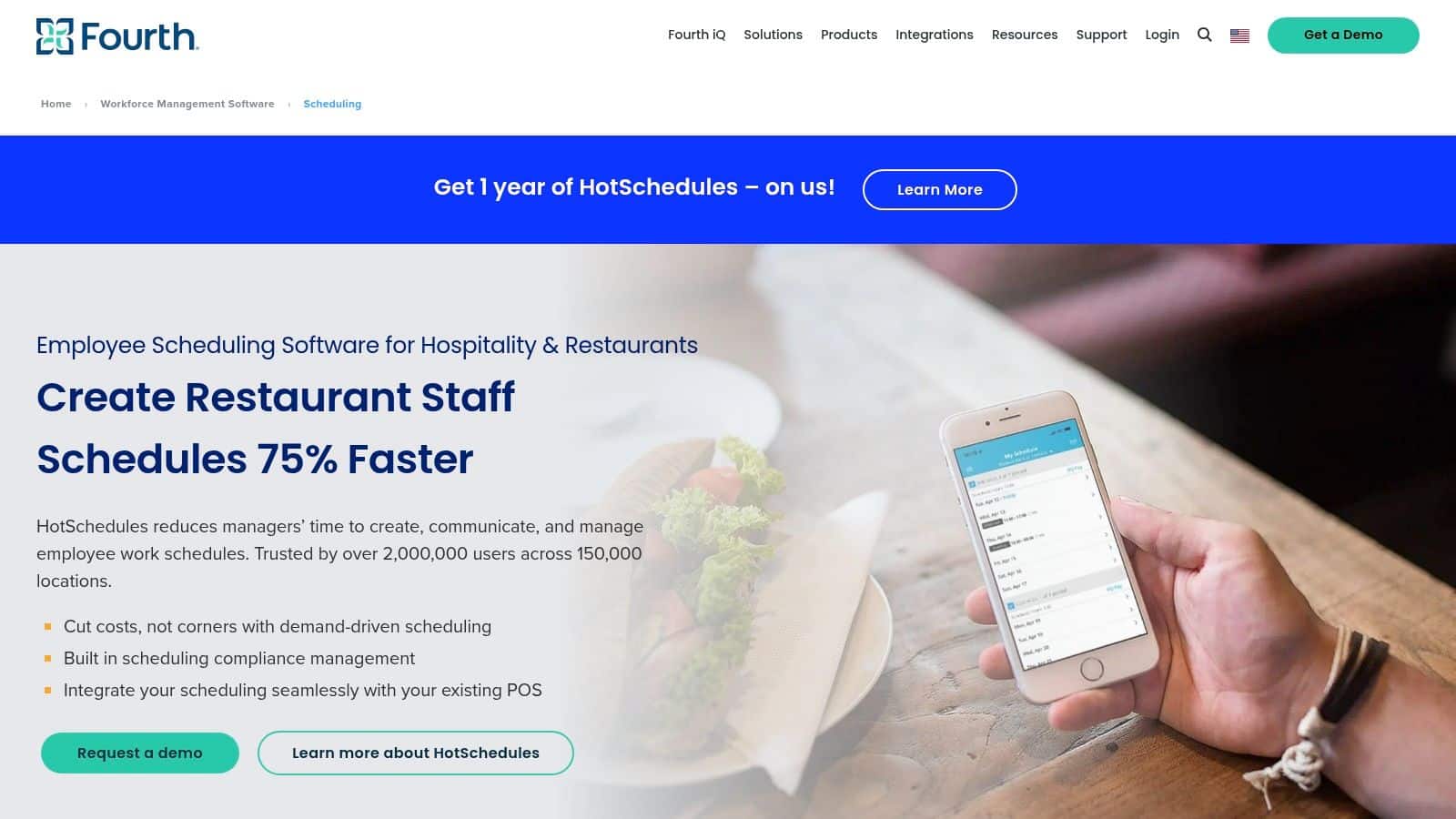
Fourth is a workforce management solution designed for restaurants and hospitality businesses. It helps operators create optimized schedules, manage labor costs, improve team communication, and ensure compliance while supporting consistent operations across multiple locations.
Top Features
- Intelligent scheduling with sales and labor forecasting
- Real-time team communication and shift management
- Compliance tools and multi-location workforce visibility
Best For: Restaurant chains, franchises, and hospitality groups that need scalable scheduling, labor optimization, and team communication tools.
4. Deputy
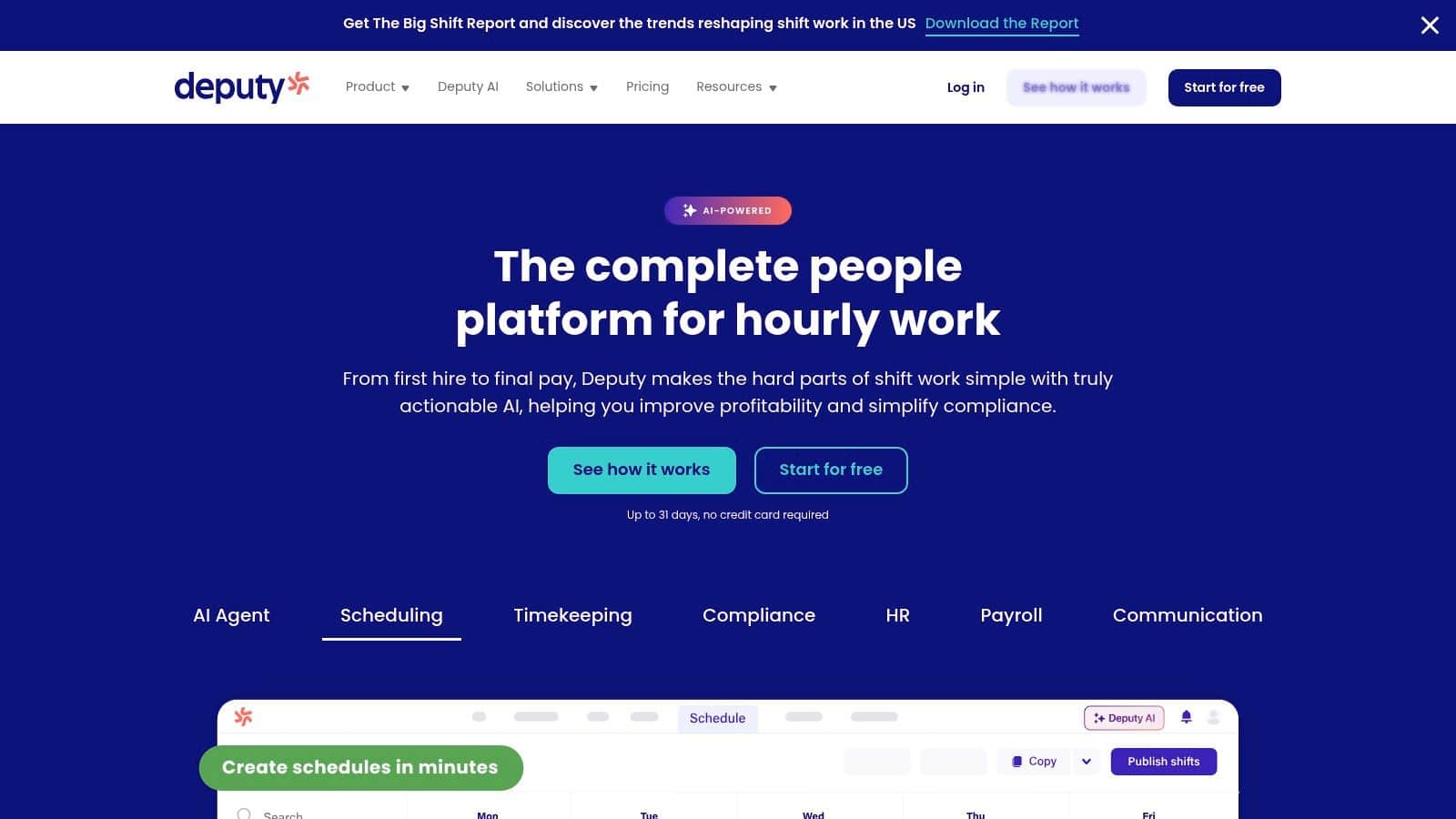
Deputy is employee scheduling software that helps restaurants create smart schedules, manage shifts, and control labor costs. It uses demand-based scheduling, real-time updates, and mobile tools to streamline workforce management while ensuring compliance with labor laws.
Top Features
- Demand-based scheduling with auto-fill and shift optimization
- Real-time shift updates, swaps, and mobile notifications
- Built-in compliance tools for breaks, overtime, and labor laws
Best For: Restaurants that want automated scheduling, real-time workforce visibility, and built-in compliance tools to manage labor efficiently.
5. When I Work
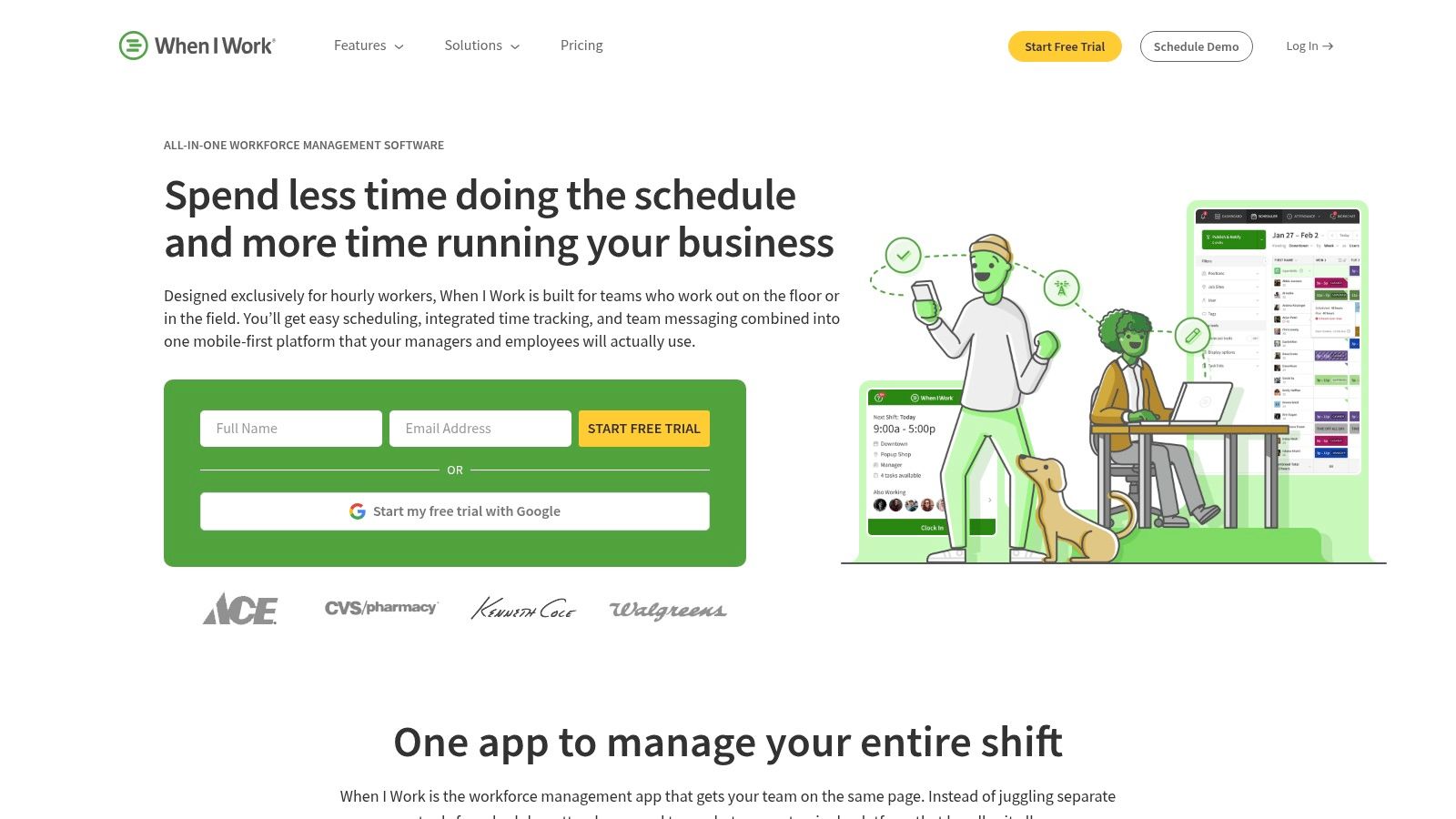
When I Work is employee scheduling software designed to simplify workforce management for restaurants and hourly teams. It helps managers create schedules quickly, track time and attendance, and communicate with staff, while employees can view schedules, swap shifts, and clock in using a mobile app.
Top Features
- Drag-and-drop scheduling with shift swaps and availability tracking
- Mobile time clock with GPS and geofencing
- Built-in team messaging and real-time notifications
Best For: Small to mid-sized restaurants and hourly teams that need easy scheduling, time tracking, and team communication in one platform.
6. Toast
Toast offers employee scheduling software from help restaurants manage schedules, communicate with staff, and streamline daily operations. As part of the Toast platform, it connects with POS, payroll, and team management tools to improve efficiency and coordination.
Top Features
- Seamless integration with Toast POS and payroll
- Built-in team messaging and shift notifications
- Scheduling, time tracking, and task management tools
Best For: Restaurants using Toast that want a connected system for scheduling, communication, and workforce management.
7. Harri
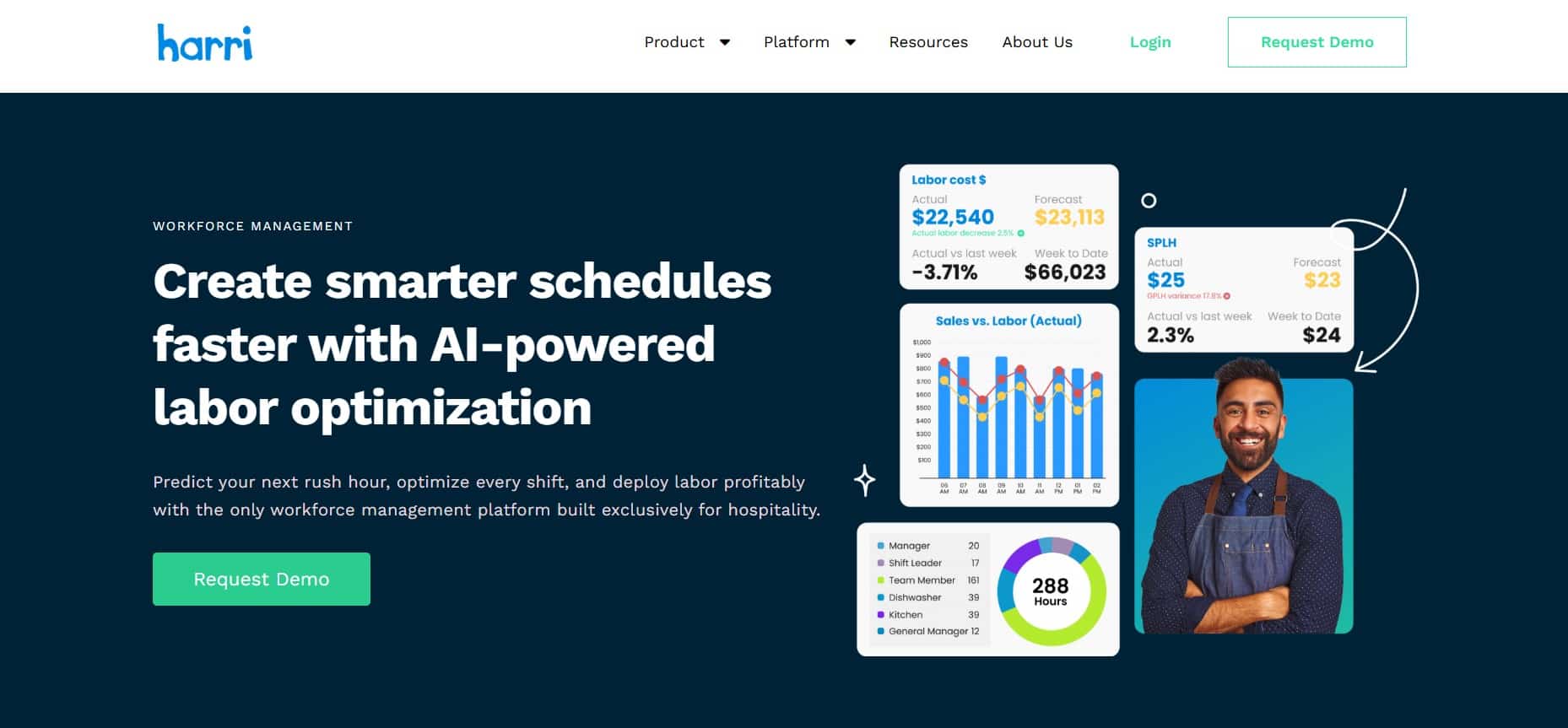
Harri is a workforce management platform designed for hospitality businesses, offering post-hire solutions that support employee onboarding, scheduling, compliance, and engagement. It helps restaurants streamline workforce operations, improve retention, and manage teams across multiple locations with integrated tools.
Top Features
- Digital onboarding and employee lifecycle management
- Scheduling, time tracking, and compliance tools
- Workforce analytics and employee engagement features
Best For: Hospitality businesses and restaurant groups looking for a comprehensive post-hire workforce management solution that improves onboarding, retention, and operational efficiency.
How to select the right Restaurant Employee Scheduling Software?
Use our selection checklist for Restaurant Employee Scheduling Software to better support your staff’s scheduling needs.
| What to Look For? | Importance |
|---|---|
| Mobile-First Software | Employees can view schedules, request time off, and swap shifts easily on mobile devices |
| Restaurant-Specific Features | POS integrations, labor forecasting, break rules, and role-based scheduling |
| Employee Communication | Built-in announcements, reminders, and notifications for better coordination |
| AI Features | AI tools that assist managers without replacing decision-making |
| Beyond Scheduling | Platforms that include onboarding, training, communication, recognition, and employee support |
Conclusion
Choosing the right restaurant employee scheduling software is about more than creating shift rosters. The best solution helps managers reduce scheduling conflicts, improve communication, support frontline employees, and keep restaurant operations running smoothly.
As your business grows, having scheduling connected with communication, training, recognition, and employee support can create a better experience for both managers and staff.
Explore the HubEngage employee scheduling software by booking a demo to see how it can simplify restaurant workforce management.
FAQs on Restaurant Employee Scheduling
1. What is restaurant employee scheduling software?
Restaurant employee scheduling software helps restaurant managers create staff schedules, assign shifts, manage employee availability, approve shift swaps, and notify employees of schedule changes from one centralized platform.
2. What features should restaurant employee scheduling software have?
The best restaurant employee scheduling software includes mobile scheduling, shift swapping, availability management, time-off requests, labor forecasting, POS integration, payroll integration, notifications, compliance tracking, and reporting to simplify workforce management.
3. How does restaurant scheduling software reduce labor costs?
Restaurant scheduling software reduces labor costs by matching staffing levels with expected demand, minimizing overtime, preventing overstaffing, improving shift coverage, and helping managers make informed scheduling decisions using real-time workforce data.
4. Can employees swap shifts using restaurant scheduling software?
Most restaurant employee scheduling software allows employees to request shift swaps, update availability, and submit time-off requests. Managers can review and approve changes before schedules are automatically updated for the entire team.
5. What is the best restaurant employee scheduling software for multi-location restaurants?
Multi-location restaurants should choose software that supports centralized scheduling, role-based permissions, labor forecasting, location-specific staffing, mobile access, employee communication, and integrations with payroll, HR, and POS systems for consistent operations.
6. Is AI used in restaurant employee scheduling software?
Yes, AI helps restaurant employee scheduling software forecast labor demand, recommend staffing levels, identify scheduling conflicts, and suggest qualified employees for open shifts. Managers still review and approve the final schedule before publishing.
7. Why is mobile scheduling important for restaurant employees?
Mobile scheduling gives restaurant employees instant access to shifts, schedule updates, time-off requests, and shift swap approvals from their phones. This improves communication, reduces missed shifts, and helps managers respond quickly to staffing changes.