Small business owners often lose time searching for basic employee information. A manager may need the payroll contact, or a new hire may not know who supports their team. Even an employee may struggle to understand reporting lines. The details usually exist, but they are often spread across spreadsheets, HR tools, emails, PDFs, and chat messages.
Employee directory software brings this information into one searchable place. It helps employees quickly find names, job titles, departments, locations, phone numbers, email addresses, managers, and team details. If you already have a broader internal communications strategy in place, it also fits naturally into a connected digital workplace, much like internal employee directories and engagement.
The best employee directory software for small businesses also improves onboarding, communication, and collaboration as the company grows. Our blog will help you compare the best options and choose the right platform for your business needs.
Key Takeaways
- Employee directory software helps employees quickly find coworkers, managers, and departments from one searchable platform.
- A modern employee directory improves collaboration with accurate profiles, contact details, and dynamic organizational charts.
- Employee directories make onboarding easier by helping new hires identify key contacts, reporting lines, and support teams from day one.
- Integrating your employee directory with HR systems keeps employee information updated automatically and reduces manual maintenance.
- A connected employee directory strengthens communication, improves productivity, and creates a better employee experience.
- AI-powered employee directory software enables natural language search, making it faster to find experts, managers, and organizational knowledge.
From Outdated Spreadsheets to Dynamic Profiles
Static spreadsheets quickly become outdated when employees change roles, managers move, or teams reorganize. This creates delays because people waste time searching for the right contact or using old information.
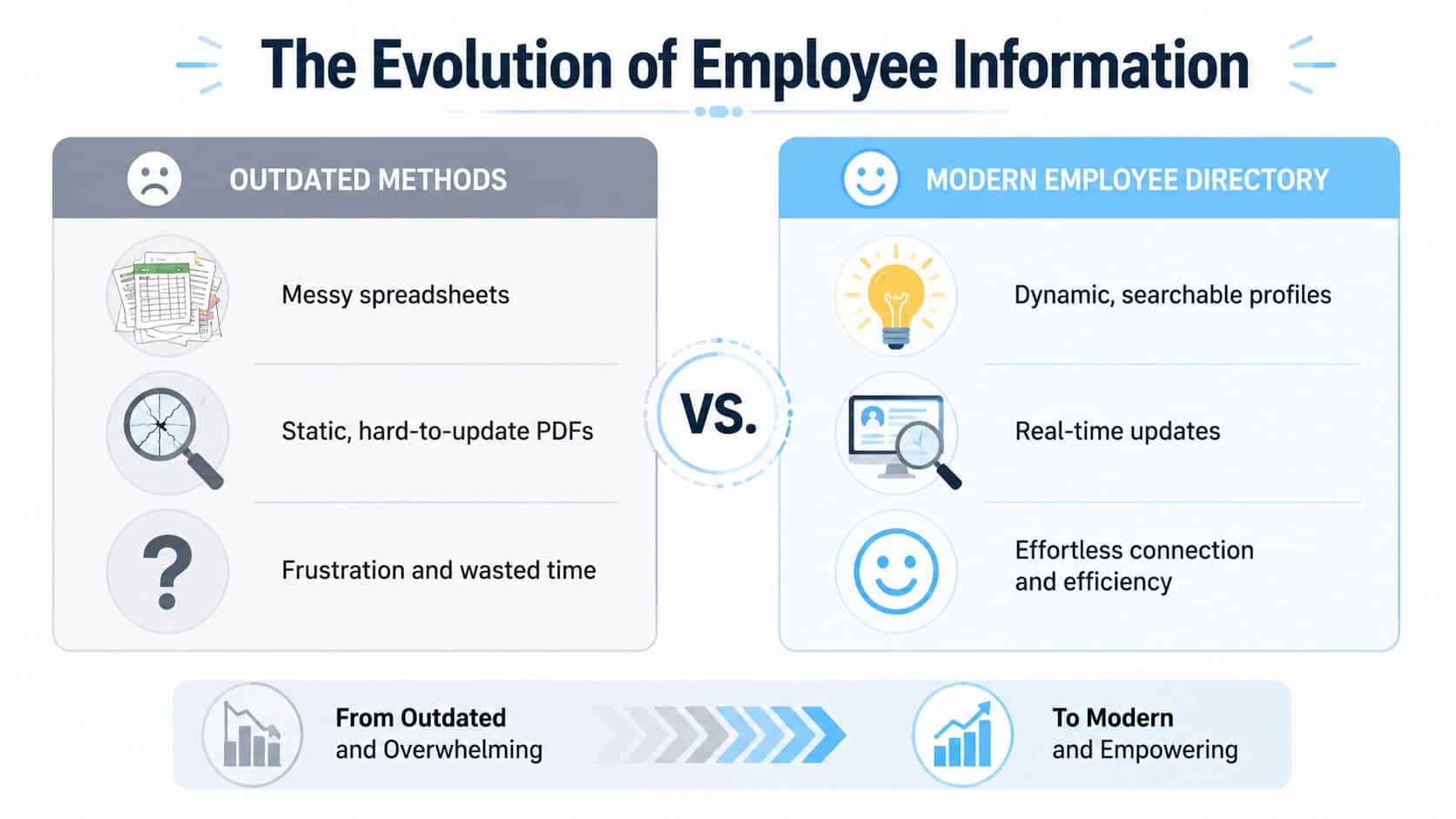
Modern employee directory software replaces outdated lists with searchable, automatically updated profiles, making it easier to find the right people, improve onboarding, and keep teams connected every day.
As per WiseGuyReports, the global employee directory software market is expected to grow with a CAGR of 11.1 % showing its demand in the coming future.
Best Employee Directory Softwares
Explore the leading softwares to maintain employee directory that we would like to suggest.
1. HubEngage
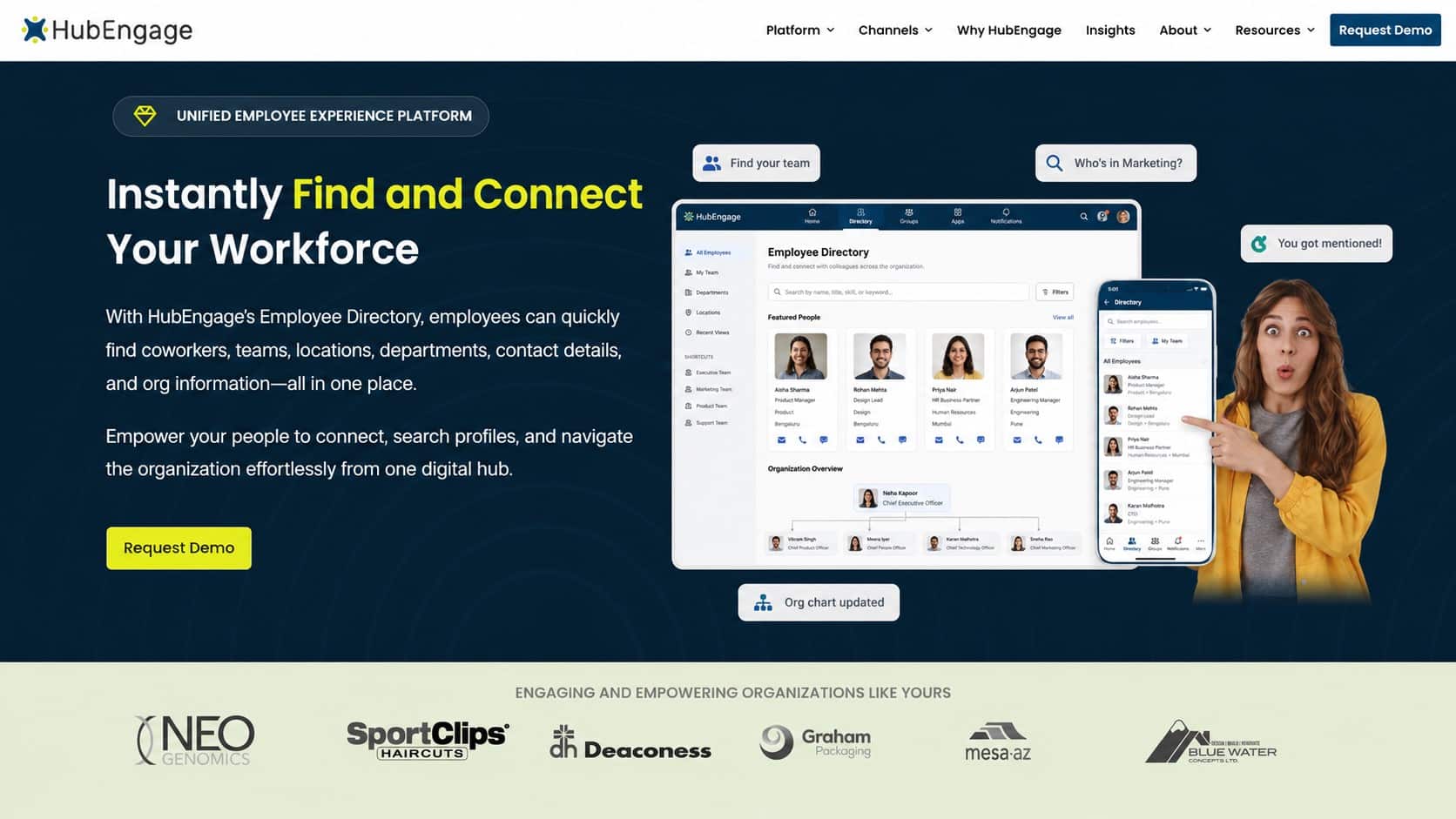
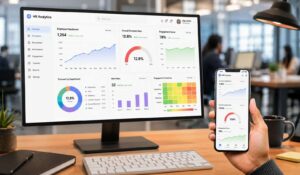
As a part of our employee experience platform, we designed employee directory software module designed for small businesses, frontline employees, and distributed teams. It provides searchable employee profiles, contact details, skills, departments, locations, and reporting relationships in one mobile-first platform. Its AI chatbot offers quick people search and employee assistance, while workforce analytics help managers understand platform activity and engagement. It also has an employee learning hub , allowing businesses to deliver short training content directly to employees across devices.
Top Features
- Searchable employee profiles and dynamic org charts
- AI chatbot for quick search and employee assistance
- Mobile-first access for frontline and distributed teams
- Workforce analytics and employee engagement insights
- Microlearning courses, quizzes, and training content
Pros
- Combines employee directory, communication, learning, and engagement tools
- Strong fit for small businesses and distributed workforces
Cons
- Initial setup may require employee data and integration planning
2. OneDirectory
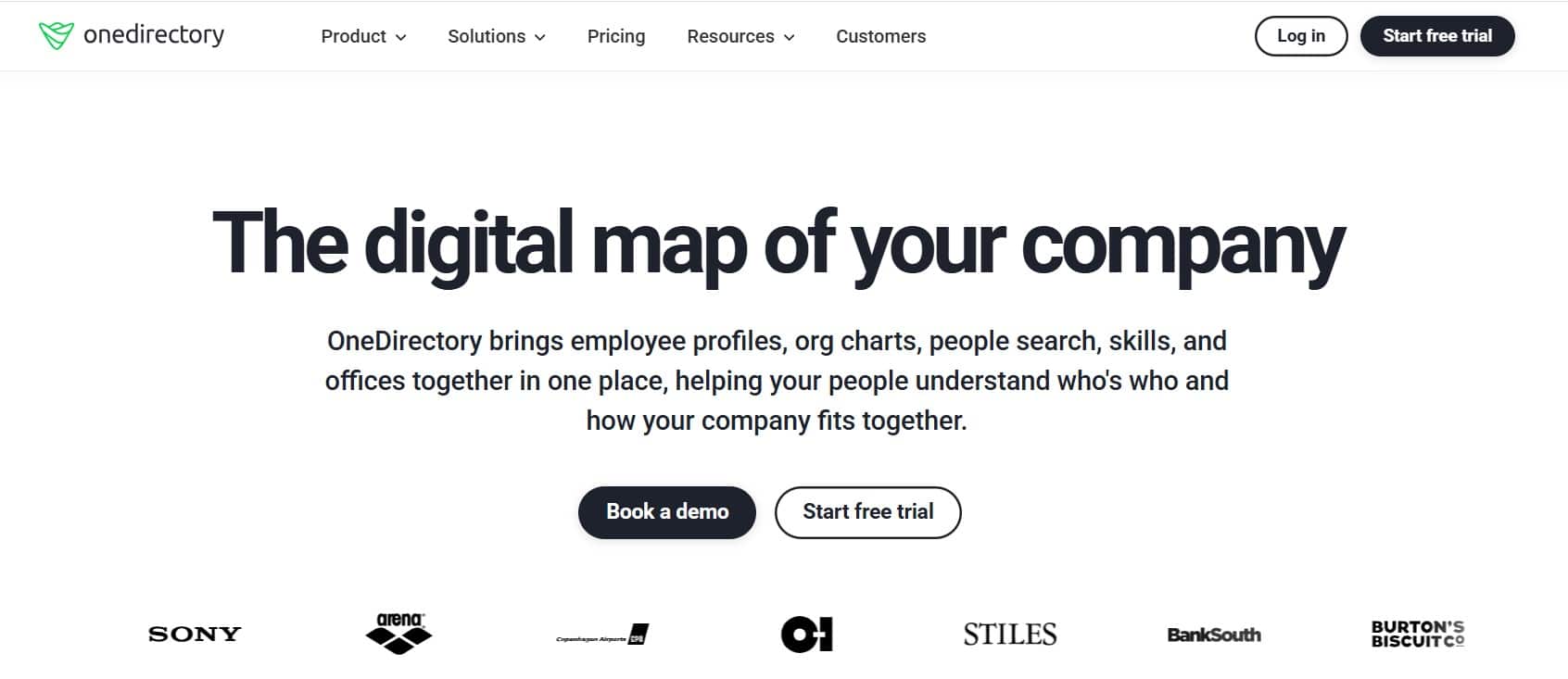
A dedicated employee directory software that brings employee profiles, people search, skills, offices, and organizational charts into one platform. It is designed to make large and complex company structures easier for employees to understand.
Top Features
- Searchable employee and skills directory
- Interactive organizational charts
- Office, team, and reporting relationship views
Pros
- Handles large and complex organizational structures
- Strong focus on employee and expertise discovery
Cons
- Does not replace a complete HR management platform
- Advanced enterprise requirements may need custom support
3. Sift

It helps employees discover coworkers, expertise, teams, and reporting relationships. It combines detailed employee profiles, powerful people search, and automatically updated organizational charts using workforce data from existing HR and IT systems.
Top Features
- Detailed employee profiles
- Dynamic organizational charts
- Search by skills, roles, departments, and locations
Pros
- Makes internal expertise easier to discover
- Integrates directly with Microsoft Teams
Cons
- Focuses more on people discovery than core HR management
- Value depends on accurate data from connected systems
4. Deel HR
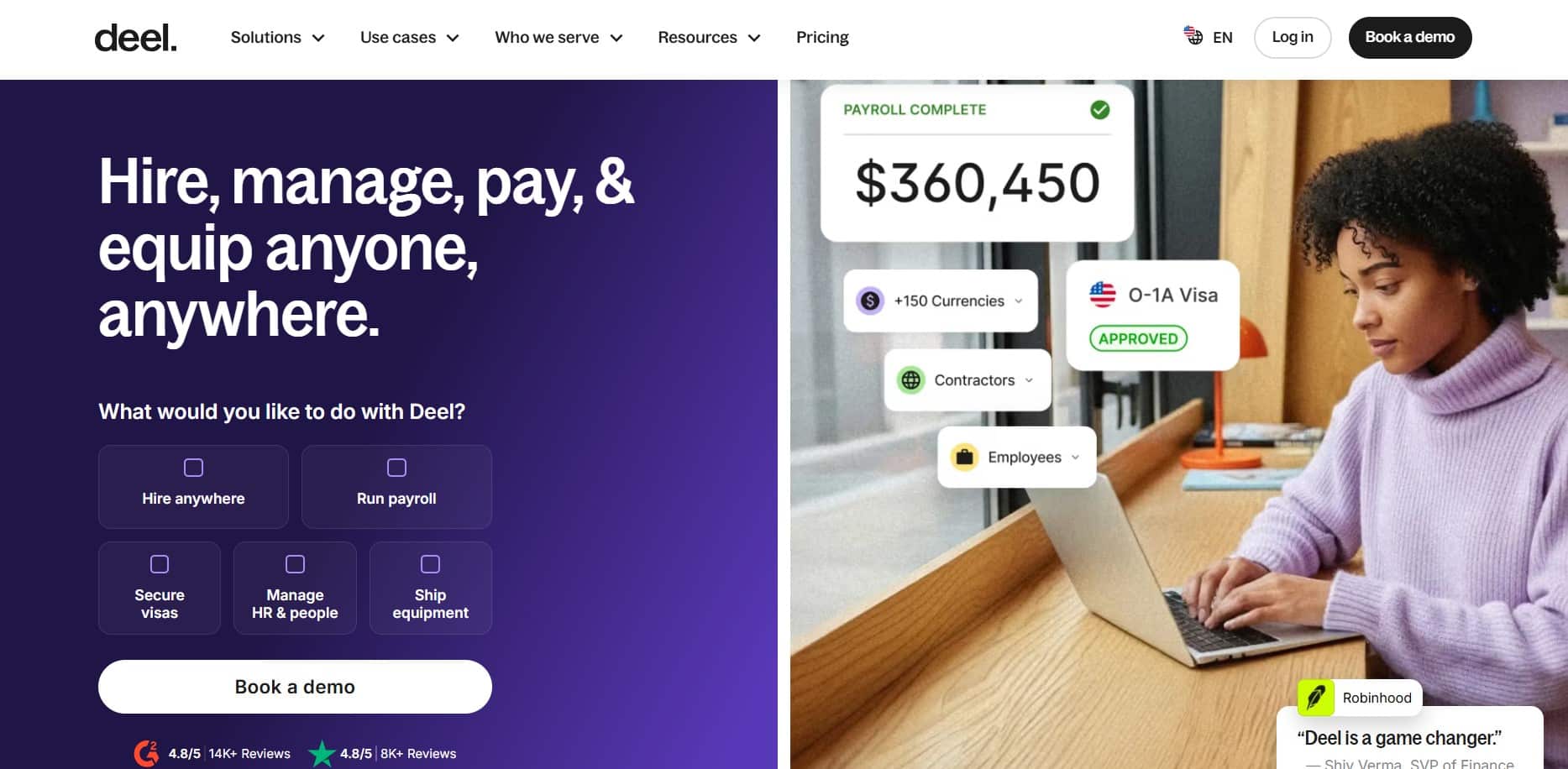
By providing a centralized employee profiles, organizational charts, search filters, and workforce records within a broader global HR platform, this tool is useful for companies doing workforce management across different countries, locations, and time zones.
Top Features
- Centralized global employee profiles
- Organizational charts and reporting relationships
- Global HR, payroll, and compliance tools
Pros
- Strong fit for international and remote teams
- Connects directory information with global HR operations
Cons
- May be more software than a local small business requires
- Directory tools are part of a wider HR platform
5. Freshteam
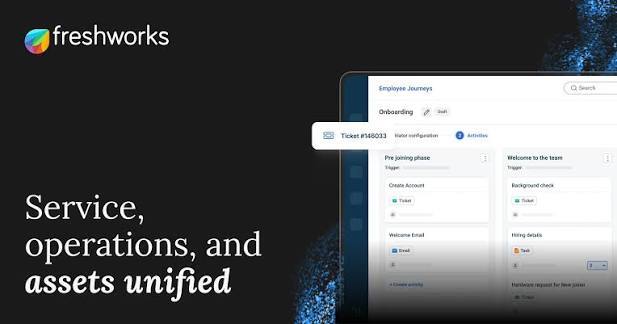
Includes employee records, a searchable directory, organizational charts, onboarding, recruitment, time-off management, and other HR functions. However, Freshworks reportedly stopped Freshteam subscription renewals from March 7, 2026, as it shifts HR workflows toward Freshservice.
Top Features
- Employee information and directory management
- Organizational charts
- Recruitment and onboarding workflows
Pros
- Combines employee records with basic HR functions
- Familiar interface for existing Freshworks users
Cons
- Not a suitable long-term choice for new buyers
- Product renewals are being discontinued
6. Simpplr
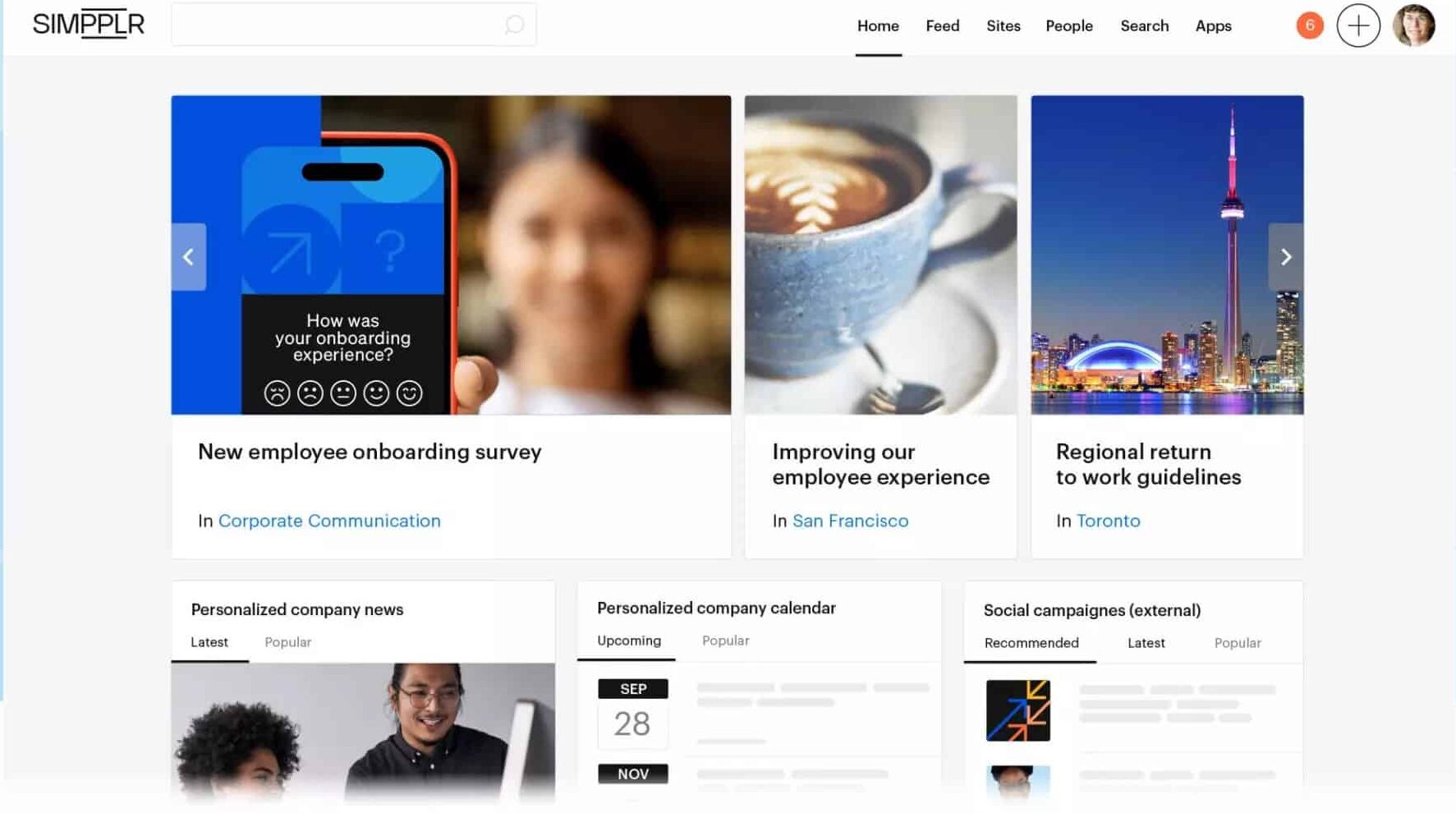
An AI-powered intranet platform that includes a searchable people directory. Organizations can create directory categories to help employees find coworkers by team, department, location, or other profile information.
Top Features
- Searchable people directory
- Custom employee profile categories
- Intranet, communication, recognition, and engagement tools
Pros
- Connects employee discovery with internal communication
- Suitable for companies needing a wider social intranet
Cons
- Not designed mainly as standalone directory software
- Does not provide a complete company-wide org chart natively 7. Eddy
7. Eddy
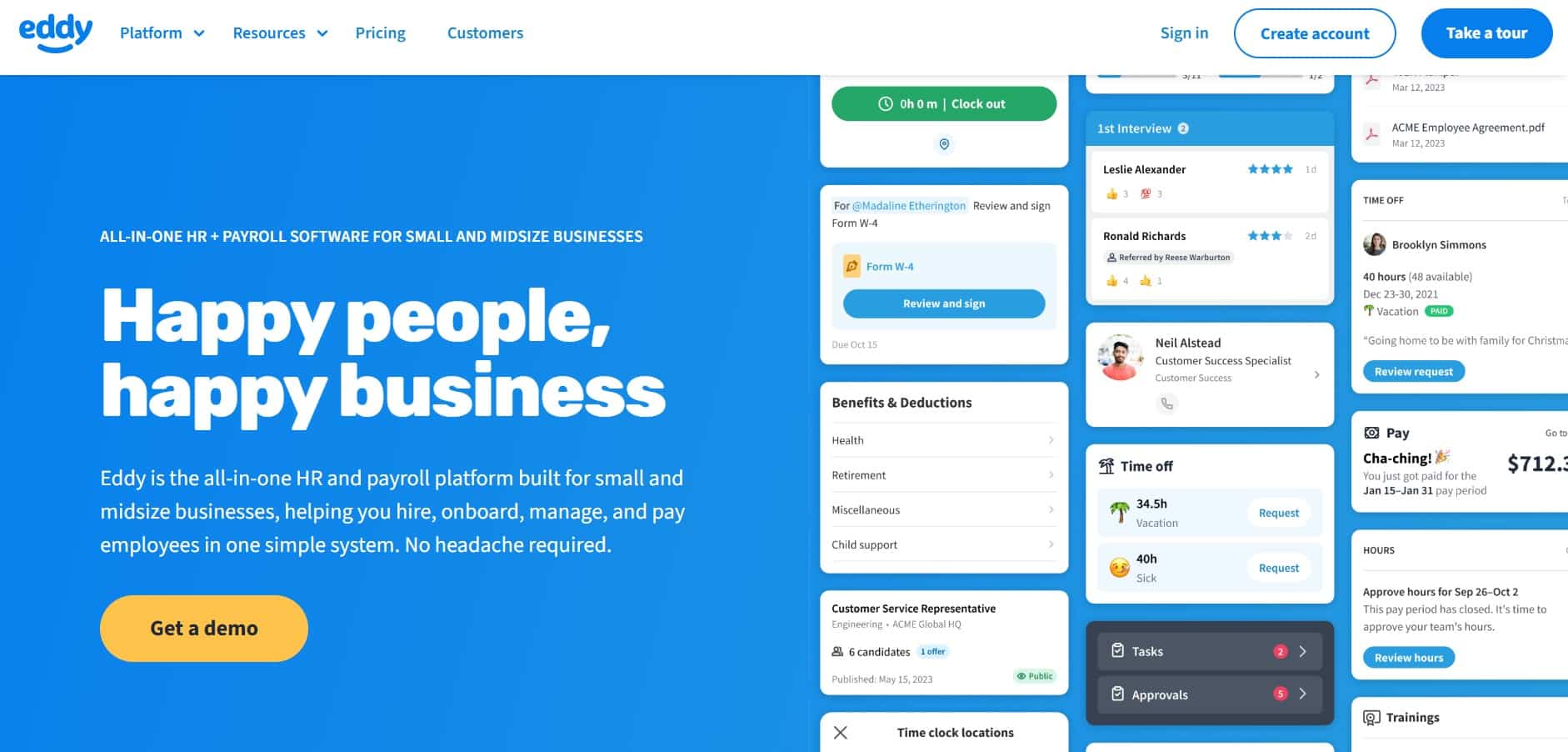
An all-in-one HR and payroll platform built for small and midsize businesses. Its employee directory integrates with an automatically generated organizational chart, allowing users to find employees by department, location, team, and other attributes.
Top Features
- Searchable employee directory
- Automatically generated organizational chart
- Employee records, onboarding, payroll, and time tracking
Pros
- Designed for small and midsize businesses
- Keeps directory information connected with HR records
Cons
- Directory customization may be lighter than dedicated tools
- Best value comes from using its broader HR features
8. Workleap
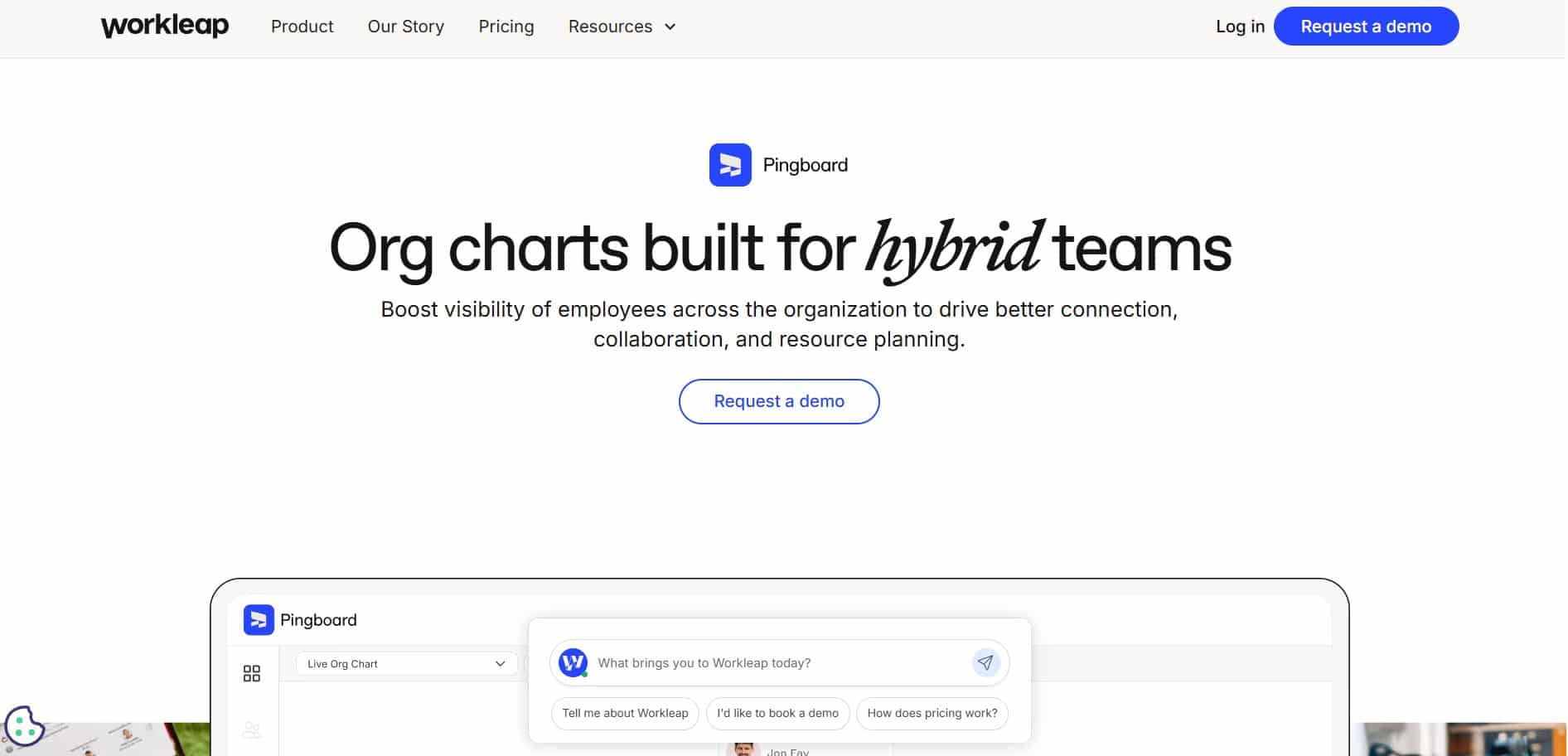
It is a cloud-based organizational chart and employee directory software. It helps growing and distributed teams understand reporting lines, departments, roles, and employee profiles while automatically updating information through HR and IT integrations.
Top Features
- Interactive organizational charts
- Searchable employee profiles
- Automatic HRIS and IT system syncing
Pros
- Strong visual experience for understanding team structures
- Helpful for remote and distributed workforces
Cons
- Does not replace a complete HRIS
- Mainly focused on directories and organizational charts
9. Workday
Helps with enterprise organization management, employee profiles, dynamic charts, and workforce modeling. Leaders can view current reporting structures, plan reorganizations, explore workforce information, and take HR actions directly from employee profiles and organizational charts.
Top Features
- Dynamic and customizable organizational charts
- Workforce and reorganization modeling
- Employee profiles connected with enterprise HR data
Pros
- Supports complex enterprise organizational structures
- Strong security, analytics, and workforce planning capabilities
Cons
- Usually too complex for small directory-only projects
- Implementation requires significant planning and resources
10. Access PeopleHR
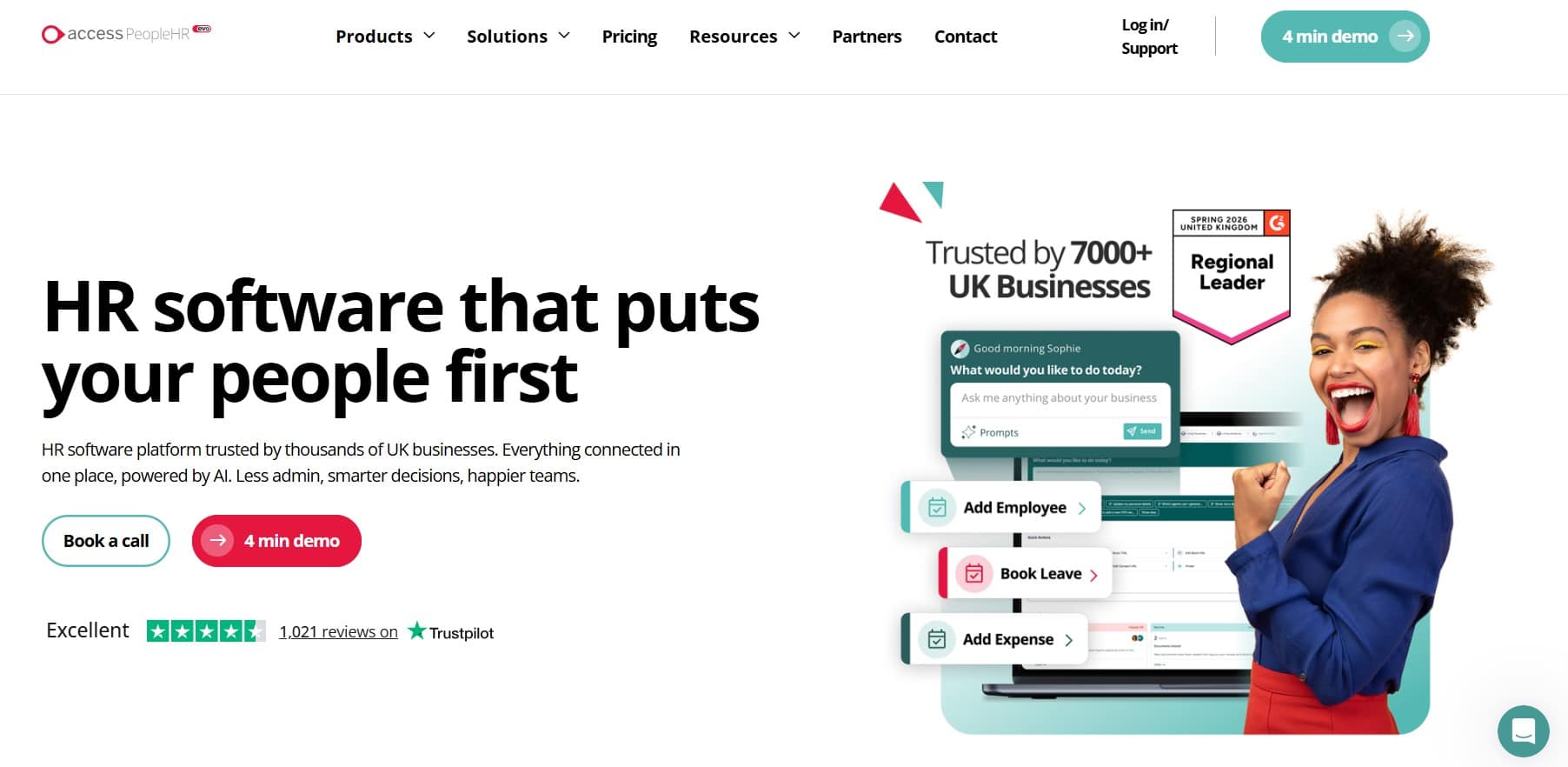
It combines employee records, company profiles, reporting relationships, and organizational charts within an HR management system. Employees can view company structures, while administrators can filter charts by department, company, or location and export them as PDFs.
Top Features
- Employee profiles and company directory
- Filterable organizational charts
- HR records, documents, leave, and performance management
Pros
- Simple option for small and growing HR teams
- Connects the directory with everyday HR processes
Cons
- Directory capabilities are part of the wider HR system
- Advanced org chart customization may require an external integration
| Employee Directory Software | Best For |
|---|---|
| HubEngage | Small businesses and distributed teams |
| OneDirectory | Complex organizational structures |
| Sift | Dynamic org charts and employee profiles |
| Deel HR | Global workforce directories |
| Freshteam | Core HR and employee management |
| Simpplr | Social intranets and communication |
| Eddy | Small business HR teams |
| Workleap | Visual organizational charts |
| Workday | Large enterprise workforces |
| Access PeopleHR | Simple and user-friendly directories |
How to choose the right Employee Directory Software?
Here is a simple checklist that we follow to easily select the right employee directory software as per the business needs.
| Check | What to Look For |
|---|---|
| Search | Find employees by name, role, team, or location. |
| Profiles | Include contact details, managers, skills, and departments. |
| Integrations | Sync with HR systems to keep data updated. |
| Access | Work smoothly on desktop and mobile devices. |
| Security | Protect employee data with permissions and secure login. |
| Scalability | Support your business as teams and locations grow. |
That’s why an accessible employee directory should be treated as onboarding infrastructure, not a nice add on.
Conclusion
An employee directory software is most valuable when it becomes a trusted, everyday resource instead of a static contact list. Accurate profiles, dynamic org charts, and searchable expertise help employees find the right people faster, improve onboarding, and reduce unnecessary delays across the organization.
As your workforce grows, a connected directory strengthens collaboration and supports a better employee experience. To see how this works in practice, explore the our employee experience platform by taking a demo.
FAQs for Employee Directory Software
What is employee directory software?
Employee directory software is a searchable platform that helps employees quickly find coworkers, managers, departments, and contact details. It improves communication, supports onboarding, and often includes employee profiles, organizational charts, and team information in one place.
How hard is it to implement an employee directory?
Implementing employee directory software is usually straightforward if employee data already exists in your HR system. Most businesses can launch with basic profiles first and gradually add more information like skills, reporting lines, and departments.
What information should employee profiles include?
Employee profiles should include a photo, full name, job title, department, location, email, phone number, manager, and team. Adding skills, certifications, responsibilities, and interests also makes it easier to find the right expert.
Can employee directory software support AI assistants?
Yes it can support AI assistants when profile information is accurate and regularly updated. AI can quickly answer questions, locate experts, identify managers, and help employees find the right contact using natural language search.
Is employee directory software only useful for large enterprises?
No, an Employee directory software is valuable for businesses of all sizes. Small businesses improve communication and onboarding, while growing organizations benefit from easier people search, clearer reporting structures, and less reliance on outdated spreadsheets or manual contact lists.
Related Links
workforce management | employee learning hub | AI chatbot for internal employees | internal employee directories and engagement | multi-channel communication platform | employee onboarding best practices