Employee training is challenging for teams working across shifts, locations, job sites, stores, clinics, warehouses, and home offices. Long courses are often impractical for frontline, deskless, and remote employees.
That is why many SMBs are exploring the best microlearning apps. These platforms deliver short training program for employees which can be completed in minutes. This helps in supporting onboarding, compliance, safety, product knowledge, customer service, leadership, and upskilling.
Choosing the right platform involves more than finding short courses. Businesses should evaluate mobile access, content quality, flexibility, analytics, integrations, and ease of use. Our guide compares leading microlearning apps and provides an easy checklist for selecting the right solution.
Key Takeaways
- The best microlearning apps deliver short focused training that fits the schedules of frontline, deskless, remote, and distributed employees.
- Mobile-first and offline learning help employees access training any location like job sites, stores, warehouses, and remote locations.
- Role-based learning ensures employees receive relevant onboarding, compliance, safety, product, and skills training based on their work.
- Strong microlearning platforms combine short lessons with quizzes, assessments, gamification, reminders, and analytics to improve knowledge retention.
- The right microlearning app helps businesses improve training completion, identify knowledge gaps, and keep workforce skills current.
10 Best Microlearning Apps For Distributed Workforce
Explore top microlearning apps that we believe are good options to training distributed teams:
| Name | Best For |
| HubEngage | AI-powered learning support with contextual microlearning |
| TalentLMS | Customizable learning paths and microlearning |
| SkyPrep | HR and webinar integrations with short-form learning |
| iSpring LMS | Rapid AI-assisted course creation and training |
| Absorb LMS | Selling and managing learning content in microlearning formats |
| 360Learning | Collaborative learning and AI-powered content support |
| Spekit | Salesforce and sales enablement through in-workflow microlearning |
| Docebo | AI-powered learning at scale and personalized training |
| eloomi | Learning, employee engagement, and skills-based microlearning |
| Litmos | Enterprise looking for AI-powered assistance |
1. HubEngage
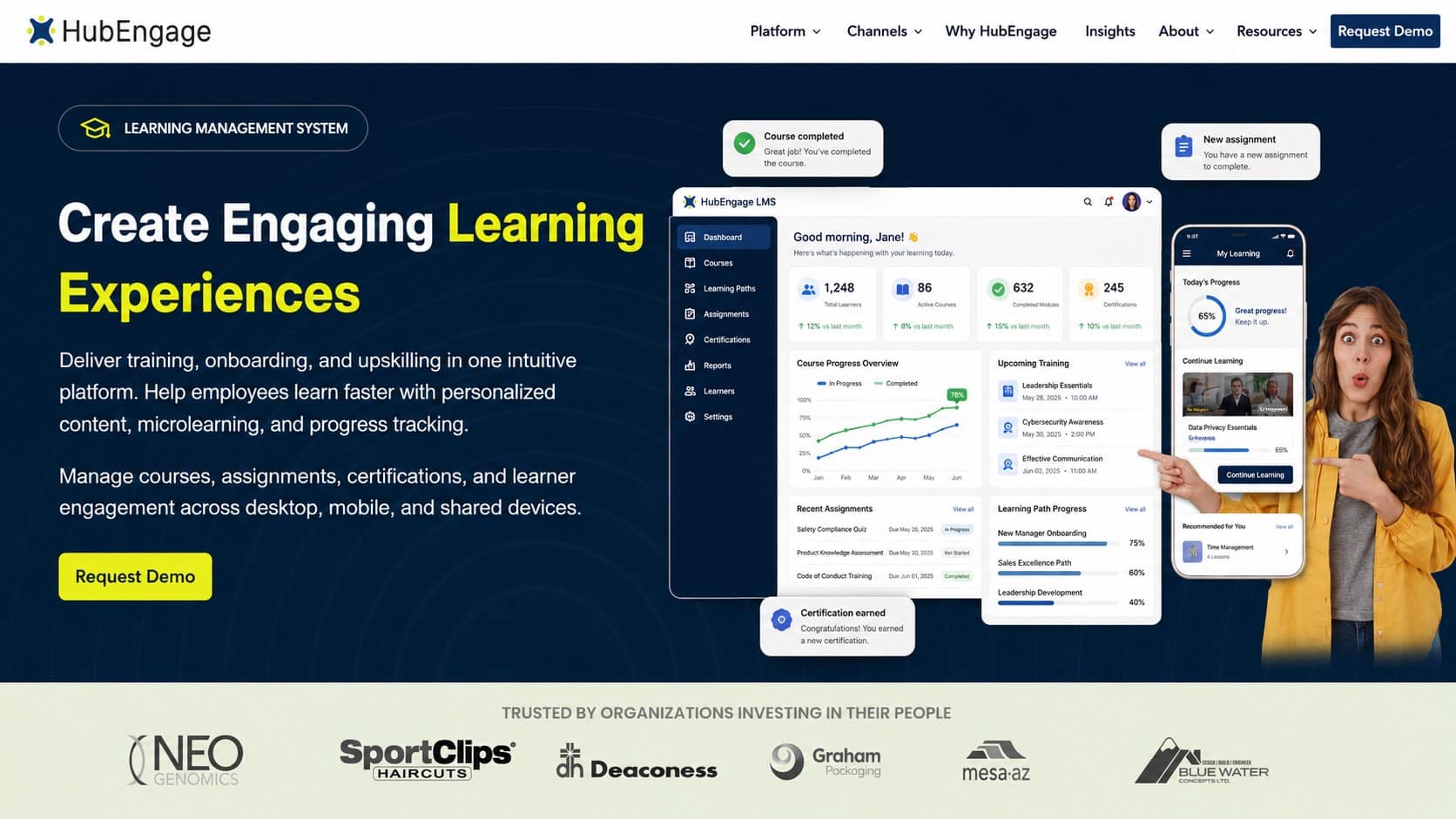
An ai-powered learning solution that helps distributed teams like frontline and remote teams deliver training, upskilling, and knowledge sharing directly within the flow of work. Employees can access learning content anytime and anywhere through one centralized platform.
The platform enables personalized learning journeys, making it simple to assign training according to roles, departments, locations, or skills. With mobile-first access, employees can complete lessons wherever their work takes them.
Learning is strengthened through engagement features such as gamification and progress tracking, helping encourage participation and ongoing development. Built-in communication tools keep employees updated about new courses, learning opportunities, and important announcements.
Top Features
- Role-based learning paths that assign training according to job, department, location, or skill
- Mobile-first access for frontline, deskless, remote, and shift-based employees
- AI-powered knowledge assistance that helps employees locate answers and learning resources
- Gamification, rewards, communication, surveys, and engagement capabilities within one platform
- Analytics that monitor training progress, knowledge gaps, engagement, and workforce performance
Pros
- Strong fit for distributed and deskless workforces
- Combines learning, communication, and employee engagement capabilities
- Helps SMBs reduce the need for multiple disconnected tools for learning
Cons
- Some advanced features may require additional setup or administrator training
- Enterprise may find it too simple to use and not address their complex work structure.
2. TalentLMS
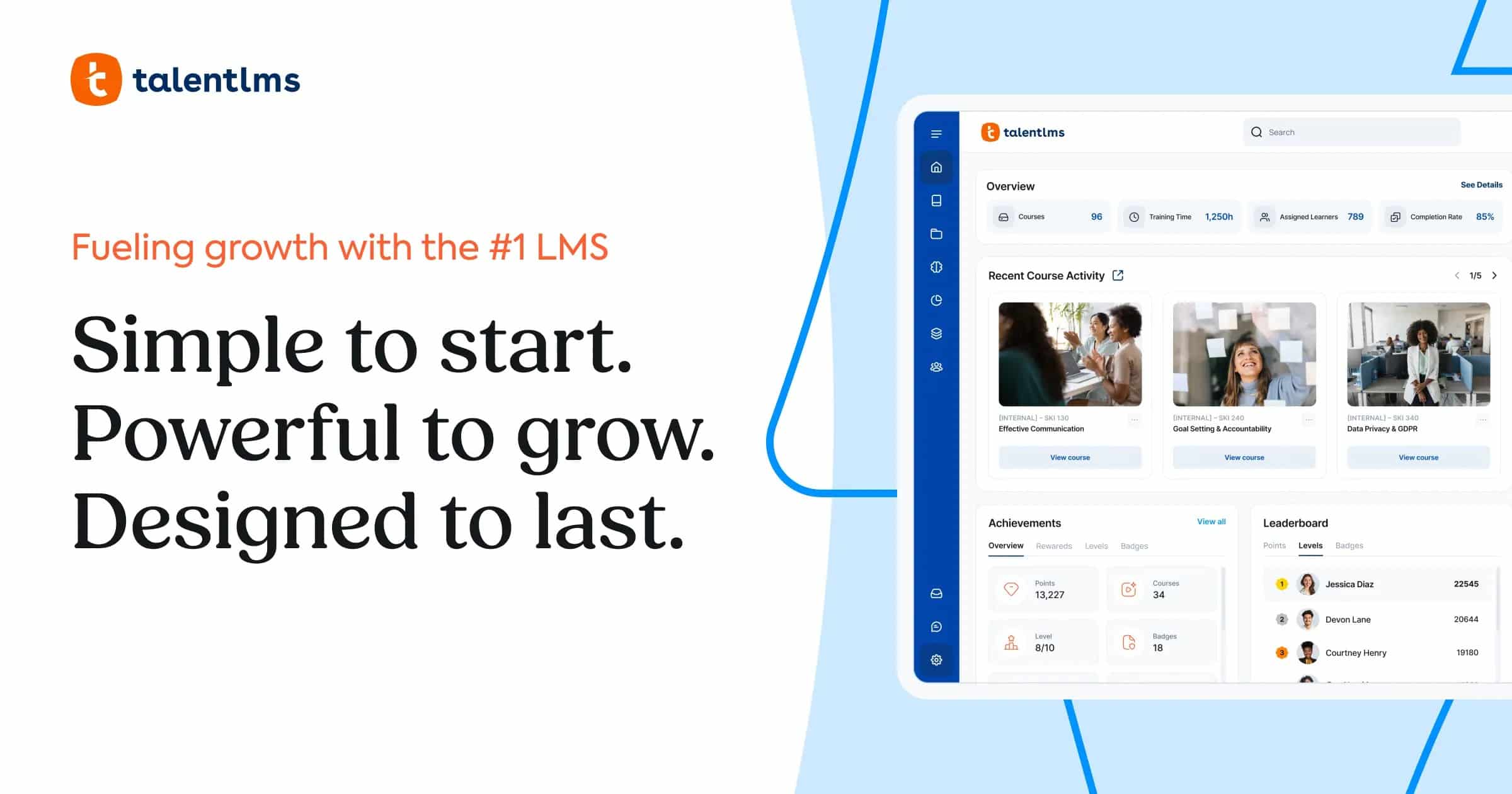
Works best for growing companies that need structured employee training without managing an overly complex learning environment. It helps businesses organize onboarding, compliance, development, and microlearning programs around employee roles, responsibilities, and learning goals.
Top Features
- Role-based learning paths for teams, departments, branches, and locations
- Assessments, gamification, certifications, and progress tracking
- AI course creation with mobile access across devices
Pros
- Supports user-specific assignments and structured learning paths
- Combines reporting, assessments, certifications, and mobile learning
Cons
- May offer more functionality than smaller teams need
- Some advanced features may require additional setup or training
3. SkyPrep
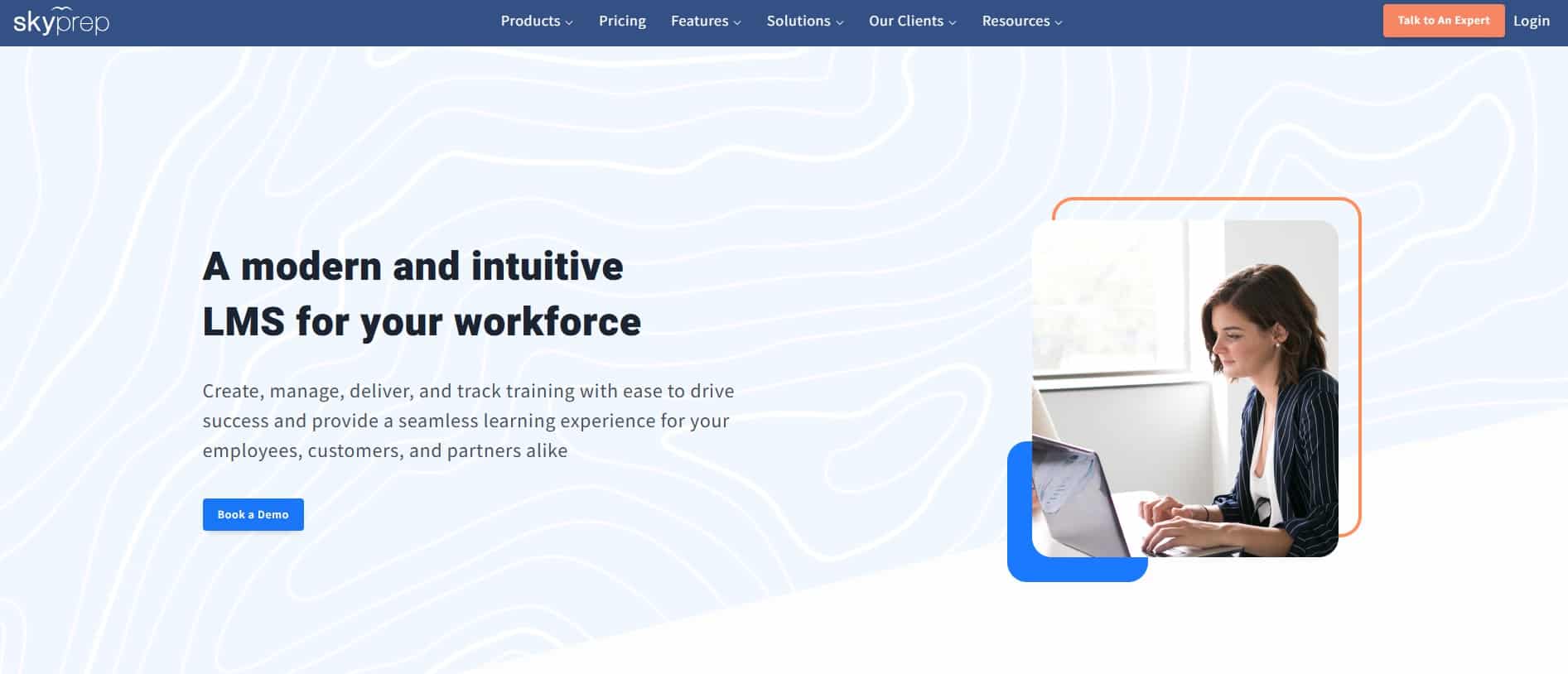
A a cloud-based LMS for creating, managing, and tracking training for employees, customers, partners, and other audiences. It supports courses, learning paths, assessments, certifications, reporting, automation, and branded training portals.
Top Features
- Courses with videos, documents, quizzes, surveys, and assignments
- Automated enrollment, reminders, notifications, and recurring training
- Dashboards for progress, completions, scores, and certifications
Pros
- Reduces manual enrollment and training follow-up
- Supports employee, customer, partner, and compliance training
Cons
- Requires setup for portals, automations, integrations, and reporting
- Seems less focused on quick as well as in-the-flow learning
4. iSpring LMS
Facilitates HR and L&D teams create, update, and distribute training quickly. It combines learning management with tools for building employee training resources like courses, quizzes, videos, interactive lessons and microlearning content.
Top Features
- AI-assisted course creation from documents and source materials
- Tools for quizzes, videos, interactive courses, translations, and voiceovers
- Mobile access with offline training downloads
Pros
- Reduces reliance on multiple authoring tools
- Supports learning with limited or inconsistent internet access
Cons
- AI-generated content still needs expert review
- Its features feel less focused than a proper microlearning app
5. Absorb LMS
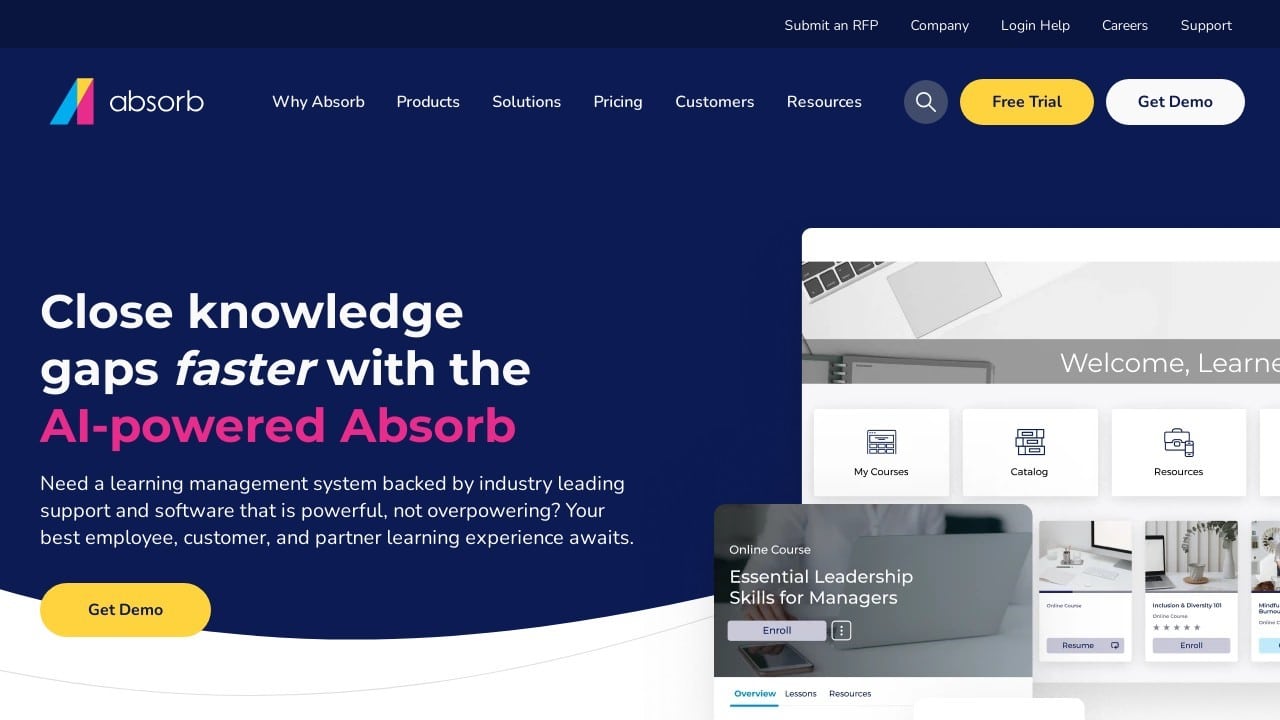
Helps organizations manage employee, customer, partner, and paid training from one platform. Its AI capabilities support course creation, personalized learning, recommendations, and administrative workflows.
Top Features
- AI-assisted outlines, objectives, quizzes, summaries, and course content
- Personalized learning based on roles, skills, goals, and learner activity
- AI-powered recommendations, search, and learning insights
Pros
- Supports internal and external training audiences
- Combines AI creation, personalization, recommendations, and reporting
Cons
- May require more administration than smaller businesses have resources
- Pricing may be less accessible for SMBs with limited training budgets
6. 360Learning
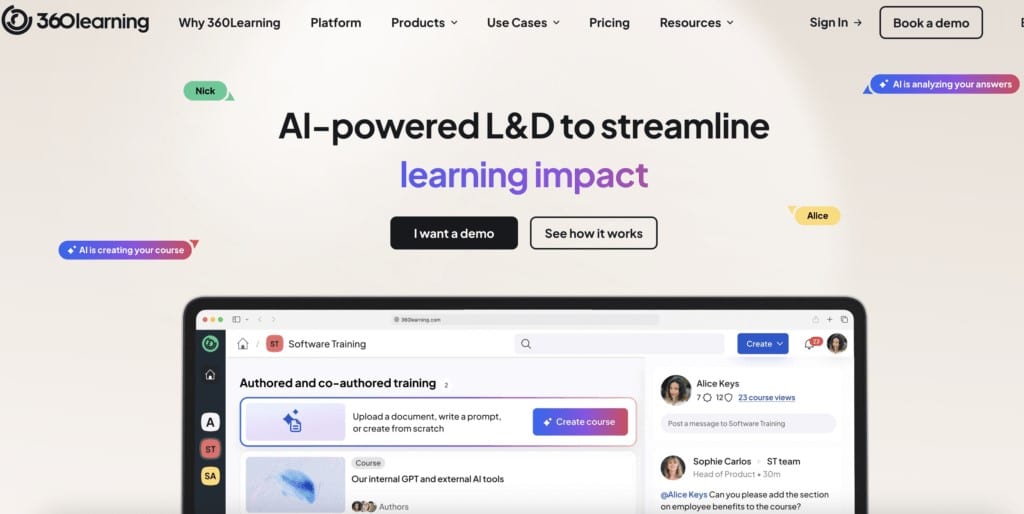
Connects learning with employee knowledge, skills, and daily work. Its LXP helps employees discover relevant content, receive recommendations, and access learning based on their roles and development needs.
Top Features
- Personalized learning based on skills, interests, and goals
- AI recommendations and content discovery
- Analytics, skill development, feedback, and mobile access
Pros
- Helps employees find relevant content independently
- Supports recommendations, social learning, and knowledge sharing
Cons
- Requires consistent content maintenance
- Depends on strong employee participation
7. Spekit
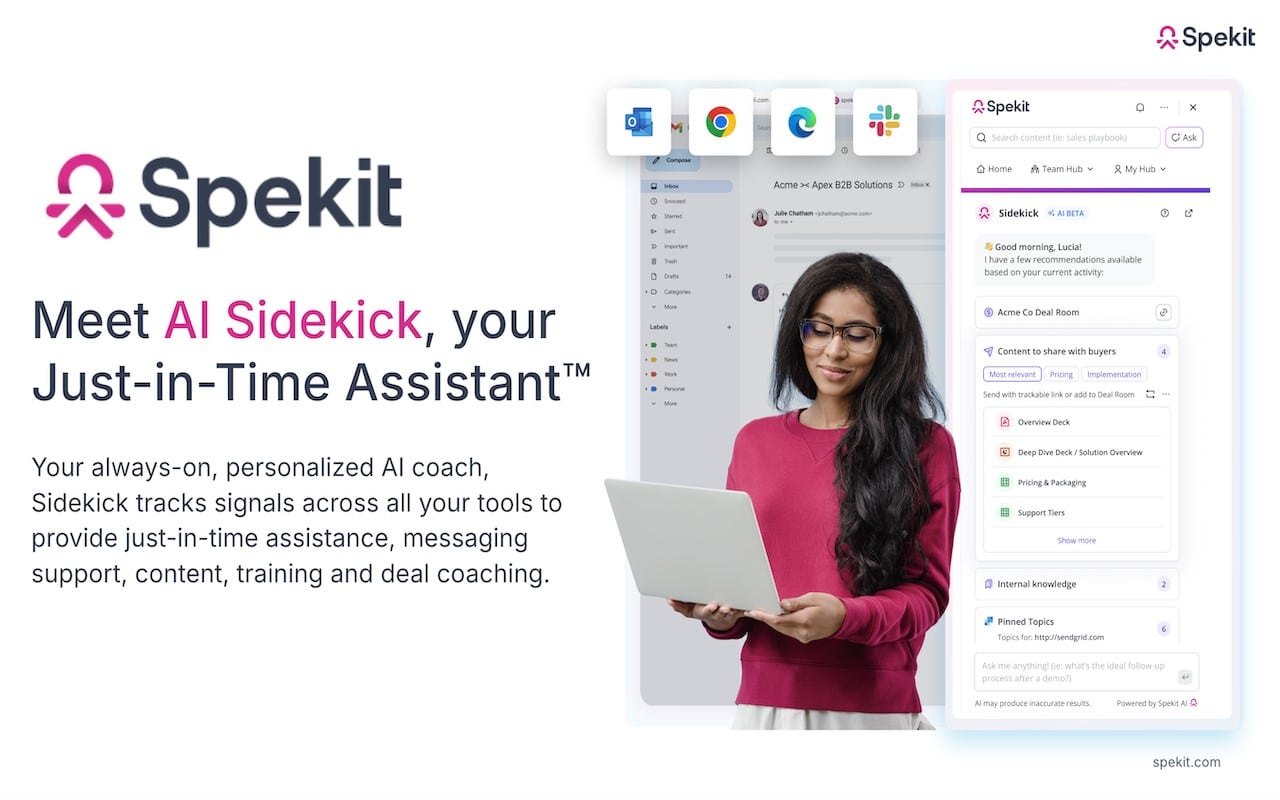
Delivers training, knowledge, and guidance inside the tools employees already use. Its Knowledge Engine centralizes trusted information and connects contextual learning with Salesforce, Slack, Gmail, Outlook, HubSpot, and other workplace systems.
Top Features
- Centralized knowledge management for company information
- Contextual guidance and learning inside workplace applications
- Integrations with Salesforce, Slack, Gmail, Outlook, HubSpot, and more
Pros
- Delivers sales and product knowledge in the flow of work
- Connects training with everyday employee workflows
Cons
- Focuses mainly on sales and go-to-market enablement
- Requires accurate, regularly updated knowledge
8. eloomi
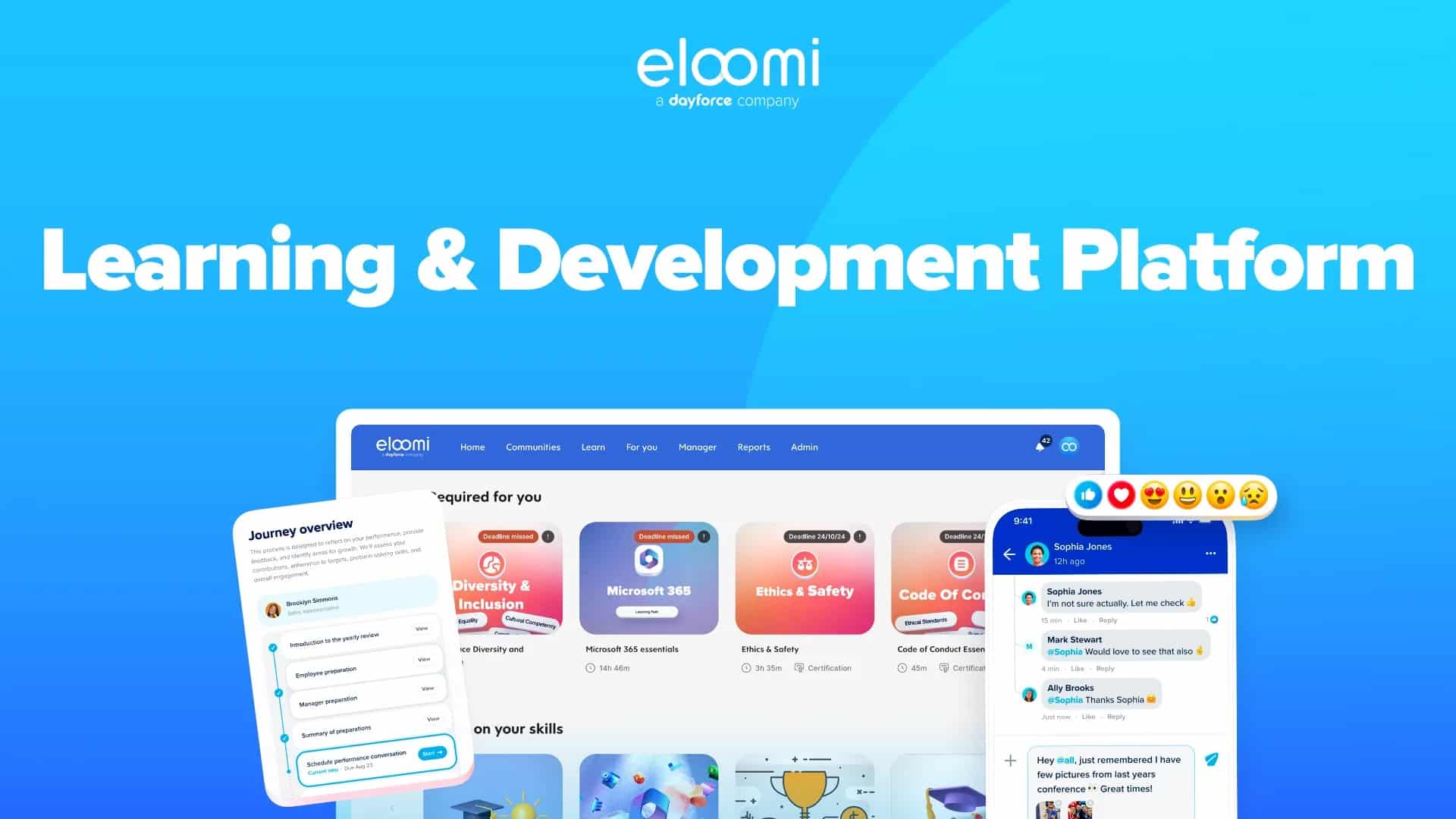
Connects learning with employee development training activities like skills development, compliance, performance, and engagement. It supports structured programs while helping organizations create personalized development experiences.
Top Features
- Learning paths, compliance, skills, performance, and engagement tools
- Personalized learning, course creation, assessments, and reporting
- Mobile access across devices and workplace environments
Pros
- Connects learning with performance, skills, compliance, and engagement
- Helps deliver relevant training to different employee groups
Cons
- May require configuration for broader development programs
- Feels more like a comprehensive learning platform
9. Docebo
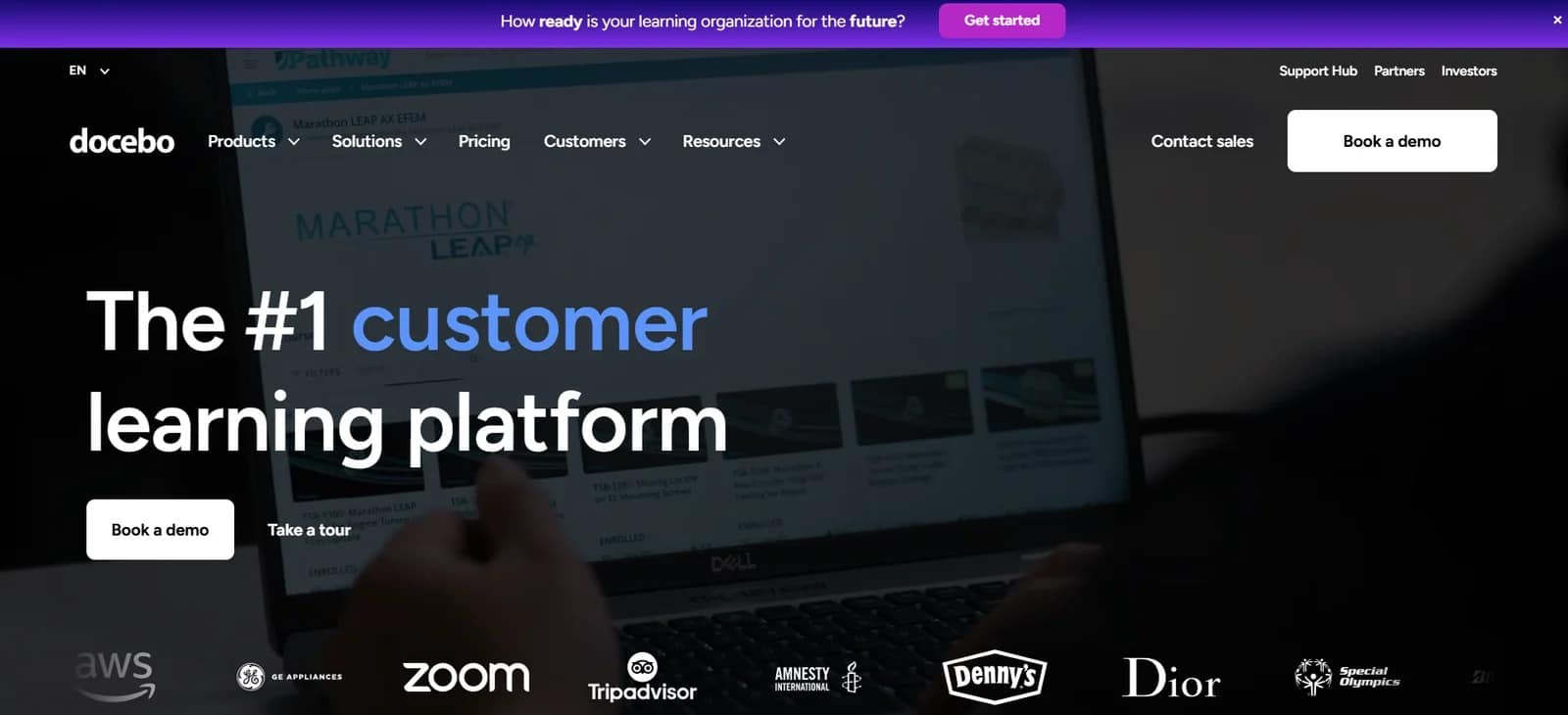
Simplifies complex learning, development, and skills programs across teams, regions, and learner groups. Its platform combines learning management with AI content creation, personalized learning, skills management, and reporting.
Top Features
- AI content creation, recommendations, and personalized learning
- Skills management for identifying gaps and aligning learning goals
- Learning management, coaching, reporting, and integrations
Pros
- Supports complex programs across large organizations
- Provides AI tools for content, recommendations, and skills development
Cons
- May offer more functionality than needed for simple microlearning programs
- Not a good option for small and medium businesses.
10. Litmos
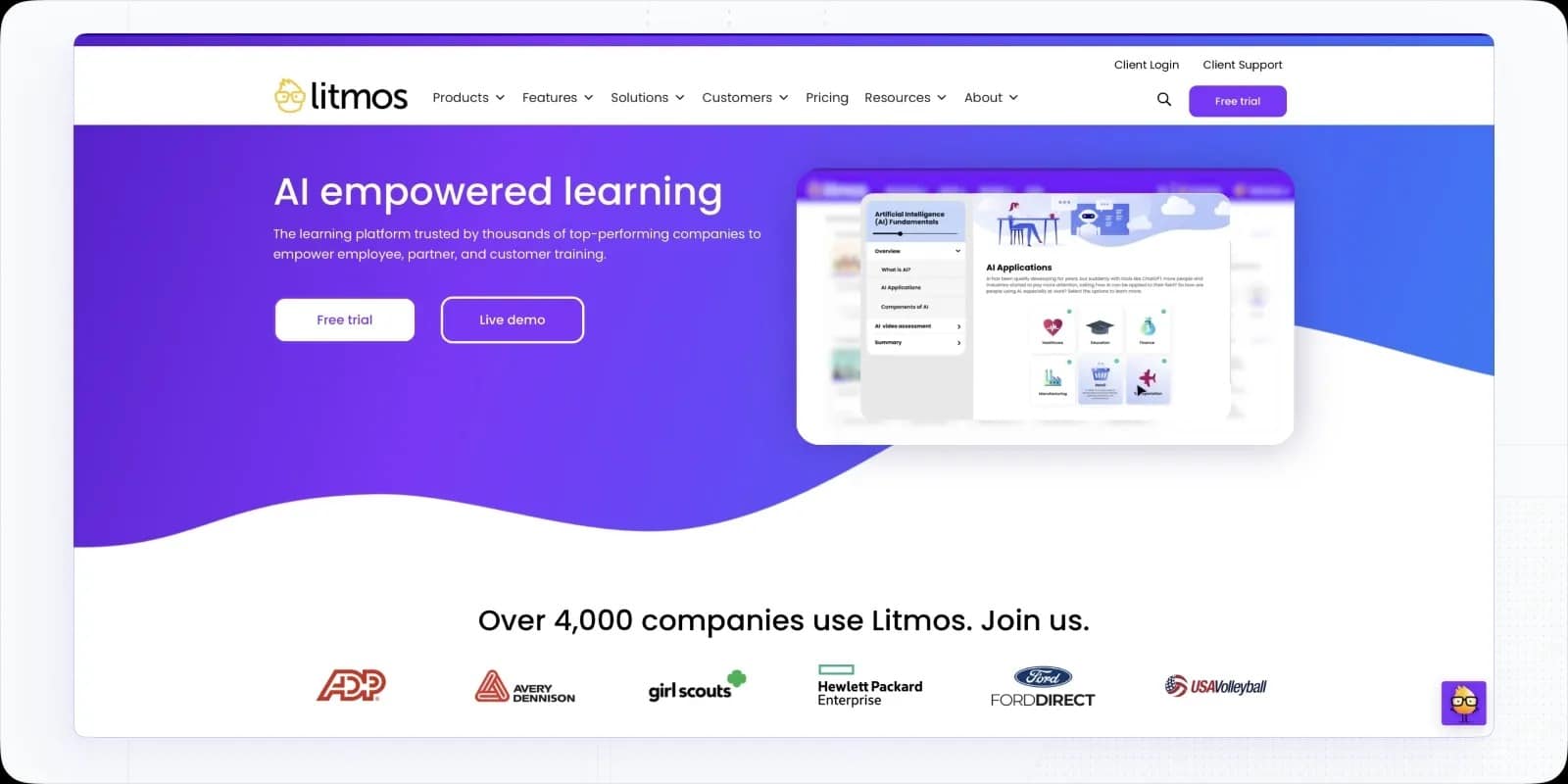
Supports employee, compliance, customer, partner, and sales training programs. It helps administrators manage assignments, reporting, certifications, and training requirements across different audiences.
Top Features
- AI tools for creating and managing learning content
- Role-based paths, assignments, certifications, and reporting
- Employee, customer, partner, sales, and compliance training
Pros
- Supports multiple training audiences from one platform
- Tracks progress, certifications, assignments, and compliance
Cons
- May offer more functionality than smaller businesses need
- Requires more administration than a specialized microlearning app
How to select the Best Microlearning App for your team?
Do not choose between the best microlearning apps based only on a long feature comparison. Use this simple checklist to compare microlearning platforms and create training programs for employees such as frontline team:
| Selection Factor | Importance |
| Mobile access | Helps frontline, deskless, remote, and field employees complete training from any device. |
| Offline learning | Supports employees who work in areas with limited or unreliable internet access. |
| Role-based training | Delivers relevant lessons based on each employee’s role, location, department, or skill level. |
| Short, engaging content | Makes it easier for distributed employees to complete training between tasks or during breaks. |
| Analytics and reporting | Shows managers completion rates, knowledge gaps, overdue training, and adoption by location. |
| Integrations | Connects training with HR, communication, scheduling, and workplace tools already used by employees. |
| Simple administration | Reduces the time and resources needed to manage training across multiple locations and shifts. |
The best microlearning app for your team should be easy for employees to access, simple for managers to maintain, and flexible enough to support changing business needs.
Conclusion
The best microlearning apps help organizations deliver focused, accessible, and measurable training to distributed, frontline, deskless, and remote employees. When evaluating options, prioritize mobile access, role-based learning, assessments, analytics, simple administration, and flexible content updates.
The right platform should fit your workflows, support employee development, and make learning easy to apply during the workday. Take up a demo to explore the capabilities of our employee experience platform to support connected learning and engagement as well.
FAQs For Best Microlearning Apps
Which microlearning format creates the most value in corporate training?
There is no single best format. Short videos, quizzes, scenario-based lessons, checklists, flashcards, and interactive modules work well for different needs. Match the format to the behavior or knowledge employees need to improve.
How to measure the effectiveness of microlearning software?
Measure microlearning effectiveness with analytics tracking completion rates, quiz scores, engagement, feedback, retention, and learner progress. Review insights regularly to refine content, align training with objectives, and improve outcomes.
What is the best way to select a microlearning asset for a training need?
Start with one specific performance problem. Identify what employees need to know or do differently, then choose a short learning format that teaches, demonstrates, or tests that specific skill.
Should a company replace its LMS with a microlearning platform?
Companies may still need an LMS for certifications, compliance records, complex courses, and reporting. A microlearning platform can complement an LMS, or businesses can choose one platform that supports both approaches. Research published by the Association for Talent Development indicates that microlearning improves knowledge transfer than just traditional training formats.
How do learning teams measure microlearning platform adoption after rollout?
Track active learners, course completion rates, repeat usage, quiz results, overdue assignments, mobile participation, learning time, and adoption by role or location. Teams should also measure whether training improves employee performance, knowledge, or compliance.
Related Tools
training program for employees | employee training resources | employee development training | create training programs for employees