An organization’s internal newsletter software is the home where your employees’ communication and culture live. It helps connect with employees, share updates, and build a unified, consistent workplace experience.
Sitting between traditional email tools and full internal communication platforms, an internal newsletter software is more structured than a manual send from Outlook, and more focused on employees than external marketing platforms. They prioritize ease of use for non-technical communicators, support HR and IT requirements like security and compliance, and integrate with systems like HRIS, identity providers, and collaboration tools.
For a broader look, see where internal newsletter software fits in the bigger picture with our internal communication tools guide. If you are already evaluating platforms, you can also explore HubEngage’s internal communications email software for a unified approach to employee campaigns.
Key Takeaways
- The best tools offer drag-and-drop editors, branding control, segmentation, automation, analytics, and integrations with HR and collaboration systems.
- Multi-channel delivery i.e. email, mobile app, SMS, Slack, Microsoft Teams, and digital signage is essential for reaching hybrid, global, and deskless workforces.
- AI is increasingly used to curate, personalize, and summarize content, reducing manual effort for internal communications and HR teams.
- Choosing the right platform means balancing features, integrations, scalability, and total cost of ownership against your communication goals.
- Strong security, compliance, and data privacy capabilities are critical to protect sensitive employee information and meet organizational along with regulatory requirements.
Key Features of the Best Internal Newsletter Software
The best internal newsletter software tends to share a common feature set that makes life easier for internal comms, HR, and IT while improving the experience for employees.
Here are the core capabilities to look for when comparing internal newsletter software and online newsletter platforms:
- Drag-and-drop editors & templates: Build visually engaging emails without coding.
- Brand consistency: Maintain logos, fonts, and style across communications.
- Segmentation & personalization: Target messages by department, role, or location.
- Automation: Schedule recurring digests and trigger important updates automatically.
- Analytics & insights: Track open rates, clicks, read time, and engagement heatmaps.
- Integration: Connect with HRIS, Slack, Teams, intranet, or mobile apps.
- Deliverability at scale: Manage large employee lists reliably.
- Mobile optimization & accessibility: Ensure newsletters render across devices and meet accessibility standards.
- Interactivity: Add surveys, polls, comments, and multimedia content.
- Support & onboarding: Access to templates, guides, and customer success teams.
Best Internal Newsletter Software and Platforms
Below is a short list of commonly used internal newsletter software options and how they position themselves.
HubEngage
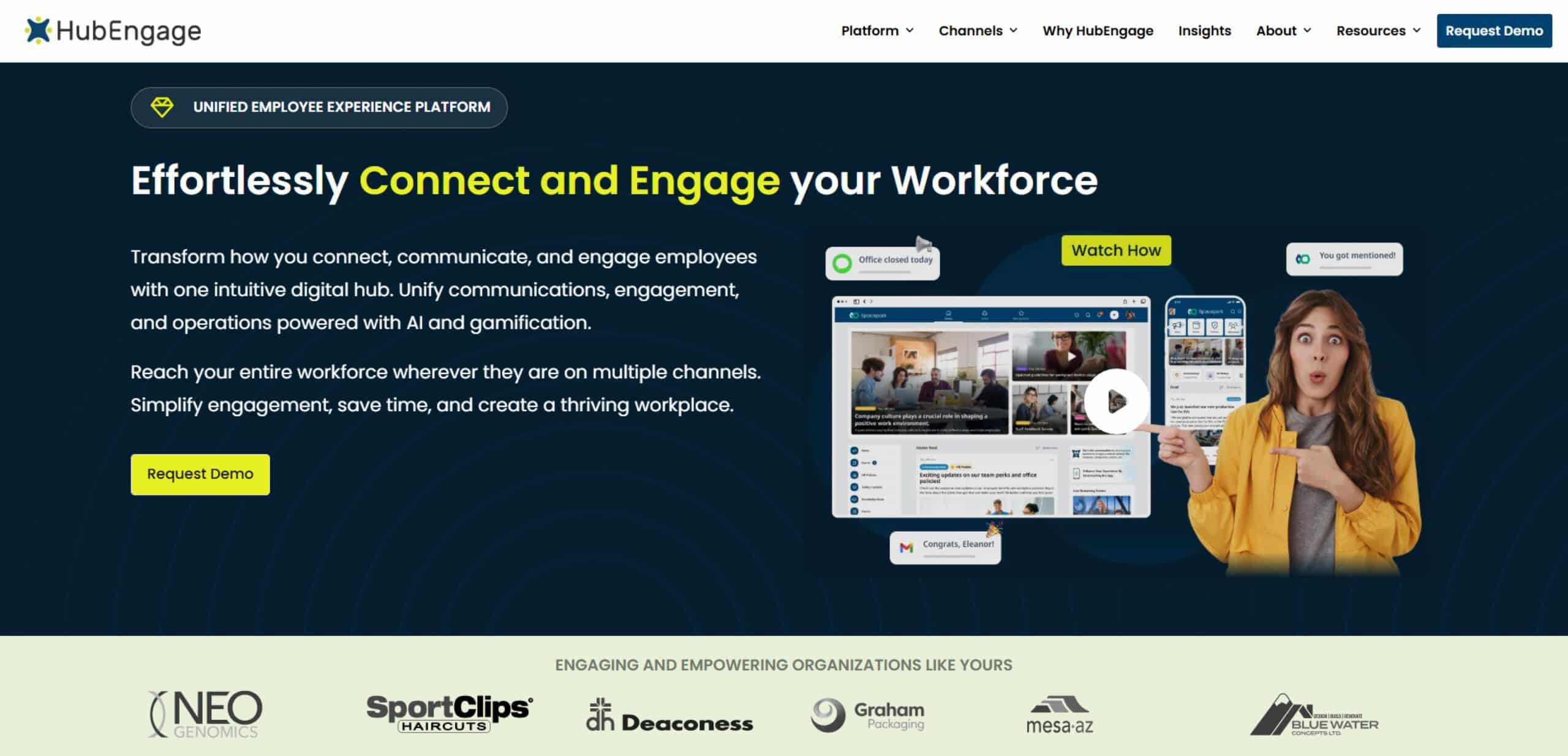
- Key features: Easy-to-use builder, HRIS integrations, multi-channel delivery (inbox, SMS, Slack, Teams, push notifications), personalization, automation, analytics, recognition, and feedback modules.
- Best for: SMBs to large enterprises that want internal newsletter software as part of a broader employee communication platform.
- Pros:
- Combines internal newsletters with intranet, mobile app, SMS, signage, surveys, and recognition.
- Strong audience segmentation and automation for internal campaigns.
- Designed for both frontline and office-based employees.
- Cons:
- Full value comes when multiple teams (comms, HR, ops, IT) adopt the platform.
- Smaller organizations may not need the full breadth of features initially.
- Pricing range: $$
Cerkl Broadcast
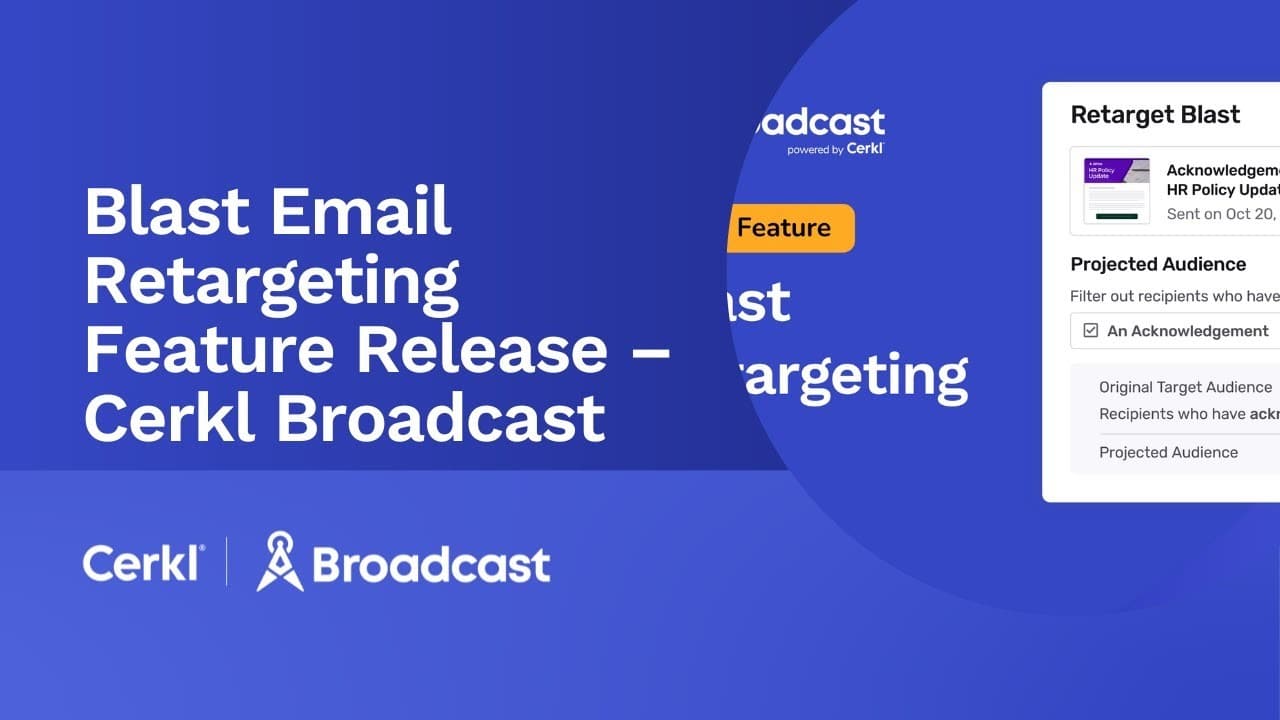
- Key features: Personalization, automation, AI-driven content delivery, analytics.
- Best for: Mid-size to large enterprises that want AI-assisted internal newsletters and audience targeting.
- Pros:
- Strong personalization and AI-driven content delivery.
- Good fit for large, complex audiences.
- Cons:
- May feel more complex for smaller organizations.
- Requires clear goals and governance to get full value from personalization.
- Pricing range: $$–$$$
Poppulo Harmony
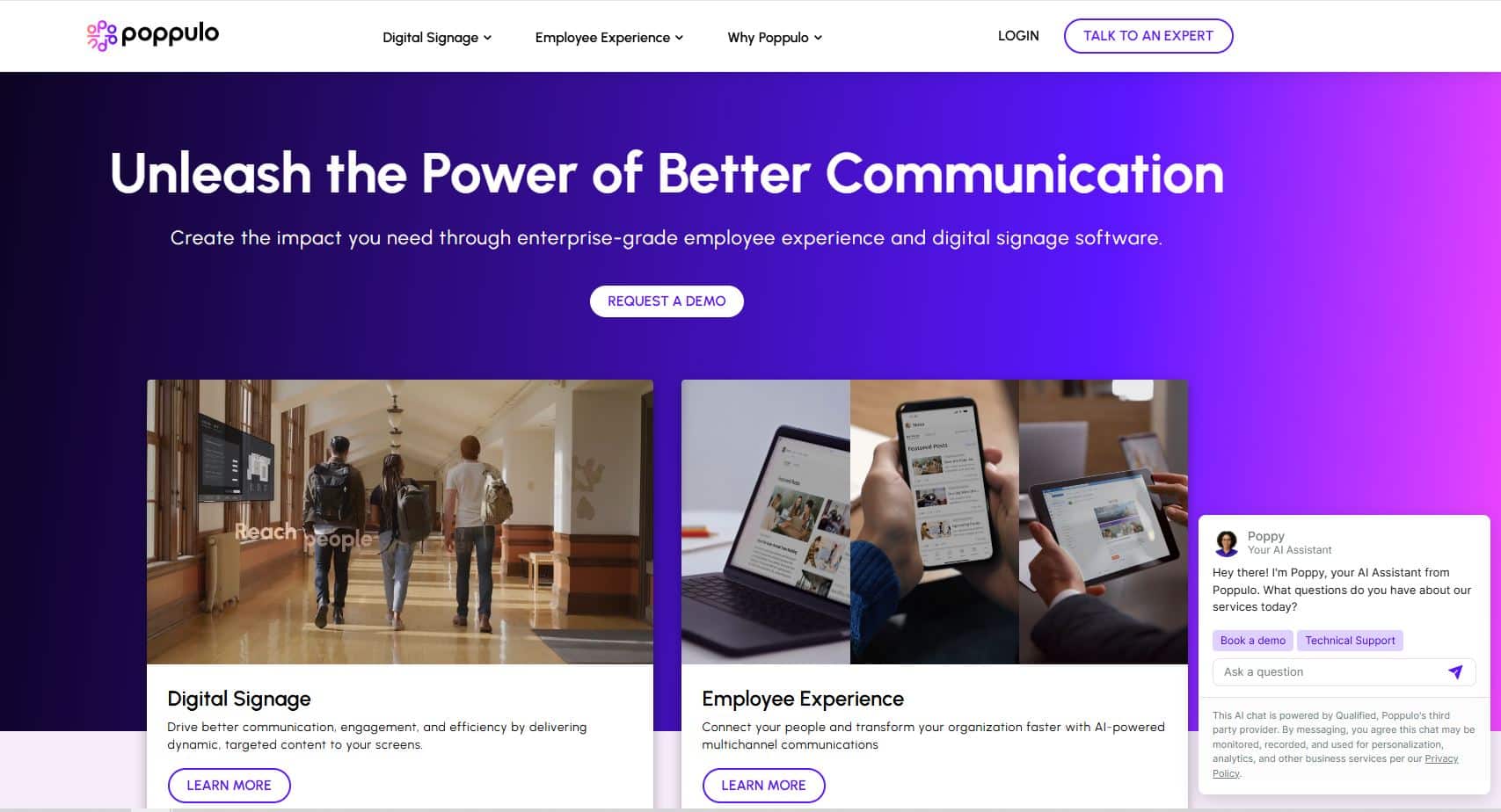
- Key features: Multi-channel (email, mobile, digital signage), advanced analytics, compliance-oriented features.
- Best for: Regulated industries and large corporate communications teams.
- Pros:
- Multi-channel capabilities, including email and digital signage.
- Strong analytics and compliance features, especially for regulated sectors.
- Cons:
- Often priced and designed for larger enterprises.
- Implementation may require more time and internal resources.
- Pricing range: $$$
PoliteMail
- Key features: Deep Outlook integration, internal email analytics, and list management.
- Best for: Organizations heavily standardized on Microsoft Outlook and Exchange.
- Pros:
- Works directly inside Outlook, minimizing user behavior change.
- Adds analytics and tracking to existing email workflows.
- Cons:
- Primarily focused on email; limited beyond that.
- Less suitable if you want multi-channel internal communication in one platform.
- Pricing range: $$
ContactMonkey
- Key features: Drag-and-drop builder, internal newsletters inside Outlook/Gmail, employee feedback tools.
- Best for: SMBs to mid-size organizations that live in email but want better design and analytics.
- Pros:
- Makes it easy to design newsletters in Outlook or Gmail.
- Built-in surveys and feedback can make emails more interactive.
- Cons:
- Focused on email; other channels need separate tools.
- Best suited to small and mid-sized teams.
- Pricing range: $$
Staffbase Email
- Key features: Branded templates, directory synchronization, multi-channel communication, and enterprise-grade governance.
- Best for: Global enterprises with mature internal comms functions.
- Pros:
- Enterprise-grade internal email as part of a larger platform.
- Directory sync and governance features for complex organizations.
- Cons:
- Pricing and complexity align more with large enterprises.
- May be heavier than what small teams need.
- Pricing range: $$$
Workshop
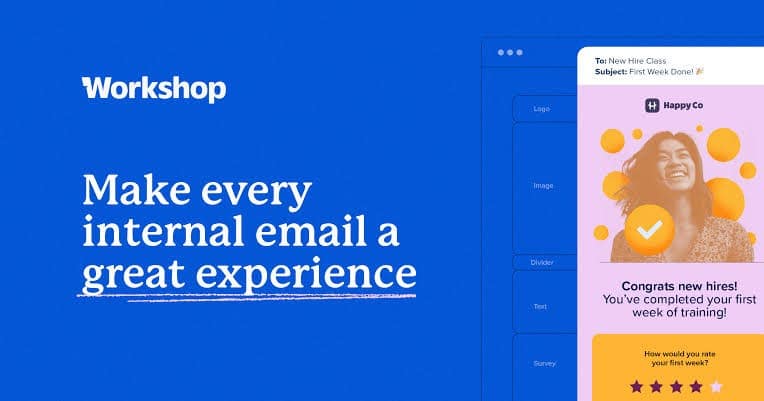
- Key features: Simple builder, scheduling, analytics, and audience segmentation.
- Best for: Mid-size businesses that want an approachable tool for internal newsletters.
- Pros:
- Simple, friendly interface for non-technical users.
- Good scheduling and analytics for basic internal newsletters.
- Cons:
- Less focused on multi-channel communication.
- May require additional tools for broader internal comms needs.
- Pricing range: $$
Connecteam
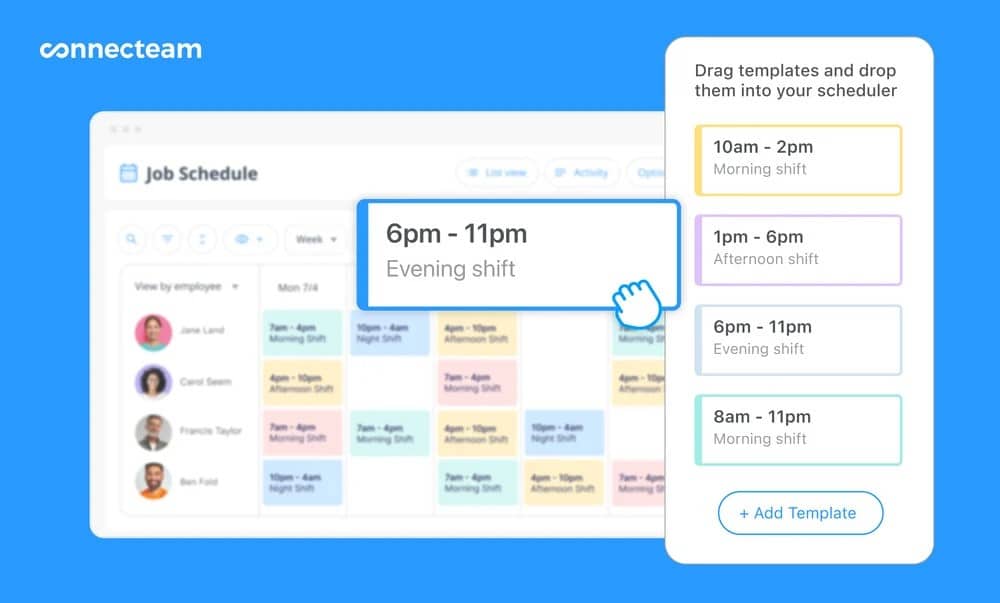
- Key features: Interactive newsletters, mobile-first communication, task and shift tools.
- Best for: Deskless and frontline teams.
- Pros:
- Built with frontline and deskless workers in mind.
- Strong mobile experience and operational features alongside communication.
- Cons:
- Newsletter features are part of a larger suite; may be overkill if you only want email.
- Best fit for operations-heavy environments.
- Pricing range: $–$$
Sociabble
- Key features: Employee advocacy, social sharing, internal content distribution.
- Best for: Large organizations combining internal newsletters with employee advocacy programs.
- Pros:
- Combines internal newsletters with employee advocacy and social sharing.
- Good for organizations that want internal content to also amplify brand externally.
- Cons:
- More complex positioning; may not be necessary if you only care about internal email.
- Often targeted at larger organizations.
- Pricing range: $$$
Tip: When comparing internal newsletter software, look not only at features but also at how easily employees and administrators will adopt the tool and how well it fits into your existing internal communication stack. You can also explore HubEngage’s internal communications email software if you prefer a unified platform approach.
Why Multi-Channel Comms matter?
Many people still think of internal newsletters as something that only lands in inboxes. That works in organizations where everyone has a corporate email address and reads it regularly. In mixed environments with both blue- and white-collar employees, that assumption breaks down quickly.
- Text messaging (SMS)
Ideal for frontline employees who do not use corporate email or regularly log in to internal systems. SMS can help surface links to newsletters, urgent updates, or key messages. For more on this, see the guide on internal communication email. - Slack or Teams notifications
In knowledge-worker environments, sending a notification or summary into Slack or Microsoft Teams increases visibility. It also meets employees where they spend a large portion of their day. - Intranet and employee app feeds
Publishing newsletters into intranet news feeds or mobile employee apps makes them easier to find later and connects them with other internal content. - One-click publishing across channels
The most efficient internal newsletter platforms let you send the same update across multiple channels with a single workflow. That keeps messaging consistent and reduces the manual work of copying content into different tools.
The more distributed, hybrid, or deskless your workforce is, the more important this multi-channel capability becomes.
How to choose the Best Internal Newsletter Platform and Software?
The “best” internal newsletter software depends largely on your structure, your existing tools, and what you are trying to solve. Here is a practical selection process:
- Audit your current communications
Map out how you currently send internal newsletters and related updates. Identify gaps, such as groups not being reached, low engagement, lack of analytics, or heavy manual work. - Set clear goals
Decide what success looks like whether you trying to improve engagement, reduce email overload, support change management, strengthen culture, or simplify workflows for comms and HR. - Evaluate integrations
Make a list of systems that need to connect to your internal newsletter software: HRIS, identity providers, Slack/Teams, intranet, employee apps, or data warehouses. A strong fit here reduces manual list management and makes personalization easier. - Consider scalability
Think about headcount and complexity three years from now, not just today. Will the platform support more locations, more segments, more languages, and more administrators if you need them? - Align with budget and value
Balance licensing costs with the value you expect to gain from higher engagement, faster content production, and reduced miscommunication. Consider total cost of ownership, not just monthly subscription fees. - Pilot before full rollout
Run a pilot with one business unit, region, or function. Use that to test workflows, integrations, and adoption before you commit to wide deployment. - Get leadership buy-in
Communicate how internal newsletter software supports broader goals such as culture, engagement, compliance, or operational excellence. Showing early results from a pilot can help secure support.
Best Practices for Employee Newsletter Platforms and Implementation
Software alone will not make internal newsletters effective. The way you use the platform matters just as much. Here are a few best practices:
- Create a content calendar
Plan themes, recurring sections, and key campaign dates. This reduces last-minute scrambles and helps balance operational updates, recognition, and culture-building content. - Segment audiences thoughtfully
Avoid sending everything to everyone. Target content by role, location, or function so employees can quickly see what is relevant. For ideas on structure, see these employee newsletter templates. - Keep it visual and scannable
Use images, infographics, and short videos where appropriate. Break long blocks of text into sections with clear headings and summaries. - Optimize subject lines and timing
Test different subject line formats and sending times. Small changes can have an outsized impact on open rates over time. - Collect feedback directly inside the newsletter
Use quick polls, rating blocks, or embedded surveys to understand what employees like and what they want to see more of. - Avoid common pitfalls
Do not overload employees with overly long, text-heavy newsletters or send so frequently that everything starts to feel like noise. Always check how your content looks on mobile devices. For inspiration, explore employee spotlight newsletter ideas.
If you need a structured starting point, take a look at HubEngage’s company newsletter resources.
Automating Periodic Newsletters with AI
One of the biggest shifts in internal newsletter software over the last few years is the rise of AI-assisted automation.
Instead of building every newsletter from scratch, teams can now lean on AI to do some of the heavy lifting. Modern internal newsletter platforms increasingly offer:
1. Automated content curation
AI can scan intranet posts, announcements, knowledge base articles, and other internal content, then suggest or assemble newsletter sections based on relevance and recency.
2. Personalized newsletters
Rather than sending the same version to everyone, AI can tailor which articles or sections each employee sees, based on their location, role, interests, or previous engagement.
3. Summarization and formatting
Long-form content can be summarized into shorter snippets appropriate for newsletters, with consistent styling and structure.
Administrators still set the cadence i.e daily, weekly, bi-weekly, or monthly and review content, but AI can significantly reduce manual curation and formatting. The result is often:
- Less time spent on newsletter creation and layout.
- More relevant content for employees.
- Higher engagement across intranets, mobile apps, and other channels where content is surfaced.
Measuring Internal Newsletter Software success
If you are investing in internal newsletter platforms, you’ll eventually need to show how they are performing.
Measurement does not have to be complicated, but it should be deliberate. Common metrics include:
- Core email metrics
Open rates, click-through rates, and time spent reading help you understand whether employees are seeing and interacting with newsletters. - Engagement signals
Survey participation, poll responses, comments, or replies can indicate that employees are not just opening newsletters, but also engaging with the content and acting on it. - Benchmarks
Internal newsletters typically see higher engagement than external marketing emails. In many organizations, open rates in the 60–70% range and click-through rates between 15–25% are common benchmarks. - Iteration via A/B testing
Test subject lines, layouts, visual styles, and content types. Over time, this helps you build a format that fits your culture. Since engagement ties directly to productivity and retention, measuring results is essential.
Some organizations still rely solely on Outlook distribution lists or bulk emails to send newsletters. That can work for very basic needs but typically lacks analytics, personalization, and multi-channel delivery.
Learn how to move beyond sending bulk email from Outlook or creating an Outlook email list to more advanced internal newsletter platforms.
Internal Newsletter Software Pricing and Value
Pricing for internal newsletter software varies depending on features, scale, and whether the tool is a standalone email solution or part of a broader employee communication platform. As a rough guide:
- Small businesses
Light-weight internal newsletter cost around $50–$300/month and cover core features like a builder, basic segmentation, and simple analytics. - Mid-size organizations
More advanced platforms with automation, richer analytics, and stronger integrations cost around $500–$1,500/month. - Enterprises
Enterprise plans with compliance features, multi-channel delivery, SSO, directory sync, and premium support cost around $2,000/month and scale up from there.
When evaluating cost, think about:
- Implementation and onboarding
- Training for admins and content creators
- Design or brand work (if templates need to be customized)
- Ongoing administration and governance
Platforms that integrate smoothly with existing systems, and that replace multiple point solutions, often have a lower total cost of ownership over time.
AI-Assisted Content Creation, Curation, and Summarization
As AI capabilities mature, more internal newsletter platforms are starting to offer deeper assistance inside the editor itself, not only for automation, but for day-to-day work.
Capabilities you may see include:
- Smart topic suggestions
The platform can suggest topics or content blocks based on past campaigns, upcoming events, or gaps in your calendar. - On-the-fly copy assistance
AI tools embedded in the editor can help rewrite sections for clarity, adjust tone, or shorten long paragraphs while preserving meaning. - Audience-aware recommendations
Platforms may suggest different subject lines or calls to action for different segments based on previous engagement data. - Performance insights
Instead of only showing raw metrics, AI can highlight patterns such as which subject line formats work best for your company, or which day/time combinations yield stronger engagement.
These features do not replace internal communicators. Instead, they reduce manual effort and free teams up to focus more on strategy, storytelling, and alignment with leadership.
Scalability for Global, Distributed, and Deskless Workforces
As organizations expand across regions and work models, internal newsletter software needs to handle more complexity than a simple list of email addresses.
When you think about scalability, consider whether the platform can:
- Sync and manage large, dynamic audiences from multiple HR or identity systems.
- Segment by geography, language, business unit, and employment type.
- Support non-email channels (such as mobile apps, SMS, and signage) for deskless workers.
- Handle different communication cadences and time zones without manual work.
- Provide role-based access control so local communicators can manage their own audiences and content within guardrails.
For global organizations, multilingual support and localization have also become important. That includes:
- Separate language versions of templates and campaigns.
- Localized subject lines and content, not just machine-translated text.
- Region-specific sections for country- or site-level updates.
- Reporting that can roll up to a global view while still allowing local analysis.
Emerging Trends in Employee Newsletter Platforms
Internal newsletter software continues to evolve. A few trends are worth keeping an eye on:
- AI-driven personalization
Content tailored to each employee based on role, interests, behavior, and historical engagement. - Multi-channel orchestration
Email remains a central channel, but modern platforms increasingly treat it as one part of a broader communication mix, coordinating newsletters with intranet posts, mobile notifications, chat messages, and signage. - Interactive, rich content formats
Embedded polls, live surveys, videos, and lightweight gamification elements are becoming more common as teams look for ways to make newsletters feel more engaging. - Accessibility and localization by default
Support for screen readers, keyboard navigation, and accessible design patterns, along with better tools for multilingual and regional communication. - Trust and transparency
As employees increasingly rely on internal channels for accurate information about the business, newsletters are becoming vehicles for transparent communication about strategy, performance, and change. Consistency and clarity here help build trust over time.
Case Study Example
A mid-size healthcare provider was sending monthly email newsletters using a basic distribution list. Open rates hovered around 35%, and the internal comms team spent many hours each month copying content from intranet posts, formatting it manually, and chasing last-minute approvals.
After switching to HubEngage’s internal newsletter and multi-channel platform, they:
- Raised average open rates to 72% within three months.
- Saved more than 15 admin hours per week by using templates, automation, and AI-assisted content suggestions.
- Increased intranet traffic by 40%, as more employees clicked through from newsletters to read full articles and resources.
This kind of outcome is not guaranteed for every organization, but it highlights what can happen when the right internal newsletter software, content strategy, and governance model come together.
Common Pitfalls to Avoid
Internal newsletters can underperform if a few common issues are not addressed:
- Sending too frequently without clear value
If every newsletter feels urgent or important, none of them do. Over-sending or filling newsletters with low-value content leads to fatigue. - Ignoring segmentation
Sending the same content to everyone, regardless of role or region, makes newsletters feel less relevant and easier to ignore. - Overly long, dense content
Long, unstructured blocks of text are hard to scan. Readers often drop off before reaching important sections. - Neglecting mobile and accessibility
If newsletters are hard to read on a phone or do not meet basic accessibility standards, entire segments of the workforce will be excluded. - Not using analytics to iterate
Sending newsletters without reviewing performance makes it hard to improve over time. Tracking and acting on metrics should be part of the process.
For content and structure inspiration, you can explore additional company newsletter ideas.
Level Up your Internal Newsletters with HubEngage
Internal newsletter software has evolved from simple email distribution to become a core part of the employee communication stack. The best internal newsletter platforms now handle content creation, personalization, automation, analytics, and multi-channel delivery, all while fitting into your existing ecosystem.
If you choose your software thoughtfully, set clear goals, and follow best practices around content and audience strategy, internal newsletters can be a communication channel employees actually look forward to.
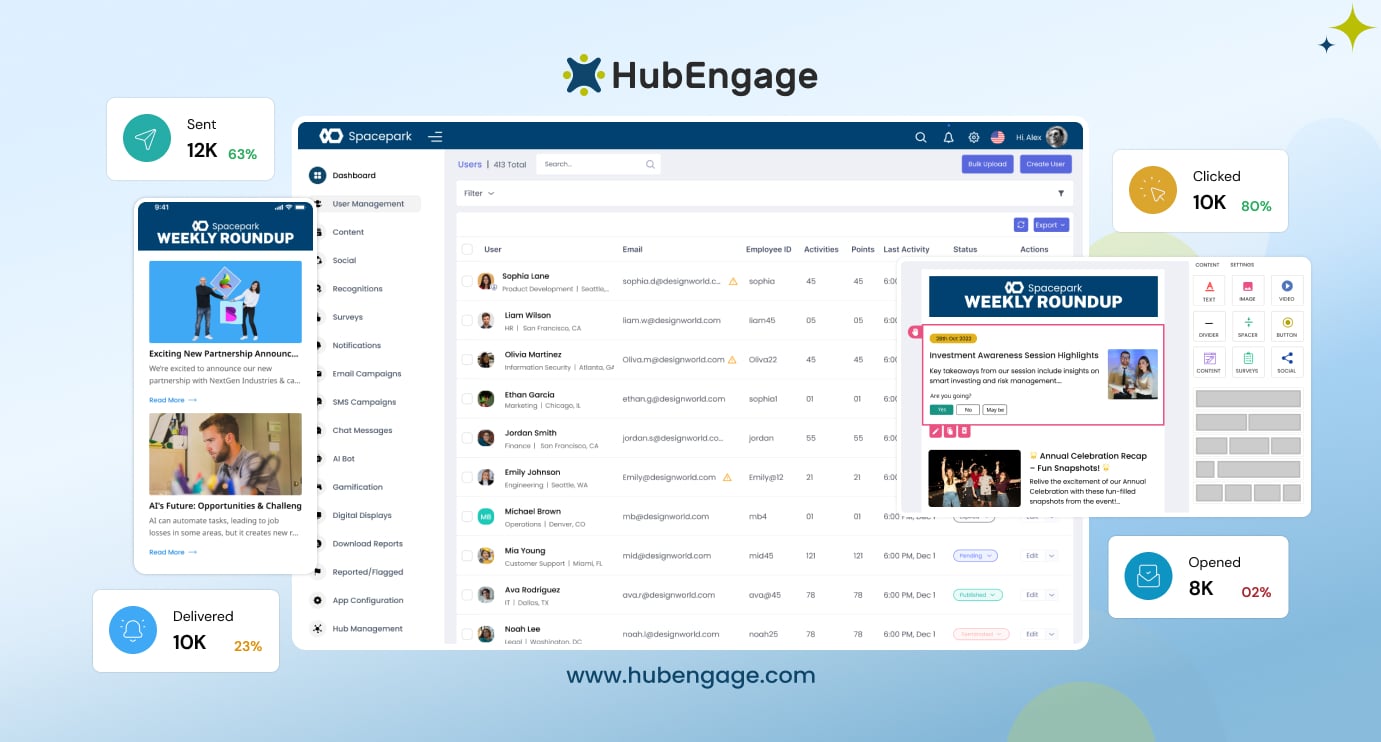
If you are ready to boost your internal newsletter capabilities, learn more about HubEngage’s internal communications email software and see how it supports everything from simple digests to AI-assisted, multi-channel internal campaigns.
Internal Newsletter Software FAQs
What’s the difference between internal newsletter software and marketing email tools?
Internal newsletter software focuses on employee communication. It usually offers tighter integration with HR systems, stronger support for security and compliance, and features that reflect internal workflows (such as approvals, segmentation by HR attributes, and multi-channel internal distribution). Marketing email tools are optimized for prospects and customers, focusing on lead generation, sales funnels, and external audience behavior.
How often should I send employee newsletters with internal newsletter software?
For many organizations, weekly or bi-weekly newsletters strike a good balance between staying visible and avoiding fatigue. The right cadence depends on your culture, the volume of meaningful updates, and how many other internal channels you are already using. It is better to send a slightly shorter, consistently valuable newsletter than a long one stuffed with filler.
What’s a good open rate for employee newsletter software campaigns?
Internal newsletter open rates are generally higher than marketing emails. Many teams see open rates in the 60–70% range, with click-through rates between 15–25%, though this can vary by industry, role mix, and channel mix. The most important thing is to track your baseline and work on improving it over time.
How much does the best internal newsletter software cost?
Costs range widely. Small-team plans can start around $50 per month, while comprehensive enterprise platforms with multi-channel capabilities, compliance features, and advanced support can run $2,000 per month or more. The best way to think about cost is in terms of total value and total cost of ownership, not just licensing.
Can internal newsletter platforms integrate with Slack or Teams?
Yes. Many modern internal newsletter platforms allow you to push notifications, summaries, or full content into Slack or Microsoft Teams channels. This makes it easier to meet employees where they already work and increases visibility for important updates.
How do internal newsletter platforms handle role-based access and content approvals?
Most internal newsletter tools aimed at larger organizations support role-based access control. That typically includes different permission levels for content creators, editors, approvers, and administrators. Many platforms also include approval workflows so newsletters can be reviewed and signed off by the right people before sending, helping maintain governance and consistency.
What features are critical for internal newsletters in regulated industries?
In regulated sectors such as healthcare, finance, or government, internal newsletter software should support audit logs, clear access controls, secure data handling, and often specific compliance requirements. Features like detailed send logs, content history, approval tracking, and integration with identity and security systems become especially important.
Can internal newsletter software support multilingual and regional communications?
Yes. Enterprise-grade internal newsletter platforms typically support multilingual campaigns, regional variants, and localized content. This may include separate language templates, dynamic content blocks based on language or region, and workflows that allow local teams to adapt content while maintaining brand standards.
How do organizations measure long-term employee engagement from newsletters?
Beyond immediate email metrics, organizations often look at trends over time: sustained open and click-through rates, survey participation, intranet or app traffic following newsletter sends, and qualitative feedback from employees. Some teams link newsletter performance to broader engagement or culture surveys to see whether communication improvements correlate with higher overall engagement.
What risks arise if internal newsletters lack governance and audit controls?
Without clear governance and audit trails, organizations can run into issues such as inconsistent messaging, unauthorized sending, misaligned content, or difficulty proving compliance. In the worst cases, misrouted or inappropriate internal emails can cause reputational damage or create regulatory risk. Robust internal newsletter software, combined with clear policies and approval flows, helps reduce these risks.
How does internal newsletter software scale across global and deskless workforces?
Scaling internal newsletters across global and deskless workforces requires more than larger email lists. Strong platforms support audience sync from multiple systems, fine-grained segmentation, multilingual campaigns, time zone-aware scheduling, and non-email channels such as mobile apps, SMS, and signage. They also make it possible to give regional or functional teams controlled access to run their own communications while maintaining centralized oversight.
Related Links
internal communications email software | company newsletter | employee newsletter templates