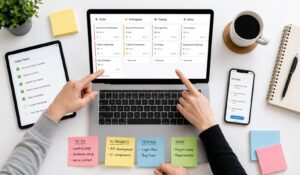
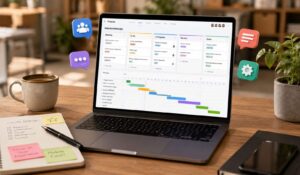
Managing a distributed team is about more than just helping employees work from home. A modern distributed workforce can include remote workers, office teams, frontline staff, deskless employees, hourly workers, field teams, and people working in different places and shifts.
While office-based teams have mostly adjusted to remote work, frontline workers in retail, logistics, and field services still need to be at their physical locations. This creates a natural gap between teams.

Leaders generally struggle with too many tools and lack of communication that make it hard to run operations smoothly and build a strong company culture. The main challenge is to create one connected system where every employee can find information, talk to coworkers, complete tasks, get recognition, and stay aligned with company goals.
Good distributed team management helps organizations improve consistency, employee engagement, communication, and workplace culture. In this blog, we will explain common challenges of managing distributed teams and share practical ways to connect your entire workforce.
Key Takeaways
- Distributed team management includes remote, frontline, deskless, and office employees working across locations and shifts.
- Poor communication and tool sprawl create confusion, reduce productivity, and impact employee engagement.
- A single platform for communication, tasks, and updates helps improve efficiency and team alignment.
- Clear communication routines and visible recognition strengthen company culture across distributed teams.
- AI and automation help employees find information faster, reduce manual work, and improve decision-making.

What are the challenges of poor Distributed Team Management?
Managing a distributed team is not just an idea from HR; it is about small daily problems that affect your business results. These are real situations that slowly reduce efficiency, safety, and company culture.

Think about an important safety update from corporate that never reaches many warehouse workers. Why? Because they do not have company email and the printed notice was missed. To understand this better, let’s look at how these common problems lead to direct business impacts.
| Challenge | Example | Business Impact |
|---|---|---|
| Communication Gaps | A frontline worker in a remote location misses an urgent policy change because they don’t have a corporate email address. | Increased Compliance & Safety Risk: Inconsistent information delivery leads to procedural errors and potential safety violations. |
| Tool Sprawl | A retail manager uses three different apps to manage schedules, assign tasks, and track sales goals, leading to confusion and wasted time. | Lower Operational Efficiency: Fragmented tools create administrative overhead and make it difficult to maintain consistent standards across locations. |
| Cultural Isolation | A new hire working a different shift feels disconnected from the team, with no way to join conversations or receive peer recognition. | Higher Employee Turnover: A lack of connection and belonging directly contributes to poor engagement and a greater likelihood of attrition. |
| Inconsistent Execution | A new marketing promotion is launched, but half the stores implement it incorrectly due to scattered instructions. | Reduced Revenue & Brand Damage: Poor execution of key initiatives hurts sales performance and delivers an inconsistent customer experience. |
Distributed Team Management Framework
Building a strong, connected culture across a distributed team happens with a clear plan, not just good intentions. A successful way to manage distributed teams is based on three main pillars as follows:
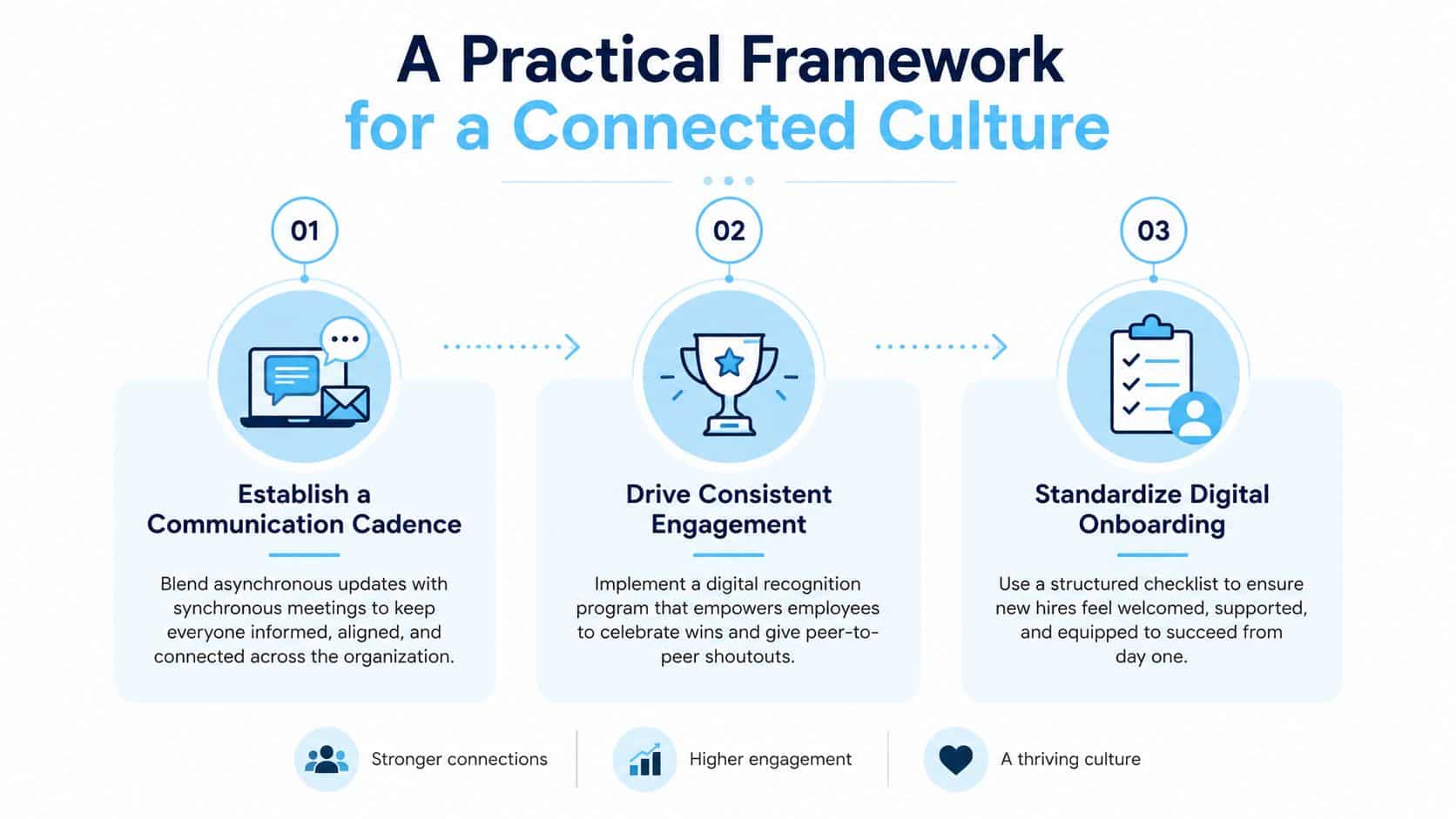
To set up your communication the right way from the beginning, check out our guide on building an internal communication strategy.
7 Strategies for Effective Distributed Team Management
Here are the 7 strategies for distributed team management in simple, clear steps.
1. Create a Single Source of Truth
Keep all important company information in one place. Employees can easily find updates, policies, and tasks without confusion. This saves time and avoids mistakes.
2. Establish a Clear Communication Cadence
Set a regular way to share information. Use simple updates daily or weekly. This helps employees stay informed without too many meetings or missed messages.
3. Make Employee Recognition Visible
Show appreciation for good work openly. Recognizing employees helps them feel valued, improves morale, and encourages others to perform better across all locations.
4. Standardize the Digital Onboarding Journey
Give every new employee the same clear onboarding plan. This helps them learn faster, feel supported, and understand their role from the beginning.
5. Use AI and Automation for Everyday Work
Using AI and Automation tools will help in answering questions, sharing updates, helping employees work faster and decreasing manual tasks. You can learn more about harnessing the power of AI in Human Resources.
6. Measure Outcomes Instead of Online Activity
Focus on results, not hours worked. Track completed tasks and goals. This builds trust and helps employees focus on meaningful work instead of appearing busy.
7. Replace Tool Sprawl With a Unified Platform
Use one platform for communication, tasks, and updates. This reduces confusion, saves time, and helps employees stay connected and organized easily.
How HubEngage helps with Distributed Team Management?
We offer a modern employee experience platform that unifies employee communications, engagement, and workforce operations in one centralized solution.
By bringing together intranet, social engagement, recognition, surveys, instant messaging, AI chatbot, scheduling, task management, and time tracking you can easily manage employees.
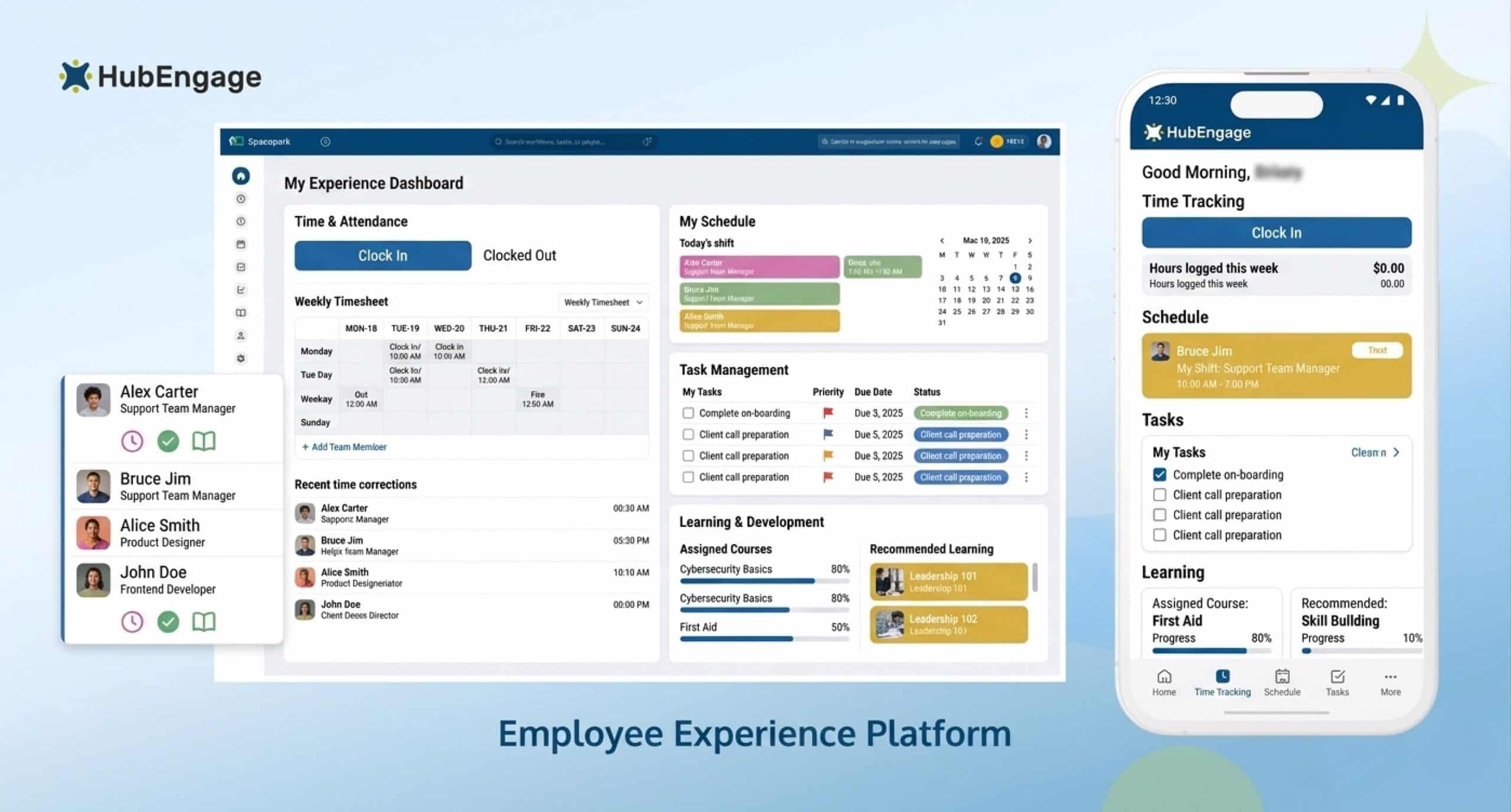
It also improves productivity as well as engagement for both desk-based and frontline teams. Built on four pillars that are communications, operations, engagement and microlearning, our platform works across mobile apps, web, email, SMS, digital signage, Microsoft Teams, and Slack.
As fragmented tools create confusion and inefficiency, we HubEngage solves this by connecting everything in one system to stop tool sprawl.
Conclusion
Distributed team management needs more than remote work rules and video calls. Companies need clear communication ways, easy to access knowledge, good recognition, resulted-based performance management, and simple digital tools.
Bringing these things together decreases the problems in operations and helps every employee feel informed, supported, and connected. Explore how the HubEngage Employee Experience Platform can help unify your frontline, remote, deskless, and office teams by scheduling a demo.
Common FAQs on Distributed Team Management
What is the difference between a Remote and Distributed Team?
A remote team mainly includes employees working away from a central office. A distributed team can include remote, office, frontline, deskless, field, and hourly employees working across different locations, schedules, and technology environments.
Which tools are the important for Distributed Team Management?
Distributed teams need tools for employee communication, messaging, task management, scheduling, knowledge access, training, surveys, recognition, and performance tracking. A unified platform can reduce application switching and create a more consistent employee experience.
What are the best ways to build a strong company culture remotely?
Create regular communication, visible employee recognition, virtual social spaces, leadership updates, team activities, and two-way feedback opportunities. These shared experiences help employees feel connected to colleagues, company values, and organizational goals.
How to overcome Distributed Team Management challenges?
Start by centralizing communication and workplace resources. Establish clear channel rules, create predictable communication routines, standardize onboarding, support mobile access, gather employee feedback, and replace disconnected tools with one integrated workforce platform.
How can I build trust in a Distributed Team?
Set clear expectations, communicate decisions transparently, measure outcomes fairly, provide regular feedback, and avoid unnecessary monitoring. Trust grows when employees understand their responsibilities and have the freedom, resources, and support to complete them.
How Do You Effectively Measure Productivity in a Distributed Team?
Measure productivity using clear outcomes rather than hours worked or online activity. Track completed projects, task quality, customer satisfaction, operational targets, sales performance, training completion, and progress toward agreed Objectives and Key Results. To get a fuller picture, you can also learn more about how to measure employee satisfaction, as it’s a powerful leading indicator of a healthy and productive team.
How to manage and lead a Distributed Team?
Successful leaders communicate consistently, set measurable goals, respect different schedules, recognize employee contributions, encourage feedback, and provide equal access to information. They also train local managers to deliver a consistent employee experience.
How can AI support Distributed Team Management?
AI can answer employee questions, search company knowledge, translate updates, summarize information, analyze survey feedback, and automate communication delivery. This helps employees access relevant information faster while reducing administrative work for managers.
How can you improve communication across Distributed Teams?
Use a combination of mobile notifications, email, SMS, digital signage, collaboration tools, and company platforms. Segment messages by role or location, keep updates clear, and track views and acknowledgements for important communications.
Related Links
workforce management | lack of communication | internal communication strategy | harnessing the power of AI in Human Resources. | how to measure employee satisfaction