Missed punches create more than a timesheet problem. They lead to payroll corrections, overtime disputes, extra manager follow-up, and a worse day at work for hourly staff who need pay to be right the first time.
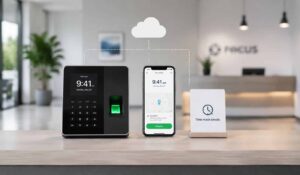
For SMBs and frontline teams, a time and attendance system works best when it fits real shift conditions. Staff should be able to clock in quickly from a phone, kiosk, or shared device, and managers should be able to spot exceptions before they turn into payroll cleanup.
That is why strong time and labor management software matters. It connects time capture with scheduling, approvals, and the employee communication tools people use during a busy week. The employee experience matters here.
A clock-in flow is often one of the few systems frontline workers touch every day, so it needs to do more than record hours. It should confirm where people are working, surface missed breaks or punch errors early, and make it easy to ask for help without chasing HR.
This becomes even more important for distributed operations, field teams, and transport businesses. Teams handling mobile crews need tools that support location checks, policy enforcement, and fast manager response across multiple sites.
Our blog will list out the best Time and Attendance Systems along with a quick checklist that helps you choose the right solution for your frontline teams.
Key Takeaways
- Mobile clock-ins matter most for Frontline and distributed teams that need low-friction ways to clock in from the right place.
- Payroll integration saves cleanup. Clean time data is only useful if it flows into payroll without manual re-entry.
- GPS and geofencing help prevent unauthorized punches and time theft for field and multi-site teams.
- Clear attendance rules, training, and support prevent confusion during rollout.
- Scheduling, reminders, communication, and employee support should sit close to time and attendance workflows.

Top 10 Best Time and Attendance Systems
If you are a growing business with distributed teams then you must explore these leading time and attendance software.
1. HubEngage
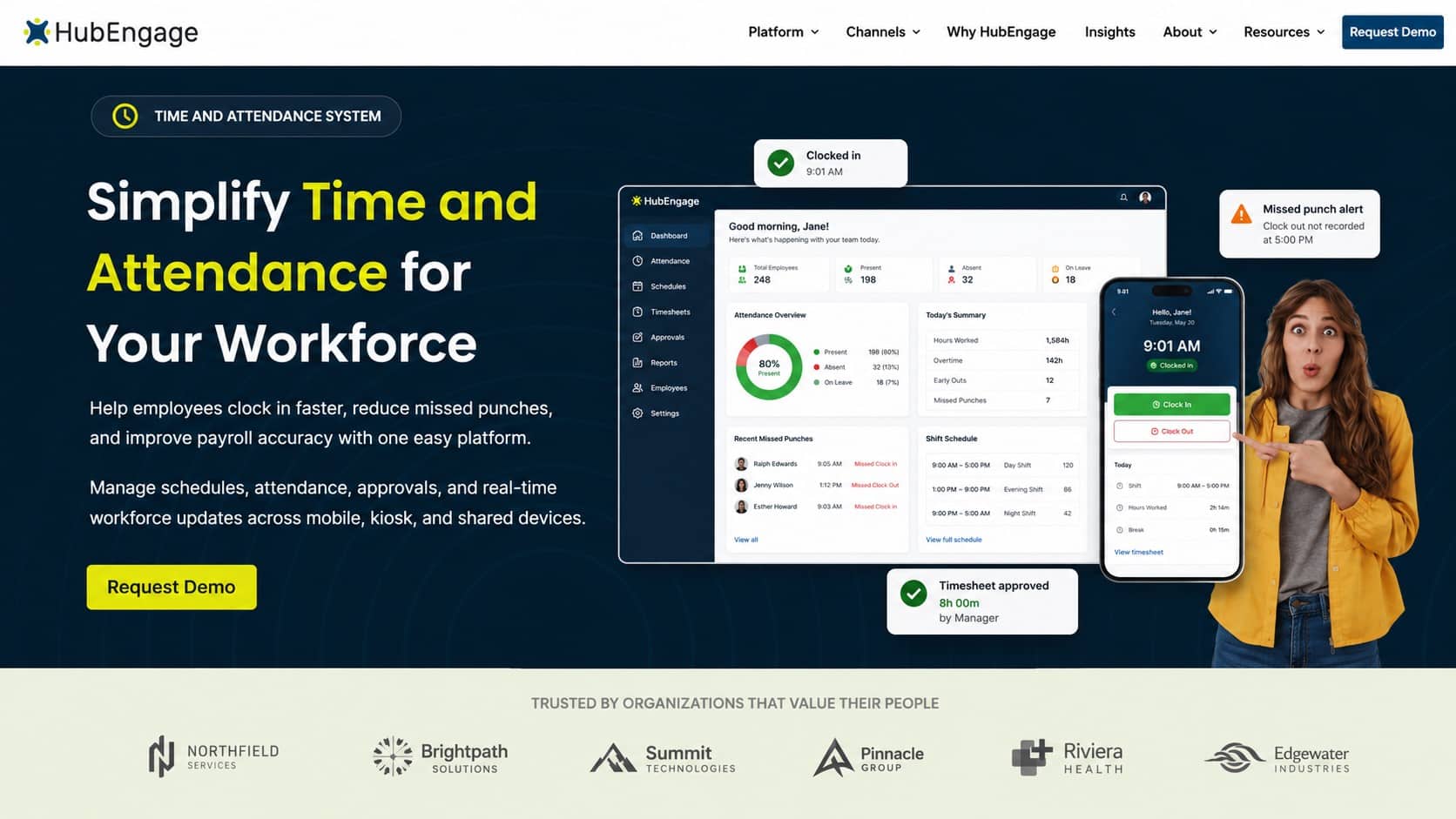
HubEngage is built for frontline and multi-location teams that need time tracking, scheduling, attendance, communication, and employee support in one time and labour management platform. Employee time and attendance system offers mobile clock-ins, shift schedules, attendance reports, and manager approval workflows.
Top Features
- Mobile-first time tracking and time and labor management capabilities designed for frontline and distributed teams
- Employee scheduling, shift updates, and manager approvals across multiple locations
- Real-time attendance tracking, missed punch alerts, and payroll-ready data for distributed workforces
- Integrated communication, reminders, and AI-powered employee support for frontline teams
- Customizable reporting and analytics for workforce insights
Pros
- Strong fit for frontline and distributed teams
- Combines time and labor management with communication and employee experience
- Supports scheduling, time tracking, and workforce accountability
Cons
- May offer more features than teams needing only basic time clocks
- Best value comes when used across multiple workforce workflows
2. UKG
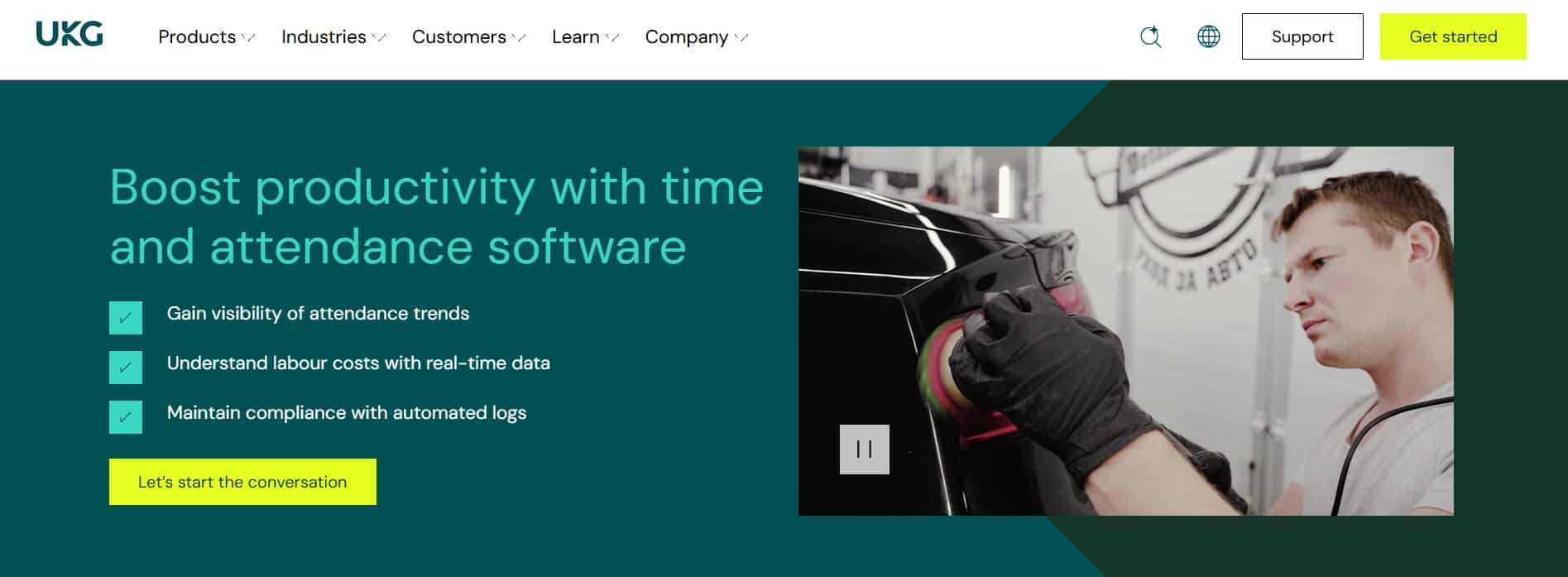
UKG is designed for organizations with complex labor rules, compliance needs, multiple locations, and large hourly workforces. Time and attendance software interface shows labor rules, employee punches, compliance alerts, and workforce scheduling data.
Top Features
- Advanced time tracking and attendance management
- Labor rule automation and compliance support
- Scheduling, absence management, and workforce analytics
- Payroll and HR system integrations
Pros
- Strong for complex workforce environments
- Good compliance and labor rule support
Cons
- Implementation can be more involved
- May be too complex for smaller SMB teams
3. ADP

ADP is best for businesses already using ADP Payroll and wanting time and attendance data inside the same ecosystem. Payroll and attendance dashboard shows employee hours, mobile punches, geofencing, and payroll approval workflows.
Top Features
- Mobile clock-ins, kiosk options, and biometric support
- Payroll integration with ADP systems
- Geofencing and location-based attendance controls
- Time-off tracking, approvals, and reporting
Pros
- Familiar option for existing ADP customers
- Supports growing businesses with scalable tools
Cons
- Pricing usually requires a custom quote
- Some advanced features may depend on add-ons or setup
4. Workday

Workday is built for organizations already using Workday HCM and looking to connect time tracking with HR and payroll. Enterprise time tracking interface showing employee hours, approvals, geofencing, payroll data, and HR workflows.
Top Features
- Time tracking connected to Workday HCM
- Mobile access and automated approvals
- Payroll, HR, and workforce data integration
- Time entry, absence, and compliance workflows
Pros
- Unified HR and workforce data model
- Good for enterprise workforce operations
Cons
- Not usually a lightweight SMB option
- Best suited for large sized companies
5. Dayforce

Dayforce is useful for mid-market and larger organizations that need attendance, payroll, and workforce management in one system.
Workforce management dashboard showing attendance policies, timesheets, payroll data, and hourly workforce scheduling.
Top Features
- Time and attendance connected to payroll
- Attendance policy and incident tracking
- Timesheet controls and manager approvals
- Scheduling, compliance, and workforce reporting
Pros
- Strong payroll and attendance connection
- Helpful compliance and policy controls
Cons
- Implementation may require more planning
- Can be more than smaller teams need
6. Oracle

Oracle is best for large enterprises with complex workforce structures, global teams, and advanced labor requirements.
Enterprise HCM dashboard showing global employee time tracking, labor rules, project costing, and payroll workflows.
Top Features
- Advanced time and labor configuration
- Payroll, HR, and project costing integration
- Global workforce and compliance support
- Detailed reporting and enterprise-grade controls
Pros
- Strong configuration options
- Supports complex global workforce needs
Cons
- Often too complex for SMBs
- Requires deeper implementation and administration
7. SAP

SAP is built for organizations already using SAP SuccessFactors and wanting time tracking inside their HR ecosystem. Itstime tracking interface showing employee attendance, HR tasks, shift data, and workforce compliance workflows.
Top Features
- Time tracking within SAP SuccessFactors
- Employee self-service attendance tools
- HR, payroll, and workforce data integration
- Compliance, approval, and reporting features
Pros
- Keeps attendance inside the HR ecosystem
- Good for larger structured organizations
Cons
- Not the fastest option for non-SAP users
- May not be cost-effective for smaller teams
8. Rippling

Rippling is designed for growing companies that want time tracking, payroll, HR, and IT workflows in one platform.
Employee operations dashboard showing time tracking, payroll, HR automation, approvals, and workforce administration tools.
Top Features
- Time tracking connected to payroll and HR
- Automated approvals and workforce workflows
- Employee self-service and admin tools
- HR, IT, and operations management in one platform
Pros
- Simple operational experience
- Combines HR, payroll, and workforce tools
Cons
- Specialized labor needs may require extra setup
- Pricing usually requires a sales consultation
9. Paylocity

Paylocity is best for businesses already using Paylocity payroll and HR tools and needing connected time and labor management.
Time and labor dashboard showing employee schedules, time punches, payroll integration, and workforce planning reports.
Top Features
- Timekeeping and scheduling tools
- Payroll and HR integration
- AI-assisted scheduling features
- Labor visibility, reporting, and approvals
Pros
- Connects scheduling with payroll workflows
- Helpful workforce planning features
Cons
- Pricing is not fully transparent upfront
- Advanced setup details may require consultation
10. Deputy

Deputy is built for shift-based industries like retail, hospitality, healthcare, and other deskless workforce environments.
Employee scheduling app interface showing shift planning, mobile clock-ins, timesheets, shift swaps, and team scheduling.
Top Features
- Employee scheduling and shift planning
- Mobile clock-ins and timesheets
- Shift swaps, reminders, and approvals
- Workforce communication and labor visibility
Pros
- Strong mobile scheduling experience
- Quick to implement for shift-based teams
Cons
- Advanced enterprise compliance may need integrations
- Reporting depth may be limited for complex organizations
For you to compare these softwares then, this guide to online employee scheduling software is a useful companion.
How to select the Right Time And Attendance System?
Choose a system that matches your workforce, payroll process, compliance needs, and daily manager workflow.
| Factor | What to Look For | Why It Matters |
|---|---|---|
| Mobile Clock-In | Phone, kiosk, or shared device access | Helps frontline teams clock in quickly |
| Payroll Integration | Direct payroll sync or easy exports | Reduces manual entry and payroll errors |
| Location Controls | GPS, geofencing, or site-based rules | Prevents unauthorized punches |
| Scheduling Support | Shift planning, swaps, and reminders | Keeps attendance tied to real schedules |
| Approval Workflow | Manager review, edits, and alerts | Helps fix missed punches early |
| Compliance Tools | Break rules, overtime alerts, audit trails | Supports labor law and policy accuracy |
| Employee Experience | Simple app, clear policies, easy support | Improves adoption across hourly teams |
| Reporting | Attendance, overtime, and exception reports | Gives managers better workforce visibility |
Conclusion
Choosing the right time and attendance system is about more than tracking hours. It’s about creating a smoother employee experience, reducing payroll errors, improving manager visibility, and keeping frontline operations running efficiently.
When time tracking, scheduling, communication, and support work together, employees spend less time resolving issues and more time getting work done.
Ready to simplify workforce operations? Explore the our Ai-powered Workforce Management Software and see how it can support your team by scheduling a personalized demo today.
FAQs on Time And Attendance System
What is a time and attendance system?
A time and attendance system is software that tracks employee hours, attendance, breaks, and time-off activity. In practice, it also helps managers approve time, spot missed punches, monitor overtime, and prepare cleaner records for payroll.
What features matter most for SMBs?
For most SMBs, the essentials are mobile clock-in, manager approvals, payroll integration, PTO tracking, reporting, and location controls when employees work across sites. If you manage frontline teams, reminders and easy policy access matter just as much because many attendance issues start with poor communication.
How can a time and attendance system reduce payroll errors?
It reduces manual entry and creates a consistent process for punches, edits, approvals, and exports. That helps payroll teams avoid retyping hours from spreadsheets, text messages, or paper records.
Do frontline teams need GPS or geofencing?
Often, yes. GPS and geofencing are especially useful for field service, mobile workforces, multi-site retail, and distributed hourly teams. They help prevent employees from clocking in from unauthorized locations and support cleaner attendance records.
What is the biggest rollout mistake?
Skipping policy communication and manager training. Clear attendance rules, defined consequences, regular monitoring, and employee support are necessary for adoption. If employees don’t know how to fix a missed punch or where to find the policy, the software won’t solve the underlying problem.
Can HubEngage replace a time clock?
HubEngage can support time tracking and scheduling workflows, but its bigger value is as the workforce experience layer around attendance. It helps organizations send reminders, share policies, automate follow-up, answer employee questions with AI support, and keep teams connected across shifts and locations.
Related Links
workforce management | employee timesheet software | time and labor management software | online employee scheduling software | Ai-powered Workforce Management Software