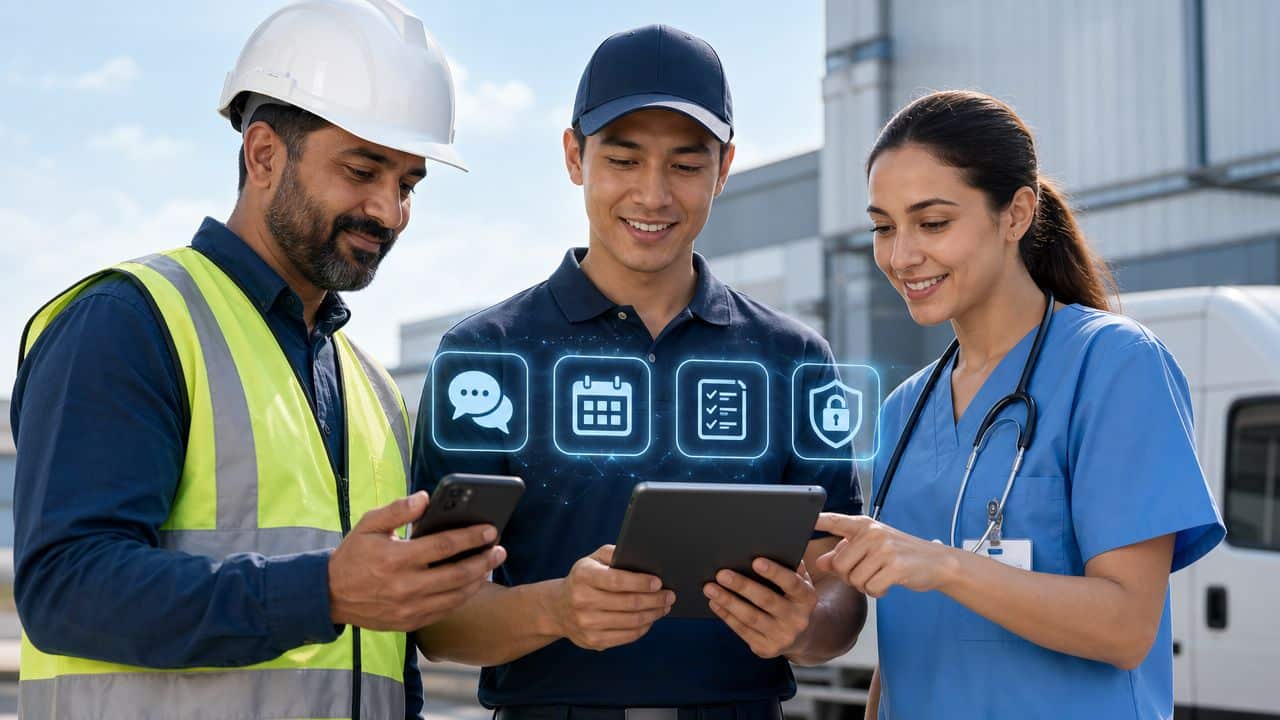
It is 11 AM, and your sales manager asks if a field rep has reached a client location yet. No one has a clear answer. The last update came hours ago, and it only said the employee was “on the way.” The daily report might come later in the evening, and even then, it may be incomplete or hard to verify.
Now imagine managing dozens of field employees across multiple cities or states. Without proper tracking, it becomes difficult to know where employees are, what work they have completed, or how many hours they have actually worked.
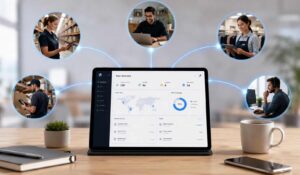
This lack of visibility can lead to missed opportunities, inaccurate payroll, and inefficient operations. Field employee apps help solve these challenges by providing real-time location data, visit logs, and clear activity reports.
And all of it visible on a dashboard your operations manager can check from their phone. Our blog will list out the leading field employees app and platforms for employees working far from a desk.
Key Takeaways
- Field employee tracking apps help businesses monitor staff locations, attendance, and daily activities in real time, improving visibility and accountability.
- Real-time GPS tracking with frequent updates ensures accurate location data and helps managers verify field visits and routes.
- Visit logs and activity tracking replace manual reports, making it easier to track client meetings, tasks, and outcomes.
- Geofenced attendance with anti-spoofing features prevents fake check-ins and ensures employees are physically present at assigned locations.
- Integration with payroll and leave systems reduces manual work and ensures accurate salary calculations based on actual field activity.
- Offline functionality and low battery usage are essential for field teams working in remote or low-connectivity areas.
Leading Field Employee Apps For Managing Teams
Every field employee apps serve different operational needs. Hence we have listed out below the 10 platforms that will be helpful for major categories in the field workforce software market.
1. HubEngage, Inc.

Field teams lose time every time an update, task, policy, and recognition program live in different systems. HubEngage, Inc. is designed to reduce that fragmentation by giving organizations a single employee experience layer across mobile, web, email, SMS, digital signage, Microsoft Teams, and Slack. For distributed workforces, that matters less as a convenience feature and more as an operating model decision. Fewer systems usually mean fewer missed messages, less duplicate admin work, and a clearer path to adoption.
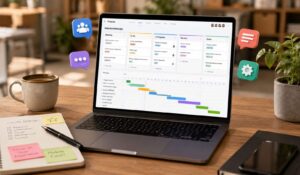
The platform’s distinguishing strength is breadth tied to execution. Instead of treating a field employees app as a messaging tool, HubEngage combines communications, surveys, social engagement, recognition, messaging, AI assistance, scheduling, and learning resources in one environment. That makes it relevant for organizations trying to solve three common frontline problems at once: communication gaps between corporate and the field, tool sprawl that forces employees to check multiple apps, and scheduling or workflow friction that slows managers down.
Its fit is strongest when the business case goes beyond simple announcements. Companies that need communication solutions for deskless workers often also need better policy access, employee feedback loops, and faster content distribution across channels employees already use. In that context, HubEngage can serve as the front door while HRIS, payroll, LMS, and workforce systems remain in place behind the scenes.
HubEngage works well for organizations that need both employee communications and workforce coordination in the same app. Mid-market companies can use it to replace several point tools. Larger enterprises can use it as an orchestration layer that sits on top of existing systems and gives employees a simpler interface.
That distinction affects ROI. If the goal is only chat or only shift management, a narrower product may be enough. If the goal is to cut app switching, improve message reach, increase participation in learning or recognition programs, and reduce manual publishing effort for managers, a broader platform has a stronger economic argument.
Key advantages include:
- Multi-channel publishing: Teams can distribute content across several channels from one place, which reduces duplicated posting and helps reach employees who do not check a corporate app consistently.
- AI-assisted workflows: AI features support content creation, search, and analytics, which can shorten publishing cycles and help employees find answers without waiting on a manager.
- Adoption mechanics built in: Points, badges, leaderboards, and rewards give recognition and learning programs clearer participation incentives, which matters in hourly and distributed environments where voluntary app usage often drops after launch.
- Integration support: Connections to HR and workplace systems reduce manual user management and improve data consistency across employee profiles, communications, and workflows.
The tradeoffs are practical. Pricing is not public, so buyers need a sales process to judge fit and total cost. Implementation also needs cross-functional ownership from HR, internal communications, operations, and IT because the value increases when multiple modules, governance rules, and integrations are set up well from the start.
2. WorkJam

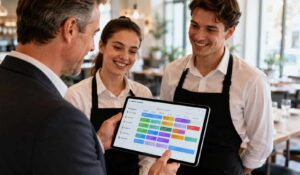
WorkJam is built for the daily reality of shift-based operations. Retail, hospitality, and logistics teams often struggle less with “communication” in the abstract and more with making sure the right employee sees the right task, training, or shift update at the right moment. WorkJam addresses that by combining scheduling, task execution, compliance-sensitive shift controls, and microlearning in one mobile-first experience.
Its practical strength is workflow adjacency. A manager can connect a shift, a task list, a knowledge item, and a completion requirement without forcing employees into separate systems. That’s especially useful in high-volume environments where missed handoffs become missed revenue, safety risk, or poor customer experience.
WorkJam fits large multi-site operations that need operational discipline more than broad employee experience depth. If your top headaches are shift swaps, role-based tasks, audit trails, and training tied to store or site execution, it’s a strong contender.
- Pros: Broad frontline module coverage, compliance-aware scheduling controls, strong enterprise fit for shift-based work
- Cons: Rollouts need thoughtful enablement, and the value is highest when multiple modules are deployed together
3. Firstup

A lot of field employees app platforms claim they “reach frontline workers.” Firstup is more precise. It’s primarily a communications orchestration platform, which makes it a strong choice for organizations where the biggest failure point is message reach, personalization, and follow-up across a mixed workforce.
For internal communications and operations teams, Firstup’s advantage is campaign logic. You can target messages, retarget non-responders, and track how different employee groups engage with updates. For teams trying to improve communication solutions for deskless workers, that’s often more useful than adding another chat app.
Its main limitation is scope. If you need deep scheduling, dispatch, or field service task execution, you’ll likely need integrations.
4. Staffbase
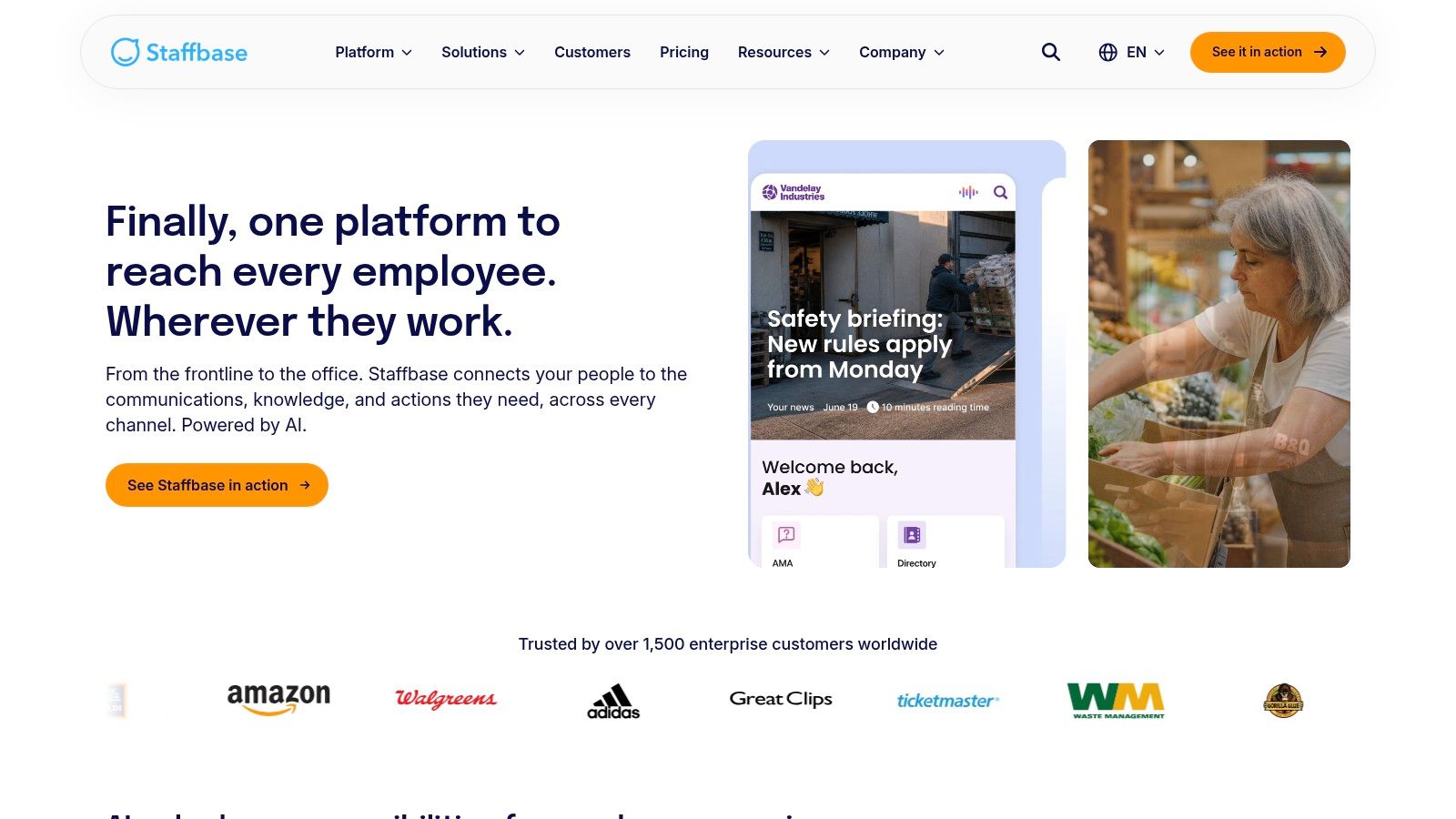
Staffbase is a strong fit for enterprises that need governance, localization, and a branded mobile experience for both frontline and office employees. It’s particularly useful when communications leaders need strict control over audience targeting, local content spaces, and channel consistency across regions.
Its branded app, intranet, email, digital signage, and SMS options make it relevant for complex internal communication environments. For leaders evaluating frontline worker communication tools, Staffbase often enters the shortlist when localization and publishing governance are just as important as mobile access.
Staffbase handles distributed communications complexity well. Auto-translation, local spaces, and governed publishing help large organizations avoid a common failure mode: headquarters sends updates, but local teams don’t trust, see, or use them.
The tradeoff is administrative ownership. Platforms with broad publishing governance usually require a clear internal operating model, not just a software admin.
5. Connecteam

Connecteam is a practical choice for SMBs and mid-market employers that want to reduce tool sprawl fast. Instead of stitching together separate apps for scheduling, time tracking, forms, checklists, tasks, chat, and basic HR workflows, teams can run those daily processes in one mobile-first system.
That matters most in operating environments where managers lose time to coordination rather than strategy.
Construction, logistics, field services, and multi-location service businesses usually adopt a field employees app to fix a narrow set of expensive problems first: missed shifts, unclear instructions, delayed paperwork, and payroll disputes tied to bad time data. Connecteam is well aligned to that use case because its value is operational consolidation, not enterprise communications depth. For buyers comparing ROI, the question is less about advanced publishing or intranet architecture and more about whether one app can replace manual scheduling, phone-call follow-up, and paper-based compliance steps.
Adoption also tends to be more straightforward than many buyers expect. As noted earlier, frontline teams in sectors like construction are already heavy smartphone users. In practice, rollout success usually depends on workflow fit, manager discipline, and whether the app saves time during the shift. Platforms built around clock-ins, task completion, and real-time updates often get faster usage because employees see an immediate job-to-be-done, not another corporate channel to check.
The tradeoff is scope. Connecteam makes the strongest case when the business needs execution control at the crew or site level. Organizations that need deeper governance, complex multilingual communications, or a unified digital workplace across desk and deskless populations may outgrow it sooner. But for operators trying to cut scheduling friction, tighten field accountability, and replace disconnected point tools with a simpler mobile operating layer, Connecteam can produce a clear payback with less implementation drag.
6. LumApps (Beekeeper by LumApps)

LumApps, with Beekeeper’s frontline capabilities, is compelling for organizations that want one employee hub across office and frontline populations. That’s a different vision from point solutions built only for field execution. It assumes the company wants a shared digital workplace with role-specific experiences, not separate systems for separate worker classes.
That can be a smart direction for enterprises trying to unify communications, knowledge, workflows, and frontline messaging under one architecture. Chat, updates, and resources remain mobile-first for deskless teams, while the broader platform supports intranet and enterprise knowledge use cases.
The caution is practical. Merged product portfolios often require deeper discovery on packaging, roadmap, and ownership model. Buyers should test whether the frontline experience feels first-class, not merely attached to a broader intranet strategy.
7. YOOBIC
YOOBIC focuses sharply on retail and hospitality execution. That specificity is its advantage. If your biggest problem is store-level consistency, photo-based compliance, and getting frontline teams trained and aligned without slowing down operations, YOOBIC fits the use case well.
Its blend of mobile communications, operational checklists, and microlearning is especially useful in environments where brand standards live or die on execution quality at the edge. Managers can see whether tasks were completed, supported by photos and structured workflows, instead of relying on verbal confirmations.
Good frontline software doesn’t just tell people what to do. It makes the proof of execution visible to managers without adding paperwork.
YOOBIC is less versatile outside its core verticals. Buyers in utilities, healthcare, or field service may find the retail-first design too narrow.
8. Axonify (includes Nudge by Axonify)

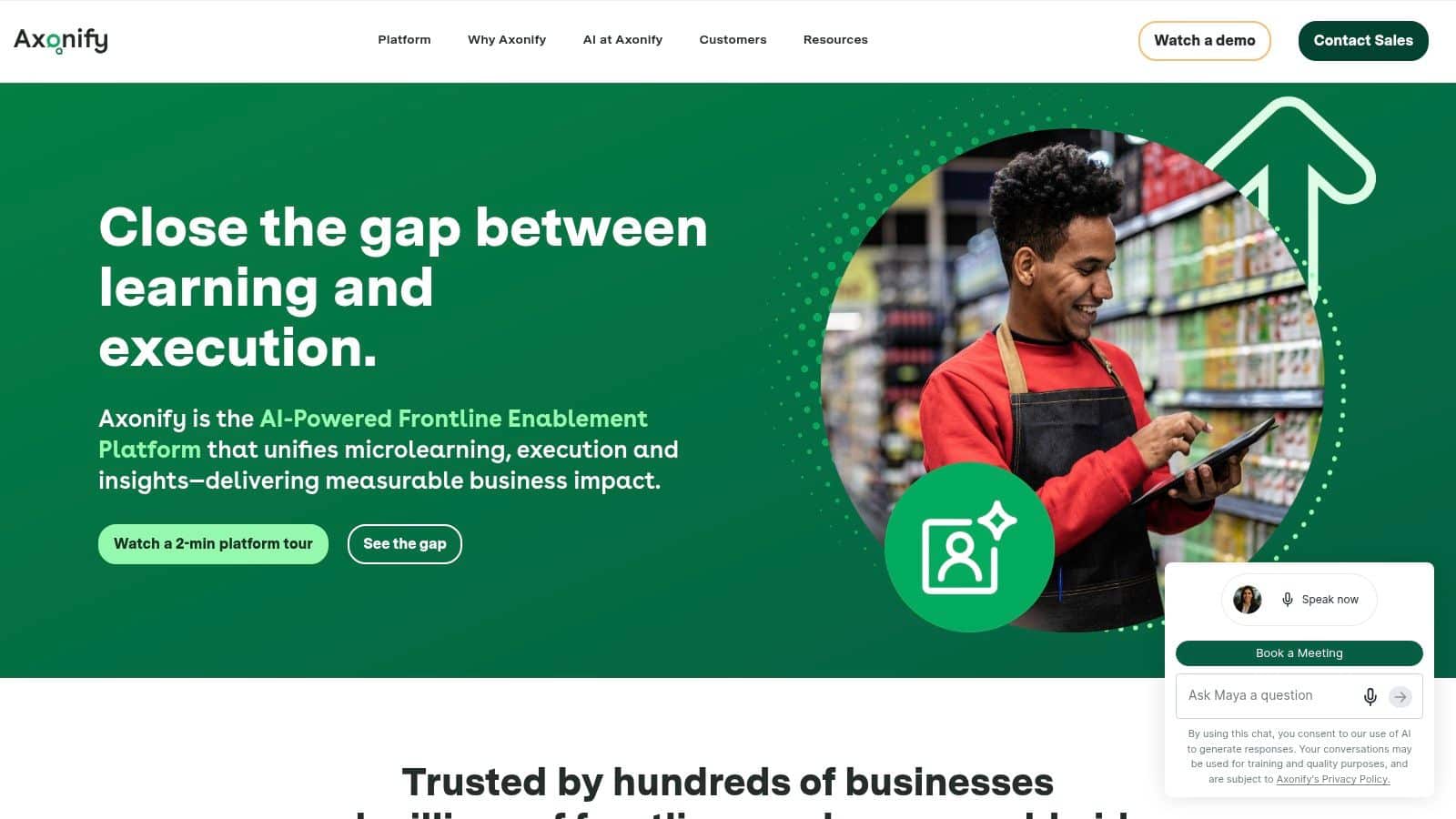
Axonify, including Nudge, takes a different route into the field employees app category. It starts with enablement. The platform is strongest where frontline performance depends on repeated knowledge reinforcement, daily task guidance, and measurable behavior change, especially in retail, logistics, and service environments.
That approach matters because many organizations overinvest in content libraries and underinvest in retention. Frontline workers rarely need a massive portal. They need small, timely interventions that improve what happens on the floor today. Axonify’s adaptive microlearning and guided execution are built for that pattern, and its fit is strongest when companies want a gamified learning platform tied to daily work rather than stand-alone training completion.
9. Skedulo
Skedulo is purpose-built for mobile workforce logistics. Healthcare, utilities, and in-home service organizations choose it when dispatch complexity, route efficiency, travel time, and proof-of-work data matter more than broad employee engagement features.
Many buyers confuse categories. A field employees app can be a communications hub, an enablement layer, or an operational dispatch tool. Skedulo is firmly in the third camp. It handles job creation, intelligent scheduling, routing, mobile forms, photos, signatures, and availability management in a way that maps tightly to field service workflows. For teams evaluating mobile workforce management software, that specialization is valuable.
10.
TBA
What to look for in a Field Employee Tracking App?
Choosing the right field employees app requires more than comparing prices and feature lists. Here is a simple checklist that we follow:
| Feature | Importance |
|---|---|
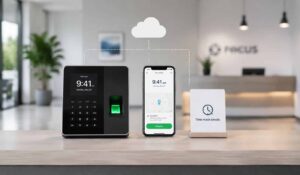
| Real-Time GPS Tracking | Tracks employee location every 2–5 minutes for accurate monitoring without high battery usage |
| Visit & Client Logs | Records time-stamped, location-verified client visits with meeting details and outcomes |
| Geofenced Attendance | Ensures employees can only mark attendance at approved locations, preventing GPS spoofing |
| Task & Activity Tracking | Allows employees to log tasks, orders, visits, and follow-ups in real time |
| Payroll & Leave Integration | Automatically connects attendance, overtime, and leave data with payroll systems |
| Offline Mode & Low Battery Use | Works without internet and updates later keeping less use of battery |
Conclusion
Choosing the right field employees app can transform how organizations manage distributed teams by improving visibility, reducing manual work, and enhancing overall efficiency. The ideal solution should align with your operational needs while simplifying daily workflows for both managers and employees.
By carefully evaluating features, usability, and integration capabilities, businesses can make a more informed decision. To experience a unified approach to workforce management, explore the HubEngage Employee Experience Platform by scheduling a demo today.
FAQs related to Field Employees App
What is a Field Employees App?
A field employees app is a mobile tool that helps frontline and remote workers manage schedules, tasks, communication, and attendance while working outside an office. It improves visibility and coordination.
What features should a Field Employees App have?
A good field employees app includes GPS tracking, scheduling, task management, communication tools, offline access, and integrations. These features help teams stay organized, reduce manual work, and improve daily operations.
Can a Field Employees App work without internet?
Yes. Most field employees apps store data offline when there is no internet. Once the device reconnects, the app automatically syncs attendance, tasks, and reports without losing information.
What is the difference between Field Service Software and a Field Employees App?
Field service software focuses on dispatch, routing, and job completion. A field employees app also includes communication, scheduling, attendance, and employee engagement tools for managing the entire workforce experience.
Is GPS Tracking of Field Employees Legal in the US?
Yes, GPS tracking is legal in the US when used for business purposes. Employers must inform employees, limit tracking to work hours, and follow privacy laws to ensure transparency and compliance.
How much does a Field Employees App cost?
Costs vary based on features, users, and integrations. Most apps charge per user monthly. Businesses should consider total cost, including setup, training, and ongoing support when choosing a solution.
Can a Field Employees App improve productivity?
Yes. A field employees app reduces manual reporting, improves communication, and provides real-time updates. This helps employees complete tasks faster and allows managers to make better decisions quickly.
Related Links
workforce management| employee scheduling software | employee scheduling software