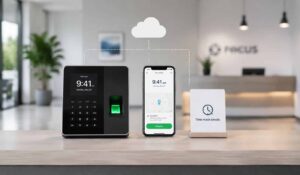
It is 11 AM, and your sales manager asks if a field rep has reached a client location yet. No one has a clear answer. The last update came hours ago, and it only said the employee was “on the way.” The daily report might come later in the evening, and even then, it may be incomplete or hard to verify.
Now imagine managing dozens of field employees across multiple cities or states. Without proper tracking, it becomes difficult to know where employees are, what work they have completed, or how many hours they have actually worked.
This lack of visibility can lead to missed opportunities, inaccurate payroll, and inefficient operations. An employee scheduling software help solve these challenges by providing real-time location data, visit logs, and clear activity reports.
And all of it visible on a dashboard your operations manager can check from their phone. Our blog will list out the leading field employees app and platforms for employees working far from a desk.
Key Takeaways
- Field employee tracking apps help businesses monitor staff locations, attendance, and daily activities in real time, improving visibility and accountability.
- Real-time GPS tracking with frequent updates ensures accurate location data and helps managers verify field visits and routes.
- Visit logs and activity tracking replace manual reports, making it easier to track client meetings, tasks, and outcomes.
- Geofenced attendance with anti-spoofing features prevents fake check-ins and ensures employees are physically present at assigned locations.
- Integration with HR systems reduces manual work and ensures accurate salary calculations based on actual field activity.
- Offline functionality and low battery usage are essential for field teams working in remote or low-connectivity areas.


Leading Field Employee Apps For Managing Teams
Every field employee apps serve different operational needs. Hence we have listed out below the 10 platforms that will be helpful for major categories in the field workforce software market.
1. HubEngage

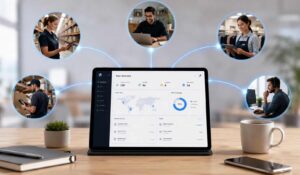
HubEngage is designed for organizations that need communication solutions for deskless workers often. The platform interface brings together GPS tracking, attendance management, task tracking, reporting, and workforce data in one place.
Top Features
- Real-time GPS tracking with route history and location updates.
- Geofenced attendance with anti-spoof verification.
- Task management, visit logging, and daily activity tracking.
- Automated reports, analytics, and performance insights.
- Integration with HR systems, and workforce management tools.
Pros
- Reduces tool sprawl by combining multiple workforce functions.
- Strong communication reach across deskless and office employees.
- Improves operational visibility with centralized reporting.
Cons
- Implementation may require coordination across multiple departments.
2. WorkJam

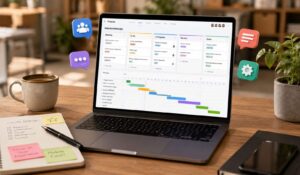
WorkJam is designed for shift-based organizations that need to connect scheduling, task execution, communication, and training in a mobile-first platform. The interface shows employee schedules, assigned tasks, training modules, and communication updates in one workflow.
Top Features
- Workforce scheduling and shift management.
- Task execution and operational workflows.
- Mobile-first communication and messaging.
Pros
- Strong fit for retail, hospitality, and logistics.
- Connects daily tasks with scheduling and training.
Cons
- Implementation requires structured onboarding.
- Full value depends on using multiple modules.
3. Connecteam

Connecteam is designed for small and mid-sized businesses that need to manage scheduling, time tracking, tasks, and communication in one mobile-first platform. The interface shows employee schedules, clock-ins, tasks, forms, and team communication.
Top Features
- Employee scheduling and time tracking.
- Task management, forms, and checklists.
- Team communication and chat.
Pros
- Easy to adopt for SMB teams.
- Combines multiple operational tools in one app.
Cons
- Limited enterprise communication features.
- Not ideal for complex global organizations.
4. Firstup

Firstup is designed for organizations that need improve communication solutions for deskless workers, than adding another chat app. The platform interface shows communication campaigns, employee segmentation, engagement metrics, and follow-up workflows.
Top Features
- Targeted employee communication campaigns.
- Audience segmentation and personalization.
- Engagement analytics and reporting.
Pros
- Strong communication targeting and analytics.
- Effective for large, mixed workforces.
Cons
- Limited operational workforce features.
- Requires integrations for scheduling and field execution.
5. Lystloc
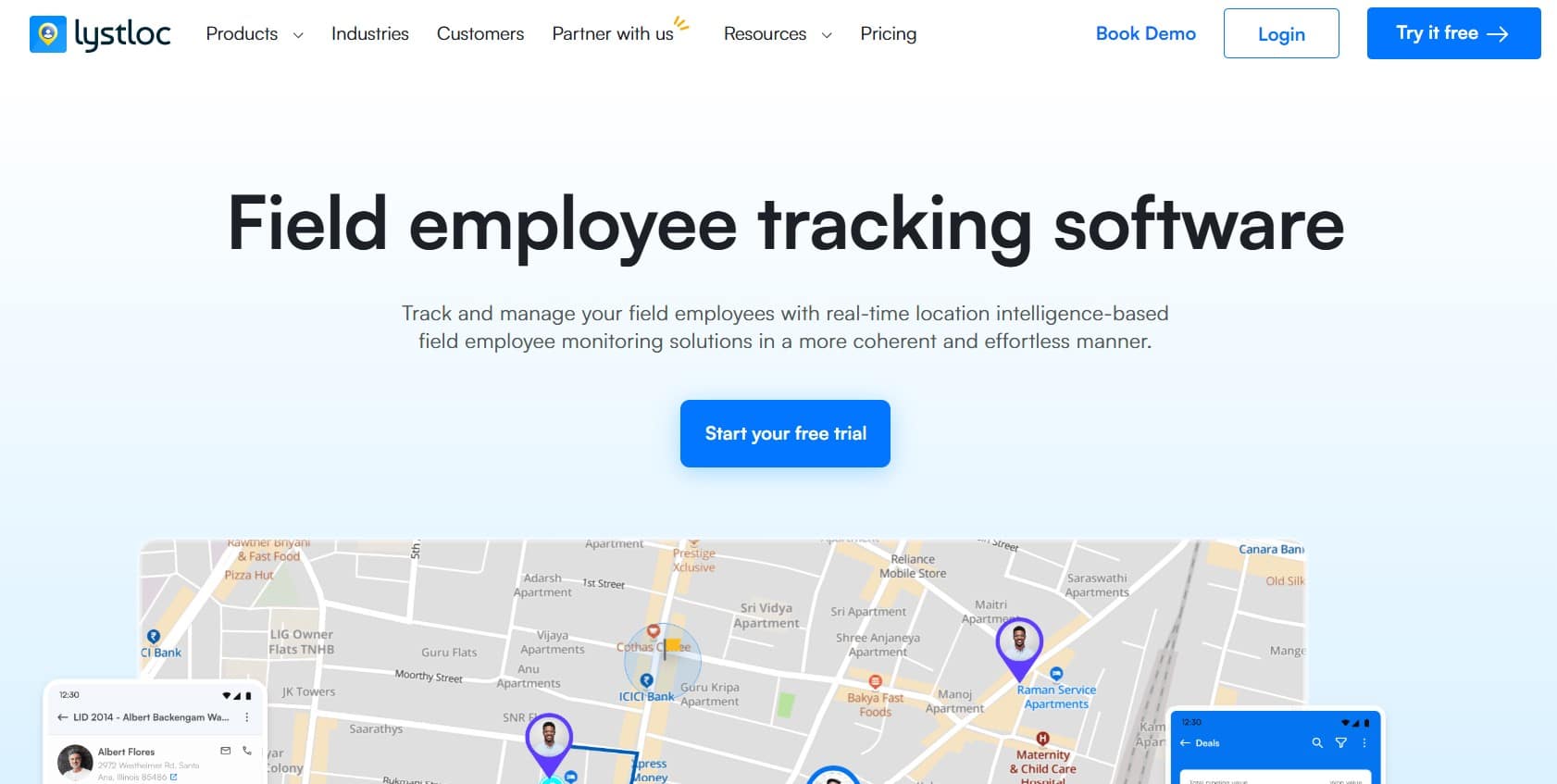
Lystloc is a field force tracking app that combines real-time GPS tracking, geofenced attendance, task management, payroll integration, AI-powered analytics, and CRM tools to improve visibility and productivity for teams.
Top Features
- Tracks employee locations, routes, and total travel distance.
- Uses AI-powered routing to decrease delays and traffic.
- Automates payroll calculations for travel and reimbursements.
Pros
- Decreases manual monitoring to make reporting more efficient.
- Simple API integration with existing mobile applications.
Cons
- Initial setup and team training may take up more time.
- High battery usage may be a concern for the frontline team while working.
6. Staffbase
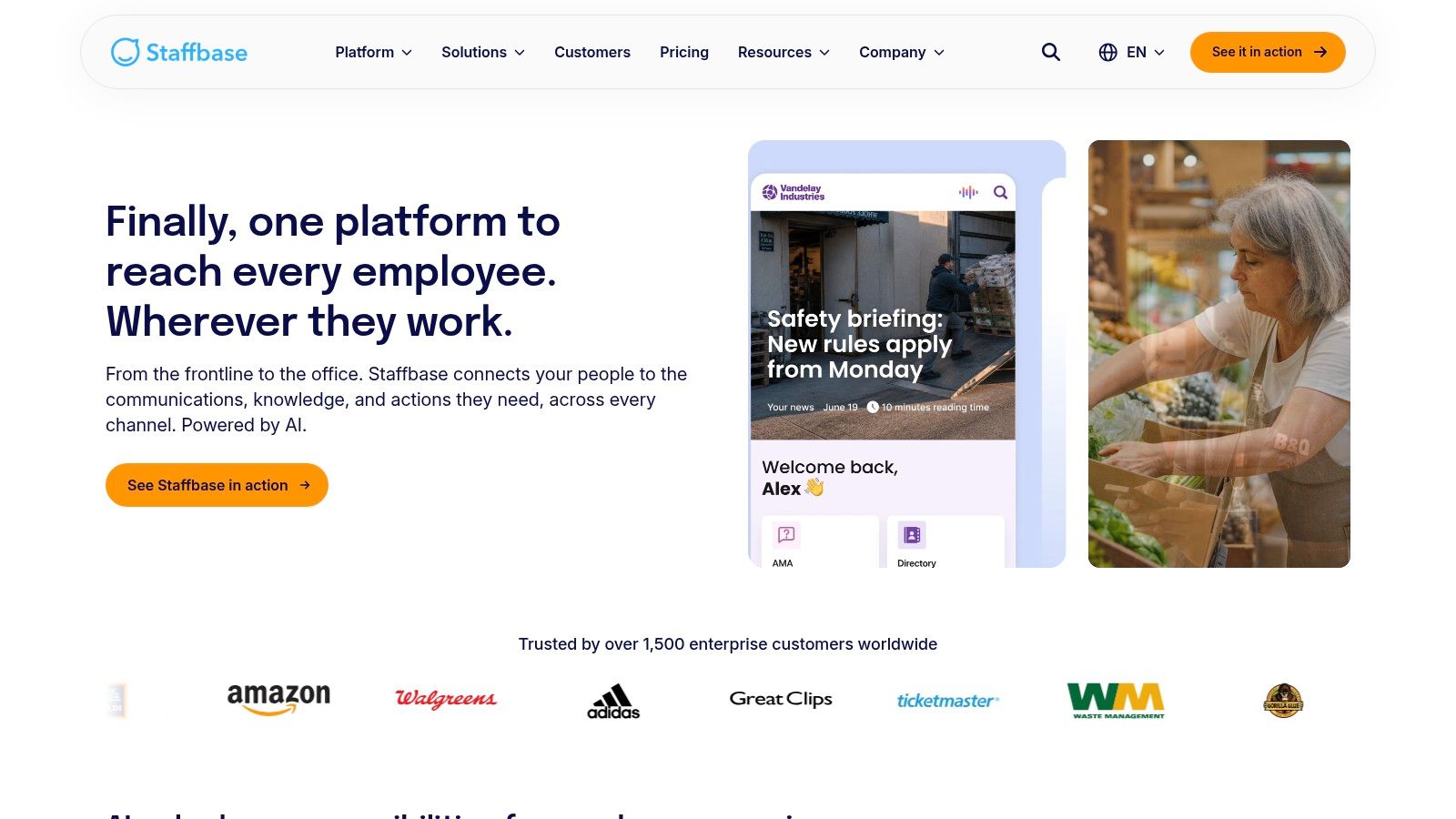
Staffbase is designed for enterprises that need structured communication governance, localization, and branded employee experiences. The interface shows frontline worker communication tools, audience targeting, publishing workflows, and localized content management.
Top Features
- Branded employee apps and intranet.
- Multi-channel communication (email, SMS, mobile, signage).
- Localization and translation support.
Pros
- Strong governance and localization capabilities.
- Suitable for global enterprise communication.
Cons
- Requires dedicated administrative ownership.
- Limited field workforce operational features.
7. YOOBIC

Designed for retail and hospitality organizations that need to improve store execution, compliance, and training. The interface shows task checklists, photo verification, communication updates, and performance tracking.
Top Features
- Operational checklists and task management.
- Photo-based proof of execution.
- Microlearning and training.
Pros
- Strong retail and hospitality focus.
- Improves execution consistency across locations.
Cons
- Limited flexibility outside core industries.
- Not focused on payroll or workforce scheduling.
8. Axonify
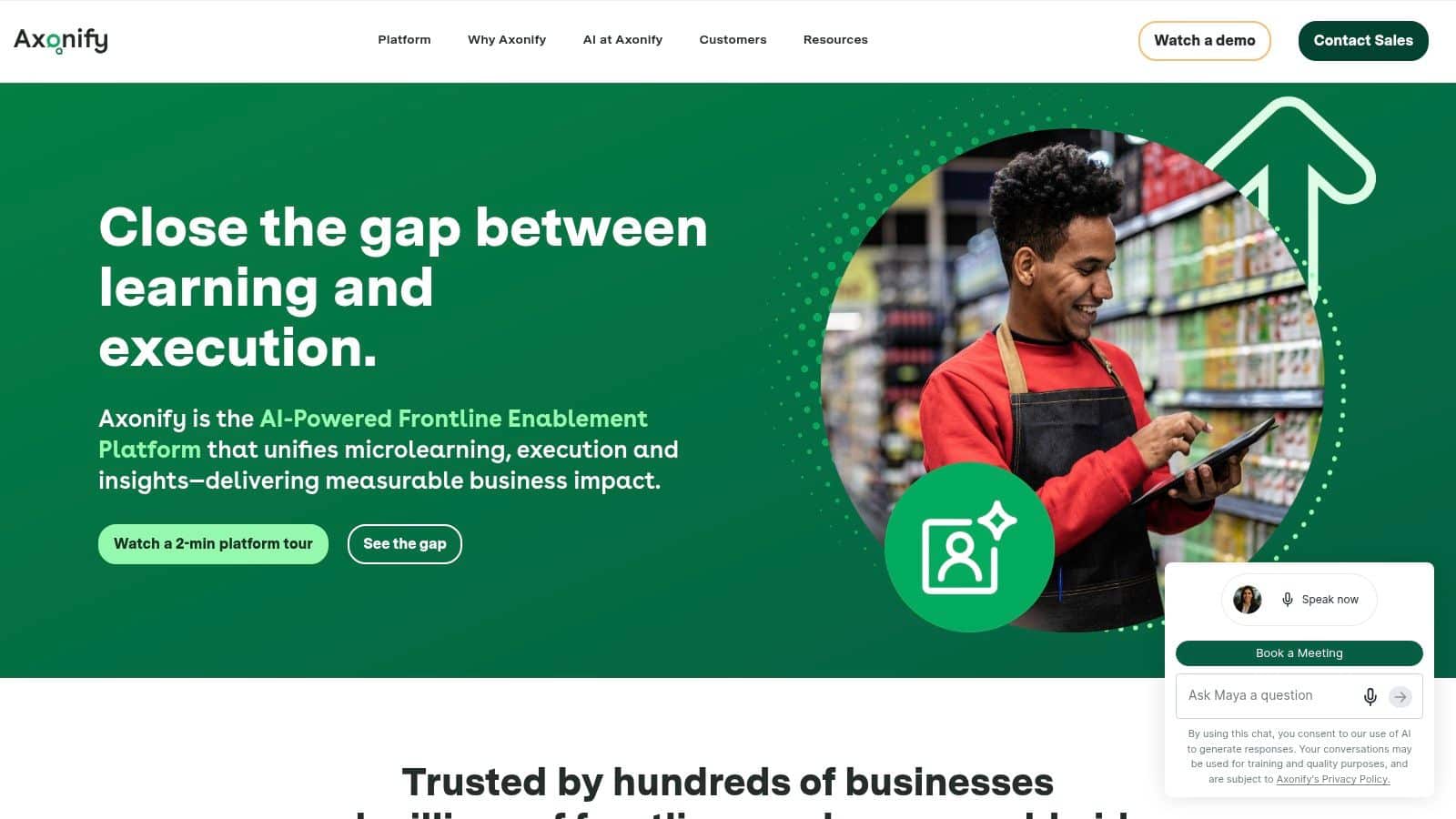
Axonify is designed for organizations that want to improve frontline performance through continuous learning and task guidance like a gamified learning platform. The interface shows daily learning modules, communication updates, and performance metrics.
Top Features
- Adaptive microlearning.
- Gamified training experience.
- Task guidance and performance tracking.
Pros
- Strong learning and knowledge retention capabilities.
- Engaging employee experience
Cons
- Limited payroll and attendance features.
- Requires integrations for scheduling and dispatch
9. Skedulo
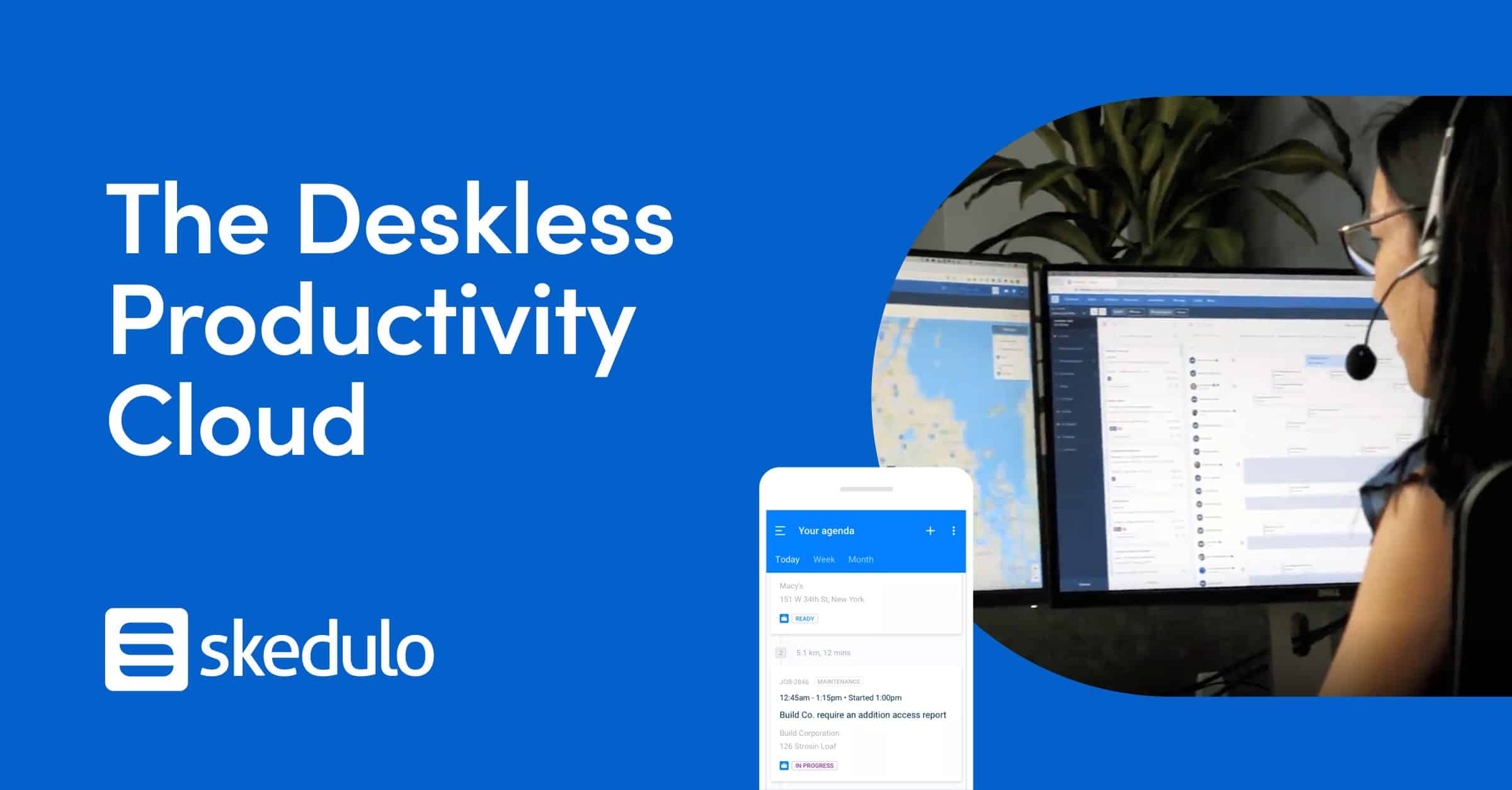
Good for organizations that need a mobile workforce management software, for workforce scheduling, dispatch, and route optimization. The interface shows job assignments, schedules, routes, and field activity data.
Top Features
- Intelligent scheduling and dispatch.
- Route planning and optimization.
- Mobile forms and proof of work
Pros
- Strong for appointment-based field services.
- Advanced scheduling and routing capabilities
Cons
- Limited employee engagement features.
- Not a full communication platform
10. SalaryBox
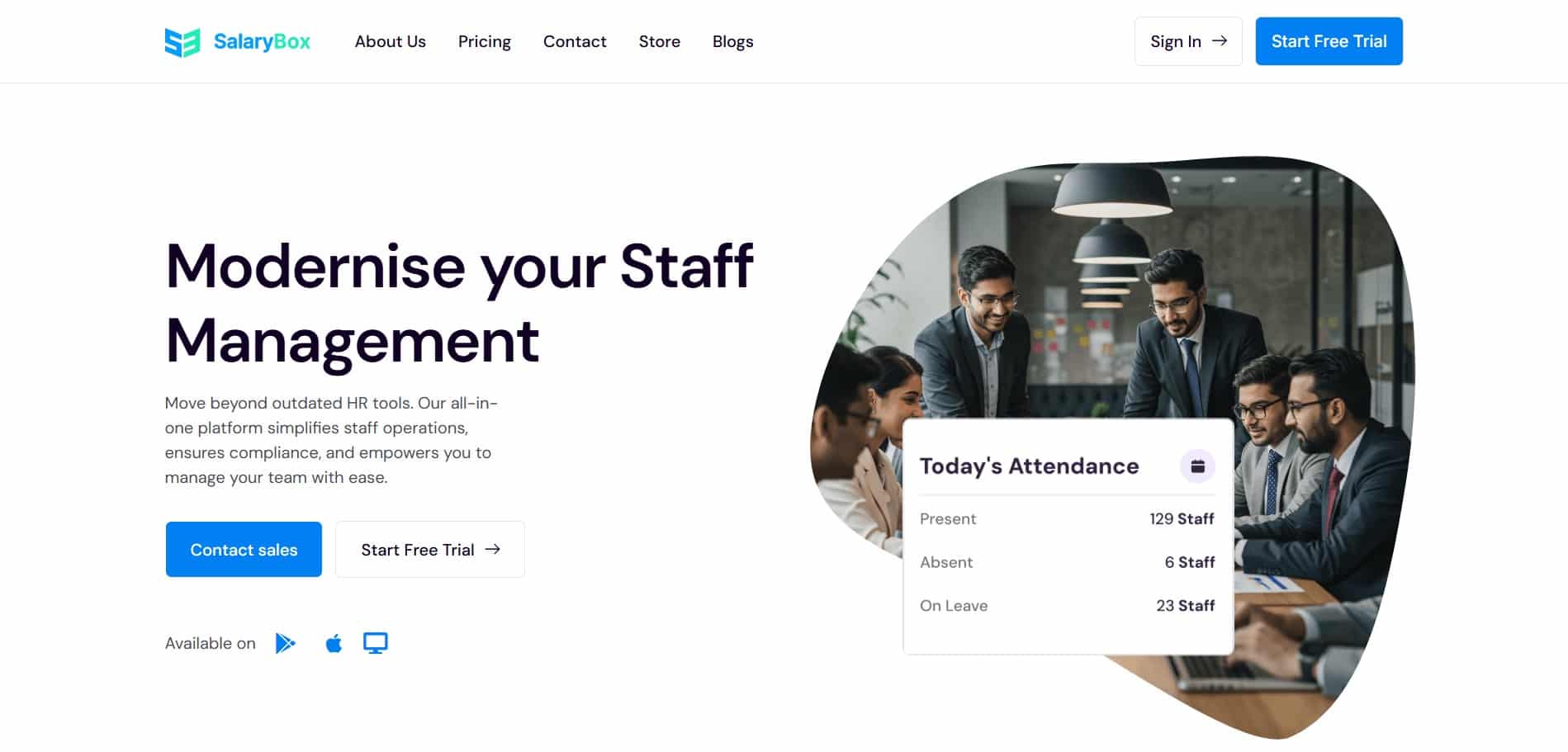
SalaryBox is designed for businesses that need to manage attendance, field tracking, and payroll in one system. The interface shows employee attendance, GPS tracking, working hours, and payroll data.
Top Features
- GPS-based attendance and tracking.
- Geofenced clock-ins.
- Automated Payroll processing.
Pros
- Strong attendance and payroll integration.
- Suitable for small businesses
Cons
- Limited communication and engagement features.
- Not a complete workforce experience platform
What to look for in a Field Employee Tracking App?
Choosing the right field employees app requires more than comparing prices and feature lists. Here is a simple checklist that we follow:
| Feature | Importance |
|---|---|
| Real-Time GPS Tracking | Tracks employee location every 2–5 minutes for accurate monitoring without high battery usage |
| Visit & Client Logs | Records time-stamped, location-verified client visits with meeting details and outcomes |
| Geofenced Attendance | Ensures employees can only mark attendance at approved locations, preventing GPS spoofing |
| Task & Activity Tracking | Allows employees to log tasks, orders, visits, and follow-ups in real time |
| Payroll & Leave Integration | Automatically connects attendance, overtime, and leave data with payroll systems |
| Offline Mode & Low Battery Use | Works without internet and updates later keeping less use of battery |
Conclusion
Choosing the right field employees app can transform how organizations manage distributed teams by improving visibility, reducing manual work, and enhancing overall efficiency. The ideal solution should align with your operational needs while simplifying daily workflows for both managers and employees.
By carefully evaluating features, usability, and integration capabilities, businesses can make a more informed decision. To experience a unified approach to workforce management, explore the HubEngage Employee Experience Platform by scheduling a demo today.
FAQs related to Field Employees App
What is a Field Employees App?
A field employees app is a mobile tool that helps frontline and remote workers manage schedules, tasks, communication, and attendance while working outside an office. It improves visibility and coordination.
What features should a Field Employees App have?
A good field employees app includes GPS tracking, scheduling, task management, communication tools, offline access, and integrations. These features help teams stay organized, reduce manual work, and improve daily operations.
Can a Field Employees App work without internet?
Yes. Most field employees apps store data offline when there is no internet. Once the device reconnects, the app automatically syncs attendance, tasks, and reports without losing information.
What is the difference between Field Service Software and a Field Employees App?
Field service software focuses on dispatch, routing, and job completion. A field employees app also includes communication, scheduling, attendance, and employee engagement tools for managing the entire workforce experience.
Is GPS Tracking of Field Employees Legal in the US?
Yes, GPS tracking is legal in the US when used for business purposes. Employers must inform employees, limit tracking to work hours, and follow privacy laws to ensure transparency and compliance.
How much does a Field Employees App cost?
Costs vary based on features, users, and integrations. Most apps charge per user monthly. Businesses should consider total cost, including setup, training, and ongoing support when choosing a solution.
Can a Field Employees App improve productivity?
Yes. A field employees app reduces manual reporting, improves communication, and provides real-time updates. This helps employees complete tasks faster and allows managers to make better decisions quickly.
Related Links
workforce management| employee scheduling software | communication solutions for deskless workers | frontline worker communication tools | gamified learning platform | mobile workforce management software