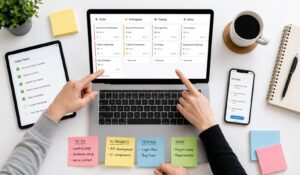
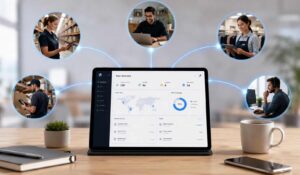
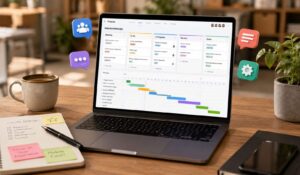
Keeping employees connected becomes harder when they work in different places. An office team may receive updates during meetings, while remote employees depend on digital messages and frontline staff need information between tasks. A distributed workforce brings these groups together across locations. However, spreading employees across offices, homes, and worksites does not automatically create a connected organization. Managers still need team collaboration tools for clear communication, shared expectations, accessible tools, and consistent support. In this blog we will explain what a distributed workforce means, how it differs from remote work, its potential benefits, common challenges, and practical ways to keep employees informed, productive, and engaged across every location.
Key Takeaways
- A distributed workforce includes employees working across multiple locations, including offices, homes, worksites, and co-working spaces.
- Distributed work differs from remote work because it can include office-based, frontline, hybrid, and remote employees.
- Common challenges include communication gaps, employee isolation, time zone differences, security risks, and inconsistent policies.
- Best practices are accessible digital tools, regular feedback, recognition, and healthy work boundaries.
- AI, asynchronous communication, hybrid work, employee experience tools, and gamification are shaping how distributed workforce teams operate and stay engaged.

Difference between Distributed Workforce vs Remote Teams
The difference between a distributed workforce and remote work is that in a distributed workforce, a company’s workforce is spread out across different locations. The workforce management is used as a strategy for meeting a company’s goals. Let us understand the difference below:
| Distributed Workforce | Remote Workforce |
| Employees work across offices, co-working spaces, and home locations. | Employees mainly work away from a central office. |
| Can include office, frontline, hybrid, and remote employees. | Primarily includes employees working remotely. |
| Shows how the whole workforce is spread across locations. | Describes where employees perform their work. |
| Often spans different teams, regions, and time zones. | Relies mainly on digital tools for remote collaboration. |
Benefits of a Distributed Workforce
Explore how a distributed workforce can improve work across a distributed workforce:
1. Broader Access to Talent
Hire beyond local markets to access specialized skills and suitable candidates without requiring relocation.
2. Potential Cost Savings
Reduce office, facility, and commuting costs through flexible workplaces, smaller offices, and distributed locations.
3. Greater Flexibility and Retention
Flexible work arrangements can improve work-life balance, reduce commuting stress, and support employee retention.
4. Better Conditions for Productivity
Suitable environments, fewer distractions, clear expectations, reliable tools, and manager support can improve productivity.
5. Faster Work Across Time Zones
Teams in different regions can extend coverage, hand off work, and maintain progress throughout the day.
What makes up a distributed workforce?
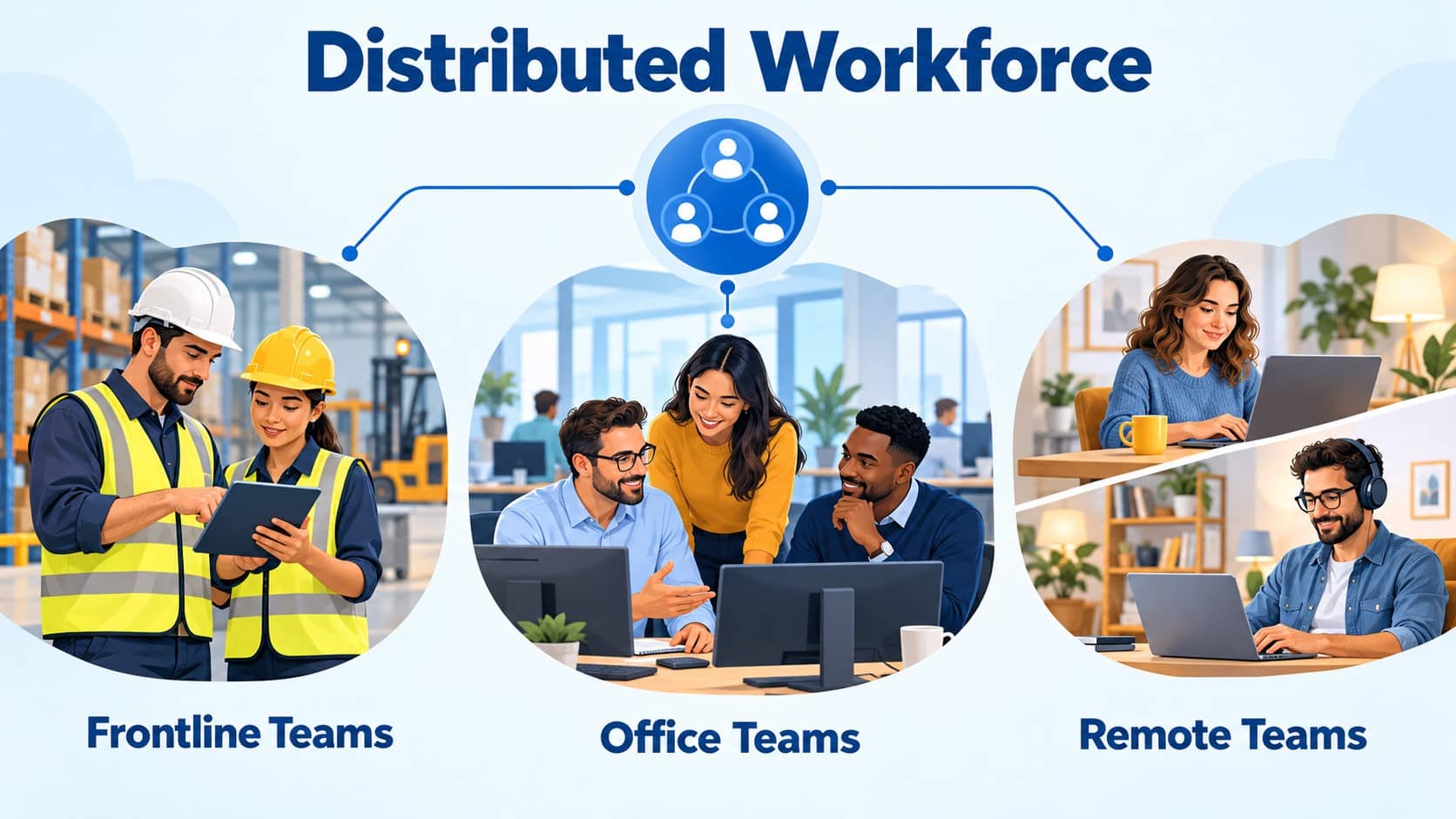
A distributed workforce is a group of people working across multiple locations rather than together in one central workplace. It can include headquarters staff, satellite office teams, frontline employees, remote workers, and independent professionals. For example, a business might have managers at headquarters, developers in another office, and customer support employees working from home across different time zones. The defining factor is geographic separation. Several teams in different locations can belong to the same distributed organization.
Top companies with Distributed Workforce
The following are examples of companies which are having a distributed workforce.
1. Apple
Operates with a hybrid and distributed workforce, allowing employees to split time between office and remote work. Its model combines in-person collaboration at company locations with flexible work arrangements, helping teams stay connected while supporting greater location flexibility.
2. Microsoft
Helps a distributed workforce with flexible and hybrid work arrangements. Employees can work remotely for part of their schedule while remaining connected to office locations, giving teams more flexibility without removing opportunities for in-person collaboration and coordination.
3. Spotify
Supports a flexible distributed workforce through its Work From Anywhere approach. Employees can choose where they work best, including home, office, or co-working spaces, helping teams maintain flexibility while staying connected across different locations and regions.
Distributed Workforce Trends
The global Covid-19 has changed the way people work, and employers have adjusted to a remote distributed workforce. According to Gallup, one-third of US workers were working remotely full-time, and another 25% were working remotely part-time. Two-thirds of workers wanted to continue working remotely. It’s no longer uncommon for employees to access company applications in different cities. Employees need to access the company network no matter where and what device they are using. Here are some popular trends across distributed workforce:
1. Hybrid Work Is Becoming the Standard
Hybrid work remains the dominant model for remote-capable employees, combining office collaboration with location flexibility. Most of the U.S. employees work in a hybrid arrangement.
2. AI Is Supporting Distributed Teams
Organizations are increasingly using AI assistants and agents to summarize meetings, find information, automate routine tasks, and support employees across different locations and time zones.
3. Asynchronous Communication Is Growing
Distributed teams are relying more on messages, shared documents, recorded updates, and other communication methods that do not require everyone to be online at the same time.
4. Greater Focus on Employee Experience
Businesses are paying more attention to trust, engagement, work-life balance, recognition, and manager effectiveness as distributed work becomes a long-term workforce model.
5. Gamification for Employee Engagement
Distributed organizations are using gamification through points, badges, challenges, leaderboards, and rewards to make training, recognition, communication, and participation more engaging for employees across different locations.
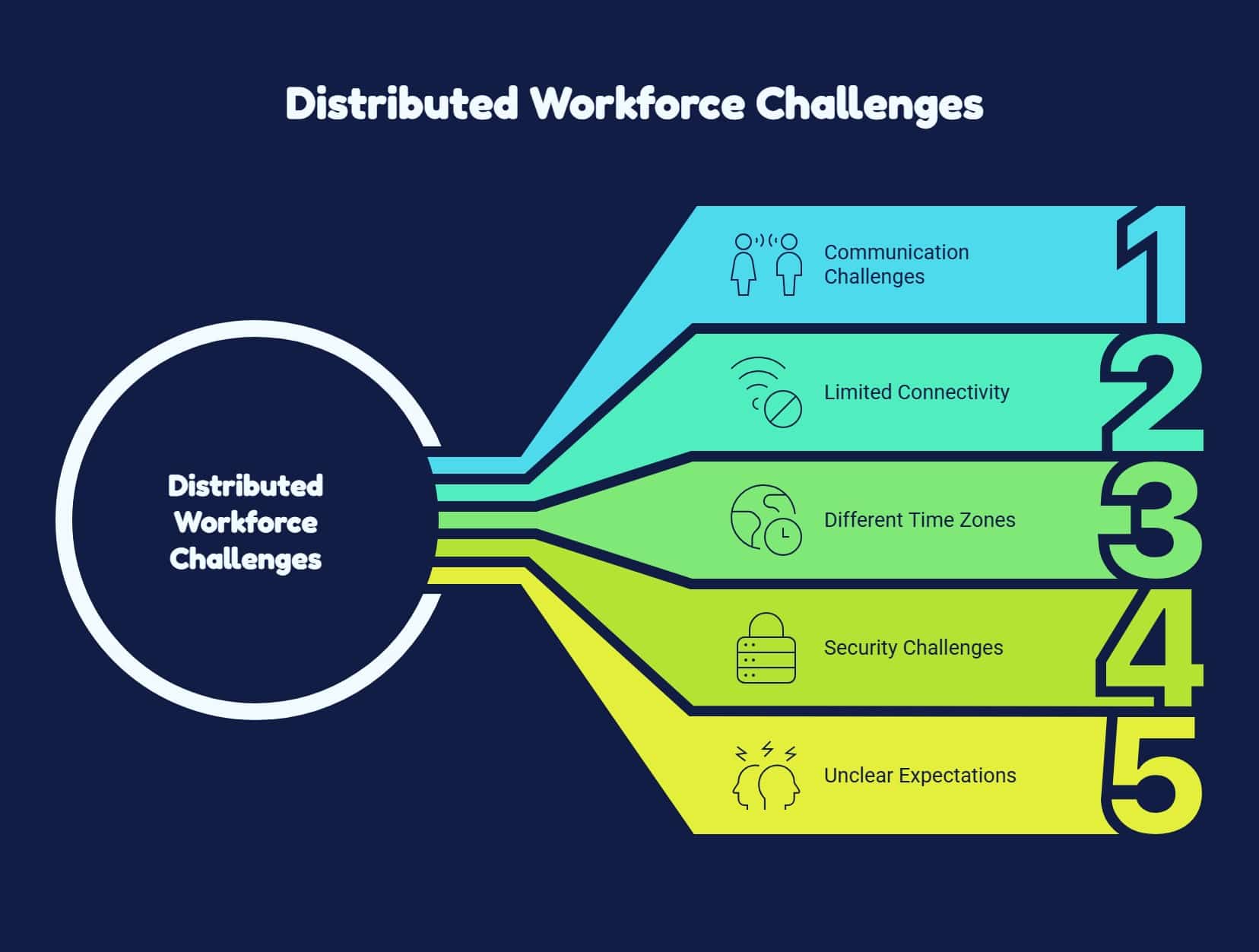
Common Distributed Workforce Challenges
Understand the common challenges distributed teams face and how they can affect the overall employee experience.
1. Communication Gaps
Important updates can get lost across emails, chats, and multiple communication channels.
2. Isolation and Weaker Connections
Limited face-to-face interaction can make some employees feel disconnected from their team.
3. Time Zone Differences
Different working hours can delay responses, meetings, decisions, and collaboration between teams.
4. Technology and Security Issues
Poor connectivity, outdated devices, or unsecured access can affect productivity and data security.
5. Unclear Management Expectations
Vague priorities or excessive monitoring can reduce trust and make independent work more difficult.
Best Practices for Managing a Distributed Workforce
Follow these practical steps of distributed team management to improve communication, collaboration, accountability, engagement, and consistency across teams working in different locations.
1. Encourage Two-Way Feedback
Create regular opportunities for employees to share concerns, suggestions, and challenges while showing how their feedback influences workplace improvements.
2. Recognize Contributions Across Locations
Use shared channels to celebrate achievements, teamwork, milestones, and everyday contributions so employees feel valued regardless of where they work.
3. Create Opportunities for Team Connection
Support virtual gatherings, informal conversations, and occasional in-person meetings to strengthen relationships between employees working across different locations.
Manage your Distributed Workforce with HubEngage
Our workforce analytics platform brings employee communications, engagement, learning, and workforce operations into one digital workspace. Organizations can combine company updates, messaging, recognition, surveys, task management, scheduling, and time tracking instead of relying on disconnected tools.
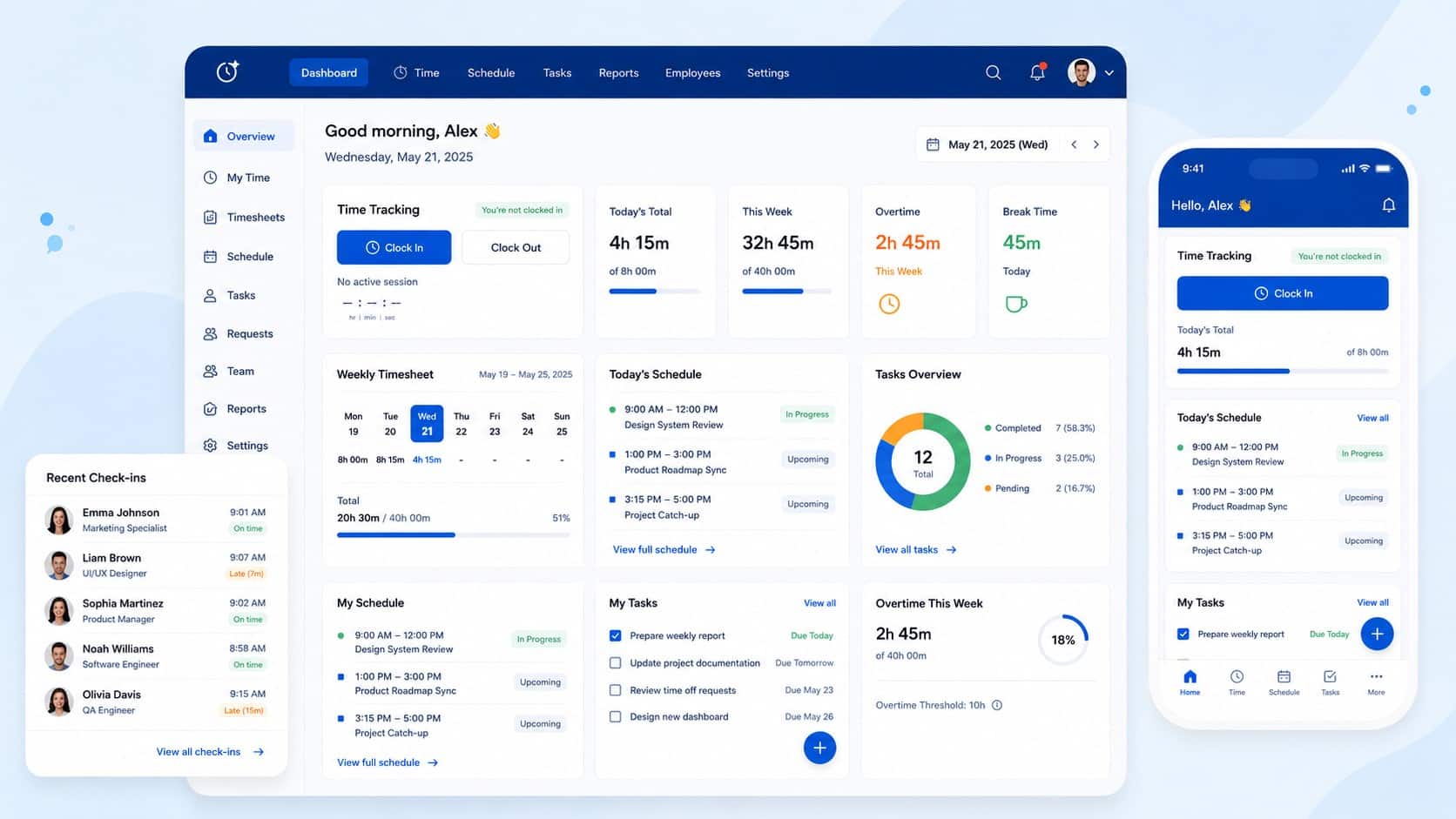
Employees can access information through mobile apps, web, email, SMS, digital signage, Microsoft Teams, and Slack. An AI chatbot helps answer workplace questions and connect employees with relevant knowledge. For distributed teams, this creates a shared place to stay informed, coordinate daily work, access learning, and participate in company culture. Its modular approach lets organizations start with selected capabilities and expand as their needs change over time.
Conclusion
A successful distributed workforce depends on more than where employees work. It requires clear communication, shared responsibilities, accessible tools, consistent support, and managers who build trust across locations.
By improving onboarding, feedback, recognition, collaboration, and access to information, organizations can help every employee stay connected, productive, and aligned with business goals. To bring these experiences together in one place, explore our employee experience platform and book a demo session to see how it can support your distributed teams.
FAQs About a Distributed Workforce
1. What is a distributed workforce?
A distributed workforce includes employees working across multiple locations, such as headquarters, satellite offices, homes, and frontline worksites. These employees coordinate through shared processes, communication channels, and workplace tools.
2. How is hybrid work defined?
Hybrid work combines office attendance with remote work. Organizations set their own policies, including which employees can participate, where they work, and whether office attendance follows a fixed schedule.
3. What is distribution in work?
Work distribution means assigning tasks, responsibilities, and resources among individuals or departments. It describes how work is divided, while a distributed workforce describes employees working across different physical locations.
4. How do you manage a distributed workforce?
Set clear expectations, provide accessible tools, communicate consistently, and trust employees to deliver agreed results. Use regular check-ins, feedback, recognition, and team activities to support connection across different locations.
Related Links
workforce management | team collaboration tools | distributed team management | workforce analytics platform